Why Do Overseas AI Services Often Fail to Accept Payments? Merchant Risk Controls, Card Issuing Regions, and Billing Addresses Explained




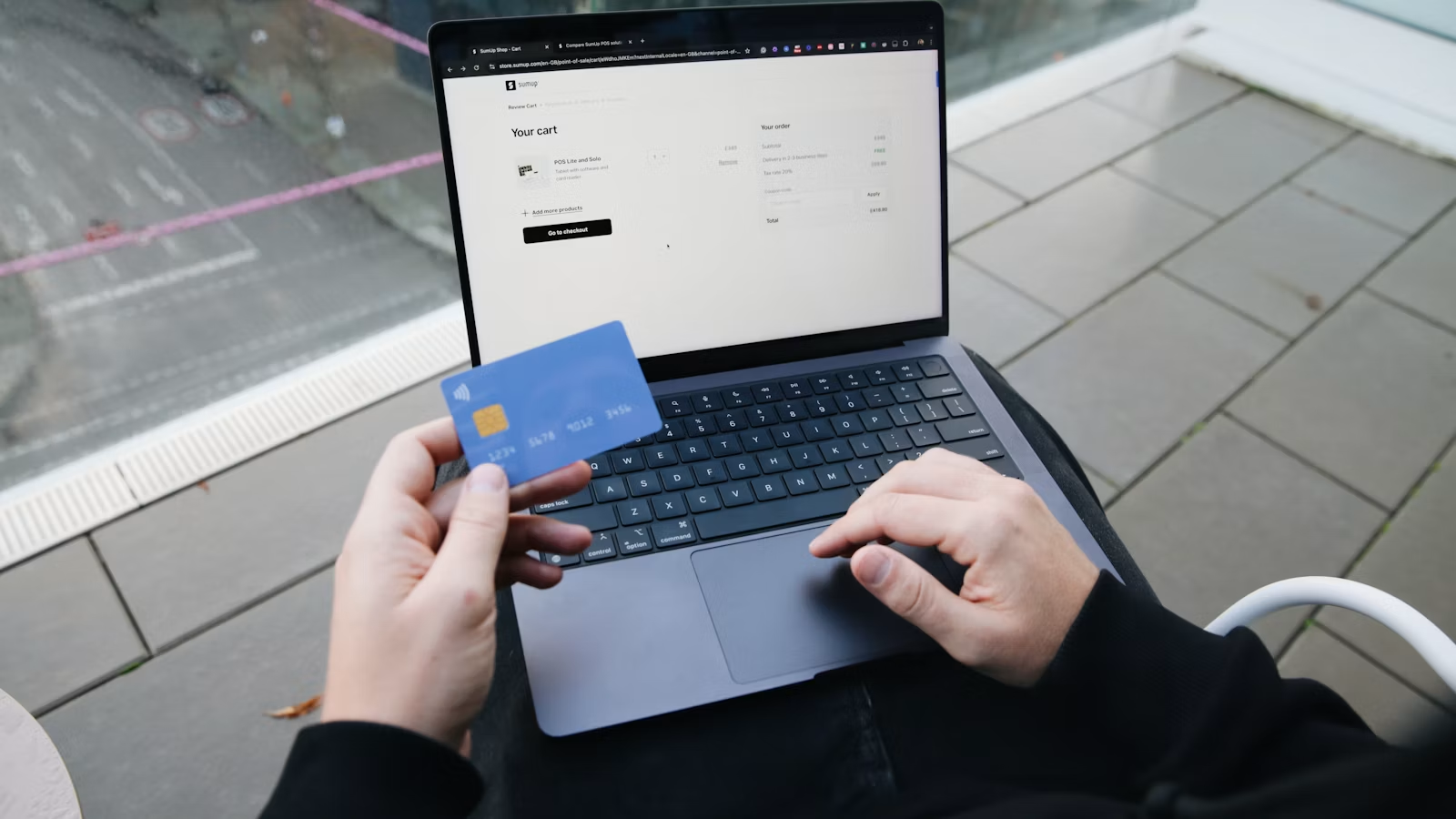
Payment failures for overseas AI services are usually not as simple as “there is not enough money on the card.” When you subscribe to ChatGPT, Claude, Midjourney, GitHub Copilot, or other overseas SaaS tools, the payment may pass through merchant risk controls, a payment gateway, the issuing bank, billing address checks, 3D Secure, and regional rules. If the card issuing region, billing country, account location, or payment environment does not match, the transaction may trigger a card declined result. A more reliable approach is to identify which part of the payment chain failed before changing your payment method or billing information, rather than repeatedly trying different cards.
Key Takeaways
- AI service payment failures often come from mismatched card, region, billing address, and risk signals.
- A Visa or Mastercard logo does not mean every overseas AI platform will accept the card.
- Billing address, ZIP code, CVC, and issuing country can affect payment verification.
- Even after 3D Secure approval, merchant risk controls can still reject a transaction.
- A successful first payment does not guarantee stable recurring billing.
- Troubleshooting should start with platform rules, then bank authorization and payment details.
What Are the Main Types of Overseas AI Service Payment Failures?
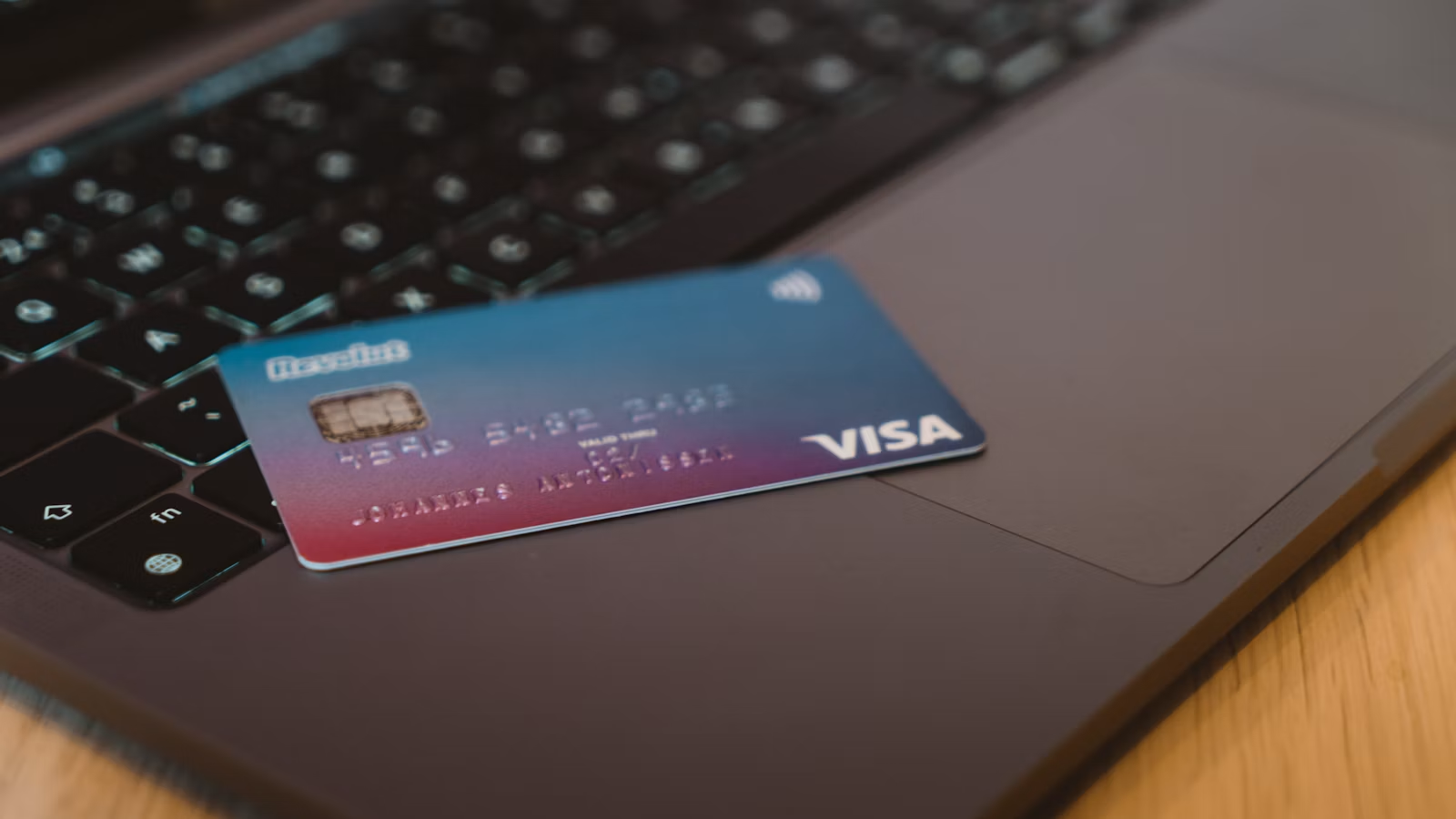
Overseas AI service payment failures are usually caused by several layers working together: whether the platform supports your region, whether the card is acceptable, whether the billing details match, whether the transaction passes risk controls, and whether the issuing bank authorizes it. The error message you see may only say card declined, payment failed, or unable to complete subscription, but the actual decision may involve the merchant, payment gateway, issuing bank, and account region. When handling a credit card decline, OpenAI also lists card details, billing address, location, card issuing region, and bank restrictions as key items to check.
AI services are more likely to experience payment failures than ordinary online shopping because they are usually card-not-present transactions, provide instant access to digital benefits, support recurring billing, and often involve cross-border payments. From the merchant’s perspective, once fraud, service abuse, mass registration, or a chargeback happens, the service may already have been used and the recovery cost is high. As a result, AI platforms tend to pay closer attention to payment environment, account status, and card origin.
Common failures can be grouped into several layers:
| Failure Layer | Typical Symptom | Common Cause | What to Do |
|---|---|---|---|
| Incorrect card information | The payment page says the card is invalid | Wrong card number, expiration date, or CVC | Recheck the card information |
| Mismatched billing details | Billing address error | Address, ZIP code, or country mismatch | Use the billing details on file with the bank |
| Issuing region restriction | The card is rejected immediately | The issuing country is not supported | Use a payment method from a supported region |
| Merchant risk control block | Multiple cards fail | Account, IP, or card BIN risk is high | Stop repeated attempts and reduce inconsistent signals |
| Issuing bank decline | Bank SMS or app shows a rejection | Cross-border, subscription, or limit restriction | Contact the issuing bank to confirm permissions |
You also need to distinguish between “payment failure” and “service unavailable.” If the platform itself does not support your location, the subscription may fail even if the card works technically. OpenAI applies strict controls to ChatGPT and API services in unsupported countries, and payment methods from unsupported regions may affect service access. Anthropic’s explanation of Claude card declines also emphasizes that the billing address and origin country of the payment method must meet supported region requirements.
Summary: An AI service payment failure is not a single-point problem, and it should not be immediately interpreted as “this card does not work.” A more accurate troubleshooting path is to check whether the platform and account region are supported, then review the issuing region, billing address, CVC, ZIP code, and bank authorization, and finally consider merchant risk controls. Frequently changing cards, repeatedly submitting payment attempts, or randomly changing the billing country often fails to solve the issue and may even increase the risk score. For users who regularly subscribe to overseas AI services, stable, authentic, and traceable payment information is more important than temporary trial and error.
Why Do Merchant Risk Controls Block AI Service Payments?
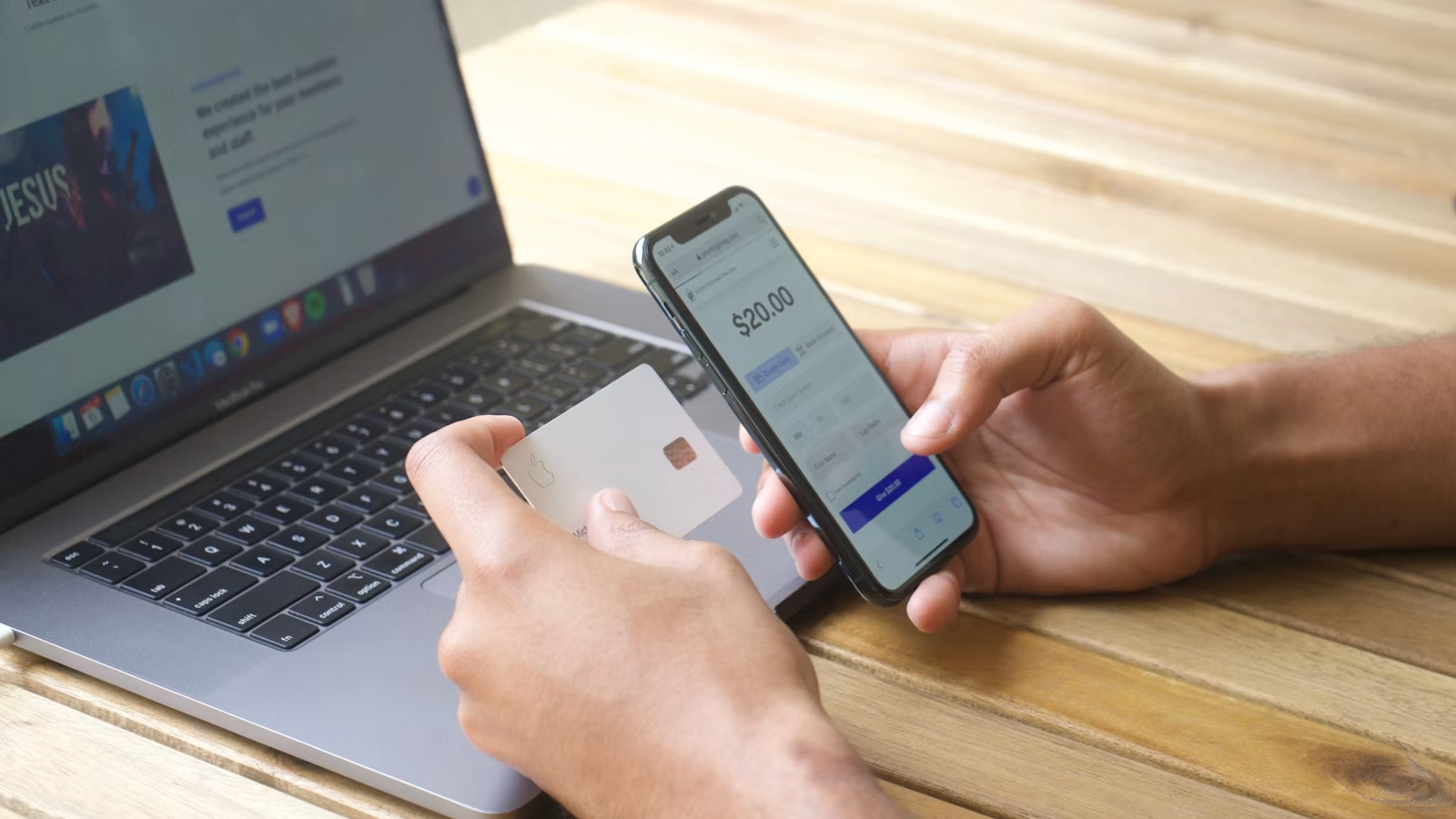
Merchant risk controls block AI service payments mainly to reduce fraud, chargebacks, mass registration, and digital service abuse. Entering a card number does not mean the transaction will directly proceed to charging. The payment gateway may first evaluate account information, device data, IP address, card profile, billing address, transaction amount, and past failed attempts. If the risk is too high, the payment may be blocked before it reaches the issuing bank. Even when the bank is technically able to approve the transaction, the merchant can still choose not to accept it.
AI Subscriptions Are Card-Not-Present Transactions
Most overseas AI subscriptions are card-not-present transactions, meaning the cardholder does not physically swipe or tap a card in person. The merchant can only rely on the card number, CVC, billing address, device information, and authentication flow to judge whether the payer is trustworthy. Stripe’s explanation of card-not-present transactions notes that CNP fraud can expose merchants to chargebacks and revenue loss, so digital services usually take prevention more seriously.
The risk is higher because AI services are delivered instantly. Once payment succeeds, model quota, API credits, image generation credits, or team seats may be activated immediately. If the transaction is later considered fraudulent or becomes a chargeback, the platform has already incurred computing costs, service costs, and possible account abuse risks.
Risk Scoring Looks Beyond the Bank Card
A payment system usually does not only check card balance. Stripe’s Radar risk evaluation uses many risk factors in real time to determine whether a payment may be fraudulent. Similar logic can also exist in other payment gateways or merchants’ internal risk systems. For AI services, the following signals are especially sensitive:
- A newly registered account immediately subscribing to an expensive plan;
- The same account trying multiple cards in a short period;
- Payment country, IP address, billing address, and card issuing region not matching;
- Multiple failed CVC, ZIP code, or 3D Secure checks;
- High-risk BINs, disposable cards, or abnormal prepaid cards;
- Frequent cross-country changes in login environment;
- Previous refunds, disputes, or abnormal usage on the account.
Stripe’s risk rules also allow merchants to block payments based on risk level, 3D Secure status, CVC check result, ZIP code verification, and other conditions. This means “the bank has no charge record” does not necessarily mean the bank caused the problem. The transaction may not have reached the issuing bank authorization stage at all.
Bank Approval Does Not Mean Merchant Acceptance
Sometimes the situation is even more confusing: your banking app shows that authentication succeeded, but the AI platform still reports failure. This is because 3D Secure or bank authorization is only one part of the payment chain. The merchant may still perform a second decision based on billing address, risk score, platform-supported regions, and account status.
| Risk Signal | How the Platform May Interpret It | What You Can Adjust |
|---|---|---|
| Multiple failed attempts in a short time | Possible card testing or abnormal payment behavior | Pause attempts and diagnose the cause first |
| Inconsistent country information | Possible billing or compliance mismatch | Keep issuing region and billing details consistent |
| Incomplete 3DS | The payer may not be the actual cardholder | Complete bank app or SMS verification |
| High-risk card BIN | The card may come from a high-risk issuing channel | Use a more stable payment method |
| Failed address check | Possible data error or fraud risk | Use the billing address on file with the bank |
Summary: Merchant risk controls do not simply “reject a specific card”; they evaluate whether the entire AI subscription transaction looks trustworthy. The key factors you can control are reducing inconsistent signals: use a real billing address, avoid trying cards repeatedly in a short time, keep the account region, issuing region, and payment details reasonably consistent, and make sure 3D Secure can be completed normally. When multiple attempts fail, continuing to submit payments is usually not the best approach. Identifying the failure layer first is more effective.
Why Does the Card Issuing Region Affect ChatGPT, Claude, and Other AI Service Payments?

The card issuing region affects AI service payments because platforms do not only look at whether the card has a Visa, Mastercard, or American Express logo. They also check which country or region the card was issued in, whether the payment method comes from a supported region, and whether the billing address matches the origin country. In other words, the card network is only the rail; platform rules, acquiring banks, issuing banks, and compliance regions determine whether the transaction can be processed.
You need to separate three sets of rules:
| Decision Factor | What It Checks | Possible Impact |
|---|---|---|
| Service availability region | Whether your account location is supported | Whether you can access, register, or subscribe |
| Payment method region | Where the issuing bank is located | Whether the card is accepted |
| Billing and tax region | Address, currency, and tax information | Invoice, taxes, and billing currency |
| Subscription channel | Web, App Store, Google Play, API | Payment method and billing ownership differ |
| Plan type | Individual, team, enterprise, API | Payment rules and review requirements differ |
OpenAI’s ChatGPT supported countries and territories affect whether you can access and use the service normally. During payment, the platform may also check the card issuing region. OpenAI’s explanation of ChatGPT Plus or Pro renewal failures notes that a failed renewal may be related to the user or issuer being outside supported regions. Claude’s billing rules also emphasize that the payment method’s billing address and origin country must comply with supported billing regions.
This is why the same card may work for other overseas services but fail for AI subscriptions. Different merchants use different acquiring banks, risk thresholds, country support lists, and card type rules. Some platforms accept debit cards, while others only accept credit or debit cards and do not accept third-party payment processors such as PayPal or Venmo. Some platforms allow App Store or Google Play subscriptions, while web billing follows a separate system.
Currency and channel differences also matter. OpenAI’s multicurrency billing explains that ChatGPT web subscriptions and in-app subscriptions on iOS or Android may be billed differently, with app purchases usually managed by Apple App Store or Google Play. A failed payment on the web does not mean the mobile channel will always fail; likewise, a successful mobile subscription does not mean API billing can use the same payment method.
Summary: The effect of card issuing region comes from platform availability, compliance requirements, and acquiring rules. You should not only ask whether the card is “international.” You also need to check the card issuing country, billing address country, account location, and subscription channel. For ChatGPT, Claude, API billing, and AI SaaS products, web subscriptions, in-app purchases, team plans, and enterprise billing may each follow different payment rules. When troubleshooting, treat “service region” and “payment method region” as separate issues.
Why Can a Billing Address Cause an AI Service Credit Card Decline?
A billing address can cause an AI service credit card decline because it is not just a contact address you can fill in casually. It is part of payment verification, fraud detection, and authorization decisioning. The AI platform or payment gateway may compare the name, country, city, ZIP code, and address you enter against the records held by the issuing bank or payment provider. If the billing country, ZIP code, or address format does not match, it may trigger a billing address error, incorrect ZIP, card declined message, or merchant risk block.
Stripe’s card verification checks emphasize that collecting CVC, ZIP code, and billing address can help identify fraud before fulfillment. For users, this means the address is not a field that “just needs something entered.” It can affect whether the payment passes. Stripe’s explanation of billing addresses also notes that billing addresses can influence authorization decisions, fraud checks, and chargeback prevention.
Common verification fields can be understood as follows:
| Field | What It Verifies | Common Mistake |
|---|---|---|
| CVC / CVV | Whether the payer holds the card or card details | Wrong, missing, or copied incorrectly |
| ZIP / Postal code | Whether it matches the issuing bank’s address record | Wrong country format or outdated address |
| Country / Region | Whether it matches the issuing region | Billing country differs from issuing region |
| Name | Whether it matches cardholder details | Mixing personal card and company details |
| Full address | Whether it is close to bank records | Spelling, abbreviation, or unit number differences |
Common billing address mistakes include using a randomly generated address, entering a country different from the card issuing region, using the wrong ZIP code format, using a company tax address as a personal card billing address, or confusing a virtual card platform’s displayed address with the actual KYC address. Claude’s card decline guidance even notes that small details such as street name spelling or accents may trigger a rejection.
A more reliable way to fill in billing information is to:
- Use the billing address shown by the issuing bank or card platform;
- Keep country, city, ZIP code, and name consistent;
- Avoid randomly switching billing country or currency;
- Separate tax information from card billing details for business subscriptions;
- Recheck the address before submitting payment again after a failure.
If you use a virtual card or multi-currency card, you should also check whether the card provides clear billing address information and transaction records. For managing overseas subscriptions, BiyaPay EasyCard is more suitable for global online subscriptions, AI service payments, and billing record management. Whether it can pass a specific AI platform’s payment flow still depends on the service provider’s rules, issuer requirements, and whether your billing information matches.
Summary: A billing address is not a decorative field; it is an important part of online payment verification. If an AI service payment fails while the card balance is sufficient, the CVC is correct, and the bank has no obvious restriction, you should focus on whether the billing address, ZIP code, country, and name match the issuing record. Random addresses, inconsistent spelling, issuing-region and billing-country conflicts, and mixing personal and company details can all increase the decline risk. Authentic, stable, and verifiable billing information is the foundation of cross-border AI subscription payments.
Why Can 3D Secure, Bank Declines, and Recurring Billing Make the First Month Work but the Second Month Fail?
A successful first month followed by a failed second month usually happens because the first payment and the renewal payment are not the same scenario. During the first payment, you are present online, enter card information, and complete 3D Secure. During renewal, the transaction may be an off-session automatic charge with no real-time user participation. If the issuing bank requires re-authentication, cross-border subscriptions are disabled, the balance is insufficient, or risk rules change, the renewal may fail.
3D Secure is an additional authentication mechanism. The issuing bank may ask you to enter a one-time password, confirm the payment in a banking app, or use biometric verification. Its purpose is to make it more likely that the payer is the actual cardholder, but passing 3DS does not guarantee the transaction will ultimately succeed. The platform may still reject the payment based on risk rules, billing details, and regional restrictions.
Stripe’s explanation of the 3D Secure authentication flow notes that not all transactions support 3DS. Some off-session payments use saved payment details when the user is not directly involved. AI service renewals often fall into this type of scenario, so completing verification in the first month does not mean the same verification flow can always be triggered for the next month.
Common failure scenarios include:
| Failure Scenario | More Likely Cause | What to Check First |
|---|---|---|
| 3DS page does not open | Browser, banking app, or network issue | Change browser and check bank authentication |
| 3DS passes but payment still fails | Merchant secondary risk control or address issue | Check billing address and region |
| First month succeeds but renewal fails | Automatic billing permission or balance change | Check subscription billing and card limit |
| Bank shows rejection | Issuing bank security policy | Contact the bank to confirm cross-border transactions |
| Platform shows unpaid | Authorization not completed or billing sync delay | Check subscription page and email notifications |
You also need to distinguish between issuing bank declines and merchant-side declines. Bank declines usually involve insufficient balance, frozen cards, disabled overseas transactions, blocked subscription charges, insufficient limits, or abnormal transaction detection. Merchant-side declines may involve billing address mismatch, high risk score, unsupported payment method, or unsupported account region. Stripe’s explanation of card declines also notes that the exact decline reason often comes from the issuing bank, and merchants or payment gateways may not receive full details.
Summary: 3D Secure, bank authorization, and automatic renewal are related but different mechanisms. A successful first month only proves that the transaction at that time completed authentication and authorization. It does not mean future off-session billing will always succeed. You should regularly check card validity, balance, cross-border transaction permission, subscription billing permission, and billing address. If a renewal fails, do not only look at the platform message. Also review email notifications, banking app alerts, transaction records, and subscription status.
How Should You Diagnose and Handle Overseas AI Service Payment Failures?
When an overseas AI service payment fails, the right response is not to immediately switch cards. You should diagnose the issue in this order: platform-supported region, card issuing region, billing address, bank authorization, risk environment, and alternative payment methods. If the root cause is not identified, trying multiple cards within a short period may increase the risk level of the account, device, or payment method. A more reliable approach is to read the error message first and map it to the right failure layer.
You can troubleshoot in this sequence:
| Order | What to Check | What It Means |
|---|---|---|
| Step 1 | Whether the AI service supports your location | If unsupported, do not force payment attempts |
| Step 2 | Whether the card issuing region is accepted | If not accepted, use a compliant payment method |
| Step 3 | Whether the billing address genuinely matches | Fix billing details before trying again |
| Step 4 | Whether the bank allows cross-border subscriptions | Contact the issuer if needed |
| Step 5 | Whether there have been too many failed attempts | Pause attempts to avoid higher risk |
| Step 6 | Whether in-app purchase or local payment is available | Choose a channel according to platform rules |
Different prompts point to different actions:
- unsupported country: check supported service regions and account location first;
- card declined: check card details, issuing region, balance, and bank authorization first;
- billing address: check country, ZIP code, name, and address first;
- 3DS failure: check banking app, SMS code, and browser first;
- charged but not upgraded: check subscription email, billing channel, and platform order status first;
- multiple cards all fail: pause attempts and consider whether account or environment risk is involved.
There are also clear practices to avoid: do not try many cards in a short period, do not use random billing addresses, do not falsify location or identity information to subscribe, do not buy unknown third-party top-up accounts, and do not mix personal card, company card, virtual card, and tax information. For account, tax, reimbursement, and compliance issues, rely on platform rules, billing records, and local regulatory requirements.
If you frequently subscribe to overseas AI services, the more stable payment strategy is not to “find one card that happens to pass.” It is to build a manageable payment setup: one that lets you view bills, manage subscriptions, handle multi-currency spending, and record AI service costs. BiyaPay EasyCard covers major global online payment scenarios and can be used for ChatGPT membership, Claude dedicated AI model subscriptions, MidJourney, GitHub Copilot, Runway ML, DeepL Pro, and other AI service payment scenarios. Before using it, you should still review the BiyaPay EasyCard precautions and fill in your information according to the target AI service’s billing rules.
Summary: Handling AI service payment failures is about diagnosing first and then acting. Unsupported platform regions, mismatched card issuing regions, incorrect billing addresses, bank declines, 3D Secure failures, and merchant risk controls each require different responses. Repeatedly switching cards is only guesswork and does not necessarily improve the success rate. A more reliable approach is to use a compliant, stable payment method with consistent details and clear billing records, while keeping subscription records, invoices, and bank transaction details for future renewals, reimbursement, and issue tracking.
Overseas AI service payment failures often reveal a long-term payment management issue, not just a one-off failed charge. If you regularly subscribe to ChatGPT, Claude, MidJourney, Grammarly, GitHub Copilot, cloud services, or overseas SaaS tools, your payment method, billing address, subscription records, and expense details need to be managed together. You can assess the BiyaPay EasyCard fees based on your usage frequency, and track AI service subscription spending through the BiyaPay EasyCard bill. BiyaPay EasyCard is suitable for global online subscriptions, AI service payments, billing records, and payment workflow support. Whether a specific platform payment can be completed still depends on the AI service provider’s rules, issuer requirements, billing details, and local regulatory requirements.
FAQ
Does a ChatGPT Plus Credit Card Decline Always Mean the Card Cannot Be Used?
No. A ChatGPT Plus credit card decline may be caused by incorrect card details, a mismatched billing address, an unsupported issuing region, bank cross-border restrictions, incomplete 3D Secure, or merchant risk controls. You should first check the supported region, issuing country, billing details, and bank authorization status before changing payment methods.
How Is a Billing Address Related to a Claude Pro Payment Failure?
A Claude Pro payment failure may be related to a billing address mismatch. The billing address usually needs to match the payment method’s country and the information on file with the issuing bank. Differences in ZIP code, street spelling, name, or country may trigger a decline. The final result depends on Claude’s billing rules and the issuer’s response.
Are Virtual Cards More Reliable for Overseas AI Subscriptions?
Virtual cards are not automatically more reliable. Stability depends on the issuing region, billing address, KYC information, card BIN risk, recurring billing support, and whether the AI service provider accepts that payment method. Avoid using virtual cards from unclear sources or cards that do not provide billing records or verifiable issuing information.
Will an AI Service Stop Immediately After Automatic Renewal Fails?
Not always. Different AI services handle failed renewals differently. Some platforms may provide a grace period or retry the charge, while others may downgrade the account to a free plan. You should promptly check the subscription page, email notifications, bank transaction records, and platform billing status to avoid service interruption.
Why Can a Payment Still Fail After Bank 3D Secure Approval?
3D Secure approval only means the issuing bank completed one authentication step. It does not guarantee that the merchant will accept the transaction. The payment gateway or AI platform may still reject the payment based on billing address, risk score, supported regions, card history, and account status. In this case, check both platform messages and bank records.
What Compliance Issues Should Companies Consider When Subscribing to Overseas AI Services?
Companies subscribing to overseas AI services should distinguish between individual subscriptions, team plans, and API billing, while keeping invoices, tax IDs, billing addresses, payment records, and account ownership information. Reimbursement, tax treatment, data compliance, and permission management should follow company policy, platform terms, and local regulatory requirements.
*This article is provided for general information purposes and does not constitute legal, tax or other professional advice from BiyaPay or its subsidiaries and its affiliates, and it is not intended as a substitute for obtaining advice from a financial advisor or any other professional.
We make no representations, warranties or warranties, express or implied, as to the accuracy, completeness or timeliness of the contents of this publication.
Related Blogs of

AI Storage Supply Chain Map: Chips, HDDs, SSDs, Packaging Equipment, and Enterprise Storage Systems


How Should SSDs and HDDs Work Together in AI Data Centers? Performance, Capacity, Cost, and Hot vs. Cold Data Compared


Is SMIC 0981.HK a Memory Chip Stock? The Relationship Between Foundry Manufacturing and the Memory Supply Chain


What Is the Difference Between DRAM Contract Price and Spot Price? Which Indicator Should Investors Watch?

Choose Country or Region to Read Local Blog
 Australia
 Austria
 Belgium
 Canada
 Cyprus
 Czech Republic
 Denmark
 Estonia
 Finland
 France
 Germany
 Greece
 Hong Kong
 India
India Indonesia
 Ireland
 Italy
Italy Japan
Japan Latvia
 Lithuania
 Luxembourg
 Malaysia
 Malta
Malta Morocco
 Nepal
Nepal Netherlands
 New Zealand
 Norway
 Pakistan
 Philippines
 Poland
 Portugal
 Romania
 Singapore
 Slovakia
 Slovenia
 South Africa
 South Korea
 Spain
Spain Sweden
 Thailand
 The United States
 Turkey
 United Arab Emirates
 United Kingdom
 Vietnam
Contact Us




BIYA GLOBAL LLC is registered with the Financial Crimes Enforcement Network (FinCEN), an agency under the U.S. Department of the Treasury, as a Money Services Business (MSB), with registration number 31000218637349, and regulated by the Financial Crimes Enforcement Network (FinCEN).
BIYA GLOBAL LIMITED is a registered Financial Service Provider (FSP) in New Zealand, with registration number FSP1007221, and is also a registered member of the Financial Services Complaints Limited (FSCL), an independent dispute resolution scheme in New Zealand.