How Should SSDs and HDDs Work Together in AI Data Centers? Performance, Capacity, Cost, and Hot vs. Cold Data Compared




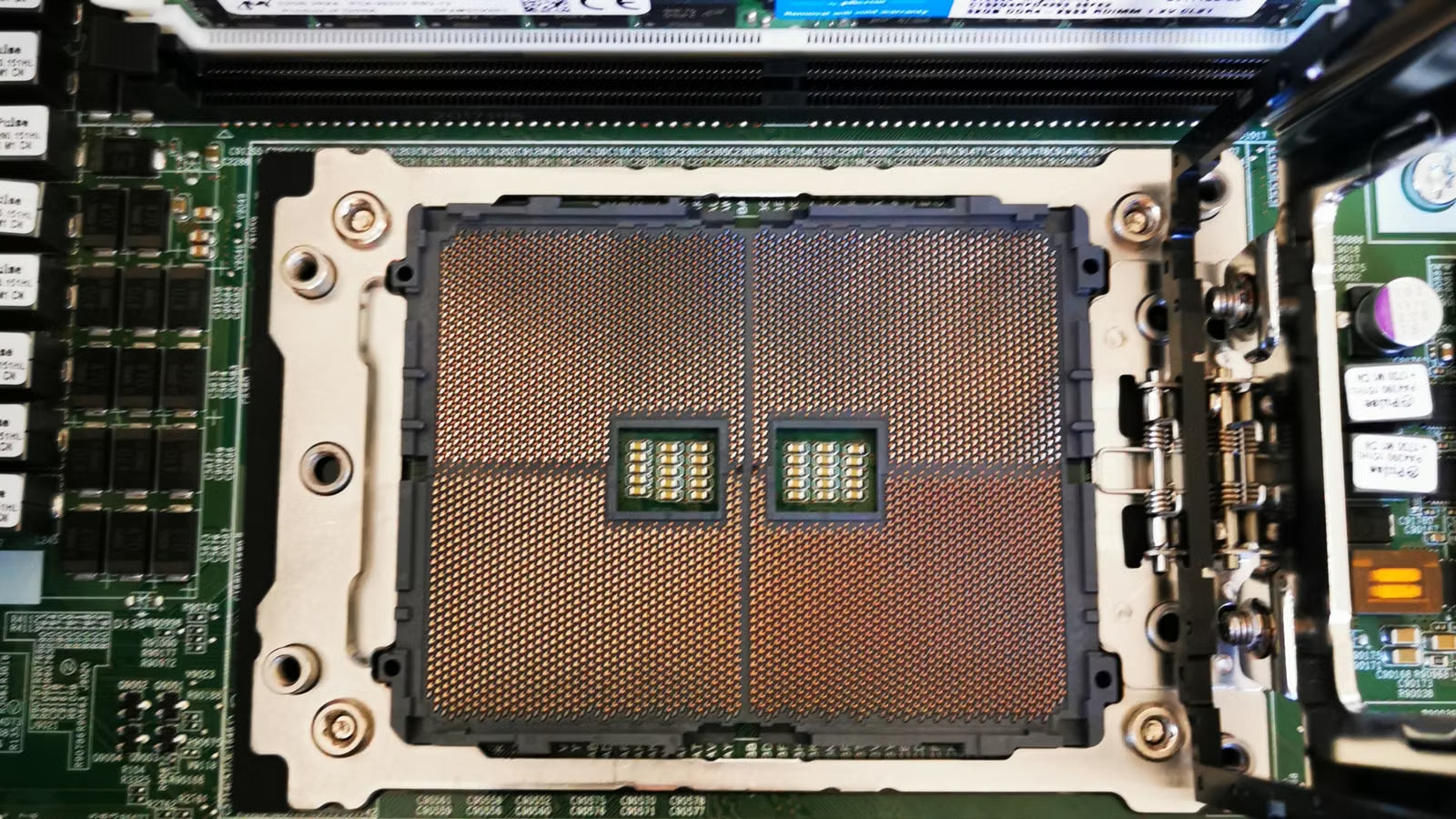
AI data centers do not simply choose between SSDs and HDDs. They tier storage by data temperature, access frequency, latency requirements, and cost per unit of capacity. SSDs handle high-throughput, low-latency, and highly concurrent access, making them suitable for training data pipelines, inference caches, vector search, and checkpoints. HDDs support large-scale capacity, long-term retention, and infrequent access, making them suitable for data lakes, historical datasets, logs, backups, and archives. When you evaluate an AI storage architecture, you should look at performance, capacity, TCO, energy use, recovery time, and the full data lifecycle, rather than judging only by drive speed or cost per terabyte.
Key Takeaways
- SSDs are better for hot data, low-latency I/O, GPU feeding, vector indexes, and inference caches.
- HDDs are better for large-scale data lakes, warm/cold data, long-term retention, and low-frequency access.
- AI storage bottlenecks can reduce GPU utilization, while NVMe and GDS can reduce data movement overhead.
- All-flash architectures offer stronger performance, but keeping all cold data on SSDs may not be economical.
- Hot/cold data tiering depends on access frequency, recovery time, business value, and cost constraints.
- To understand the storage supply chain, track enterprise SSDs, nearline HDDs, cloud capex, and pricing cycles.
Why AI Data Centers Cannot Focus Only on GPUs
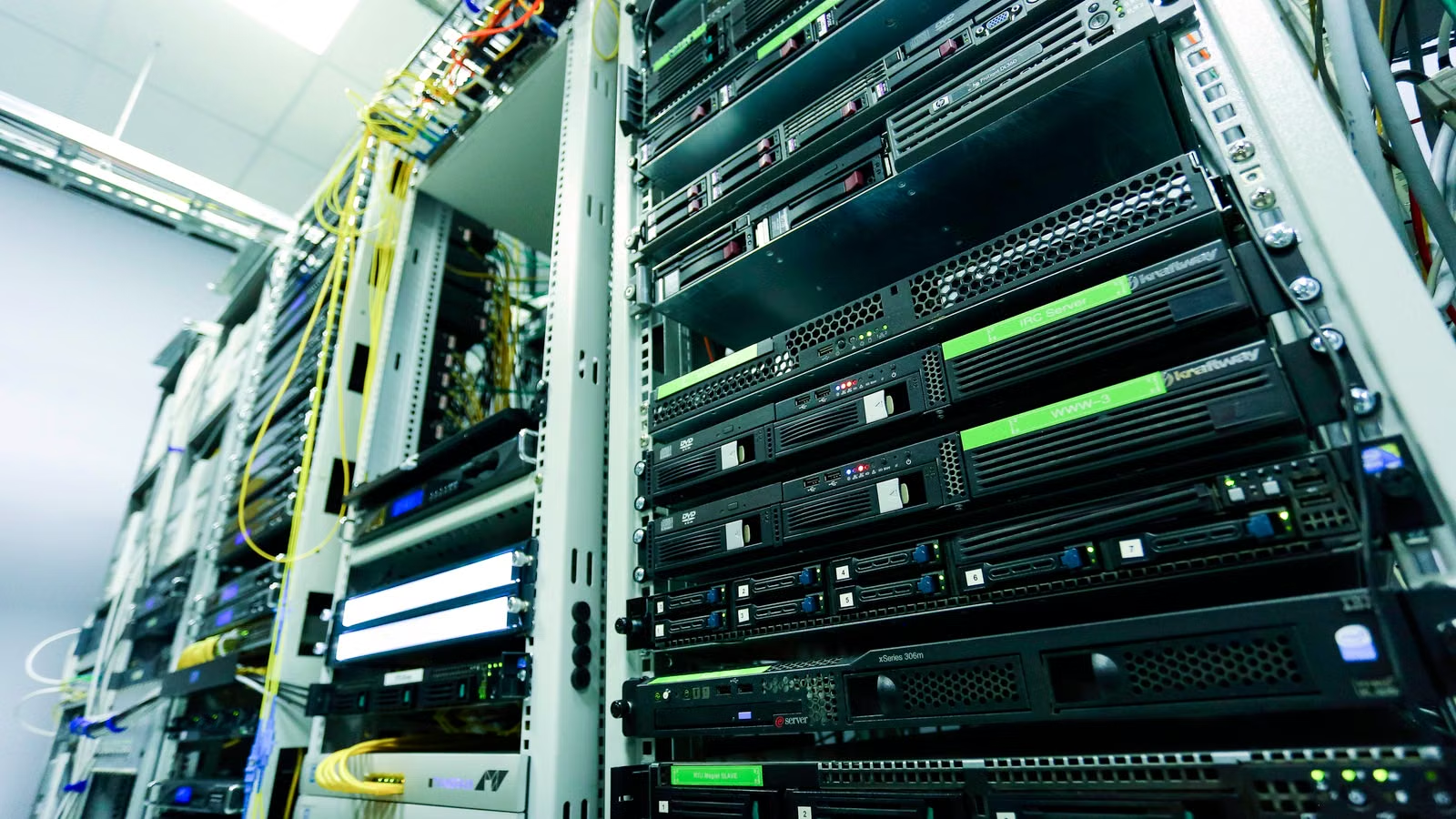
The core issue in an AI data center is not simply “more GPUs are better.” GPUs, networking, memory, and storage must work together as one continuous data pipeline. If training data, model weights, checkpoints, or inference caches cannot reach compute nodes quickly enough, GPUs may wait for I/O, and expensive compute capacity will be slowed by storage bottlenecks. In that sense, the division of labor between SSDs and HDDs is clear: SSDs protect the performance-sensitive hot path, while HDDs provide the capacity foundation. IBM describes an AI data center as specialized infrastructure for AI training, deployment, and delivery, where advanced compute, networking, storage, power, and cooling jointly determine workload efficiency.
AI workloads amplify storage pressure because their data types are more complex. Traditional business systems may mainly process transaction records, user files, or logs. AI data centers, however, need to handle text, images, audio, video, code, sensor data, vector indexes, model weights, intermediate training outputs, and inference logs. Some of this data is accessed frequently, while much of it is stored for long periods. Putting everything on SSDs may improve performance, but it can create heavy cost and capacity pressure. Putting everything on HDDs can reduce capacity cost, but it may slow the training and inference hot path.
You can first break down AI storage needs by data lifecycle:
| Data Type | Access Frequency | Recommended Medium | Main Constraint |
|---|---|---|---|
| Training batches and active samples | High | NVMe SSD | Throughput, latency, GPU utilization |
| Model checkpoints | Medium to high | SSD or SSD cache layer | Write bandwidth, recovery time |
| Vector indexes and RAG hot knowledge bases | High | SSD | Random I/O, tail latency |
| Recent logs and evaluation data | Medium | SSD + HDD | Cost and query efficiency |
| Historical datasets and backups | Low | HDD, object storage | Capacity, retention period, recovery SLA |
| Compliance retention and archives | Very low | HDD, archival object storage | Cost, integrity, audit requirements |
AI storage tiering also needs to distinguish between training bottlenecks and inference bottlenecks. Training workloads care more about sustained throughput, parallel reads, checkpoint writes, and data preprocessing. Inference workloads care more about low latency, concurrent requests, cache hit rates, model loading speed, and stable vector retrieval. NVIDIA’s GPUDirect Storage matters because it aims to create a more direct data path between local or remote NVMe/NVMe-oF storage and GPU memory, reducing unnecessary CPU and system-memory staging in traditional I/O paths.
From an architectural perspective, SSDs and HDDs do not replace each other. They sit at different layers. Hot data uses SSDs to reduce wait time. Warm data uses caching and lifecycle policies to balance performance and cost. Cold data uses HDDs or object storage to lower long-term capacity cost. If you look only at GPU count, you may miss whether the data pipeline can keep the GPUs fed. If you look only at SSD speed, you may miss the cost of storing massive historical datasets. If you look only at HDD capacity, you may underestimate the response requirements of training and inference hot paths.
Summary: The division of labor between SSDs and HDDs in AI data centers is not about which medium is more advanced. It is about which data layer each medium serves best. SSDs are suitable for hot data that directly affects training speed, inference response, and GPU utilization. HDDs are suitable for long-term retention, low-frequency access, and large-scale capacity pools. Effective architectures are usually hybrid: SSDs handle high-performance front-end I/O, caching and lifecycle policies move data between layers, and HDDs support large data lakes and archives. This approach helps avoid GPU idle time while preventing low-value, rarely accessed data from occupying expensive high-performance media.
What Role Do SSDs Play in AI Data Centers? High Performance, Low Latency, and GPU Feeding
SSDs mainly handle hot data and performance-sensitive paths in AI data centers. You can think of them as the high-speed cache layer and performance workspace next to GPU clusters. Training data prefetching, active checkpoints, inference caches, vector databases, RAG retrieval indexes, and model weight loading are all better suited to SSDs, especially NVMe SSDs. The value of SSDs is not only “faster read/write speed.” Their lower latency, higher IOPS, stronger concurrency, and more stable response times can directly affect whether GPUs stay fully utilized.
In training scenarios, SSDs often support high-throughput data streams. Large model training requires continuous reads from massive datasets and periodic checkpoint writes, so training can recover after failures, parameter changes, or scaling events. If checkpoint writes are too slow, training may pause. If data loading and preprocessing cannot keep up, GPU batches may see idle gaps. In inference scenarios, SSDs are often used for model loading, caching, vector indexes, and logging. RAG, recommendation systems, multimodal retrieval, and high-concurrency API services are especially sensitive to random access and tail latency.
NVIDIA’s GPUDirect Storage Overview Guide explains how GDS focuses on file systems, the cuFile API, and data paths between GPUs and storage. This is not just about installing SSDs into servers. It is about reducing redundant copies in the GPU I/O path and lowering the overhead of CPU-mediated data movement. For AI clusters, this matters because as data volume, GPU count, and concurrent jobs all increase, traditional CPU staging paths can become amplified bottlenecks.
Enterprise SSD selection should not focus only on capacity. Consumer SSDs may look fast based on advertised sequential read/write numbers, but AI data centers care more about sustained performance, QoS, write endurance, power-loss protection, firmware stability, interface standards, and serviceability. Micron’s AI SSD portfolio emphasizes PCIe Gen5, low latency, QoS, and AI training and inference workloads, showing that enterprise SSDs are evolving from simple capacity devices into specialized AI hot-path accelerators.
Enterprise SSD selection should focus on these metrics:
| Metric | Why It Matters | Impact on AI Workloads |
|---|---|---|
| Random read/write IOPS | Determines small-file and index access capability | Affects vector search, metadata, and caches |
| Sequential throughput | Determines large-file streaming speed | Affects training data streams and checkpoints |
| Latency and tail latency | Determines response stability | Affects inference SLA and GPU wait time |
| QoS | Determines performance consistency under stress | Affects multi-tenant cluster stability |
| DWPD / TBW | Measures write endurance | Affects frequent checkpoints and log writes |
| Power-loss protection | Reduces data-loss risk during power events | Affects enterprise reliability |
| Form factor and interface | PCIe, U.2, E1.S, E3.S, and others | Affects rack density and maintenance |
However, SSDs are not suitable for every AI dataset without limit. Historical corpora, expired logs, rarely accessed image and video datasets, old model versions, and long-term backups can become costly if they permanently remain on SSDs. As AI data volume grows, SSD procurement cost, NAND supply cycles, power density, and cooling requirements will also affect total cost of ownership. Micron’s 7600 NVMe SSD emphasizes low latency, QoS, and data-center performance, which reinforces the idea that SSD value is concentrated in the performance-sensitive active layer, not across all capacity layers.
Summary: SSDs are the performance acceleration layer of AI data centers. They are best suited to hot data, high-concurrency access, low-latency inference, training data prefetching, checkpoints, vector indexes, and model loading. They help GPUs receive data faster, reduce I/O wait time, and improve response stability in multi-tenant clusters. But SSDs should not be the default home for all data, especially long-term, low-frequency datasets. A more rational approach is to place SSDs in the hot path, use HDDs or object storage as the capacity layer, and connect them through lifecycle policies, caching strategies, and data governance rules.
What Role Do HDDs Play in AI Data Centers? Capacity Foundation, Data Lakes, and Cold Data Retention
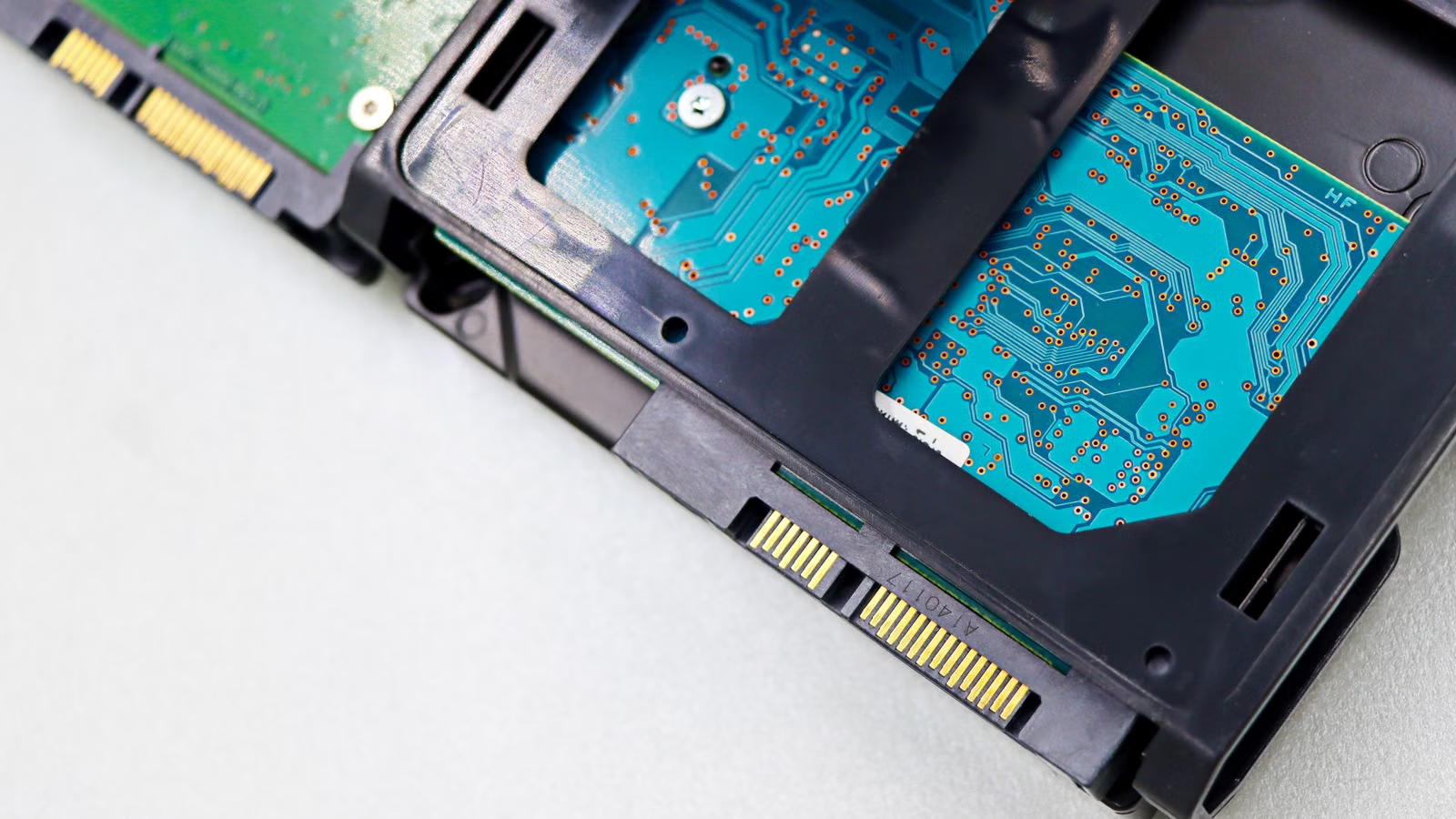
HDDs mainly handle large capacity, infrequent access, and long-term retention in AI data centers. They are not suitable for replacing SSDs in low-latency hot paths, but they are highly suitable for training corpora, historical logs, image and video datasets, old model versions, backups, audit data, and compliance archives. AI has not made HDDs irrelevant. Instead, because data generation and long-term retention needs continue to rise, nearline HDDs remain an important capacity foundation for cloud providers, object storage systems, and large-scale data lakes.
AI data growth has a clear pattern: much of the data may not be accessed every day, but it cannot be deleted easily. Large model training requires multi-version corpora. Enterprise AI requires private knowledge bases. Inference systems generate massive logs. Model evaluation stores intermediate results. Compliance use cases require audit records. As long as the access frequency is low, recovery time requirements are moderate, and business value is long-term, HDDs have clear cost and capacity advantages.
Seagate connected high-capacity drives with data centers, AI storage demand, data placement, and edge analytics in its Exos M 30TB announcement. Western Digital also emphasized a high-capacity roadmap for hyperscale customers in its 40TB UltraSMR ePMR HDD update, including a future path toward HAMR and 100TB+ drives. These moves show that HDD vendors are not leaving AI infrastructure; they are continuing to evolve around higher drive capacity, lower cost per unit of capacity, and better fit for hyperscale deployment.
HDDs are better suited to these AI data types:
| Data Type | Why HDDs Fit | What to Watch |
|---|---|---|
| Historical training corpora | Large capacity, low access frequency | Indexing and metadata management |
| Low-frequency image and video data | Large file sizes, long-term accumulation | Recovery time planning |
| Old model versions | Not frequently loaded but cannot be deleted easily | Version retention policies |
| Inference log archives | Written once, queried less often later | Separate recent logs from historical logs |
| Backup and disaster recovery copies | Capacity and reliability matter | Erasure coding and off-site replicas |
| Compliance audit data | Long retention periods | Local regulation and audit requirements |
The weaknesses of HDDs are also clear. Because of their mechanical structure, HDDs are far weaker than SSDs in random access, low latency, and high IOPS. In high-concurrency inference, vector databases, active training datasets, and frequent checkpoint recovery, HDDs may become performance bottlenecks. Large HDD clusters also need to manage failure domains, rebuild time, rack density, vibration, RAID or erasure-coding strategy, background verification, and recovery SLAs. The larger the drive capacity, the more carefully recovery windows must be designed after a drive failure.
The right place for HDDs in AI data centers is not as a “slow substitute,” but as the capacity foundation. Front-end SSDs provide speed. Back-end HDDs provide scale. Object storage, distributed file systems, cache layers, and lifecycle policies connect the two. Western Digital’s data center storage platform highlights AI, HPC, cloud, NVMe-oF, TCO, and high capacity together, reflecting the direction of AI storage: multi-layer combinations instead of a single-medium architecture.
Summary: HDDs remain important in AI data centers because AI does not only consume real-time data. It also continuously creates and stores massive amounts of low-frequency data. HDDs are strong in cost per unit of capacity, long-term retention, large-scale deployment, and high-capacity expansion. Their weaknesses are random access, low latency, and high-concurrency performance. You can view HDDs as the foundation for AI data lakes and cold data layers, not as the main medium for training and inference hot paths. As long as AI workloads require long-term retention of corpora, logs, backups, and historical models, HDDs are unlikely to be fully replaced by SSDs.
SSD vs. HDD in AI Data Centers: Performance, Capacity, Cost, Energy Use, and Rack Density
The comparison between SSDs and HDDs should not stop at “which one is faster” or “which one is cheaper.” SSDs are stronger in latency, IOPS, random access, and performance per unit, making them suitable for performance-sensitive hot paths. HDDs have advantages in cost per unit of capacity, long-term retention, and large-scale capacity pools, making them suitable for warm and cold data. The real selection logic should start from business goals: if data directly affects GPU utilization, inference latency, and concurrent response, SSDs should take priority; if data is mainly used for long-term storage, low-frequency recovery, and cost control, HDDs or HDD-backed object storage should take priority.
In terms of performance, SSDs have a very clear advantage. NVMe SSDs can provide stronger concurrency, lower latency, and better random read/write capability, making them suitable for small files, indexes, caches, and model loading. HDDs are better for sequential reads/writes and batch scans, not for massive random requests. The table below offers a quick comparison:
| Comparison Dimension | SSDs Are Better For | HDDs Are Better For |
|---|---|---|
| Latency | Sub-millisecond or low-tail-latency scenarios | Batch tasks that are not latency-sensitive |
| IOPS | High-concurrency random I/O | Low-concurrency sequential I/O |
| Throughput | Fast training data streams and checkpoints | Large sequential scans and data migration |
| Capacity cost | Hot data and smaller high-value datasets | PB/EB-scale capacity pools |
| Energy evaluation | IOPS/W and performance density | TB/W and capacity density, depending on the system |
| Rack density | High performance density | High capacity density |
| Maintenance focus | Firmware, endurance, thermal design | Rebuilds, vibration, failure domains |
Cost evaluation is especially easy to misunderstand. Many people compare only the price of individual drives and ignore TCO. For SSDs, you need to consider cost per TB, cost per IOPS, write endurance, cooling, power, and interface upgrades. For HDDs, you need to consider enclosure density, rebuild time, failure rates, operations, replacement, and erasure-coding overhead. In enterprise storage cost discussions, Tom’s Hardware noted that the cost-per-capacity gap between enterprise SSDs and HDDs can change with NAND supply-demand conditions and procurement cycles, and that hybrid SSD + HDD deployments are often easier to cost-optimize at the capacity layer than all-SSD solutions. Such market pricing can change over time and should not be treated as a fixed long-term ratio, but it highlights an important point: AI storage decisions cannot be made on performance metrics alone.
Energy use and rack density also cannot be judged simply by single-drive power consumption. An SSD may consume meaningful power per drive, but it offers strong performance per watt and low-latency advantages. An HDD has weaker per-drive performance, but it remains attractive for cost per unit of capacity and capacity-layer scaling. Data centers ultimately care about effective capacity per rack, throughput per watt, cooling limits, maintenance windows, and whether failure recovery can meet SLA requirements. For AI clusters, if SSDs materially improve GPU utilization, the extra storage cost may be justified. But if data is rarely accessed for years, keeping it on SSDs can become a poor allocation of resources.
Storage TCO calculations can include:
- Procurement cost: SSDs, HDDs, enclosures, controllers, and network devices.
- Performance cost: cost per GB/s, per IOPS, and per low-latency access.
- Capacity cost: cost per TB, per PB, and across the long-term retention period.
- Operations cost: replacement, monitoring, firmware, recovery, and labor.
- Energy cost: power, cooling, rack density, and power budget.
- Business cost: GPU idle time, training interruption, and inference SLA risk.
- Migration cost: hot/cold data movement, cross-cluster replication, and archive recovery.
If you look at the storage supply chain from an investment or asset-allocation perspective, a similar cost logic applies to trading. AI storage demand may increase attention on enterprise SSDs, NAND, nearline HDDs, cloud data centers, and related ETFs, but market volatility and fees also affect actual outcomes. Eligible users can review Biya U.S. stock trading fees to understand how commissions, platform fees, external agency fees, and other charges are displayed; Biya charges 0 USD commission for U.S. stock trading, while platform fees, external agency fees, and other costs are subject to the fee center and order page. Public market information and fee structures are not investment advice. Before trading, you should check your statements, risk tolerance, and applicable local regulatory requirements.
Summary: The difference between SSDs and HDDs should be evaluated across performance, capacity, cost, energy use, and maintenance complexity. SSDs are better for high-value hot data, while HDDs are better for long-term capacity layers. SSDs solve GPU feeding, low-latency inference, and high-concurrency access. HDDs solve data lakes, backups, logs, and archives. All-flash architectures may suit extreme performance scenarios, but they are not automatically suitable for all AI data. The value of a hybrid architecture is that it uses expensive high-performance media where it creates the most efficiency, while placing low-frequency capacity pressure on more economical storage layers.
How Should Hot and Cold Data Be Tiered? Deployment Models for AI Training, Inference, Logs, and Backups
Hot/cold data tiering is the core method for controlling cost and protecting performance in AI data centers. In simple terms, data that is frequently accessed, latency-sensitive, and directly affects GPUs or inference response should enter the hot data layer and use SSDs first. Data that may be reused for training, querying, or evaluation in the near future should enter the warm layer, using SSD cache plus HDDs or object storage. Long-term, rarely accessed data should enter the cold layer, using HDDs, object storage, or archival storage. The key criterion is not the file name, but access frequency, recovery time, business value, and regulatory retention period.
Hot Data Layer: SSDs Handle Real-Time Access and High-Speed GPU Data Flow
The hot data layer serves data that is needed now, used often, and business-critical if it becomes slow. Typical examples include active training sets, training batches, model weights, active checkpoints, vector indexes, RAG hot knowledge bases, inference caches, recent request logs, and real-time features. The most important requirements here are throughput, low latency, and stability. For large model training, the hot data layer determines whether GPUs need to wait. For inference services, it affects first-token latency, cache hit rates, and concurrency stability.
The hot data layer usually uses NVMe SSDs, local SSDs, NVMe-oF, distributed all-flash file systems, or SSD cache pools. In a discussion of AI performance and energy efficiency, Micron referenced benchmarks such as MLPerf Storage, showing that AI storage has evolved from a “capacity component” into a “compute efficiency component.” If SSDs can reduce GPU wait time, their value should not be judged only by cost per TB.
Warm Data Layer: SSD + HDD Combination with Periodic Migration
The warm data layer is the most easily misjudged layer. It is not cold data, because it may still be queried, reused for training, or replayed in the near future. It is also not hot data, because it does not need to permanently occupy the highest-performance medium. Typical warm data includes recent 30–180 day training samples, model evaluation results, recent inference logs, A/B testing data, human-labeled datasets, recent model versions, and reusable features. Warm data is often managed between SSD cache, HDD capacity pools, object storage, or distributed file systems, with migration based on access frequency.
Apache Doris discusses tiering across SSD, HDD, and object storage, noting that newly written data can first reside on a higher-performance layer and then move to object storage after a cooling period. AI data centers can use similar logic: new data first enters the hot or warm layer, and after training finishes or access frequency falls, it moves to a lower-cost layer. The point is not manual file movement, but automated lifecycle policies.
Cold Data Layer: HDDs Handle Long-Term Retention and Infrequent Access
The cold data layer serves data that is rarely accessed but still needs to be retained. Typical examples include historical corpora, low-frequency image and video datasets, old model versions, long-term backups, compliance audit data, disaster recovery copies, and expired logs. HDDs, object storage, and archival storage are better suited to these data types. AWS S3 Storage Classes separate storage by access patterns, including frequent access, infrequent access, and archive classes. S3 Lifecycle also allows objects to move between storage classes based on rules to optimize cost.
Hot/cold data tiering can be implemented as follows:
| Layer | Typical Data | Recommended Medium | Main Goal | Main Risk |
|---|---|---|---|---|
| Hot data | Active training sets, vector indexes, inference caches | NVMe SSD | Low latency, high throughput | High cost, heavy write pressure |
| Warm data | Recent samples, recent logs, evaluation data | SSD cache + HDD / object storage | Balance cost and query efficiency | Poor migration rules can create waste |
| Cold data | Historical corpora, backups, audit archives | HDD, archival object storage | Low-cost long-term storage | Slow recovery, complex governance |
| Archive data | Regulatory retention, disaster recovery copies | Archive storage, off-site replicas | Compliance and DR | Retrieval fees, recovery windows |
Summary: Hot/cold data tiering is not a formal IT label. It is a key mechanism for lowering cost and improving efficiency in AI data centers. Hot data should prioritize performance and reside on SSDs. Warm data should be adjusted dynamically based on access frequency, using SSD cache and HDD capacity pools to balance efficiency and cost. Cold data should prioritize long-term capacity cost, compliance retention, and recovery SLA, making HDDs or archival object storage more suitable. A strong tiering strategy prevents GPUs from idling due to slow hot-data reads while also avoiding the cost of keeping rarely accessed multi-year data on expensive SSDs.
Will the Future Be All-Flash? SSD, HDD, and Hybrid Architecture Trends
Future AI data centers will use more all-flash storage in certain layers, but that does not mean HDDs will disappear. High-performance training, real-time inference, vector search, RAG, frequent checkpoints, and GPU-direct I/O will drive higher SSD adoption. But data lakes, historical corpora, backups, compliance retention, and infrequent access still require high-capacity, low-cost media. A more realistic direction is that SSDs continue moving up into the performance layer, HDDs continue anchoring the capacity layer, and software-defined tiering places data where it belongs.
All-Flash Will Expand in High-Performance AI Scenarios
All-flash architectures will expand in specific scenarios, especially AI clusters with very high requirements for latency, throughput, recovery, and concurrency stability. Large-scale model training, high-frequency experimentation platforms, real-time multimodal retrieval, financial-grade low-latency inference, online recommendation, and large-scale vector databases are more likely to use SSDs or all-flash systems. As PCIe Gen5, PCIe Gen6, E1.S, E3.S, high-capacity QLC SSDs, and liquid cooling evolve, SSDs will continue to improve in performance density and deployment flexibility.
However, all-flash does not mean all-scenario optimal. Much AI data derives its business value from long-term accumulation rather than real-time access. Historical corpora may only be reused years later for retraining. Old model versions may only be needed for audit or rollback. Many logs may only be queried during incident analysis. If all of this data is placed on SSDs, high-performance resources can be wasted. All-flash is better suited to high-performance workspaces, not indiscriminate capacity pools.
HDDs Will Not Easily Leave the AI Capacity Layer
The long-term value of HDDs comes from capacity economics. AI systems need to retain more raw data, derived data, and model versions, and a large portion of that data does not require low-latency access. Seagate’s discussion of hyperscale cloud architecture emphasizes the trade-offs among capacity, cost, scale, and data growth in cloud architectures. As long as AI data continues to grow quickly, the capacity layer will still need HDDs, object storage, and archival systems.
Western Digital also emphasized low-TCO storage for hyperscalers, CSPs, and OEMs in its investor communication on AI-era storage innovation. For large cloud providers, storage media are not merely hardware purchases. They affect rack density, long-term supply, power budgets, data recovery, lifecycle management, and capital expenditure timing. As long as HDDs continue to increase drive capacity and control cost per unit of capacity, they will retain a role in the AI capacity layer.
Enterprises Should Work Backward from the Data Lifecycle
Storage selection can be guided by five questions:
- How often is the data accessed?
- Does the data directly affect GPU utilization or inference latency?
- Is the required recovery time seconds, minutes, hours, or days?
- How long must the data be retained, and does it involve audit or compliance requirements?
- Does the business care more about cost per unit of performance or cost per unit of capacity?
If the answers point to high-frequency access, low latency, and compute efficiency, SSDs should take priority. If the answers point to long-term retention, capacity expansion, and low-frequency access, HDDs or object storage should take priority. If the access pattern changes over time, hybrid architecture and automated lifecycle policies should take priority. For most AI data centers, hybrid architecture is not a compromise. It is the more realistic engineering answer.
| Selection Result | Suitable Scenario | Less Suitable Scenario |
|---|---|---|
| SSD-first | GPU feeding, inference cache, vector search, active checkpoints | Multi-year low-frequency archives |
| HDD-first | Data lakes, backups, historical corpora, compliance retention | High-concurrency, low-latency inference |
| Hybrid architecture first | Changing access frequency, balance of cost and performance | Poor data governance and unclear rules |
| All-flash first | Extreme performance, low latency, concentrated training hot paths | Capacity pools dominated by cold data |
If you follow capital market opportunities linked to AI infrastructure, you can place SSDs, HDDs, HBM, servers, networking, cloud capex, and power constraints in the same supply-chain map. When using U.S. stock information tools to track storage, semiconductor, and cloud infrastructure companies, you should also consider earnings reports, guidance, supply-demand cycles, and valuation risks, rather than making trading decisions based only on a single technology trend.
Summary: The future of AI data centers is more likely to be “more SSDs + larger HDDs + stronger software tiering,” rather than a complete shift to all-flash or a return to HDD-only systems. SSDs will keep expanding into training, inference, vector retrieval, and GPU-direct I/O performance layers. HDDs will continue supporting data lakes, archives, backups, and low-frequency access capacity layers. Architecture should be determined by data lifecycle, access frequency, recovery time, business value, and total cost of ownership, not by storage marketing. Organizations that place data in the right tier will be better positioned to control AI infrastructure cost and unlock compute efficiency.
Changes in AI storage architecture also affect how you evaluate related assets. Enterprise SSDs are influenced by NAND, controllers, interfaces, and AI hot-path demand. Nearline HDDs are affected by cloud capacity procurement, long-term supply agreements, and high-capacity roadmaps. Cloud providers, semiconductor companies, server vendors, and storage software companies together form the AI infrastructure chain. If you follow U.S. stocks, Hong Kong stocks, ETFs, digital assets, and cross-market capital management, Biya can help you record multi-asset trades, review fee structures, and manage trading information. Availability of related services depends on your location, identity verification, platform rules, and applicable laws and regulations. Public market information, trading rules, and fee explanations do not constitute investment advice. For mobile access, you can also download the App and check orders, statements, fees, and risk notices before trading.
FAQ
Should AI data centers prioritize SSDs or HDDs?
AI data centers should choose SSDs or HDDs based on data temperature. Hot data, training pipelines, inference caches, vector indexes, and active checkpoints are better suited to SSDs. Historical corpora, backups, archives, and long-term low-frequency data are better suited to HDDs. Most large-scale AI data centers use a hybrid SSD + HDD architecture rather than relying on only one storage medium.
Will SSDs fully replace HDDs in AI data centers?
SSDs are unlikely to fully replace HDDs in AI data centers in the near term. SSDs will expand across training, inference, and high-performance data paths, but HDDs still support large capacity, low-frequency access, data lakes, and long-term retention. As long as AI systems need to retain massive historical datasets, HDDs will still have value in the capacity layer.
Should AI training data be stored on SSDs or HDDs?
AI training data should be tiered by activity level. Active samples, preprocessed data, active checkpoints, and frequently read datasets are better suited to SSDs. Historical training corpora, old dataset versions, and low-frequency samples are better suited to HDDs or object storage. The key is whether the data directly affects GPU utilization and training recovery time.
Why do AI inference workloads need high-speed SSDs?
AI inference workloads need high-speed SSDs because model loading, caching, vector retrieval, RAG knowledge bases, and high-concurrency logs can be latency-sensitive. Fast SSDs can reduce random-read and data-loading bottlenecks, although the final effect also depends on model architecture, caching strategy, networking, memory, and system scheduling.
What cost metrics should enterprises use when comparing SSDs and HDDs?
Enterprises should not compare SSDs and HDDs only by purchase price. They should also evaluate cost per TB, cost per IOPS, energy use, cooling, rack density, failure recovery, operations labor, data migration, and lifecycle management. High-performance data should be evaluated by performance cost, while cold data should be evaluated by long-term capacity cost.
How can investors understand SSD and HDD supply-chain opportunities?
Investors can evaluate SSD and HDD supply-chain opportunities by looking at AI data center demand, enterprise SSD pricing, NAND supply-demand cycles, nearline HDD shipments, cloud capex, and company guidance. Asset prices can be affected by cycles, valuation, and market sentiment, so technical demand growth does not guarantee investment returns. Trading decisions should match your risk tolerance.
*This article is provided for general information purposes and does not constitute legal, tax or other professional advice from BiyaPay or its subsidiaries and its affiliates, and it is not intended as a substitute for obtaining advice from a financial advisor or any other professional.
We make no representations, warranties or warranties, express or implied, as to the accuracy, completeness or timeliness of the contents of this publication.
Related Blogs of

What Is the Difference Between DRAM Contract Price and Spot Price? Which Indicator Should Investors Watch?


What Is the Difference Between HBM3E and HBM4? What Do They Mean for Micron and AI Servers?

Why Does AI Compute Growth Drive Storage Demand? The Difference Between Training, Inference, and Data Retention


How Do AI Servers Drive Storage Demand? The Roles of HBM, Server DRAM, Enterprise SSDs, and HDDs

Choose Country or Region to Read Local Blog
 Australia
 Austria
 Belgium
 Canada
 Cyprus
 Czech Republic
 Denmark
 Estonia
 Finland
 France
 Germany
 Greece
 Hong Kong
 India
India Indonesia
 Ireland
 Italy
Italy Japan
Japan Latvia
 Lithuania
 Luxembourg
 Malaysia
 Malta
Malta Morocco
 Nepal
Nepal Netherlands
 New Zealand
 Norway
 Pakistan
 Philippines
 Poland
 Portugal
 Romania
 Singapore
 Slovakia
 Slovenia
 South Africa
 South Korea
 Spain
Spain Sweden
 Thailand
 The United States
 Turkey
 United Arab Emirates
 United Kingdom
 Vietnam
Contact Us




BIYA GLOBAL LLC is registered with the Financial Crimes Enforcement Network (FinCEN), an agency under the U.S. Department of the Treasury, as a Money Services Business (MSB), with registration number 31000218637349, and regulated by the Financial Crimes Enforcement Network (FinCEN).
BIYA GLOBAL LIMITED is a registered Financial Service Provider (FSP) in New Zealand, with registration number FSP1007221, and is also a registered member of the Financial Services Complaints Limited (FSCL), an independent dispute resolution scheme in New Zealand.