
Apple Pay Limits and Canceled Payments: Refunds, Fees and What to Do




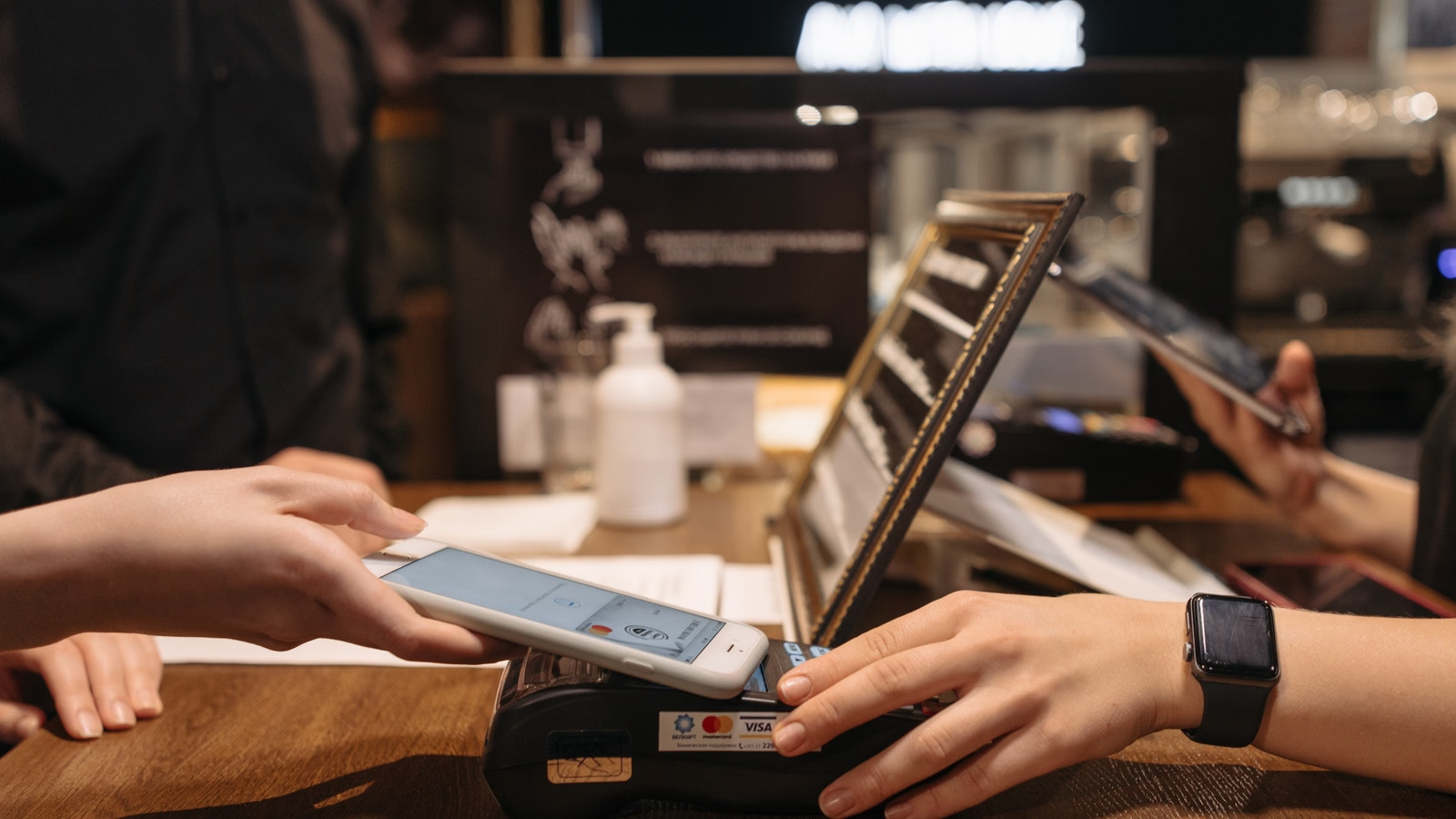
Apple Pay is convenient, but it can become confusing when a payment is declined, canceled, pending, refunded late, or blocked by a transaction limit. The key point is simple: Apple Pay usually does not set one universal limit for all users. Your real limit depends on your card issuer, merchant, country, payment type, available balance, card risk controls, and whether you are using Apple Pay, Apple Cash, an App Store payment method, or a preauthorized payment. If a canceled Apple Pay payment still appears in your bank app, it may be only a temporary authorization hold rather than a completed charge. To fix the issue, you need to identify the transaction status first, then contact the right party: the merchant, your bank, or Apple.
Key Takeaways
- Apple Pay limits usually come from banks, merchants, card networks, or local payment rules.
- A canceled Apple Pay transaction may remain pending before it disappears or settles.
- Merchant refunds may require the Apple Pay card number, not your physical card number.
- Apple does not add Apple Pay usage fees, but issuer or overseas card fees may apply.
- Apple Cash has separate U.S.-specific limits for sending, receiving, adding, and transferring funds.
- The best next step depends on whether the transaction is declined, pending, posted, or refunded.
What Counts as an Apple Pay Limit? Issuer, Merchant, Country and Product Rules
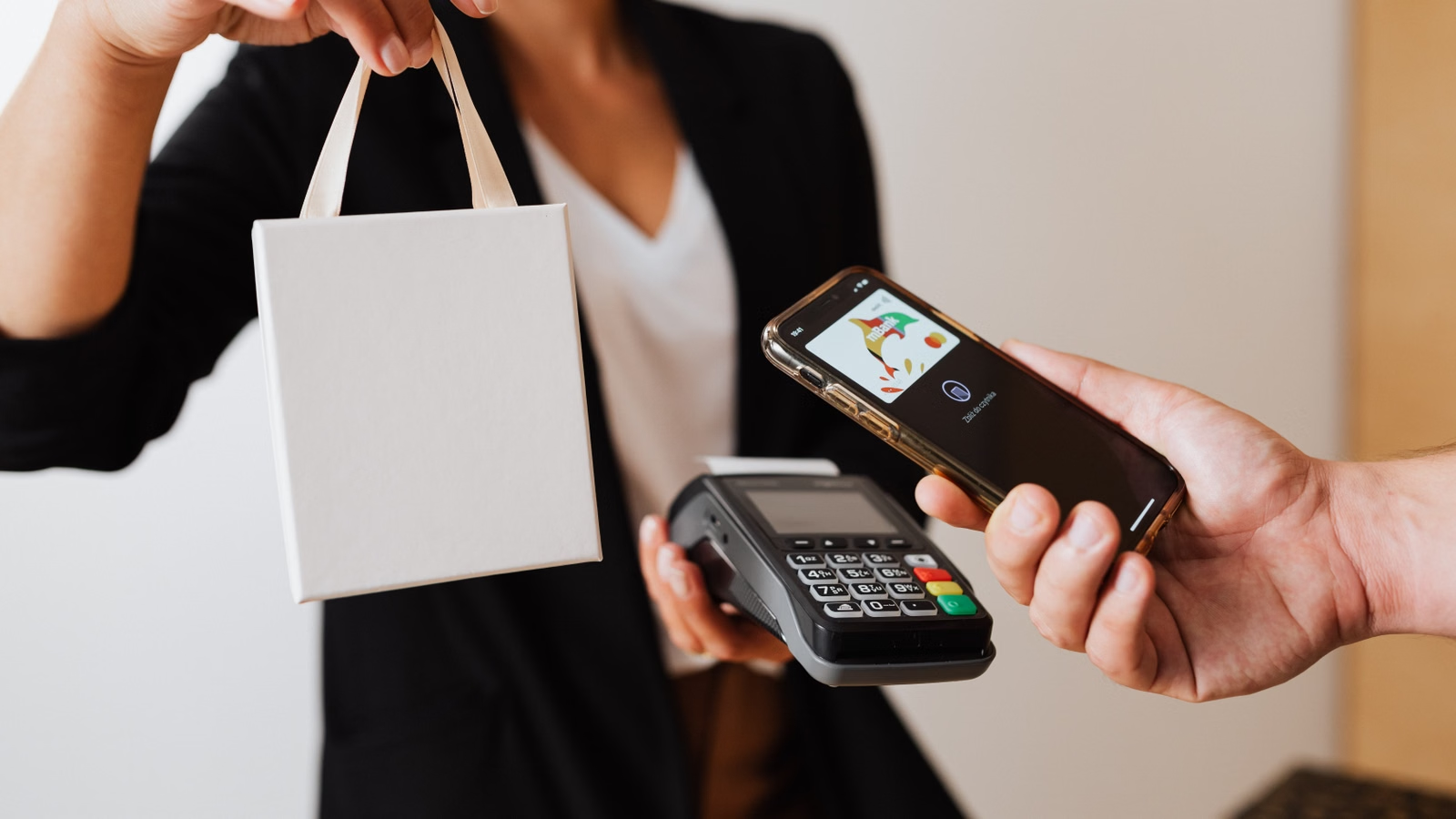
An Apple Pay limit is not one fixed global number. In most real payment situations, the limit comes from the card issuer, merchant, payment network, country rules, available balance, card type, or product category. Apple’s own guidance says that card issuers and merchants may set transaction limits or PIN requirements, which means two people using Apple Pay in the same store may still face different results if their cards, banks, or risk profiles are different. You should treat “Apple Pay limit” as a layered issue: device authentication is only one part of the payment, while issuer approval and merchant acceptance still decide whether the charge goes through.
Apple Pay works as a secure payment method that presents your card through Wallet. It does not replace your bank’s credit limit, debit balance, prepaid balance, daily spending cap, fraud rules, cross-border rules, or merchant authorization settings. If your physical card has a daily limit, an online purchase limit, or a foreign transaction restriction, Apple Pay will usually be affected by the same or similar controls.
In-Store Apple Pay Limits and Contactless Verification
In stores, your Apple Pay transaction may be affected by local contactless payment rules. Some countries allow high-value contactless transactions with device authentication, while others may still ask for a PIN, signature, or another verification method above certain amounts. A merchant terminal may also be configured with its own limit for contactless payments.
The payment flow looks simple from your side: double-click, authenticate, tap, and wait for approval. Behind that action, several checks happen at once:
| Limit source | Common scenario | Who controls it | What you should check |
|---|---|---|---|
| Card issuer limit | Apple Pay declined at checkout | Bank or card issuer | Daily card limit, fraud block, card status |
| Merchant terminal limit | Store asks for PIN or another card | Merchant or processor | Contactless cap, terminal support |
| Country rule | Large tap-to-pay purchase needs extra verification | Local market and network rules | Local Apple Pay acceptance rules |
| Available balance | Debit or prepaid card fails | Bank or wallet provider | Balance, hold, pending charges |
| Card network rule | Payment works in one place but not another | Visa, Mastercard, Amex, or local network | Card type and merchant category |
If a transaction is too large, it may not mean Apple Pay is “blocked.” It may mean the store terminal wants a physical card, PIN, chip entry, or bank approval that did not happen through the Apple Pay flow. In that case, trying a smaller transaction, using another card in Wallet, or asking the merchant whether contactless payments have a cap can quickly isolate the problem.
Online, In-App and Apple Services Payment Limits
Online and in-app Apple Pay payments have different failure points. The merchant may require a billing address, shipping address, email, phone number, or card network support. The bank may approve small transactions but block large online purchases, international merchants, subscriptions, or first-time purchases from a new device.
For Apple Services, such as App Store, Apple Books, iCloud, Apple Music, and subscriptions billed by Apple, the issue is often not an Apple Pay tap-to-pay limit. It may be a payment method decline, unpaid order, expired card, incorrect billing information, or issuer block. Apple advises users facing an App Store or iTunes Store payment decline to update or add another payment method before trying again.
This matters because the fix is different. If your Apple Pay online checkout fails at a retailer, the retailer and issuer are usually the first places to check. If your Apple subscription fails, your Apple Account billing settings may be involved. If your bank rejects the transaction, Apple may not be able to see the exact bank-side reason.
Apple Pay vs Apple Cash Limits
Apple Pay and Apple Cash are often confused, but they are not the same product. Apple Pay is the method you use to pay with supported credit, debit, or prepaid cards in Wallet. Apple Cash is a U.S.-only stored value and person-to-person payment service with its own rules.
For example, Apple lists specific Apple Cash transfer limits, including limits for adding money, sending or receiving money, and transferring funds to a debit card or bank account. These limits are separate from an Apple Pay card purchase at a store. Even within Apple Cash, you may also face bank, card issuer, available balance, identity verification, or family account limits.
| Product | Typical use | Main limit source | Practical meaning |
|---|---|---|---|
| Apple Pay card payment | Store, app, website checkout | Card issuer, merchant, country, card network | No single global Apple Pay cap |
| Apple Services billing | App Store, iCloud, subscriptions | Apple Account billing and issuer approval | Fix through Apple billing settings or issuer |
| Apple Cash | U.S. person-to-person and Wallet balance use | Apple Cash rules, bank, identity checks | Separate stated limits apply |
| Preauthorized Apple Pay | Subscriptions, installments, recurring bills | Merchant and supported card rules | Wallet visibility does not cancel the merchant agreement |
Summary: An Apple Pay limit is best understood as a payment approval limit, not only a Wallet feature. If a store purchase fails, the issue may be a contactless cap, PIN requirement, merchant terminal setting, or issuer decline. If an online purchase fails, billing details, merchant risk checks, card support, or foreign transaction rules may be involved. If an Apple Services charge fails, your Apple Account payment method and unpaid orders may matter. If you are using Apple Cash, its own U.S.-specific transfer and sending limits apply. The fastest way to solve the issue is to identify the payment type first: in-store Apple Pay, online Apple Pay, Apple Services billing, Apple Cash, or recurring Apple Pay authorization. Once you know the category, you can check the right limit source instead of assuming Apple Pay has one fixed universal cap.
Why Apple Pay Payments Get Declined, Failed or Canceled

Apple Pay can fail even when the card is already added to Wallet because Wallet setup is not the same as payment approval. When you tap or check out, the transaction still needs issuer authorization, merchant acceptance, network routing, fraud screening, and enough available funds or credit. Apple states that all Apple Pay transactions are routed to card issuers for approval, so a declined Apple Pay payment often means your bank or card issuer rejected the transaction based on its own rules. The card can look normal in Wallet but still be blocked for a specific purchase amount, merchant category, country, subscription type, or risk signal.
A failed Apple Pay payment is usually not random. It normally fits one of five patterns: issuer decline, merchant technical issue, authentication problem, billing mismatch, or pending authorization conflict. Your job is to read the status correctly before retrying.
Issuer Declines and Risk Controls
Issuer declines are common because your bank remains responsible for card approval. A bank may decline a transaction for insufficient funds, credit limit pressure, unusual location, first-time merchant risk, cross-border usage, suspected fraud, expired card details, blocked merchant category, or unsupported Apple Pay card type.
Common issuer-side causes include:
- The card is locked, frozen, expired, replaced, or not activated.
- The transaction exceeds your daily, online, ATM, purchase, or contactless limit.
- The merchant is outside your normal country or spending pattern.
- The bank requires confirmation through its own app, SMS, call center, or security alert.
- A pending authorization has reduced your available balance.
- The card supports Wallet setup but not every Apple Pay scenario.
Do not rely only on the message shown on the merchant terminal. A generic “declined” message may hide a specific bank-side reason. Check your banking app, SMS alerts, card controls, and fraud notifications. If nothing appears, call the issuer and give the exact amount, merchant name, location, timestamp, and whether it was Apple Pay in-store, online, or in-app.
Merchant Checkout and Terminal Failures
Not every failed Apple Pay payment is a bank decline. Some failures happen because the merchant terminal, app, or website cannot complete the payment request. The store may have an outdated payment terminal, temporary network failure, unsupported card network, incorrect merchant configuration, or a contactless limit below your purchase amount. Online merchants may fail Apple Pay checkout because of shipping restrictions, missing billing details, unsupported region settings, or risk filters.
Apple Pay also uses tokenized card information. Apple’s Apple Pay security and privacy overview explains that Apple Pay uses a device-specific Device Account Number and transaction-specific dynamic security code instead of sending your actual physical card number to the merchant. This protects your card details, but it can affect refund lookups, transaction matching, and merchant support conversations. A support agent may not find the order if they search only by your physical card number.
This is why you should save the order number, receipt, email confirmation, merchant account record, and Apple Pay card last four digits. These details help the merchant locate the payment even when the visible card number is not the same as your physical card.
Pending Authorization vs Completed Payment
A pending Apple Pay payment is not always a completed charge. In card processing, authorization, capture, and settlement are different stages. An authorization hold temporarily reserves funds after approval, while capture and settlement are later steps that move the payment through the merchant’s acquiring bank and card network.
This explains many confusing cases. You may cancel an order, but your bank app still shows a pending Apple Pay transaction. That pending item may simply be a hold waiting to expire or reverse. You may also see an authorized amount that differs from the final amount. Gas stations, hotels, car rentals, delivery apps, and some online merchants often use authorizations because the final amount is not known at the start.
Use this fast diagnosis checklist before retrying:
| What to check | Why it matters |
|---|---|
| Wallet transaction status | Shows recent Apple Pay activity on your device |
| Bank app status | Confirms whether the item is pending or posted |
| Merchant order status | Shows whether the order was accepted, canceled, or failed |
| Email receipt | Confirms whether the charge became a completed purchase |
| Card issuer alert | Reveals fraud review, limit block, or verification request |
| Billing and shipping details | Helps resolve online checkout mismatch |
| Retry history | Prevents duplicate holds from repeated attempts |
Summary: Apple Pay payments fail for different reasons depending on who stopped the transaction. If the bank declined it, your card issuer is the key source of the answer. If the merchant checkout failed, the order may not exist even though a temporary hold appears in your bank app. If authentication failed, your device, Wallet settings, Face ID, Touch ID, or passcode may be involved. If a pending authorization appears after a canceled order, it may not be a posted charge yet. Avoid repeated retries until you know whether the transaction is pending, posted, failed, or canceled. A clean diagnosis should include the merchant name, time, amount, Wallet card, card issuer status, receipt status, and order status. With those details, you can decide whether to wait, retry, contact the merchant, contact the issuer, or request a refund through Apple.
Canceled Apple Pay Payments, Pending Holds and Refund Timing
A canceled Apple Pay payment can still appear in your bank app because cancellation does not always remove an authorization immediately. The result depends on the transaction stage. If the merchant only authorized the payment and never captured it, the pending hold may disappear without a refund entry. If the merchant already captured or settled the payment, you usually need a refund. If the charge was for App Store content or another Apple-billed service, you need to follow Apple’s refund process. The most important distinction is simple: a pending item is not always money that has moved, while a posted item usually needs a formal refund or dispute path.
A canceled payment can create anxiety because your available balance may be lower for a few days. That does not always mean the merchant kept your money. It may mean the issuer is still reserving the amount until the authorization expires or is reversed.
When a Canceled Payment Is Only an Authorization Hold
Authorization holds are common in Apple Pay because Apple Pay uses the same card network flow as your underlying card. When a merchant requests approval, your issuer may reserve funds. If the order is canceled before capture, the merchant may send a reversal or simply allow the hold to expire. Visa’s guidance on authorization reversals describes reversals as a way to tell the issuer that a transaction will not be completed and the hold should be released.
In practice, release timing varies. A debit card may feel more urgent because the hold affects your available cash balance. A credit card hold affects available credit. Some holds disappear quickly; others remain for several days depending on merchant processing, issuer policy, network timing, and whether the reversal data matches the original authorization.
You should not assume a pending hold is fraud if you recognize the merchant and the amount. But you should act if the hold remains too long, the merchant says no order exists, or the issuer cannot match the authorization to a canceled attempt.
When You Need a Merchant Refund
If the Apple Pay payment has posted, the merchant usually needs to issue the refund. Apple says the merchant’s policy may vary, and a merchant may ask for the Apple Pay card number or the last four digits used for the purchase. This matters because your physical card number and Apple Pay card number are different. The merchant may use the Apple Pay card number in Wallet instead of the number printed on your card.
For most store and e-commerce purchases, your refund goes back to the original payment card. It may not appear instantly. You may see a refund confirmation from the merchant before the credit appears in your issuer statement. The merchant, acquirer, card network, and issuer all take part in the refund flow.
| Payment status | What it means | Where to act | Evidence needed | Expected outcome |
|---|---|---|---|---|
| Failed | Payment did not complete | Merchant or issuer | Error message, timestamp | Retry only after checking cause |
| Pending | Authorization exists but may not be captured | Issuer and merchant | Amount, merchant, card last four digits | Hold expires or reverses |
| Posted | Charge completed | Merchant or Apple, depending on purchase | Receipt, order number | Refund request or dispute path |
| Refunded | Merchant or Apple approved return | Issuer for timing | Refund confirmation | Credit appears on statement |
| Unknown | No receipt but bank shows activity | Merchant and issuer | Screenshot, time, amount | Locate authorization or charge |
If a merchant says the refund was processed but your bank cannot see it, ask for a refund reference, acquirer reference, transaction ID, or written confirmation. If the merchant refuses a legitimate refund or cannot locate the order, your card issuer may advise you on dispute options. Do not file a dispute before checking whether the merchant has already issued a refund, because duplicate processes can slow resolution.
When the Charge Was for Apple Services, App Store or Subscriptions
Apple-billed purchases use a different path. If the charge is for App Store content, iCloud, Apple Music, Apple TV, Apple Books, subscriptions, or another Apple service, you should use Apple’s request a refund for apps or content process. Apple says some purchases may be eligible, and you generally choose the reason, select the item, and submit the request.
Timing also matters. Apple says that if a charge is still pending, you cannot request a refund until the email receipt is available. After you submit a request, Apple says you should wait for an update, and Apple’s refund status and timing guidance says approved refunds to credit cards, debit cards, Apple Pay, Apple Cash, and other payment methods may take up to 30 days to appear on your statement.
This does not mean every refund takes 30 days. It means the statement timing can depend on the payment method and financial institution. If the refund is approved but does not appear after the stated period, contact your financial institution with the refund details.
Summary: A canceled Apple Pay payment can have three different outcomes. If the transaction was only authorized, you may not see a refund because no final charge was captured; the pending hold should release or reverse. If the charge was posted by a merchant, the merchant usually controls the refund and may need the Apple Pay card number or last four digits from Wallet. If the charge was billed by Apple for apps, content, or subscriptions, you should use Apple’s refund process and wait for the charge to move from pending to receipted before requesting a refund. Your most useful evidence is the receipt, order number, transaction amount, timestamp, merchant name, Wallet card details, bank app status, and any refund confirmation. The right question is not only “Why was I charged?” but “Was this only authorized, actually posted, or already refunded?”
Apple Pay Fees, Overseas Use and Hidden Cost Sources
Apple Pay itself does not usually add a separate usage fee. Apple states that Apple does not charge any fees when you use Apple Pay in stores, online, or in apps. That does not mean every Apple Pay transaction is cost-free. Your bank, card issuer, merchant, card network, or currency conversion process may still create costs, especially when you pay overseas, subscribe to international digital services, or use a card in a different billing currency. Apple Pay is the secure payment interface; the underlying card terms still matter. You should check issuer fees, foreign transaction rules, exchange rates, merchant billing currency, refund currency, and subscription terms before assuming a payment is free.
This is one of the most common misunderstandings. Apple Pay may show a smooth checkout experience, but the statement is still produced by your card issuer. If the issuer charges a foreign transaction fee, currency conversion markup, cash-like transaction fee, or card account fee, Apple Pay does not automatically remove it.
Apple Pay Service Fees vs Card Issuer Fees
You should separate Apple’s fee policy from your card issuer’s fee policy. Apple does not charge extra for using Apple Pay, but your card may still charge fees based on the transaction type. The issuer may treat the payment as a standard card purchase, foreign purchase, online purchase, subscription, installment, cash-like transaction, or merchant-category-specific transaction.
Possible costs include:
| Possible cost | Who may charge it | Where it appears | How to verify |
|---|---|---|---|
| Apple Pay usage fee | Apple | Usually none from Apple | Apple Pay fee statement |
| Foreign transaction fee | Card issuer | Card statement | Card fee schedule |
| Currency conversion spread | Network or issuer | Exchange rate difference | Compare billing currency and rate |
| Dynamic currency conversion | Merchant or processor | Checkout currency choice | Choose local currency carefully |
| Subscription renewal charge | Merchant or Apple | Statement and receipt | Subscription settings |
| Refund currency difference | Issuer or network | Refund amount differs from charge | Exchange rate and refund date |
If your Apple Pay purchase is declined overseas, it may be a card setting rather than a limit. Some banks require you to enable international usage, online payments, or overseas contactless payments. Others block high-risk merchant categories or first-time foreign merchants until you confirm the transaction.
Foreign Transaction Fees and Currency Conversion
Overseas Apple Pay costs usually come from the card, not from Apple Pay. You may pay in a local currency while your card is billed in another currency. The card network or issuer converts the amount, and the issuer may add a foreign transaction fee. If the merchant offers to bill you in your home currency, that may involve dynamic currency conversion. It can feel convenient, but the exchange rate may be less favorable than your card network’s standard conversion.
Before making a large Apple Pay purchase abroad, check four items:
- The currency shown at checkout or on the terminal.
- Your card’s foreign transaction fee.
- Whether your bank blocks overseas or online Apple Pay transactions.
- Whether the merchant is using local currency or dynamic currency conversion.
If you frequently manage global online payments, subscriptions, or cross-border spending records, tools like real-time exchange rates can help you compare currency movements before you decide which card or wallet balance to use. The payment result, card acceptance, and final fees still depend on the merchant, issuer, and local rules.
Preauthorized Payments, Subscriptions and Recurring Charges
Some Apple Pay transactions are not one-time purchases. Apple supports pre-authorised payments for recurring or deferred charges, such as subscriptions, monthly bills, installments, and merchant agreements. You may be able to view supported preauthorized Apple Pay payments in Wallet, but revoking payment authorization in Wallet does not automatically cancel the subscription or contract. Apple says you should manage the payment preference or cancellation with the merchant.
This matters for canceled payment disputes. If you revoke Apple Pay authorization but do not cancel the subscription with the merchant, the merchant may still consider the agreement active and may ask you to update payment details. If you cancel only inside a merchant account but still see a pending hold, the charge may already have been authorized before cancellation.
For recurring charges, keep records of:
- The merchant name and subscription ID.
- The cancellation confirmation date and time.
- The billing cycle and renewal date.
- The Apple Pay card last four digits.
- The issuer statement showing pending or posted status.
- The merchant’s written refund or cancellation policy.
Summary: Apple Pay is not a separate fee shield. Apple may not charge an Apple Pay usage fee, but your underlying card terms still control foreign transaction fees, exchange rates, subscription billing, and issuer-level charges. For overseas use, the key comparison is not “Apple Pay vs card” but “which card, which currency, which merchant, and which issuer fee schedule.” For recurring payments, Wallet visibility can help you track supported preauthorized payments, but merchant cancellation rules still matter. If a refund is issued in another currency or on another date, the refunded amount may differ from the original converted amount. To avoid surprises, check issuer terms, billing currency, merchant refund policy, subscription status, and your statement before and after large or recurring Apple Pay transactions.
What to Do When Apple Pay Hits a Limit, Fails or Shows a Canceled Payment
When Apple Pay hits a limit, fails, or shows a canceled payment, do not start by repeatedly trying the same transaction. First, identify the payment status: declined, failed, pending, posted, refunded, or unknown. Then check Wallet, your issuer app, the merchant order page, and your email receipt. Contact the merchant for order and refund problems, your bank for issuer declines and pending holds, and Apple for Apple-billed services or Wallet setup issues. The right party depends on who controls the failed step. A careful record of the amount, merchant, timestamp, card, Apple Pay card last four digits, and order number can prevent duplicate holds and shorten the support process.
Step 1 — Check Wallet, Transaction History and Card Issuer Records
Start with Wallet, but do not stop there. Apple explains how to view Apple Pay transaction history by selecting the card and checking the Transactions tab. Wallet can show recent activity, but your card issuer statement is usually the final authority for posted charges, settled amounts, and refunds.
Use this sequence:
- Open Wallet and select the card used for Apple Pay.
- Check whether the transaction appears and whether the amount matches.
- Open your bank or card issuer app.
- Confirm whether the transaction is pending or posted.
- Search your email for the merchant receipt or Apple receipt.
- Check the merchant account or order page.
- Save screenshots before the status changes.
If the transaction is pending and no order exists, avoid retrying several times with the same card. Each retry can create another authorization request. If the purchase is urgent, use a different card or payment method after confirming that the original order failed.
Step 2 — Find the Apple Pay Card Number for Refunds
For merchant refunds, you may need the Apple Pay card number or last four digits, not your physical card number. This is normal because Apple Pay uses a tokenized card number for the payment. The merchant may use that number to match the original purchase.
You can usually find card details in Wallet by selecting the card and checking card information. Depending on your device, region, and issuer support, you may see the last four digits of the device account number, physical card number, or virtual card number. Give only the details the merchant needs; do not send full card numbers by email or chat unless you are in a secure official channel and the request is legitimate.
Evidence to save:
| Evidence | Why it helps |
|---|---|
| Receipt or invoice | Proves the purchase and merchant |
| Order number | Helps the merchant locate the transaction |
| Refund confirmation | Shows refund was approved |
| Transaction amount | Helps issuer find the authorization |
| Timestamp and time zone | Separates duplicate attempts |
| Merchant name | May differ from store brand on statement |
| Wallet card last four digits | Matches Apple Pay tokenized payment |
| Issuer pending or posted status | Decides hold vs refund path |
| Screenshot of error message | Shows whether payment failed or was declined |
If the merchant says the transaction failed but your bank shows a hold, ask whether the merchant can void or reverse the authorization. If the merchant says the order was accepted, ask for a receipt and refund policy. If your bank says the merchant captured the charge, the merchant’s refund process usually comes first.
Step 3 — Decide Who to Contact
The right contact depends on the problem type:
| Problem | First contact | Why |
|---|---|---|
| Card declined at checkout | Bank or card issuer | Issuer approves or declines Apple Pay card transactions |
| Store terminal failed | Merchant | Terminal or processor may be the issue |
| Pending hold after canceled order | Merchant and issuer | Merchant can reverse; issuer releases hold |
| Posted merchant charge | Merchant | Merchant controls refund policy |
| App Store or Apple Services charge | Apple | Apple controls Apple-billed refund review |
| Suspected card fraud | Issuer | Issuer can block card and investigate |
| Wallet setup issue | Apple or issuer | Device support and issuer provisioning both matter |
For Apple-billed items, use Apple’s request a refund process rather than asking the card issuer first, unless you suspect fraud or do not recognize the charge after checking your Apple Account and family purchases. For merchant purchases, Apple usually cannot issue the refund because Apple Pay only carried the card payment.
If your spending involves multiple currencies, online subscriptions, or trading-related transfers, keep a separate payment log. A global multi-asset wallet such as Biya can be useful for organizing cross-border payment workflows, card-related records, and currency planning alongside other financial activities. If you also manage market accounts, Biya supports multi-asset access across U.S. stocks, Hong Kong stocks, and digital assets. Fees, account checks, payment availability, and transaction results should still be verified in the relevant order page, issuer terms, and local regulatory requirements.
Summary: A failed or canceled Apple Pay payment should be handled through a status-based workflow. If the payment is declined, the card issuer usually has the answer. If the merchant order failed but a pending hold appears, collect the amount, timestamp, merchant name, and Apple Pay card last four digits, then ask the merchant and issuer about the authorization. If the charge posted, pursue the merchant refund process unless it was an Apple-billed item. If the charge is from App Store, iCloud, Apple Music, Apple Books, or another Apple service, use Apple’s refund tool and wait until the charge is no longer pending. If you suspect fraud, contact the issuer quickly. The safest habit is to avoid repeated retries, save transaction evidence, and match the support channel to the party that controls the decision.
For international users, Apple Pay issues often appear together with broader payment management problems: card acceptance, billing currency, exchange-rate timing, digital subscriptions, AI service payments, and clean records for refunds or disputes. In those situations, Biya can fit naturally into your wider payment workflow rather than replacing Apple Pay itself. As a global multi-asset trading wallet, Biya supports USDT conversion into major fiat currencies such as USD or HKD, covers payments across more than 190 countries and regions in over 40 local currencies, and helps users manage cross-border financial activity in one place. For online services and subscription-style payments, BiyaPay EasyCard is positioned for global online subscriptions, AI service payments, billing records, and payment process support. If you also monitor U.S. market exposure, you can use the U.S. stock list as part of your research workflow. Acceptance, verification, fees, transaction limits, and final payment results should always follow the merchant’s rules, the issuer’s terms, the order page, and applicable local regulations.
FAQ
Does Apple Pay have a universal per-transaction limit for international payments?
No, Apple Pay does not have one universal global transaction limit. Your actual limit depends on the card issuer, merchant, country, card network, available balance, and payment type. A large Apple Pay payment may be blocked by your bank, a store terminal, a local contactless rule, or a merchant risk check. For international purchases, also check whether your card allows overseas and online Apple Pay transactions.
Why was my Apple Pay payment declined even though the card works in Wallet?
A card working in Wallet does not guarantee every payment will be approved. Wallet confirms that the card can be added, but each transaction still needs issuer approval. Your bank may decline Apple Pay because of spending limits, fraud controls, insufficient funds, unsupported merchant category, cross-border restrictions, billing mismatch, or a required security confirmation. Check your issuer app before retrying.
Why is a canceled Apple Pay order still showing as pending in my bank app?
A canceled Apple Pay order may still show as pending because the merchant requested authorization before the order was canceled. In that case, funds or credit may be temporarily reserved even though the merchant has not completed the charge. The hold may expire or reverse without a refund entry. If it remains too long, contact both the merchant and your issuer with the amount, timestamp, and order details.
How do Apple Pay refunds work when the merchant asks for the last four digits?
The merchant may need the Apple Pay card number, not your physical card number, to locate and refund the original transaction. Apple Pay uses a tokenized card number for security, so the last four digits shown in Wallet may differ from your plastic card. Refunds normally return to the original payment card, but posting time depends on the merchant, card network, and issuer.
Does Apple Pay charge fees for overseas payments or refunds?
Apple does not charge an extra usage fee for Apple Pay, but your card issuer may still charge overseas or currency-related fees. Foreign transaction fees, exchange-rate spreads, dynamic currency conversion, and refund currency differences depend on the card, merchant, and issuer. Before using Apple Pay abroad, check your card terms, billing currency, and final statement amount.
Are Apple Pay limits the same as Apple Cash sending and transfer limits?
No, Apple Pay limits and Apple Cash limits are different. Apple Pay is mainly a way to pay with supported cards in Wallet, while Apple Cash is a U.S.-only balance and person-to-person payment service with its own sending, receiving, adding-money, and transfer limits. Bank limits, identity verification, and account status may also affect Apple Cash availability and transaction size.
*This article is provided for general information purposes and does not constitute legal, tax or other professional advice from BiyaPay or its subsidiaries and its affiliates, and it is not intended as a substitute for obtaining advice from a financial advisor or any other professional.
We make no representations, warranties or warranties, express or implied, as to the accuracy, completeness or timeliness of the contents of this publication.
Related Blogs of

Crypto-Related Stocks vs Digital Assets: What Investors Actually Own


US to Portugal Online Money Transfer Limits: Per-Transaction Caps Explained

International Wire Transfer Time: What Affects Delivery?



Choose Country or Region to Read Local Blog
 Australia
 Austria
 Belgium
 Canada
 Cyprus
 Czech Republic
 Denmark
 Estonia
 Finland
 France
 Germany
 Greece
 Hong Kong
 India
India Indonesia
 Ireland
 Italy
Italy Japan
Japan Latvia
 Lithuania
 Luxembourg
 Malaysia
 Malta
Malta Morocco
 Nepal
Nepal Netherlands
 New Zealand
 Norway
 Pakistan
 Philippines
 Poland
 Portugal
 Romania
 Singapore
 Slovakia
 Slovenia
 South Africa
 South Korea
 Spain
Spain Sweden
 Thailand
 United States
 Turkey
 United Arab Emirates
 United Kingdom
 Vietnam