
Why Are HDDs Getting Attention Again in the AI Era? Capacity, Cost, and the Cold Data Logic




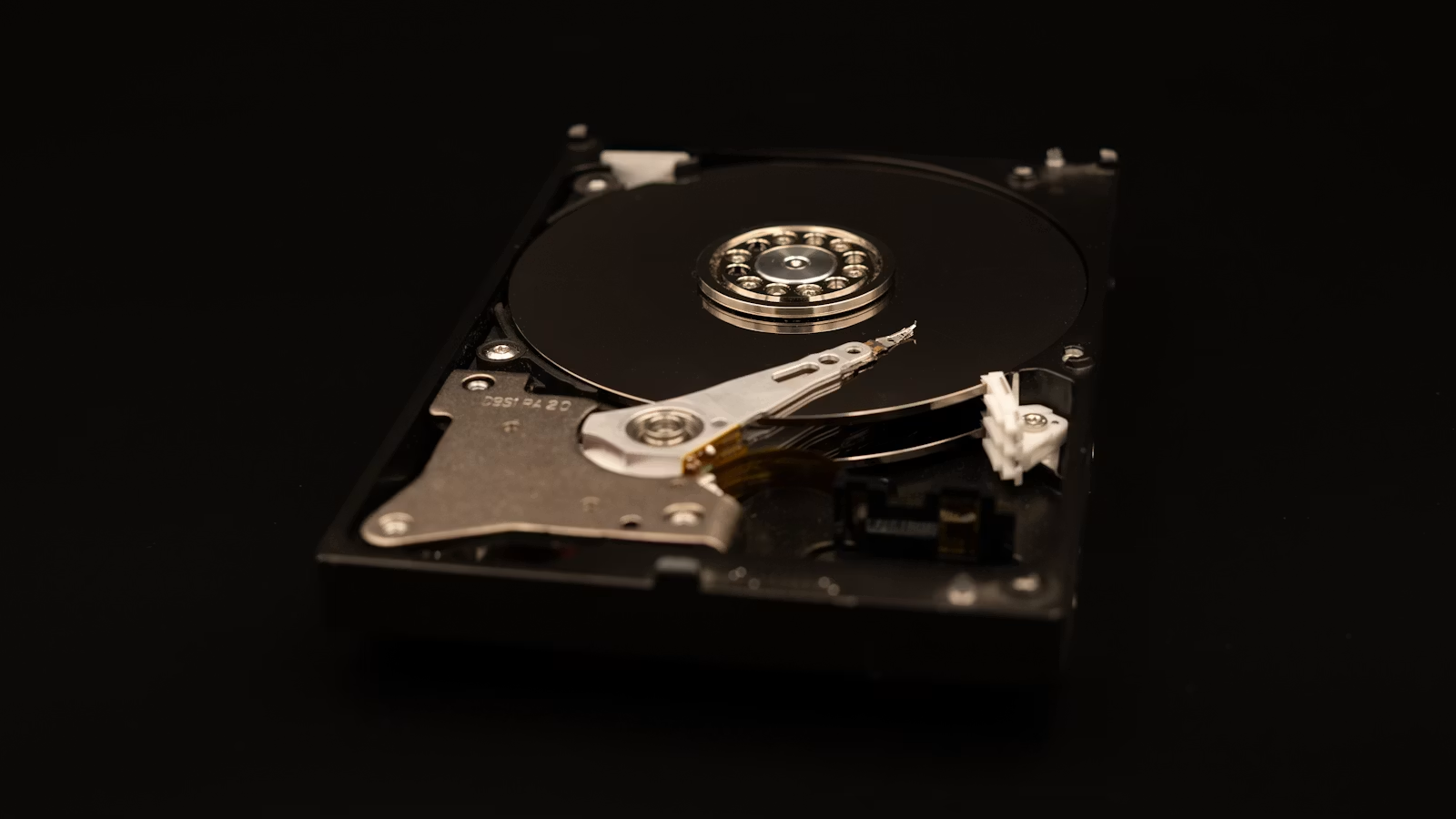
HDDs are receiving renewed attention in the AI era not because they are faster than SSDs, but because AI training, inference, logs, videos, images, backups, and object storage are creating much larger long-term data retention needs. SSDs are better suited for hot data, low latency, and high-concurrency access, while HDDs are better suited for large-capacity, low-cost, cold data storage. To understand the value of HDDs, you need to look at capacity cost, data lifecycle, data center TCO, and tiered storage—not just single-drive speed.
Key Takeaways
- HDDs are gaining attention again mainly because AI data volumes are expanding.
- HDDs are not suitable for low-latency computing, but they are suitable for large-scale long-term storage.
- Cold data, object storage, backups, and archives still rely on low-cost capacity.
- SSDs and HDDs are not complete substitutes; they work together in storage tiers.
- HAMR, SMR, and helium-filled drives are continuing to push HDD capacity higher.
- To evaluate the HDD supply chain, focus on demand, pricing, supply, and customer mix.
Why Are HDDs Getting Attention Again in the AI Era?
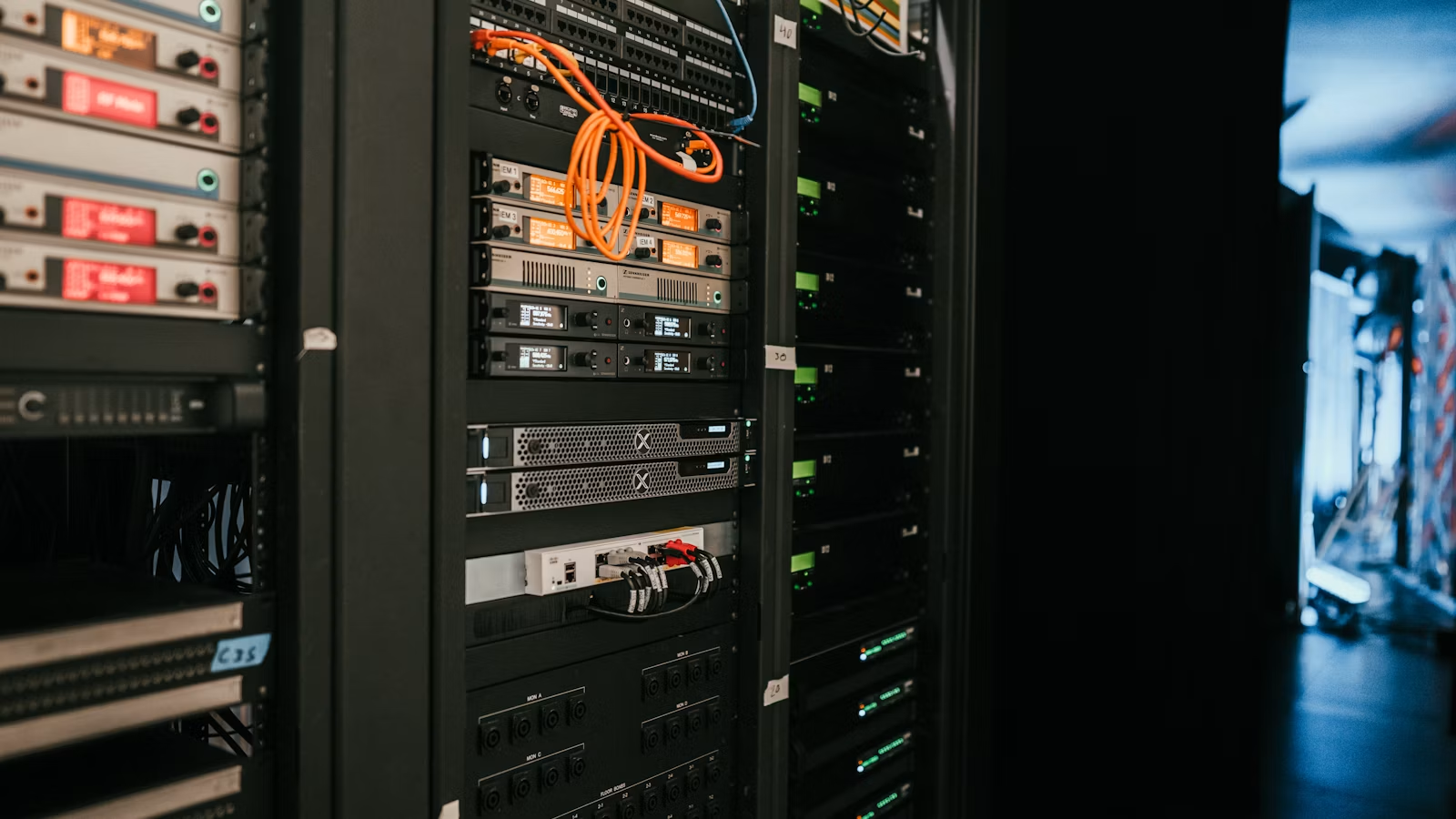
HDDs are regaining attention in the AI era because AI does not only need GPUs, HBM, and high-speed networking; it also needs to store more and more data. Training datasets, inference logs, user interaction records, model versions, images, videos, object data, and backup files do not all require millisecond-level access, but they often need to be retained for a long time. SSDs handle hot data and high-performance access, while HDDs serve as large-scale, low-cost, long-term capacity pools.
AI-driven storage demand has two key characteristics: massive data volume and highly varied access frequency. IDC’s Global Datasphere is used to measure the amount of data created, captured, and replicated globally each year. The earlier Seagate-supported Data Age 2025 also described a trend in which global data volume would grow from tens of zettabytes toward the hundred-zettabyte range. Even though specific forecasts change by year and methodology, the direction is clear: data production is growing far faster than most users intuitively expect.
Data inside AI systems is not valuable only during the training process. Historical logs can be used for model evaluation, user interactions can support product improvement, images and videos can enter multimodal training, business data can support retrieval-augmented generation, and old model weights may be retained for comparison or rollback. Much of this data is not accessed every second, but it cannot be casually deleted. That is exactly where HDDs remain valuable.
| AI Storage Tier | Access Frequency | Latency Requirement | Common Medium | Typical Data |
|---|---|---|---|---|
| GPU local storage | Extremely high | Extremely low | HBM, local NVMe | Training intermediate data, cache |
| Hot data tier | High | Low | Enterprise SSD, NVMe SSD | Feature data, vector indexes |
| Warm data tier | Medium | Medium | SSD + HDD | Recent logs, active datasets |
| Cold data tier | Low | Less sensitive | HDD, object storage | Historical data, backups, archives |
| Deep archive | Very low | Waiting acceptable | Tape, archival cloud storage | Compliance retention, long-term records |
This is why the phrase “HDD revival in the AI era” is easy to misunderstand. HDDs are not returning as high-speed drives inside the compute path, nor are they suitable for replacing NVMe SSDs in high-IOPS, low-latency workloads. HDDs are gaining attention because data centers need a larger capacity foundation to support the AI data lifecycle. In its discussion of AI-oriented mass-capacity storage, Seagate also emphasizes that AI at scale requires multiple storage solutions, with high-capacity hard drives remaining an important layer.
Summary: The value of HDDs in the AI era is not speed, but the ability to store more and more data at a relatively low cost. AI bottlenecks are not limited to compute; they also include data collection, organization, storage, reuse, and compliance retention. SSDs are better suited for hot data, cache, low-latency access, and training pipelines, while HDDs are better suited for cold data, backups, object storage, and long-term capacity pools. The renewed attention on HDDs should not be understood as a performance counterattack against SSDs. It is better understood as the result of expanding tiered storage needs inside data centers. The more AI data grows, the more important it becomes to place data with different access frequencies on different storage media.
What Is Cold Data, and Why Are HDDs Suitable for Cold Data and Object Storage?
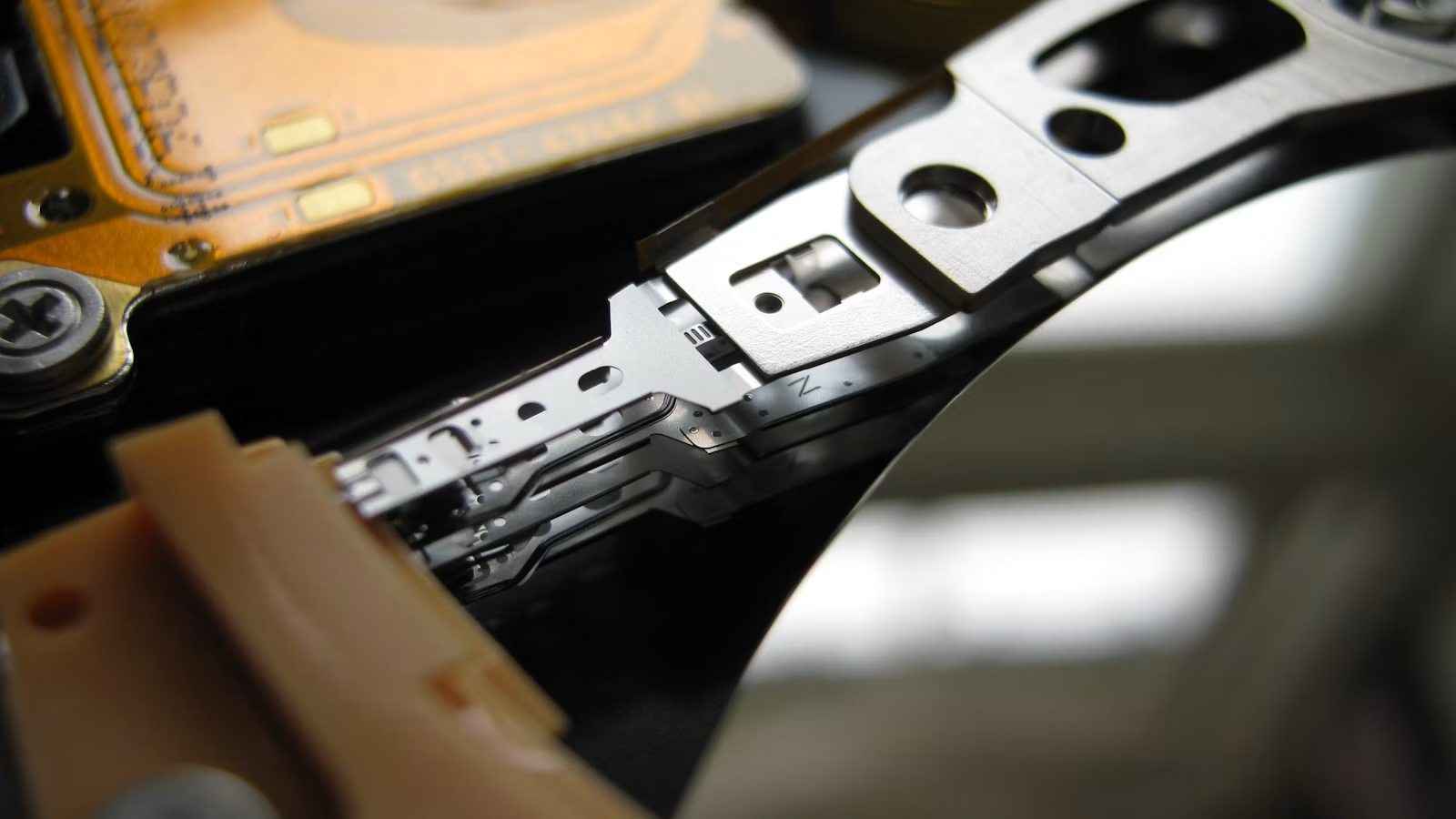
Cold data refers to data that is accessed infrequently but still needs to be retained for a long time. Examples include historical logs, backup files, video assets, image libraries, compliance retention files, old training datasets, and archived documents. HDDs are suitable for cold data not because they have no weaknesses, but because cold data places more importance on cost per capacity, retention period, and system-level reliability, while being less sensitive to ultra-low latency.
You can divide data into hot, warm, and cold categories. Hot data is accessed frequently and usually requires low latency and high concurrency. Warm data is accessed occasionally and needs relatively fast retrieval. Cold data is rarely accessed but may still need to be retrieved in the future for auditing, recovery, training, analytics, or compliance. Cloud storage products use similar logic. For example, Amazon S3 Storage Classes separate frequently accessed, infrequently accessed, and archival storage, while Google Cloud Storage Classes divide storage into Standard, Nearline, Coldline, and Archive based on access frequency and minimum storage duration.
| Data Type | Access Frequency | Latency Requirement | Retention Period | Suitable Medium | Typical Use Case |
|---|---|---|---|---|---|
| Hot data | Very high | Very low | Short to medium term | NVMe SSD, enterprise SSD | Real-time databases, search, recommendation |
| Warm data | Medium | Medium | Medium term | SSD + HDD | Recent logs, project files |
| Cold data | Low | Less sensitive | Long term | HDD, object storage | Backups, historical images, videos |
| Archive data | Extremely low | Waiting acceptable | Very long | Archival cloud, tape, HDD pools | Compliance retention, long-term records |
Object storage and HDDs are often discussed together because object storage is suitable for massive amounts of unstructured data: images, videos, logs, backups, AI datasets, and sensor data can all be stored as objects. HDDs still have advantages in sequential throughput, large capacity, and lower dollars per terabyte in large-object, low-access-frequency, scale-out architectures. The research system SMORE explores how SMR hard drives can be used to build large-object storage for cold data and emphasizes that SMR’s sequential write constraints are better suited to workloads with large objects and fewer modifications.
Cold data is not worthless data. AI is making companies reassess the value of historical data. Logs that were once retained only for recordkeeping may now be used for model evaluation. Dormant videos and images may enter multimodal training. Unstructured business data scattered across systems may be reused through retrieval-augmented generation. For enterprises, cold data is shifting from being a pure cost burden to becoming a data asset that AI may later reuse.
Summary: The key idea behind cold data is not that it is useless, but that it is accessed infrequently, retained for a long time, and may still need to be retrieved in the future. HDDs are suitable for cold data because they can store large volumes of unstructured data at a relatively low cost per capacity. In the AI era, historical logs, images, videos, sensor data, and business archives may all be reused for training, retrieval, analytics, or auditing. This increases the strategic value of cold data. HDDs are not suitable for every workload, but in object storage, backups, archives, and large-scale cold data pools, they remain an important choice for the capacity layer of data centers.
HDDs, SSDs, and Enterprise SSDs: How Capacity, Performance, and Cost Are Divided
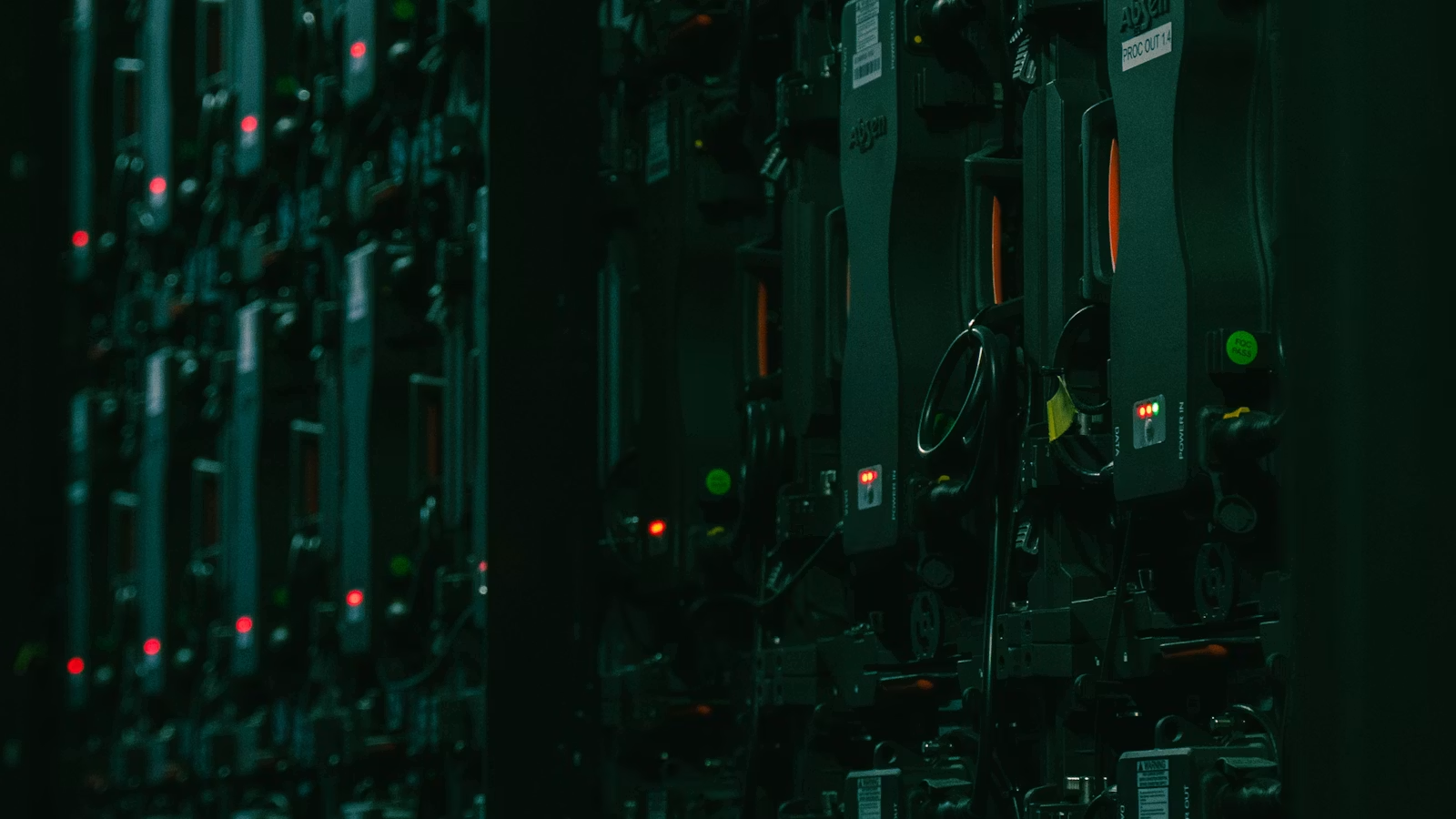
HDDs, SSDs, and enterprise SSDs are not simple replacements for one another; they form different layers of a tiered storage system. The core advantage of HDDs is low-cost, high-capacity storage. Consumer SSDs are better for personal computers and responsive user experience. Enterprise SSDs are better for data center workloads that require high IOPS, low latency, and stable writes. In the AI era, the real question is not which medium replaces the others, but which data should be placed on which storage tier.
The advantage of HDDs comes from the capacity economics of magnetic recording. In HDD vs SSD, Western Digital notes that modern Ultrastar HDDs can reach capacities of up to 32TB and continue to serve as important components of hyperscale data center and enterprise storage infrastructure. The weakness of HDDs is also clear: they have mechanical parts, and their random access latency and IOPS are far behind SSDs. They are not suitable as modern high-performance system drives and are not ideal for intensive random read/write workloads.
SSDs have the advantages of low latency, high IOPS, shock resistance, and high-concurrency access. When you put an operating system, database, game, development environment, or video editing assets on an SSD, the experience is usually far better than on an HDD. Enterprise SSDs go further by emphasizing consistent latency, power-loss protection, end-to-end data protection, DWPD, and QoS, making them more suitable for cloud services, databases, virtualization, and AI training data pipelines.
| Dimension | HDD | Consumer SSD | Enterprise SSD |
|---|---|---|---|
| Core advantage | Low-cost high capacity | Fast response, no mechanical structure | Stable performance and reliability |
| Random access | Weak | Strong | Very strong |
| Cost per capacity | Low | Medium to high | High |
| Single-drive capacity | Very high | High | High to very high |
| Typical scenarios | Backup, NAS, cold data | System drives, gaming, creation | Databases, AI, cloud services |
| AI data role | Capacity tier, cold tier | Hot data, cache | High-performance data channel |
From Hardware Cost to Trading Cost
If you follow HDDs, enterprise SSDs, NAND, cloud computing, and AI data center-related stocks, you also need to consider actual trading costs in addition to industry logic. U.S. stock trading costs usually include more than commissions; they may also include platform fees, external agency fees, transaction activity fees, and other charges. Biya charges $0 commission for U.S. stock trading, while platform fees, external agency fees, and other charges are subject to the fee center and order page. If the service is available in your region, you can review Biya U.S. stock trading fees. Public market information and fee structures should only be used as references and do not constitute investment advice.
From a data center perspective, cost is not just the purchase price of a drive. Western Digital’s long-term case for HDD storage notes that SSDs still carry a 5x–10x dollars-per-terabyte premium compared with HDDs, and this difference becomes magnified in petabyte- and exabyte-scale deployments. Large customers also compare rack space, power consumption, cooling, maintenance, failure replacement, redundancy, and lifecycle—not just procurement cost.
Summary: The strength of HDDs is high capacity and low cost, not speed. The strength of SSDs is low latency and high concurrency, not capacity cost. The strength of enterprise SSDs is stable performance and data center reliability. The AI era is not about a single winning storage medium; it is about more important storage tiering. Hot data belongs on SSDs. Warm data can be placed on SSDs or HDDs depending on the workload. Cold data and long-term archives are better suited to HDDs or even lower-cost media. When choosing a storage solution, you should first evaluate access frequency, latency requirements, retention period, budget, and reliability needs instead of simply asking whether HDDs or SSDs are better.
How HAMR, SMR, and Helium-Filled Drives Continue to Increase HDD Capacity
HDD capacity can continue to rise through HAMR, SMR, helium-filled packaging, higher platter density, and more platters per drive. HDDs are drawing attention in the AI era not only because mechanical drives are “cheap,” but also because manufacturers are pushing single-drive capacities toward 30TB, 40TB, and beyond. Higher capacity can improve rack density, energy efficiency per unit of capacity, and dollars per terabyte in data centers.
HAMR stands for Heat-Assisted Magnetic Recording. Its core idea is to use localized heating during writing to help magnetic materials reliably record data in smaller magnetic regions, thereby increasing areal density. Seagate’s Mozaic platform is based on HAMR technology and is designed to increase capacity density for large-scale data centers. Seagate also announced the Exos M 30TB to meet data center and AI storage demand, and previously introduced Exos M samples with capacities of up to 36TB.
SMR stands for Shingled Magnetic Recording. It increases platter capacity by partially overlapping magnetic tracks like roof shingles. The trade-off is that random rewriting becomes more complex, so SMR is better suited for sequential writes, low modification rates, large objects, and cold data. CMR, or Conventional Magnetic Recording, is the traditional recording method. It offers more flexible random writes and is suitable for a wider range of enterprise workloads.
Helium-filled drives matter because of engineering efficiency. Helium has lower density than air, which reduces platter drag and vibration, helps fit more platters into a drive, and improves power and thermal behavior. Western Digital’s 32TB UltraSMR and 26TB CMR HDDs target hyperscale, cloud, and enterprise data centers. Its later discussion of storage innovation in the AI era also mentioned 40TB UltraSMR ePMR HDDs entering customer qualification and discussed higher-capacity roadmaps.
| Technology | Core Function | Improvement Direction | Suitable Scenario | Main Limitation |
|---|---|---|---|---|
| HAMR | Improves areal density | Higher capacity per platter | High-capacity data center HDDs | High manufacturing complexity |
| SMR | Overlaps magnetic tracks | Higher capacity efficiency | Cold data, large objects, archives | Less flexible random writing |
| CMR | Traditional magnetic recording | More flexible writes | General enterprise workloads | Lower capacity density than SMR |
| Helium packaging | Reduces drag and vibration | More platters, lower power | High-capacity nearline HDDs | Higher process requirements |
Summary: HDDs are not mechanical devices stuck in the past. HAMR improves areal density, SMR improves capacity efficiency, helium-filled packaging improves multi-platter design and power behavior, while CMR continues to serve more flexible enterprise write scenarios. These technologies together help HDDs continue evolving in the data center capacity tier. When you think about HDD technology, do not only focus on the fact that mechanical hard drives are slow. You also need to ask how much data they can store per unit of space, power, and cost, and whether that data needs to be accessed frequently. As long as cold data and object storage continue to grow, HDD technology roadmaps still have commercial relevance.
Why AI Data Centers Still Need HDDs: TCO, Supply Chain, and Reliability
AI data centers still need HDDs because most data is not always in the real-time compute path. GPU training and inference require high-speed storage, but data lakes, backups, logs, historical samples, object storage, and compliance retention care more about TCO, capacity supply, and system-level reliability. The role of HDDs is not to replace SSDs, but to reduce total storage cost in the capacity tier.
TCO includes far more than drive purchase price. It includes procurement cost, rack space, power consumption, cooling, operations, failure rate, data redundancy, lifecycle, and supply stability. In its discussion of HDDs in AI storage, Western Digital emphasizes that HDDs remain an important low-cost, reliable capacity layer in AI storage. At petabyte and exabyte scale, even a small percentage difference in capacity cost can translate into a major budget difference.
Reliability also cannot be judged only at the single-drive level. HDDs are mechanical devices, and individual drives fail. Data centers manage risk through redundancy, erasure coding, geographic replication, health monitoring, and batch replacement. Backblaze’s 2025 Drive Stats tracked 344,196 drives and reported an annualized failure rate of 1.36%. This type of data is useful because it shows that large-scale drive reliability should be evaluated through long-term samples and system management, rather than extrapolating from one consumer drive failure experience to an entire cloud storage architecture.
| AI Data Center Evaluation Factor | Why HDD Matters | What to Watch |
|---|---|---|
| $/TB | Reduces large-capacity storage cost | Lowest drive cost does not always equal lowest TCO |
| Rack density | High-capacity drives reduce space pressure | Drive bays and cooling still matter |
| Power | Energy per TB can be optimized | Full-rack design matters |
| Reliability | Risk can be managed through system redundancy | Individual drives still fail |
| Supply cycle | High-capacity drives affect expansion pace | AI demand may tighten supply |
| Data lifecycle | Fits cold and capacity tiers | Not suitable for low-latency hot tiers |
Supply tightness is another signal that HDDs are receiving renewed attention. The speed of AI data center construction is making high-capacity HDDs a strategic resource. Recent market reports about enterprise HDD shortages, longer lead times, and hyperscalers locking in supply have become more common. Tom’s Hardware reported that enterprise hard drives on backorder are being affected by AI infrastructure demand, with implications for the supply-demand balance of enterprise HDDs and QLC SSDs. Exact prices and lead times will change with the market, but the trend shows that high-capacity storage is no longer just background hardware; it is part of AI infrastructure.
Summary: AI data centers keep HDDs not because HDDs fit every workload, but because large-scale data systems must balance performance and cost through tiering. GPUs require high-speed data delivery, SSDs handle hot data and cache, and HDDs handle capacity pools, cold data, backups, and long-term retention. When data centers buy HDDs, the real comparison is system-level TCO: cost per capacity, power, space, redundancy, reliability, and supply stability. The stronger AI demand becomes, the more important it is for storage tiers to work together instead of betting on a single medium. The value of HDDs comes from capacity economics, but it is also affected by supply chains and customer structure.
How Ordinary Users and Investors Can Evaluate HDD Opportunities and Risks
Ordinary users should evaluate HDDs based on backup, NAS, media libraries, photography and video archives, cold data, and long-term storage needs. Investors should evaluate the HDD supply chain by looking at high-capacity nearline HDD demand, AI data center orders, pricing cycles, supply constraints, and customer mix. HDD opportunities come from data scale expansion, while risks come from cyclicality, SSD substitution, and customer concentration.
For ordinary users, HDDs are still suitable for home NAS, photo backups, video archives, local cold backups, media libraries, and infrequently accessed files. If you need a system drive, game drive, development environment, or frequent random access, an SSD is more suitable. If you need to preserve important data, an HDD also cannot serve as an “absolutely safe” single point of storage. You should consider multiple copies, local plus cloud backups, regular verification, and offsite storage.
For investors, the HDD supply chain is not just about “mechanical hard drive prices going up.” More important factors include nearline HDD exabyte shipments, average drive capacity, ASP, gross margin, long-term supply agreements, hyperscaler demand, AI data center construction pace, and competitive dynamics. Seagate, Western Digital, and Toshiba are the major HDD manufacturers. The upstream chain also includes platters, heads, motors, materials, and equipment suppliers. You also need to monitor whether lower-cost QLC SSDs replace HDDs in some cold data use cases.
| Perspective | Core Question | Key Metrics | Main Risks |
|---|---|---|---|
| Ordinary user | Do you need low-cost high capacity? | Capacity, noise, warranty, backup strategy | Single-drive failure, accidental deletion, no backup |
| NAS user | Do you need long-term operation? | Vibration, temperature, drive bays, RAID | RAID is not backup |
| Creator | Do you need to archive video assets? | TB cost, read/write speed, expandability | Asset loss, high recovery cost |
| Investor | Does AI create long-term demand? | Nearline capacity, ASP, gross margin | Cyclicality, customer concentration |
| Industry researcher | Can the technology roadmap deliver? | HAMR, SMR, supply capability | Capacity, yield, substitute technologies |
If you follow Seagate, Western Digital, NAND, enterprise SSDs, AI data centers, semiconductor ETFs, or the U.S. and Hong Kong technology sectors, you can use the U.S. stock lookup tool to observe related names and industry information. When tracking across markets, you should also consider exchange rates, fees, trading rules, and your own risk tolerance instead of relying only on industry narratives.
Summary: Ordinary users should evaluate HDDs based on whether they need large capacity, infrequent access, and multiple backup copies. Investors should evaluate HDDs based on whether AI creates durable capacity demand, whether manufacturers can improve single-drive capacity and profitability, whether supply is tight, and whether SSDs replace HDDs in some scenarios. HDD opportunities come from data scale expansion. Risks come from cycles, technology substitution, and customer concentration. Whether buying a hard drive or observing related assets, you should not focus only on the “AI concept.” You should return to capacity, cost, reliability, and real demand. Data is an asset, and storing data also requires careful cost calculation.
Understanding why HDDs are receiving renewed attention helps you expand your view of AI infrastructure from “GPUs and chips” to “data and storage.” If you follow memory chips, mechanical hard drives, enterprise SSDs, AI data centers, semiconductor ETFs, and U.S. or Hong Kong technology stocks, you can use Biya to record multi-asset trades, monitor related names, and manage billing information. Biya supports U.S. stock and Hong Kong stock trading as well as digital asset trading. U.S. stock trading commission is $0, while platform fees, external agency fees, and other charges are subject to the fee center and order page. When tracking across markets, real-time exchange rates can also help estimate cost changes across different currencies. Availability of related services depends on the user’s location, identity verification results, platform rules, and applicable laws and regulations. The information above only introduces public market information, trading rules, and fee structures, and does not constitute investment advice.
FAQ
Why Have HDDs Not Been Fully Replaced by SSDs?
HDDs have not been fully replaced by SSDs because they still have advantages in low-cost, high-capacity storage, cold data, backups, object storage, and the capacity tier of data centers. SSDs are better for low-latency and high-concurrency access, while HDDs are better for long-term storage of large amounts of infrequently accessed data.
Why Do AI Data Centers Still Need HDDs?
AI data centers still need HDDs because AI requires not only high-speed computing but also storage for training data, inference logs, model versions, images, videos, and cold data. SSDs are better for hot data, while HDDs are better for large-scale capacity pools and long-term archives.
Why Is HDD Storage More Suitable for Cold Data Than SSD Storage?
HDD storage is more suitable for cold data because cold data is accessed infrequently, stored for long periods, and is less sensitive to latency. It places more importance on cost per capacity. SSDs are faster, but they are usually more expensive for large-scale long-term storage.
Is It Still Worth Buying HDDs for a Home NAS?
HDDs are still worth buying for a home NAS if your main needs are photo backups, media libraries, infrequently accessed files, and large-capacity storage. System drives, cache drives, and high-frequency random access tasks are better suited to SSDs. Important data should have multiple copies, and RAID is not the same as backup.
Will HAMR Hard Drives Change the Competition Between HDDs and SSDs?
HAMR hard drives will increase HDD capacity and space efficiency, but they will not make HDDs faster than SSDs in low-latency or random-access workloads. HAMR is more likely to strengthen the role of HDDs in the data center capacity tier, cold data, and object storage.
What Risks Matter When Investing in the HDD Supply Chain?
When investing in the HDD supply chain, key risks include storage pricing cycles, the durability of AI demand, customer concentration, SSD substitution, supply expansion, and execution of technology roadmaps. Related trades should also be evaluated based on platform fees, billing details, and local regulatory requirements.
*This article is provided for general information purposes and does not constitute legal, tax or other professional advice from BiyaPay or its subsidiaries and its affiliates, and it is not intended as a substitute for obtaining advice from a financial advisor or any other professional.
We make no representations, warranties or warranties, express or implied, as to the accuracy, completeness or timeliness of the contents of this publication.
Related Blogs of

MACD Crypto Trading Strategy: Settings, Signals, and Risk Management


Buying US Stocks from Overseas: Broker Options, Funding, and Costs


Online Bank-to-Bank Transfers: Account Linking, Steps, and Limits


Wire Transfer Requirements: Sender and Beneficiary Details Checklist
Choose Country or Region to Read Local Blog
 Australia
 Austria
 Belgium
 Canada
 Cyprus
 Czech Republic
 Denmark
 Estonia
 Finland
 France
 Germany
 Greece
 Hong Kong
 India
India Indonesia
 Ireland
 Italy
Italy Japan
Japan Latvia
 Lithuania
 Luxembourg
 Malaysia
 Malta
Malta Morocco
 Nepal
Nepal Netherlands
 New Zealand
 Norway
 Pakistan
 Philippines
 Poland
 Portugal
 Romania
 Singapore
 Slovakia
 Slovenia
 South Africa
 South Korea
 Spain
Spain Sweden
 Thailand
 United States
 Turkey
 United Arab Emirates
 United Kingdom
 Vietnam