MoneyGram Debit Card, Money Orders and Tracking: What Users Need Before Sending




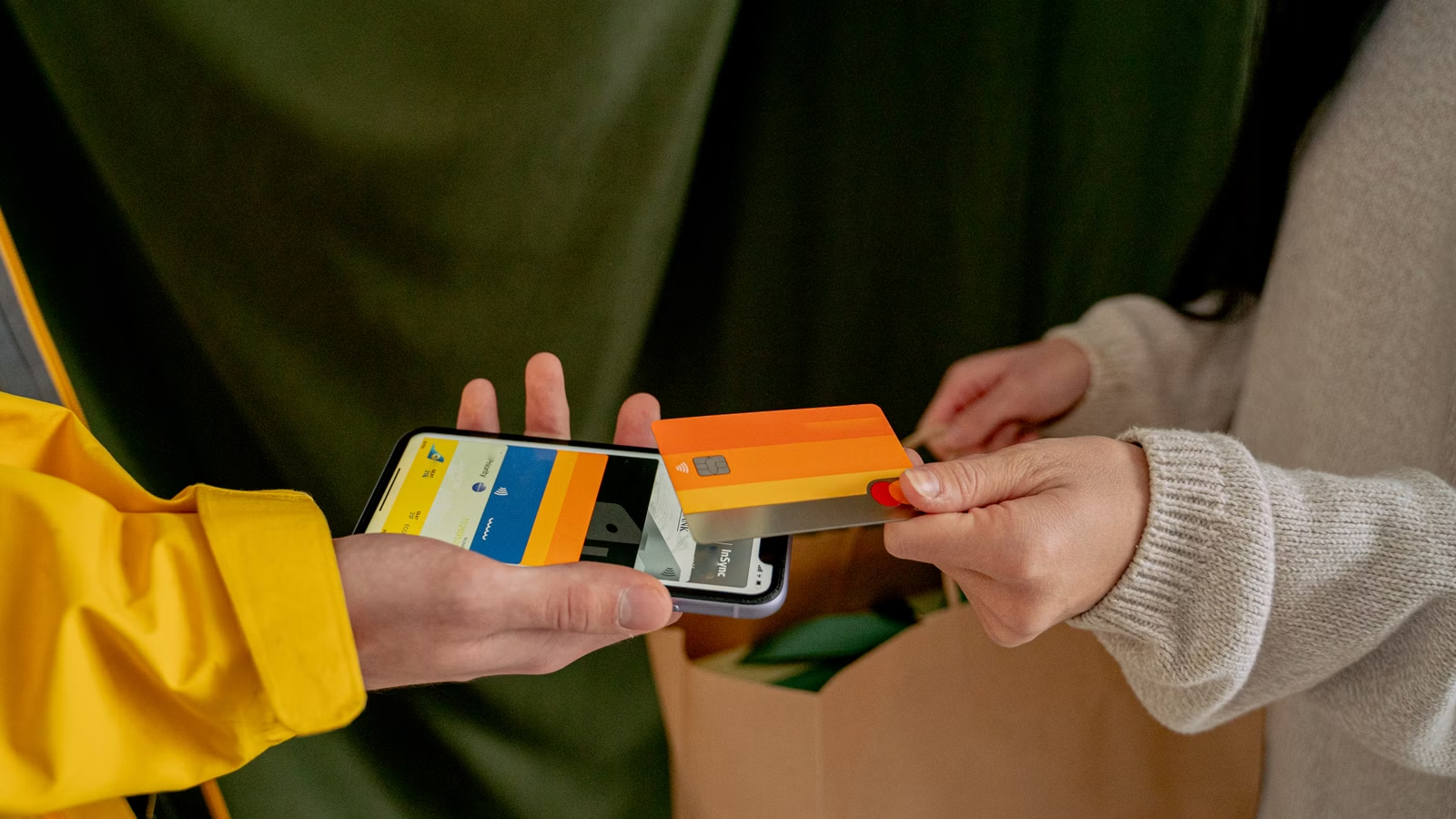
“MoneyGram debit card” can mean two different things: using a debit card to pay for a MoneyGram transfer, or sending money to a recipient through a card-based payout option where available. The right choice depends on your country, destination, payment method, delivery method, verification requirements, fees and exchange rate. MoneyGram also offers money transfers for cash pickup, bank deposit and mobile wallet delivery in supported markets, plus money orders in the United States. Before sending, you should compare the total cost, confirm how the recipient will receive funds, save your reference number or money order receipt, and avoid sending money to unverified recipients. Debit card transfers may be convenient, but they are not always the lowest-cost or safest option for every situation.
Key Takeaways
- “MoneyGram debit card” may mean paying by debit card or sending to a card-linked recipient option.
- Debit card transfers can be convenient, but fees, exchange rates, limits and availability vary by route.
- MoneyGram money orders are separate from online transfers and require careful receipt storage.
- Tracking a MoneyGram transfer usually requires the reference number and sender details.
- Refunds, edits and cancellations depend on transfer status, pickup status and provider rules.
- Avoid sending MoneyGram transfers to strangers, fake employers, romance contacts or urgent-pressure requests.
What “MoneyGram Debit Card” Means Before You Send
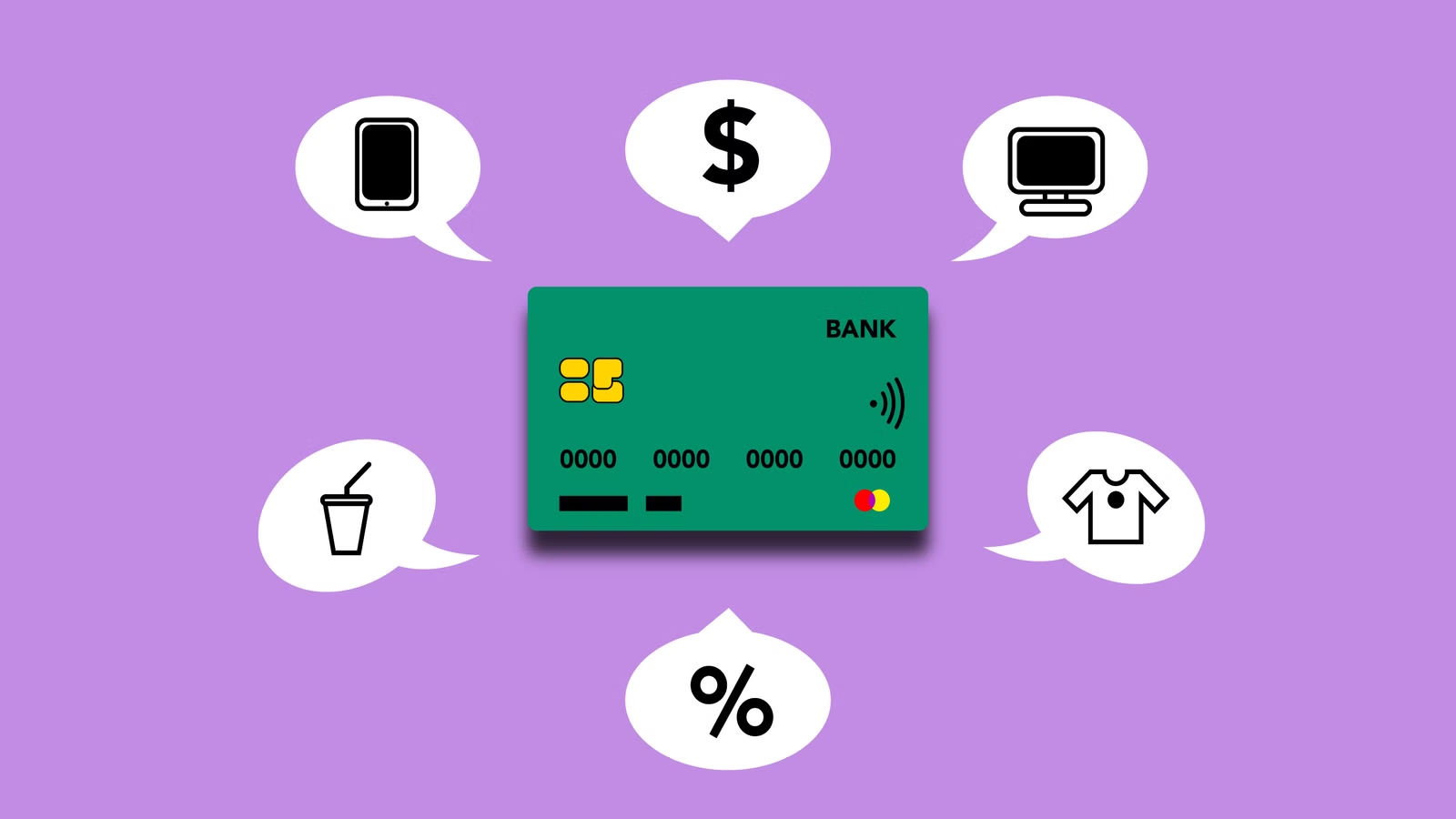
If you search for MoneyGram debit card, the first step is to identify whether you want to pay with a debit card or send money to a recipient’s debit card. These are different actions with different rules. Paying with a debit card usually means you fund an online or app-based money transfer using a Visa or Mastercard debit card where supported. Sending to a debit card means the recipient may receive funds through a card-linked payout route where MoneyGram and the destination market support it. Neither option is universal. Availability depends on sending country, receiving country, transaction amount, card network, delivery method, compliance checks and MoneyGram’s current service coverage.
MoneyGram is a money transfer company, not only a debit card service. Users may send money online, through the app or at agent locations. Depending on the route, the recipient may receive money by cash pickup, bank deposit, mobile wallet, debit card or other supported receiving method. In the United States, MoneyGram also offers money orders, which are prepaid paper payment instruments used for bills, rent, mailed payments and proof-of-payment situations.
The confusion comes from the word “debit card.” A sender may ask whether a debit card can be used to pay. A recipient may ask whether funds can go directly to a card. A buyer may ask whether a prepaid debit card can be used. Someone else may mean a MoneyGram money order purchased with card or cash at a store. Each case has different fees, timelines, limits and refund paths.
MoneyGram says users may be able to pay for online transfers with a credit or debit card, while other online payment options may vary by country. That means you should not assume every debit card, every country or every payout option is available for your transfer.
Paying with a debit card on MoneyGram
Paying with a debit card is usually about funding the transfer. You enter the recipient information, choose a delivery method, select a payment method, review the fee and exchange rate, and confirm. Debit card funding may be attractive because it feels familiar and quick. You do not need to bring cash to an agent location, and you may not need to connect a bank account.
The main trade-off is cost and availability. Card-funded transfers may have different fee structures from bank-funded transfers or cash-funded agent transfers. Your card issuer may also decline the transaction, apply extra verification or treat certain transactions differently depending on card rules. If you use a credit card instead of a debit card, your issuer may charge cash advance fees and interest, so debit and credit should not be treated the same.
Before paying with a debit card, check:
- Whether the card type is accepted
- Whether your billing address matches your profile
- Whether the transfer route supports card funding
- Whether fees differ from bank account or cash payment
- Whether the card issuer may add charges
- Whether identity verification is required
- Whether the transfer can be edited or canceled after confirmation
Sending money to a debit card
Sending money to a debit card is about delivery, not funding. In some corridors, a sender may be able to choose card-based delivery so the recipient receives funds through a supported debit card or card-linked account. This can be useful when the recipient prefers a card payout instead of cash pickup or bank account deposit.
However, card-based payout depends on more variables than many users expect. The recipient’s card network, issuing bank, country, name match, account status and local rules may affect availability. Delivery speed can also vary. A route that works for one country may not work for another, and a payout option available today may not be available for a different amount or recipient.
You should confirm the recipient’s details carefully. If the name, card details, country, currency or payout method is wrong, the transfer may be delayed, rejected or require support.
Common searches that mix different MoneyGram products
The table below shows why “MoneyGram debit card” searches often lead to mixed results.
| User search phrase | What it usually means | What to check before sending |
|---|---|---|
| MoneyGram debit card transfer | Paying by debit card or sending to a card | Funding method, payout method and route availability |
| MoneyGram send money with debit card | Sender wants to pay by debit card | Card acceptance, fees, limits and verification |
| MoneyGram send to debit card | Recipient may receive through card payout | Destination support, card eligibility and timing |
| MoneyGram prepaid debit card | User may want to use a prepaid card | Whether the prepaid card is accepted |
| MoneyGram money order debit card | User may want to buy a money order | Store payment rules and receipt requirements |
| MoneyGram tracking debit card transfer | User wants transfer status | Reference number and sender details |
Summary: MoneyGram debit card use is route-dependent, so the safest starting point is to define exactly what you are trying to do. If you are paying with a debit card, compare the debit card fee, exchange rate, card acceptance, transfer limit and verification requirements against bank account or cash payment. If you are sending money to a debit card, confirm that the destination, recipient card, currency and delivery method are supported before you send. If you are dealing with a money order, treat it as a separate product with different tracking, refund and proof-of-payment rules. The best decision comes from comparing the final recipient amount, delivery speed, refund path and fraud risk before confirming the transaction.
MoneyGram Debit Card Fees, Exchange Rates and Delivery Speed
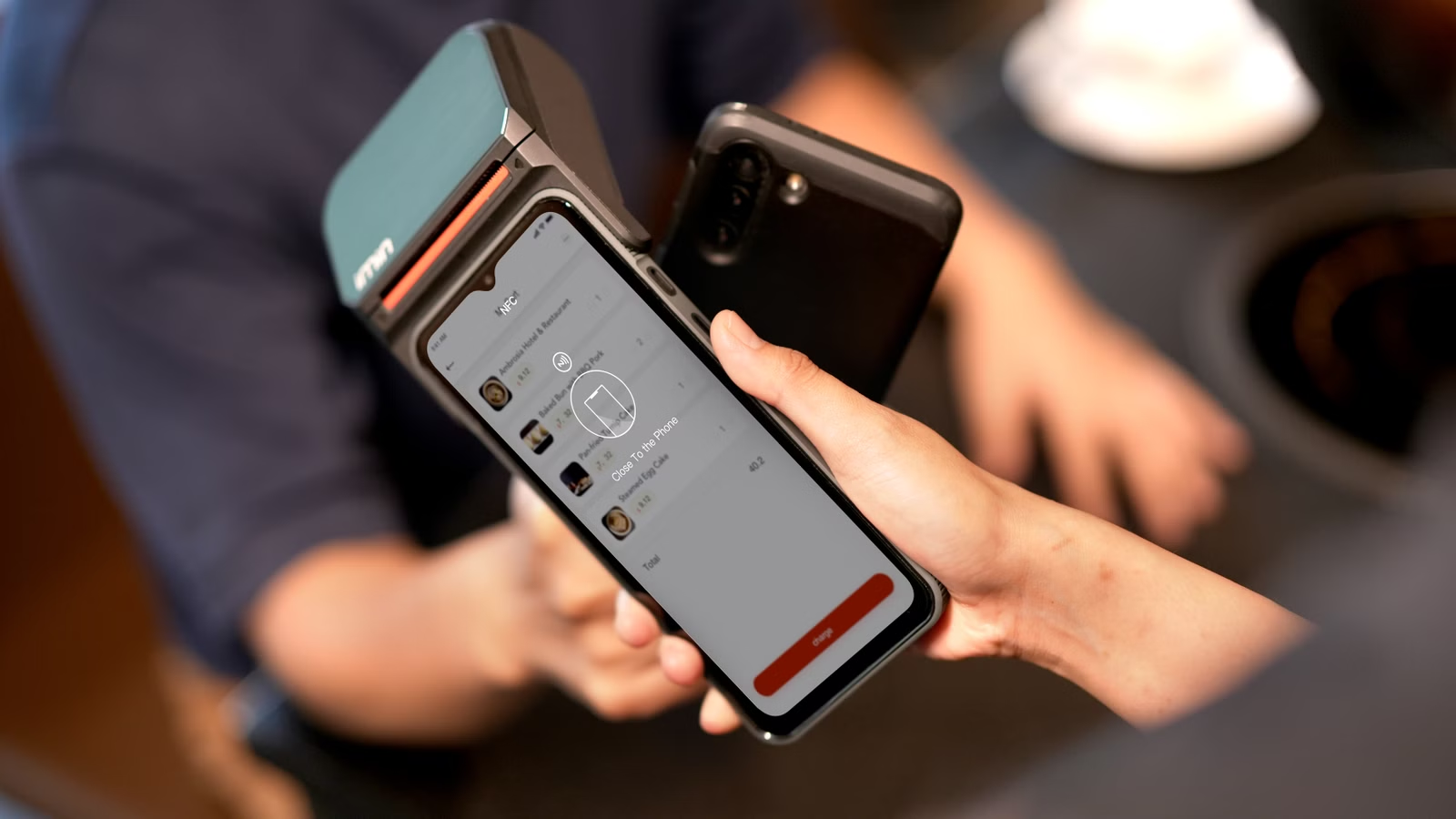
MoneyGram debit card fees depend on the exact transaction, not a single global price. The amount you send, destination country, payment method, receiving method, currency, pickup location and regulatory requirements can all affect the final cost. A debit card transfer may be convenient, but it is not automatically the cheapest method. You should review the transfer fee, exchange rate and final payout amount before paying. For international transfers, the exchange rate can be just as important as the stated fee because a weaker rate reduces the amount the recipient receives. Delivery speed can also vary by route, bank processing hours, agent availability, wallet provider rules, system availability and identity checks.
MoneyGram states that it shows the exchange rate, transfer fee and final payout amount before confirmation for online and app transfers. That cost breakdown is the number you should rely on, not a general assumption that debit cards are always faster or cheaper.
Why debit card funding may cost more than bank funding
Debit card funding can be faster because the payment method is familiar, immediate and widely used for online checkout. For many users, this is the main advantage. You can send from home, avoid visiting an agent location and complete the transaction through the app or website.
The possible downside is cost. Card payment processing can carry different economics from bank transfers. Depending on the provider, country and transaction type, debit card funding may have a different fee from bank account funding or cash payment. If you use a credit card rather than a debit card, your card issuer may impose cash advance fees or interest charges. Debit cards are generally linked to your bank funds, but they still may involve issuer checks, authorization limits or fraud controls.
A debit card may be practical when:
- You need a convenient online payment method.
- You do not want to connect a bank account.
- You cannot visit an agent location.
- The recipient needs faster delivery where supported.
- The fee and exchange rate remain acceptable.
A debit card may be less suitable when:
- Bank account funding gives a better total cost.
- The transfer amount is large and FX cost matters.
- Your card issuer may block or review the transaction.
- You need a formal bank wire for institutional payment.
- You are sending to an unverified recipient.
Exchange rate cost vs. transfer fee
International money transfer cost has two major layers: the visible transfer fee and the exchange rate. If you send U.S. dollars and the recipient receives pesos, rupees, pounds, euros or another local currency, the exchange rate determines the payout amount. MoneyGram says it may make money from currency exchange, so you should compare both the fee and the rate before confirming.
This is especially important for larger transfers. A small exchange rate difference may be minor on a $50 transfer but meaningful on a $2,000 transfer. A low transfer fee may look attractive, but a weaker exchange rate can reduce the final recipient amount. A higher fee with a stronger exchange rate can sometimes deliver more.
The right comparison is:
Total transfer result = amount charged to you + transfer fee + exchange rate impact + final amount received
For practical comparison, create a quote with MoneyGram and at least one alternative. Use the same send amount, same destination, same delivery method and same recipient currency. Then compare the final payout amount and arrival time.
| Cost factor | How it affects MoneyGram debit card transfers | What to verify |
|---|---|---|
| Transfer amount | Larger amounts may face different fees or limits | Minimum, maximum and tiered fees |
| Payment method | Debit card, credit card, bank or cash may price differently | Total fee before confirmation |
| Delivery method | Cash pickup, bank deposit, wallet or card payout may differ | Recipient access and delivery timing |
| Exchange rate | Affects the final local-currency payout | Rate and recipient amount |
| Destination country | Service coverage and rules vary by market | Availability and required details |
| Identity verification | Can delay or block transfers | Profile and document requirements |
| Card issuer rules | Card payments may be declined or reviewed | Bank limits and security checks |
Delivery speed and route availability
Debit card funding may feel instant, but the recipient’s delivery speed depends on the full route. A cash pickup may be available quickly if the agent location is open and the recipient passes identity checks. A bank deposit may depend on bank processing times. A mobile wallet may depend on local wallet rules. A card payout may depend on card-network and issuer support.
MoneyGram’s app experience emphasizes the ability to track transfers in real time, but tracking does not guarantee instant completion. A transfer can still be reviewed, delayed or stopped because of incorrect details, compliance screening, recipient issues, system availability or payout provider constraints.
Before sending, check the estimated delivery time on the confirmation screen. Also consider local holidays, weekends, agent operating hours, bank cutoffs and the recipient’s ability to collect or access the funds.
Summary: MoneyGram debit card transfers should be judged by total cost and practical delivery, not by convenience alone. Debit card funding can be useful when you want to send online or through the app without visiting an agent location, but the fee and exchange rate still need to be compared with bank funding, cash payment and other transfer providers. For international transfers, focus on the recipient amount after currency conversion. For urgent transfers, verify that the selected payout method can actually deliver funds within the expected time. The confirmation screen is the key checkpoint: review transfer fee, exchange rate, final payout amount, delivery method, card details, recipient information and cancellation rules before you pay.
MoneyGram Money Orders: When They Make Sense and What to Keep

MoneyGram money orders are different from debit card transfers and online money transfers. A money order is a prepaid paper payment instrument that can be useful when you need proof of payment, do not want to mail cash, do not want to use a personal check or need to pay a business, landlord, biller or organization that accepts money orders. The main advantage is control: you pay upfront and receive a receipt. The main risk is recordkeeping. If the money order is lost, delayed, stolen, cashed by the wrong party or never received, your receipt and serial number become essential. Without them, refund, replacement or research can take longer and may cost more.
MoneyGram describes money orders as a payment method that can be more reliable than cash and more convenient than checks, especially when the buyer keeps the receipt as proof of purchase.
What a MoneyGram money order is used for
Money orders are commonly used when the payee needs a guaranteed form of payment but the payer does not want to use cash or a personal check. Because the money order is prepaid, the recipient does not face the same risk as a personal check bouncing due to insufficient funds.
Common uses include:
- Rent payments
- Utility bills
- Government or court payments where accepted
- Mail-in payments
- Deposits or fees
- Payments to businesses that do not accept personal checks
- Situations where the payer does not have a checking account
- Situations where the payer wants a receipt-based record
A money order is not the same as a wire transfer. It does not deliver funds electronically to a recipient’s bank account in the same way a MoneyGram transfer may. It is also not the same as a cashier’s check, ACH transfer, debit card payment or mobile wallet transfer.
What to keep after buying a MoneyGram money order
The most important action after buying a money order is to keep the receipt. Treat it like a transaction record, not like a disposable slip. If you later need to prove payment, check status, request a copy or apply for a refund, the receipt makes the process easier.
Keep these details:
- Detachable receipt
- Money order serial number
- Purchase amount
- Purchase date
- Purchase location
- Payee name
- Your own name and contact details
- Any envelope tracking information if mailed
- Copy or photo of the completed money order
- Communication with the recipient
Before mailing a money order, fill it out correctly. Write the payee name clearly and avoid leaving it blank. A blank money order can create risk if lost or stolen. If you are paying rent, bills or a business invoice, write any account number or memo information requested by the payee.
Refunds, photocopies and processing fees
Money order refund and research procedures can involve forms, proof of purchase, processing fees and waiting time. MoneyGram’s money order refund information states that refund processing fees may apply and that fees can vary by face value. If the money order has already been cashed, a refund may not be available in the same way as an uncashed money order.
A photocopy request may also involve a non-refundable processing fee and processing time. This can be useful when you need to see whether a money order was cashed and by whom it was endorsed or deposited. However, it is not the same as instant tracking.
| Money order situation | What you need | Possible cost or delay | Best action |
|---|---|---|---|
| Money order not received | Receipt and serial number | Research time and possible fee | Contact recipient, then start status check |
| Money order lost before mailing | Receipt and purchase details | Refund processing fee may apply | Request refund or replacement if eligible |
| Money order cashed by payee | Proof of purchase | Photocopy request may take time | Request copy for records |
| Money order filled out incorrectly | Receipt and original document if available | May require support review | Contact MoneyGram before altering |
| No receipt available | Purchase location, date and amount | Slower research | Gather all available proof |
| Suspected theft | Receipt, messages and police report if needed | Investigation delay | Contact MoneyGram and relevant authorities |
Summary: MoneyGram money orders are useful when you need a prepaid, receipt-based payment method for bills, rent, mailed payments or payees that prefer paper instruments. They are not the same as debit card transfers or real-time digital money transfers. Their value depends heavily on documentation. You should keep the receipt, serial number, amount, purchase date, payee details and any mailing proof until the recipient confirms payment and your records are complete. If a money order is lost, delayed or disputed, refund or photocopy requests may involve fees and processing time. Good recordkeeping is the main protection against avoidable delays.
How MoneyGram Tracking Works for Transfers and Money Orders
MoneyGram tracking is most useful when you have the reference number and sender details from the receipt or confirmation email. For a money transfer, tracking usually tells you the transaction status, such as whether it is still processing, available, received or eligible for next steps. For a money order, tracking is different. You may need to check whether the money order is eligible for refund, whether it has been cashed, or whether a photocopy request is needed. A transfer reference number and a money order serial number are not the same thing. You should save every receipt, confirmation email, recipient detail and support message until the transfer or payment is fully resolved.
MoneyGram’s track a transfer tool asks for the authorization or reference number and the sender’s last name. These details should be entered exactly as shown on the receipt or confirmation email.
Tracking a MoneyGram money transfer
MoneyGram transfer tracking applies to online, app and agent-location transfers. The reference number is usually the most important detail. The sender may also need the sender’s last name or other identifying information. If the sender has a MoneyGram profile, transaction history may show past and current transfer status.
The recipient may also need the reference number to receive cash pickup in supported routes. If you are the sender, do not share the reference number with anyone except the intended recipient through a trusted channel. If a scammer gets the reference number and the recipient information, the risk of unauthorized collection may increase.
Tracking can help answer:
- Has the transfer been processed?
- Is the transfer available for pickup?
- Has the recipient received the money?
- Is there a delay or review?
- Can the transfer still be edited or canceled?
- Does customer support need more information?
Tracking does not fix incorrect recipient details by itself. If the name, country, currency, bank account or payout method is wrong, you may need to contact MoneyGram support.
Tracking vs. editing vs. canceling
Tracking only shows status. Editing or canceling depends on the transfer stage and payout method. MoneyGram’s receiving-money information notes that users may be able to edit or cancel a transfer depending on the transfer status and before the recipient receives or picks up the money.
This distinction is important. A transfer that has not yet been collected may have more options. A transfer already paid out in cash, deposited to a bank, delivered to a wallet or sent to a card may be much harder or impossible to reverse. If you made an error, contact MoneyGram immediately. Waiting can reduce your options.
Common reasons to contact support quickly include:
- Wrong recipient name
- Wrong destination country
- Wrong payout method
- Suspected scam
- Recipient cannot pick up funds
- Transfer shows delayed status
- Duplicate transaction
- Unauthorized debit card use
Money order tracking and proof of payment
Money order tracking is closer to document research than real-time transfer tracking. You may need to confirm whether a money order was cashed, request a photocopy or submit a refund request if eligible. The key identifiers are usually the money order number, amount, date and receipt details.
Do not confuse a MoneyGram transfer reference number with a money order serial number. One relates to a money transfer transaction; the other relates to a paper payment instrument. If you call support or submit a request with the wrong type of number, resolution may be delayed.
| Tracking need | Transfer or money order | Information required | Likely next step |
|---|---|---|---|
| Check transfer status | Money transfer | Reference number and sender last name | Use tracking tool |
| Recipient cannot pick up | Money transfer | Reference number and recipient details | Contact support |
| Need to cancel transfer | Money transfer | Reference number and status | Act before payout if possible |
| Check money order status | Money order | Serial number, amount and receipt | Use status or refund process |
| Need proof money order was cashed | Money order | Receipt and request details | Request photocopy if available |
| Lost receipt | Money order | Purchase date, location and amount | Research may be slower |
Summary: MoneyGram tracking works best when you save the correct receipt details. For transfers, the reference number and sender last name are usually the starting point. Tracking may show status, but it does not guarantee that you can edit or cancel the transaction after payout. For money orders, tracking is more about proving payment, checking whether the instrument was cashed, requesting a photocopy or applying for a refund if eligible. The safest habit is simple: keep the reference number, receipt, confirmation email, recipient details, money order serial number, purchase amount and support records until the sender and recipient both agree the payment is complete.
Safety, Fraud Risks and Common MoneyGram Mistakes
MoneyGram can be useful for legitimate transfers, but you should not use it when the recipient is unverified, the request is urgent and emotional, or the payment is tied to a suspicious online relationship, fake job, fake prize, rental deposit, overpayment refund or government impersonation. Money transfer services are often targeted by scammers because funds may be difficult to recover once collected. Debit card funding does not remove that risk. A money order also requires caution because it can be cashed or deposited if it reaches the wrong hands. If a transfer looks suspicious, stop before sending, verify the recipient independently and contact MoneyGram immediately if money has already been sent but not received.
MoneyGram’s fraud guidance warns users not to send money to someone they do not know, and the FTC wire money guidance gives similar warnings about sending through companies such as MoneyGram, Ria or Western Union to someone you have not met in person.
When not to use MoneyGram
Do not use MoneyGram when the payment request has obvious scam indicators. A legitimate sender-recipient relationship should be clear, verifiable and not built on pressure.
Avoid sending money in these situations:
- Someone you met online asks for emergency help.
- A stranger says you won a prize but must pay fees first.
- A fake employer sends you a check and asks you to return funds.
- A rental listing requires immediate deposit before viewing.
- A caller claims to be from a tax agency or police department.
- A buyer overpays and asks you to refund the difference.
- A romantic contact asks for travel, medical or visa money.
- A seller refuses safer payment methods for a purchase.
- Someone tells you to lie about the purpose of the transfer.
- Someone pressures you to send before you can verify details.
MoneyGram’s fraud and safety materials encourage users to act quickly if a suspicious transaction has not yet been received. Timing matters because recovery may be harder after funds are collected.
Debit card and money order fraud red flags
Debit card payments may feel safer because they are tied to a bank card, but that does not guarantee recovery if you authorized the transfer. If you willingly send funds to a scammer, the card issuer may treat the transaction differently from an unauthorized card theft case. You may still report fraud, but recovery is not guaranteed.
Money orders also have specific risks. A scammer may ask you to buy a money order and mail it, or may send you a fake payment and request money back. Money orders should not be treated as a casual online marketplace payment method unless you know and trust the recipient.
| Red flag | Why it is risky | Safer response |
|---|---|---|
| Urgent emergency from online contact | Emotional pressure reduces verification | Call known contacts independently |
| Prize or lottery fee | Real prizes do not require wire fees | Do not pay to claim winnings |
| Fake job equipment payment | Overpayment scams are common | Verify employer through official channels |
| Rental deposit before viewing | Listing may be fake | Visit property or use verified platform |
| Government impersonation | Agencies do not demand MoneyGram payment | Contact agency directly |
| Request to keep transfer secret | Secrecy protects the scammer | Stop and ask a trusted person |
| Unknown recipient cash pickup | Funds may be hard to recover | Use safer payment method |
| Changed bank or payment details | Invoice may be compromised | Confirm through a known phone number |
What to do if a transfer looks suspicious
If you have not sent the money yet, stop. Do not let the other person push you into acting quickly. Verify the recipient through a channel you already trust. For business invoices, call a known phone number rather than replying to the email. For family emergencies, contact the family member or another relative directly.
If you already sent the transfer, act immediately:
- Track the transfer status.
- Contact MoneyGram customer support.
- Ask whether the transfer can still be canceled.
- Contact your debit card issuer if the card use was unauthorized.
- Save receipts, messages, emails and phone numbers.
- Report the fraud to the relevant consumer protection agency.
- Warn the recipient or business if invoice details were compromised.
- Monitor your card and bank account for additional activity.
The FTC reported refunds tied to earlier enforcement actions involving MoneyGram and scammers, including more than $115 million in refunds to consumers. That history reinforces a practical point: prevention is far easier than recovery.
Summary: MoneyGram should be used only when you know why you are sending money, who will receive it and how the recipient will access the funds. Debit card transfers, cash pickup and money orders can be convenient, but they can also be abused in scams because payment may become difficult to reverse once collected, deposited or cashed. Do not send to strangers, online romantic contacts, fake employers, prize promoters, unverified landlords or anyone claiming to be a government official demanding urgent payment. If something feels wrong, stop before sending. If you already sent money, contact MoneyGram immediately, preserve the receipt and report the suspected fraud through the appropriate channels.
MoneyGram vs. Alternatives: Debit Card Transfers, Money Orders, Bank Transfers and Wallets
MoneyGram is a strong fit when the recipient needs flexible access, such as cash pickup, bank deposit, mobile wallet delivery or a supported card payout route. It is also useful when the sender wants to pay online, through the app or at an agent location, depending on the market. Another method may be better when you need lower FX cost, stronger purchase protection, recurring digital payments, formal bank documentation or a domestic non-urgent bank transfer. Money orders make sense for paper-based proof of payment, but they are not a substitute for a real-time transfer. Before choosing MoneyGram, compare recipient access, total fee, exchange rate, delivery speed, refund path, tracking method and fraud risk.
MoneyGram supports online, app and agent-location sending in many markets, and its global service information refers to broad international coverage across many countries and territories. At the same time, availability varies by region, transaction details and regulatory requirements. That makes the decision route-specific.
When MoneyGram is a strong fit
MoneyGram is strongest when accessibility matters. If the recipient does not have a bank account, cash pickup may solve a problem that a bank transfer cannot. If the recipient lives in a country where mobile wallet delivery is common, MoneyGram may support a route that is easier than an international bank transfer. If the sender wants to pay at a physical location, an agent network can be useful.
MoneyGram may be suitable when:
- The recipient needs cash pickup.
- The recipient does not have a bank account.
- The destination corridor is well supported.
- The sender wants online, app or in-person options.
- The recipient needs mobile wallet delivery where available.
- The transfer is personal or family-related.
- The sender needs basic tracking with a reference number.
- A money order is accepted for a bill, rent or mailed payment.
When another transfer method may be better
MoneyGram is not always the best fit. If you are sending a large international transfer and the exchange rate matters more than payout flexibility, you may want to compare specialist FX providers. If the recipient is a university, broker, escrow agent or business that requires a bank wire, a traditional bank transfer may be more appropriate. If you are making a purchase from a merchant, a card payment or platform with purchase protection may be safer than a money transfer.
Alternatives to compare include:
- Bank wire for formal high-value payments
- ACH for U.S. domestic non-urgent transfers
- Zelle for trusted U.S. personal payments
- Wise, Remitly, OFX or Xe for international transfers
- PayPal or card payments for purchase protection where available
- Mobile wallets for local digital payment ecosystems
- Multi-currency wallets for global payment and currency management
| User need | MoneyGram fit | Better alternative to compare | Main reason |
|---|---|---|---|
| Cash pickup for family | Strong | Remitly or Western Union | Compare route and payout options |
| Bank deposit abroad | Moderate to strong | Wise, Xe or OFX | Compare FX and recipient amount |
| U.S. domestic non-urgent transfer | Limited | ACH | Lower cost may matter more |
| Formal tuition or escrow payment | Limited to route | Bank wire | Institution may require wire details |
| Online purchase from unknown seller | Weak | Card or protected marketplace payment | Money transfers lack purchase protection |
| Rent or bill by paper payment | Strong if money order accepted | Check, cashier’s check or bill pay | Depends on payee rules |
| Recurring global subscriptions | Limited | Card, wallet or multi-currency service | Automation and records matter |
| Cross-border money and FX records | Partial | Multi-currency wallet | Broader financial tracking |
Decision checklist before sending
A simple checklist can prevent most avoidable mistakes. Start with the recipient, not the provider. Ask how the recipient can actually receive money. Then compare cost and risk.
Use this decision flow:
- Does the recipient require a specific payment method?
- Does the recipient need cash, bank deposit, wallet delivery or card payout?
- Is the recipient personally known and verified?
- What is the total cost after fees and exchange rate?
- How much will the recipient receive?
- How fast does the recipient need the money?
- What are the transfer limits?
- Can the transaction be tracked?
- Can it be edited or canceled before payout?
- What documents should you keep?
Summary: MoneyGram is strongest when recipient access and payout flexibility matter more than having the lowest possible FX cost. It can be useful for cash pickup, supported wallet delivery, bank deposits, agent-location sending and money orders. Alternatives may be stronger when you need formal bank documentation, lower-cost domestic transfers, larger FX-sensitive transactions, card purchase protection or recurring digital payments. The best approach is not to choose a provider by brand alone. Match the tool to the job: recipient access, cost, speed, tracking, refund path, documentation and fraud risk should all be part of the decision.
If your broader need is not just one MoneyGram transfer but managing cross-border payments, currency conversion and transaction records, Biya can be one option to compare. Biya is a global multi-asset trading wallet that supports USDT conversion into major fiat currencies such as USD and HKD, global payment scenarios across more than 190 countries and regions, and payments in over 40 local currencies. This can be relevant when you are comparing debit card transfers, money orders, exchange rates and international payment records in the same financial workflow. You can also use real-time exchange rates as a reference when checking whether a transfer quote is competitive. For users who also manage investing activity, Biya supports U.S. stocks, Hong Kong stocks and digital assets, while payment, trading and account use should always follow platform rules, local laws and current fee disclosures. When a bank identifier is part of a transfer setup, a SWIFT lookup can also help reduce format errors before you send money through a bank or transfer provider.
FAQ
Can you use a debit card to send money with MoneyGram?
Yes, MoneyGram may allow debit card funding for online or app transfers in supported routes and markets. Availability, fees, limits, verification requirements and card acceptance depend on the sending country, destination, payment method and current provider rules. Always review the confirmation screen before paying.
Can MoneyGram send money directly to a debit card?
MoneyGram may support card-based payout in some corridors, but it is not available everywhere. You should confirm the destination country, recipient card eligibility, delivery time, currency, transfer limit and fee before sending. If card payout is unavailable, compare cash pickup, bank deposit or wallet delivery.
How do you track a MoneyGram transfer with a reference number?
You usually track a MoneyGram transfer with the reference number and the sender’s last name from the receipt or confirmation email. If you have a MoneyGram profile, transaction history may also show status. Tracking shows progress, but editing or cancellation depends on transfer status.
What should you keep after buying a MoneyGram money order?
You should keep the detachable receipt, money order serial number, purchase amount, date, location and payee information. These details are important for proof of payment, refund requests, photocopy requests and research if the money order is lost, delayed or disputed.
Can you cancel a MoneyGram transfer paid by debit card?
You may be able to cancel a MoneyGram debit card transfer only if the transfer status and payout method allow it. If the recipient has already received, picked up or accessed the money, cancellation may be difficult. Contact MoneyGram immediately and keep all transaction records.
Is MoneyGram safe for sending money to someone you met online?
MoneyGram should not be used to send money to an unverified person you met online. Romance scams, fake jobs, prize fees, rental scams and emergency-pressure requests are common risks. Verify the recipient through trusted channels and avoid sending funds under pressure.
*This article is provided for general information purposes and does not constitute legal, tax or other professional advice from BiyaPay or its subsidiaries and its affiliates, and it is not intended as a substitute for obtaining advice from a financial advisor or any other professional.
We make no representations, warranties or warranties, express or implied, as to the accuracy, completeness or timeliness of the contents of this publication.
Related Blogs of

Multi-Currency Account Comparison: Wise, Revolut, HSBC and DBS for Global Users


Wise Safety for Large Transfers: Limits, Risks and Safer Alternatives

Can a Wise Virtual Card Pay for AI Subscriptions? Application, Limitations, and Alternatives


3D Secure and Billing Address for AI Subscriptions: How to Reduce Card Declines

Choose Country or Region to Read Local Blog
 Australia
 Austria
 Belgium
 Canada
 Cyprus
 Czech Republic
 Denmark
 Estonia
 Finland
 France
 Germany
 Greece
 Hong Kong
 India
India Indonesia
 Ireland
 Italy
Italy Japan
Japan Latvia
 Lithuania
 Luxembourg
 Malaysia
 Malta
Malta Morocco
 Nepal
Nepal Netherlands
 New Zealand
 Norway
 Pakistan
 Philippines
 Poland
 Portugal
 Romania
 Singapore
 Slovakia
 Slovenia
 South Africa
 South Korea
 Spain
Spain Sweden
 Thailand
 The United States
 Turkey
 United Arab Emirates
 United Kingdom
 Vietnam
Contact Us




BIYA GLOBAL LLC is registered with the Financial Crimes Enforcement Network (FinCEN), an agency under the U.S. Department of the Treasury, as a Money Services Business (MSB), with registration number 31000218637349, and regulated by the Financial Crimes Enforcement Network (FinCEN).
BIYA GLOBAL LIMITED is a registered Financial Service Provider (FSP) in New Zealand, with registration number FSP1007221, and is also a registered member of the Financial Services Complaints Limited (FSCL), an independent dispute resolution scheme in New Zealand.