
What Is NAND Flash? Differences Between SSDs, Smartphone Storage, and Enterprise SSDs




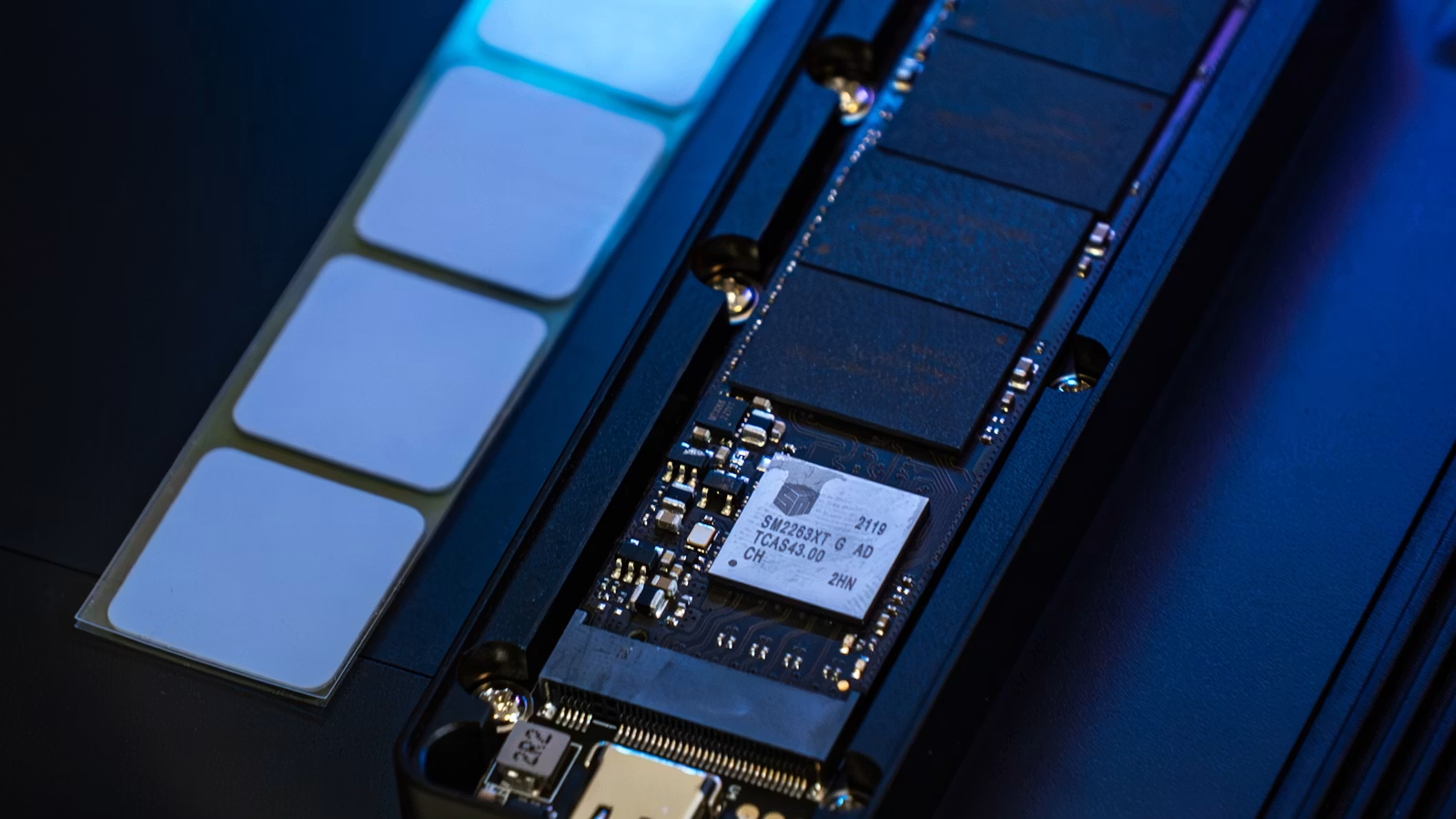
NAND Flash is a type of non-volatile flash memory that can retain data even after power is turned off. It is widely used in SSDs, smartphones, USB drives, SD cards, and data center storage. You can think of it as the “underlying medium” that stores data, while SSDs, smartphone UFS storage, and enterprise SSDs are different product forms built around NAND Flash with controllers, interfaces, firmware, and packaging. The key is not memorizing terms, but understanding how capacity, speed, endurance, cost, and use cases connect.
Key Takeaways
- NAND Flash is a storage medium, not the same thing as a complete SSD.
- SSD performance depends on NAND, controller, cache, interface, and firmware.
- Smartphone UFS/eMMC storage focuses more on size, power use, and responsiveness.
- Enterprise SSDs prioritize endurance, consistent latency, and power-loss protection.
- TLC and QLC are not simply good or bad; workload and write volume matter.
What Is NAND Flash, and How Does It Relate to Storage?
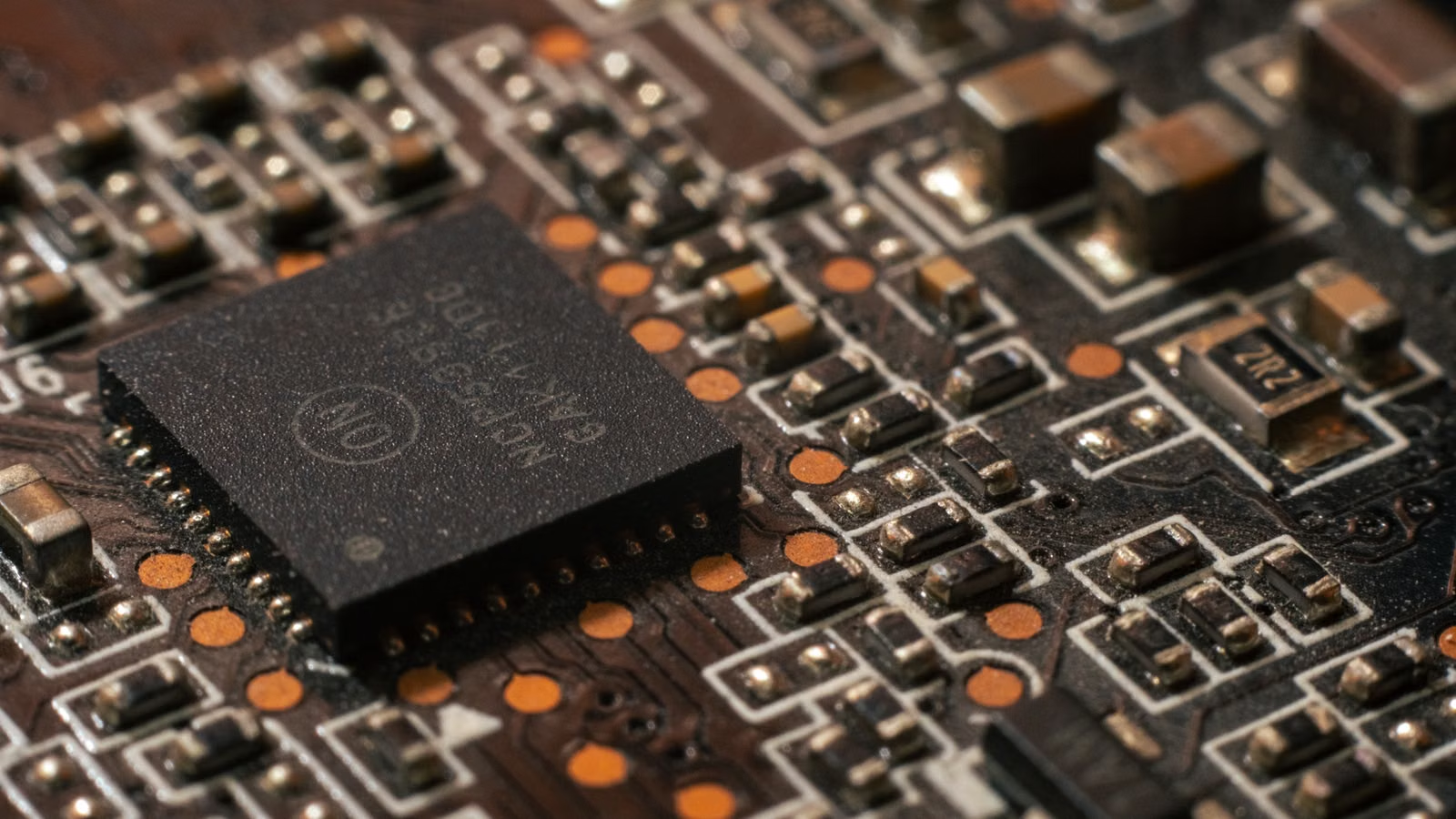
NAND Flash is a non-volatile storage technology. Its most important feature is that it can retain data after power is removed. Photos on your phone, operating system files on your computer SSD, and documents on a USB drive may all be stored on NAND Flash. It is not another word for “hard drive”; it is the underlying chip technology behind many modern storage devices.
Micron’s introduction to NAND explains that NAND can store data without continuous power, which makes it very different from DRAM. DRAM is more like a temporary workspace: it is fast, but it loses data when power is turned off. NAND is more like a storage cabinet: it is slower than memory, but it is suitable for long-term data storage.
Historically, Flash Memory became important because it could erase and rewrite data at scale. Kioxia’s description of flash memory also emphasizes that non-volatility is one of its core characteristics. Kioxia’s technology history shows that NAND flash memory commercialization began in the early commercial era and gradually expanded into smartphones, computers, and data centers.
You can understand NAND Flash through four layers:
| Layer | Example | How to Understand It |
|---|---|---|
| Storage medium | NAND Flash | The flash cells that actually store data |
| Control system | Controller, firmware, error correction | Manages read/write operations, lifespan, and errors |
| Interface protocol | SATA, NVMe, UFS, eMMC | How the device communicates with the system |
| Product form | SSD, smartphone storage, USB drive, enterprise SSD | The actual device users buy and use |
NAND Flash does not work like a mechanical hard drive with spinning platters and read/write heads. Instead, it uses electrical charge states inside storage cells to represent data. Data is usually written, read, and erased in structures such as pages and blocks, so NAND needs a controller to handle bad block management, wear leveling, garbage collection, and error correction.
Summary: The core value of NAND Flash is that it can store large amounts of data after power is removed. NAND Flash is not the same as an SSD or smartphone storage; it is the underlying flash storage medium behind them. To understand NAND Flash clearly, separate four ideas: NAND is the storage medium, an SSD is a complete drive, NVMe/UFS/eMMC are interface or storage standards, and phones, computers, and enterprise servers are different usage scenarios. Once these layers are clear, concepts such as TLC, QLC, enterprise SSDs, and smartphone UFS storage become much easier to understand.
Why SSDs Depend on NAND Flash, and What Controllers and Interfaces Do
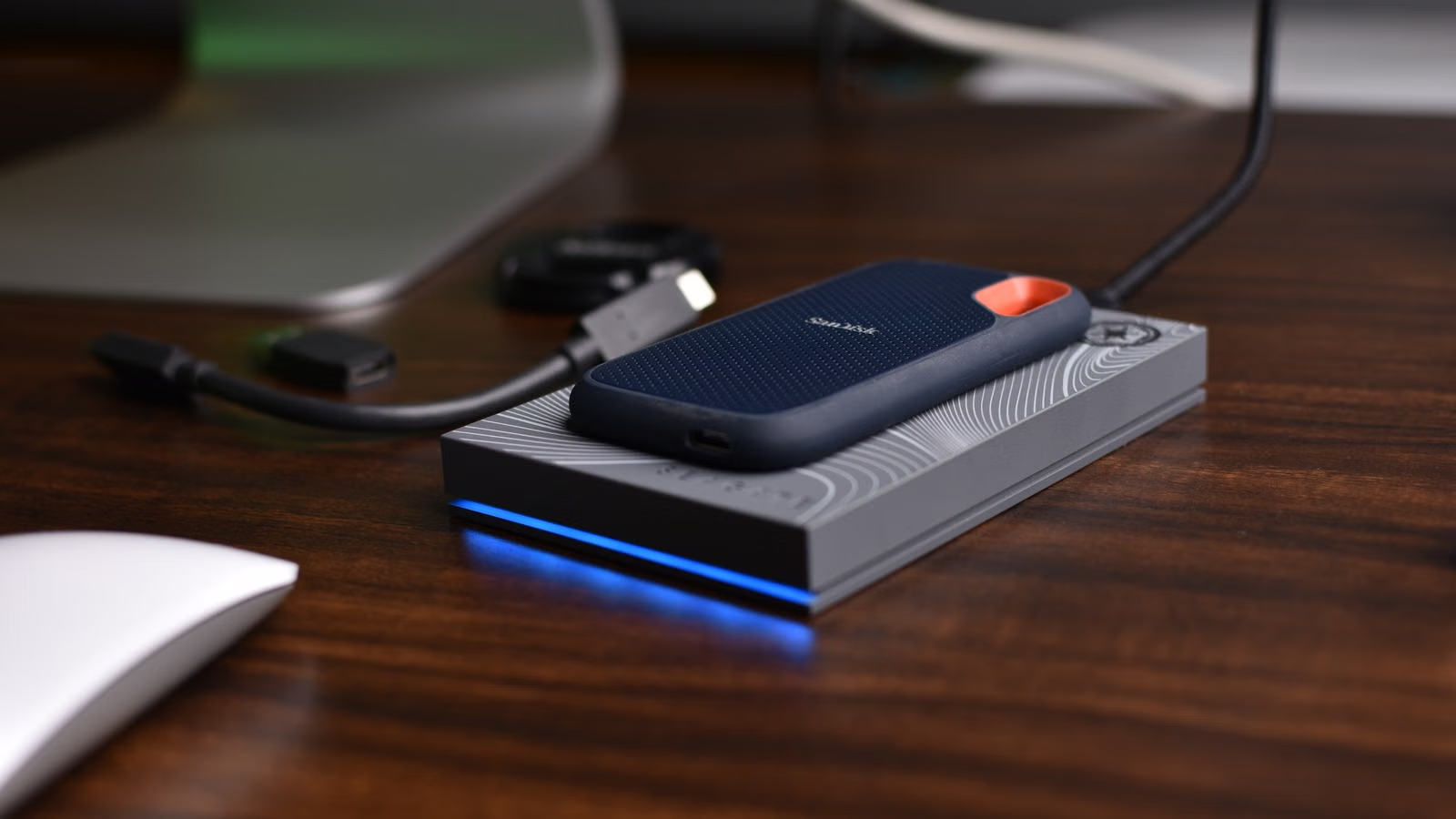
SSDs usually rely on NAND Flash to store data, but SSD speed and lifespan are not determined by NAND alone. The controller, firmware, cache, interface, thermal design, and reserved capacity all affect real-world performance. That is why two SSDs with the same 1TB capacity can differ greatly in price, speed, heat, and endurance.
An SSD is a complete system. NAND stores the data, the controller schedules data movement, firmware manages storage policies, and the interface communicates with the computer. For example, NVMe is not a competing storage medium to NAND. It is a protocol and interface system designed to unlock the performance of non-volatile storage. NVMe specifications define how host software communicates with non-volatile storage over channels such as PCIe.
The main factors that affect SSD experience include:
| Factor | What It Affects | Common Misunderstanding |
|---|---|---|
| NAND type | Capacity, cost, endurance | Judging quality only by TLC or QLC |
| Controller | Read/write scheduling, error correction, stability | Assuming all SSDs with the same capacity are similar |
| Cache strategy | Short burst write performance | Looking only at advertised sequential speeds |
| Interface protocol | Bandwidth and latency ceiling | Believing NVMe always means higher endurance |
| Firmware | Garbage collection and wear leveling | Ignoring differences in tuning |
| Thermal design | Sustained performance and throttling | Looking only at peak benchmark numbers |
Many consumer SSDs use SLC Cache, which temporarily treats part of TLC or QLC NAND like SLC to improve short-term write speed. Once the cache is exhausted, sustained write speed may drop significantly. This is why video editors, gamers, and users who frequently copy large files should look at post-cache write speed, not only the highest number printed on the product page.
There is also a cost connection when you track storage technology from an investment perspective. If you follow SSDs, NAND Flash, memory chip stocks, or the AI data center supply chain, technical understanding should be paired with trading cost awareness. U.S. stock trading costs may include more than commissions; they can also include platform fees, external agency fees, and transaction activity fees. Biya charges $0 U.S. stock trading commission, while platform fees, external agency fees, and other charges are subject to the fee center and order page. If the service is available in your region, you can review Biya U.S. stock trading fees. Any trading decision should still be based on your own risk tolerance.
Summary: SSDs depend on NAND Flash, but NAND is only one part of the full SSD system. Real-world performance comes from NAND, controller, firmware, cache, interface, thermal design, and spare capacity working together. Office users can focus on capacity, warranty, and price. Gamers and creators should care about sustained write speed and heat. Heavy-write users should check TBW, controller quality, and cache behavior. Do not treat “NVMe,” “PCIe 4.0,” or “1TB” as the only decision factors; SSDs with the same capacity can behave very differently.
SLC, MLC, TLC, and QLC: Why They Affect Price and Lifespan
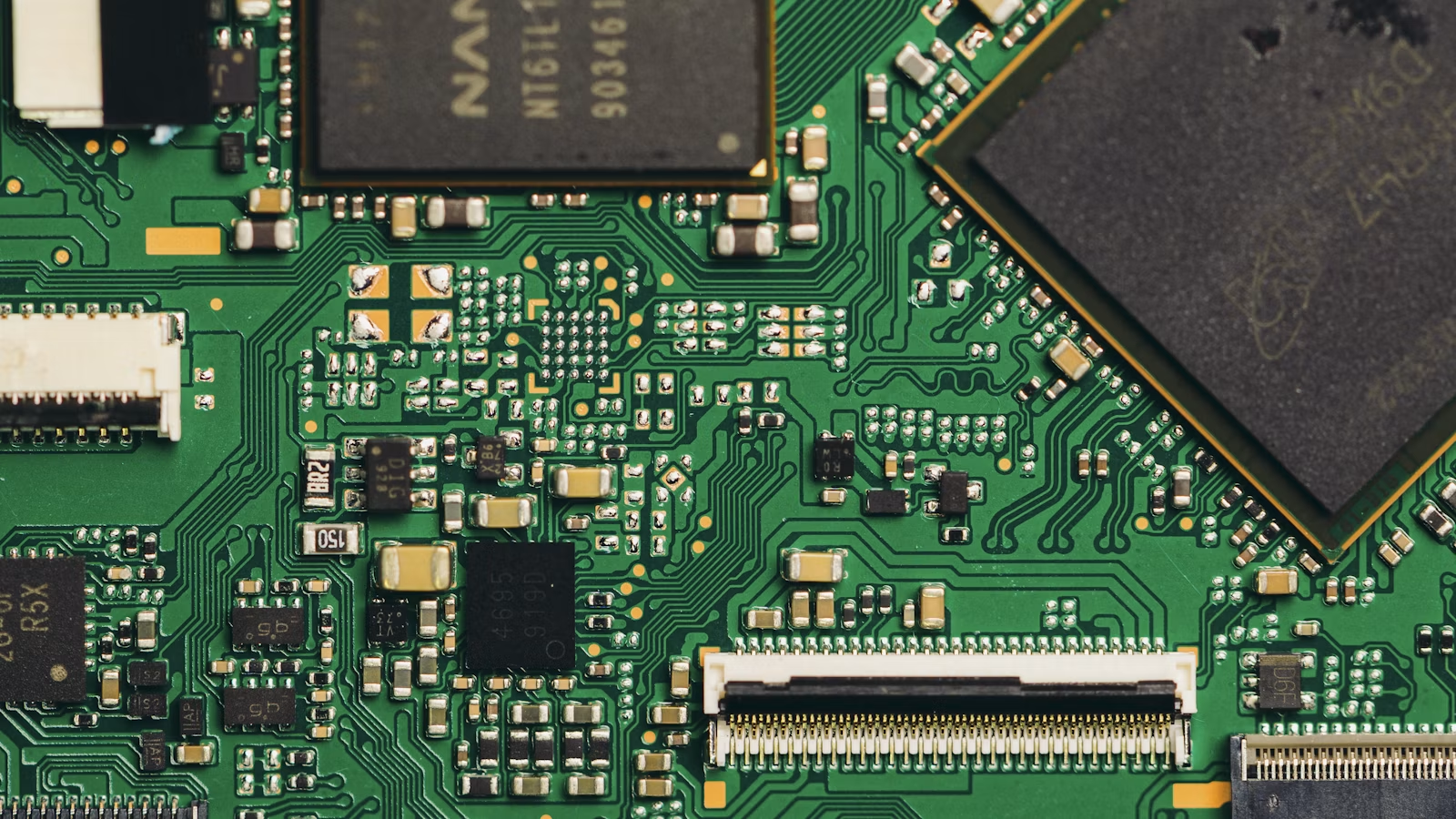
The main difference between SLC, MLC, TLC, and QLC is how many bits of data each storage cell holds. The more bits stored in each cell, the lower the cost per unit of capacity usually becomes. But voltage states become more crowded, error correction becomes harder, and endurance and sustained performance may be affected. The better question is not which type is always best, but which type fits your workload.
Kingston’s explanation of SLC, MLC, TLC, and QLC describes them as different trade-offs among capacity, cost, and endurance. SLC stores 1 bit per cell and offers the best endurance and performance, but it is expensive. MLC stores 2 bits per cell and was once common in higher-end and industrial scenarios. TLC stores 3 bits per cell and is now common in mainstream consumer SSDs. QLC stores 4 bits per cell and is suitable for high-capacity, read-heavy, cost-sensitive storage.
| NAND Type | Bits per Cell | Cost | Endurance | Common Use Cases |
|---|---|---|---|---|
| SLC | 1 bit | Highest | Highest | Industrial, cache, high-reliability scenarios |
| MLC | 2 bits | High | Relatively high | Industrial use, older high-end SSDs |
| TLC | 3 bits | Medium | Medium | Mainstream consumer SSDs, smartphone storage |
| QLC | 4 bits | Lower | Lower | Large data drives, read-heavy storage, backups |
The rise of 3D NAND changed how NAND capacity increased. Early planar NAND mainly relied on shrinking process nodes to improve density. As physical limits became more obvious, manufacturers moved to vertical stacking, placing storage cells upward like floors in a building. This allows more cells to fit within the same footprint while improving capacity and cost structure. Micron’s G9 NAND flash positions high performance and high density as key features for PCs, mobile devices, vehicles, data centers, and AI cloud infrastructure.
TLC and QLC should not be labeled simply as “good” or “bad.” If you need a system drive, gaming drive, or video editing drive, TLC is usually a safer choice. If you mainly store movies, photos, backups, and other read-heavy data, a large QLC SSD may be suitable. In enterprise environments, QLC can also become more practical when paired with stronger controllers, larger spare areas, and data center-level architecture.
Summary: The essence of SLC, MLC, TLC, and QLC is how many bits of data each storage cell holds. More bits per cell generally improve density and reduce cost, but they also change endurance, sustained write performance, and error correction pressure. Ordinary users do not need to worship SLC or reject QLC completely. The right choice depends on workload: system drives and frequent writing usually favor TLC and stronger endurance ratings; large data drives may justify QLC if the workload is mostly read-heavy; enterprise buyers should evaluate the full SSD system rather than only the NAND type.
Smartphone Storage vs. Computer SSDs: How UFS, eMMC, and NAND Fit Together
Smartphone storage is often based on NAND Flash, but it is not just a smaller SSD. Smartphones prioritize compact size, low power consumption, high integration, and fast system responsiveness. UFS and eMMC are closer to mobile storage packaging and interface standards, while NAND Flash is the underlying medium that stores data.
eMMC stands for embedded MultiMediaCard and is a managed NAND solution for mobile devices. It usually integrates NAND, a controller, and interface circuitry. It has been widely used in smartphones, tablets, e-readers, and GPS devices. Later, UFS became the higher-performance direction for mobile storage, emphasizing faster transfers, better reliability, and an interface design more suitable for mobile devices.
Micron’s description of UFS storage also highlights smartphones, automotive systems, and computing devices as target markets, with low power, high performance, and reliability as important priorities. For users, UFS version, mobile controller design, system scheduling, and heat management all affect app launches, photo saving, video recording, and system updates.
| Comparison | Smartphone UFS/eMMC | Computer SSD |
|---|---|---|
| Form factor | Soldered to the motherboard | M.2, 2.5-inch, external drives |
| Replaceability | Usually not replaceable | Often replaceable or expandable |
| Main focus | Power, size, responsiveness | Bandwidth, sustained writes, cooling |
| Typical usage | Apps, photos, videos, system cache | System drive, games, editing, data storage |
| User evaluation | Capacity, model tier, UFS version | Capacity, interface, TBW, controller |
A phone with 256GB or 512GB of storage cannot be compared directly with a computer SSD of 1TB or 2TB. Once smartphone storage is chosen, upgrading is difficult or expensive. Computer SSDs are easier to replace, add externally, or upgrade. Smartphone users should think about photo, video, and app data growth over the next two to four years. Computer users can split storage needs across system drives, project drives, and backup drives.
Summary: Smartphone storage and computer SSDs may both use NAND Flash, but they are designed for different goals. Smartphone storage emphasizes small size, low power consumption, high integration, and mobile system responsiveness. Computer SSDs emphasize expandability, sustained performance, thermal design, and interface bandwidth. When buying a phone, do not look only at capacity; UFS/eMMC generation and device positioning also matter. When buying a computer SSD, capacity alone is not enough either; interface, controller, cache, and endurance should all be considered.
Enterprise SSDs vs. Consumer SSDs: Why Data Centers Cannot Only Look at Capacity
The biggest difference between enterprise SSDs and consumer SSDs is not one-time benchmark speed. The real question is whether the drive can remain stable under 24/7 operation, high concurrency, heavy writes, and failure conditions. Data centers care about DWPD, consistent latency, power-loss protection, data integrity, lifespan monitoring, and long-term supply, not just capacity and peak speed.
TBW and DWPD are key to understanding enterprise SSD endurance. TBW is more common in consumer SSDs and refers to the total amount of data that can be written over the drive’s lifespan. DWPD is more common in enterprise SSDs and indicates how many full drive writes per day are supported during the warranty period. For example, a 1TB drive rated at 0.3 DWPD theoretically supports around 300GB of writes per day, though the exact interpretation still depends on vendor specifications and workload.
Enterprise SSDs also often emphasize Power Loss Protection. PLP does not mean the SSD never loses power. Instead, when sudden power loss occurs, capacitors and firmware mechanisms help the drive flush critical data and metadata into NAND, reducing the risk of data corruption. Kingston’s comparison of enterprise SSDs also notes that enterprise environments often require power-failure protection, enhanced ECC, consistent latency, and higher reliability.
| Type | Typical User | Key Metrics | PLP Requirement | Suitable Scenarios |
|---|---|---|---|---|
| Consumer SSD | Personal computer users | Capacity, price, peak speed | Usually not mandatory | Office work, gaming, light creation |
| NAS / prosumer SSD | Small studios, home servers | Endurance, temperature, stability | Depends on workload | NAS, light services |
| Enterprise SSD | Cloud providers, databases, AI data centers | DWPD, QoS, PLP, end-to-end protection | Usually important | Databases, virtualization, AI data pipelines |
Enterprise SSDs cost more not merely because of branding. They often require stricter firmware validation, larger spare areas, more stable sustained writes, stronger error correction, power-loss protection, power management, thermal design, and long-term supply support. For databases, cloud services, and AI data pipelines, the key is not a single benchmark result, but predictable behavior under long-term workload.
If you follow memory chip companies, AI data center supply chains, or semiconductor ETFs, you can use the U.S. stock lookup tool to track related listed companies and industry names. Public market information should only be used as a research starting point and does not constitute investment advice. Before trading, you should still review fundamentals, fee structure, liquidity, and applicable rules in your location.
Summary: The value of enterprise SSDs lies in predictability. Consumer SSDs are designed for intermittent personal computer workloads, while enterprise SSDs must handle continuous operation, high write concurrency, sudden power loss, data integrity, and failure recovery. Data centers cannot look only at capacity, because even very large drives may create operational risk if latency is unstable, PLP is missing, or endurance is insufficient. To evaluate an enterprise SSD, look at DWPD, PLP, QoS, end-to-end data protection, and long-term stability.
How AI, Data Centers, and Smartphone Upgrade Cycles Affect the NAND Flash Supply Chain
NAND Flash demand comes from smartphones, PCs, consumer SSDs, enterprise SSDs, vehicles, industrial equipment, and data centers. AI training and inference increase the need for fast, large-capacity storage, making high-capacity TLC/QLC, enterprise SSDs, 3D NAND, and low-power data center storage more important.
Micron’s AI data center materials emphasize that AI data centers need a complete memory and storage hierarchy, and data depends on efficient storage from ingestion and preparation to processing. Micron’s 2025 launch of G9 NAND data center SSDs also highlights PCIe Gen6, E3.S high-capacity SSDs, QoS, and energy efficiency as key directions for AI data centers.
From a supply chain perspective, NAND Flash is not just a technical term. It connects multiple markets:
| Downstream Demand | Main Change | Impact on NAND |
|---|---|---|
| Smartphones | Capacity upgrades, image and video growth | Drives UFS and high-density NAND demand |
| PCs | AI PCs, gaming, creator workloads | Drives consumer SSD upgrades |
| Cloud services | Databases, object storage, caching | Drives enterprise SSD demand |
| AI data centers | Datasets, model weights, vector databases | Drives high-capacity and high-performance SSDs |
| Automotive / industrial | Reliability, temperature, long product cycles | Drives high-reliability NAND solutions |
NAND pricing is cyclical. When smartphone and PC demand weakens, consumer inventory can pressure prices. When data center, AI, and high-capacity enterprise SSD demand improves, product mix may improve. If you see news about “memory price increases,” do not assume that all SSD prices will move in the same way. Investors also should not rely on a single price signal; inventory, capital expenditure, product mix, and customer demand all matter.
If you follow U.S. stocks, Hong Kong stocks, ETFs, crypto assets, and cross-market portfolio activity, you can use Biya to record multi-asset trades and observe related market names. Availability of U.S. stock, Hong Kong stock, or digital asset trading services depends on your location, identity verification results, platform rules, and applicable laws and regulations.
Summary: The NAND Flash industry can be understood through three groups of users. Ordinary consumers care about capacity, speed, lifespan, and price. Enterprise buyers care about stability, energy efficiency, reliability, and total cost of ownership. Investors care about pricing cycles, AI data center demand, capital expenditure, and product mix. AI makes high-capacity, high-performance storage more important, but NAND remains a cyclical industry. To evaluate supply chain opportunities, technology upgrades, end-market demand, inventory cycles, and company profitability all need to be considered together.
Once you understand NAND Flash, it becomes easier to separate technology progress from market sentiment when looking at SSDs, smartphone capacity, AI data centers, and memory chip stocks. If you need to track memory chips, semiconductor equipment, AI servers, cloud computing, and related ETFs, public financial reports, industry pricing, company guidance, and order trends can all serve as useful reference points. Biya supports U.S. stock and Hong Kong stock trading as well as digital asset trading, and it can also help with multi-asset records and billing information. U.S. stock trading commission is $0, while platform fees, external agency fees, and other charges are subject to the fee center and order page. When monitoring cross-market positions, real-time exchange rates can also help estimate cost changes across currencies. This content only introduces public market information, trading rules, and fee structures, and does not constitute investment advice.
FAQ
Is NAND Flash the Same Thing as an SSD?
No. NAND Flash is the flash memory medium that stores data, while an SSD is a complete storage device made of NAND, a controller, firmware, cache, and an interface. What you buy is usually an SSD, USB drive, or smartphone storage module; NAND Flash is the core component inside.
Is Smartphone UFS Storage Faster Than a Computer SSD?
You cannot judge only by the name. A computer NVMe SSD is usually stronger in sustained read/write performance, cooling, and expandability, while smartphone UFS storage focuses on low power, small size, and mobile responsiveness. Actual performance depends on UFS generation, controller design, system optimization, and workload.
Is TLC NAND or QLC NAND Better for Ordinary Users?
TLC is usually a better default choice for a system drive because it offers a more balanced mix of endurance and sustained write performance. QLC is more suitable for large-capacity, read-heavy data drives or backup drives. The final decision should also consider controller quality, cache design, TBW, warranty, and price.
Why Are Enterprise SSDs More Expensive Than Consumer SSDs?
Enterprise SSDs are more expensive because they are built for stability, endurance, power-loss protection, data integrity, firmware validation, and long-term operation. They are designed for databases, cloud services, virtualization, and AI data centers, so their value cannot be judged only by personal computer benchmarks.
Does NAND Flash Lifespan Affect Data Safety?
Yes, but lifespan is not the only factor. NAND Flash has a limited write endurance, while SSDs reduce risk through error correction, wear leveling, and bad block management. Important data should still be backed up regularly and should not rely on a single drive or device.
What Metrics Matter When Investing in the NAND Flash Supply Chain?
Important metrics include NAND pricing cycles, enterprise SSD demand, AI data center orders, inventory levels, capital expenditure, and product mix. A single price increase headline is not enough for an investment decision. Before trading, you should also review fees, liquidity, and applicable regulations in your location.
*This article is provided for general information purposes and does not constitute legal, tax or other professional advice from BiyaPay or its subsidiaries and its affiliates, and it is not intended as a substitute for obtaining advice from a financial advisor or any other professional.
We make no representations, warranties or warranties, express or implied, as to the accuracy, completeness or timeliness of the contents of this publication.
Related Blogs of

Crypto Trading Bots: Types, Costs, and Security Risks


MACD Crypto Trading Strategy: Settings, Signals, and Risk Management


Online Bank-to-Bank Transfers: Account Linking, Steps, and Limits


Wire Transfer Requirements: Sender and Beneficiary Details Checklist
Choose Country or Region to Read Local Blog
 Australia
 Austria
 Belgium
 Canada
 Cyprus
 Czech Republic
 Denmark
 Estonia
 Finland
 France
 Germany
 Greece
 Hong Kong
 India
India Indonesia
 Ireland
 Italy
Italy Japan
Japan Latvia
 Lithuania
 Luxembourg
 Malaysia
 Malta
Malta Morocco
 Nepal
Nepal Netherlands
 New Zealand
 Norway
 Pakistan
 Philippines
 Poland
 Portugal
 Romania
 Singapore
 Slovakia
 Slovenia
 South Africa
 South Korea
 Spain
Spain Sweden
 Thailand
 United States
 Turkey
 United Arab Emirates
 United Kingdom
 Vietnam