
What to Do When Overseas Platform Payments Fail? BiyaPay EasyCard Application, Top-Up, and Payment Guide





BiyaPay EasyCard is suitable for users who often experience failed payments on overseas platforms, failed subscription charges, or failed card linking. It is a USD virtual payment card that can be used for certain overseas purchases, online subscriptions, platform card linking, and cross-border payment scenarios. It is especially suitable for users who need to pay for AI tools, overseas subscription services, cross-border platforms, or cloud services.
If your payments often fail when subscribing to AI tools, Netflix, Google, Microsoft, Steam, or when paying on PayPal, Amazon, or eBay, BiyaPay EasyCard can serve as an alternative payment option. It provides a clearer path for users with genuine overseas payment needs to apply for a card, top up, and use it.
Before using it, users should confirm three things: whether the target platform supports this type of card, whether the card balance is enough to cover the subscription fee, transaction fee, and possible taxes, and whether the billing information meets the platform's requirements. Confirming these points is more important than repeatedly changing cards or submitting payment attempts.
Have You Encountered These Overseas Payment Failures?

Failed payments on overseas platforms are usually not caused by a single issue. When users encounter this problem for the first time, they may assume that their account is abnormal or that their bank card no longer works. In reality, the cause may simply be platform risk control, card type, billing information, balance, or a mismatch with the payment scenario.
Common Payment Failure Scenarios
Common situations include:
- When upgrading subscriptions for AI tools such as ChatGPT, Claude, or MidJourney, the page shows that the payment failed.
- Overseas services such as Netflix, Google, Microsoft, or Steam fail to charge the card after it is linked.
- PayPal fails to add the card, or the card is added successfully but later payments still fail.
- Payments are declined after placing orders on Amazon, eBay, or similar platforms.
- First-time subscription payments fail on cloud services, software tools, or SaaS platforms.
- A subscription that previously worked suddenly fails during automatic renewal.
- Multiple failed transactions occur because of insufficient balance, incorrect CVV, or incorrect expiration date.
These issues have one thing in common: the user has a real payment need, but the current payment method cannot reliably complete overseas platform charges. The value of BiyaPay EasyCard is that it provides users with a virtual payment card that can be used in certain overseas payment scenarios, giving them another payment path to try.
Run Basic Checks Before Paying Again
When a payment fails, it is not recommended to immediately resubmit the order repeatedly. A safer approach is to first identify the possible reason for the failure.
You can first check whether the card balance is sufficient, whether the billing information is correct, whether the platform supports the current card type, and whether there have been too many failed attempts within a short period. If the issue is indeed that the existing bank card is not suitable for overseas platform payments, then using a virtual payment card becomes a more reasonable option.
For subscription products, you can also check the platform's official subscription or billing instructions first. For example, before subscribing to ChatGPT, you can review OpenAI's ChatGPT pricing plans. When using Netflix, you can refer to the Netflix Help Center for billing and payment information. If the issue is related to PayPal card linking or payment, you can also check the account and payment instructions in the PayPal Help Center.
Why Do Payments Often Fail on ChatGPT, PayPal, and Overseas Subscription Platforms?
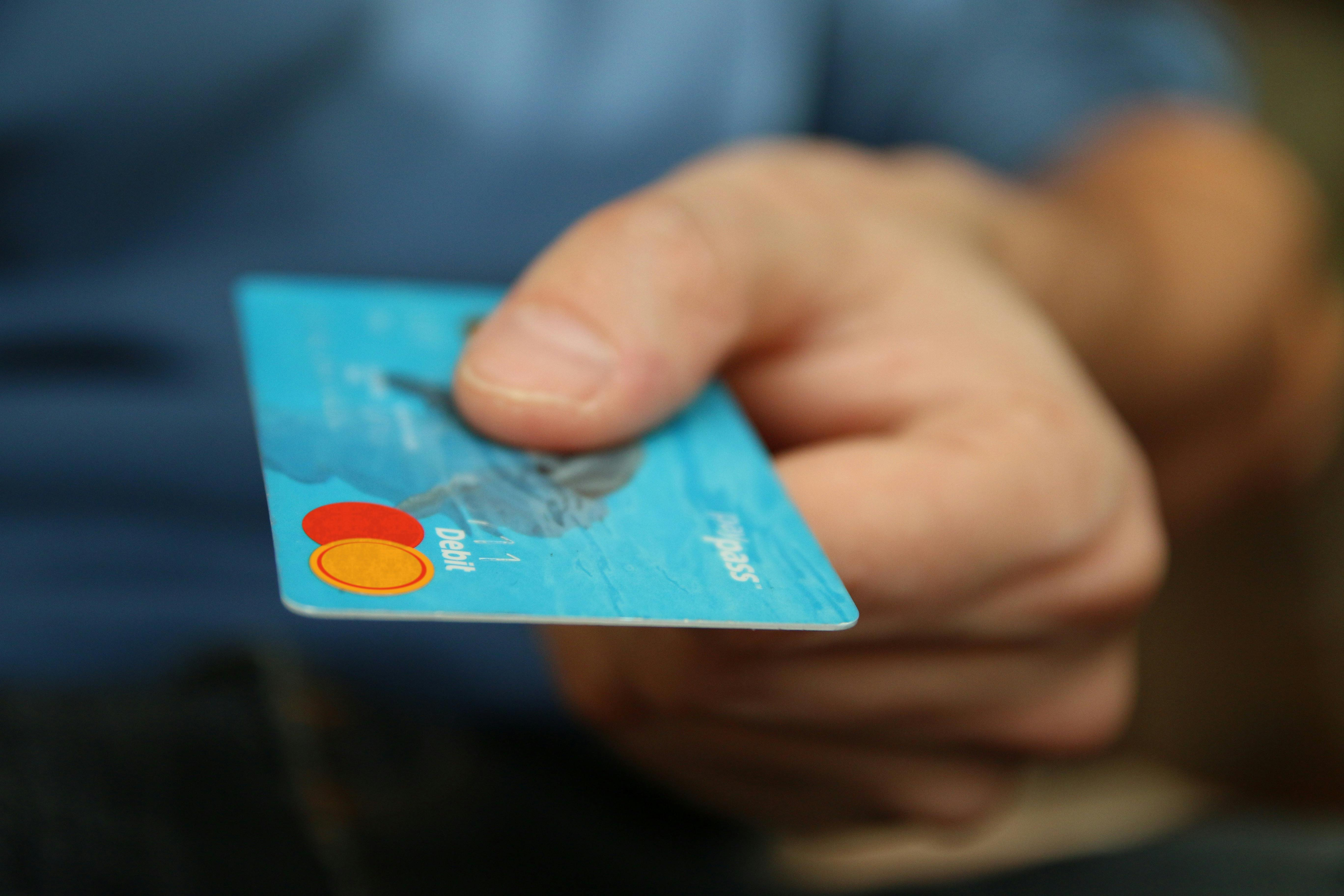
In many cases, failed payments on overseas platforms do not mean that the user's account has a problem, nor do they necessarily mean that the card itself is "broken." Instead, before charging a card, the platform and payment channel usually perform a series of risk checks. An online payment is usually not as simple as "enter the card number and deduct the money." It may involve card identification, issuer authorization, billing information verification, balance checks, risk control decisions, and transaction type matching.
Platforms such as ChatGPT, Claude, MidJourney, PayPal, Netflix, Amazon, and eBay serve users worldwide, and their payment environments are complex. As a result, they rely more heavily on automated risk control systems. If any step does not match, the user may encounter a failed payment, failed card linking, failed verification, or failed automatic renewal.
Platforms First Identify the Card's BIN Information
Many overseas platforms and payment service providers first identify the first 6-8 digits of a bank card, commonly known as the BIN. The BIN helps the payment system roughly determine which issuer, country, or region the card belongs to, and whether the card is a debit card, credit card, prepaid card, or virtual card.
This is why some cards work normally for domestic purchases but often fail on overseas subscription platforms. What the platform sees is not simply "who you are," but rather "where this card comes from, what type of card it is, and whether it meets the current transaction rules."
For example, when paying the same 20 USD subscription fee, the platform may evaluate:
- Whether the card's issuing region supports the current service.
- Whether the card is a virtual card, prepaid card, or consumer card.
- Whether the card supports USD or the current billing currency.
- Whether the card has had many failed transactions in the past.
- Whether the card is suitable for subscriptions, pre-authorization, or cross-border online transactions.
If the platform determines that the card type, issuing region, or transaction scenario does not match, it may directly reject the payment. These failures may not show users a detailed reason. The page often only displays vague messages such as "Payment failed," "Unable to verify payment method," or "Please change your payment method."
Issuers and Payment Channels Also Participate in Authorization
The overseas platform itself is not the only decision-maker. After the user submits a payment, the transaction may also pass through the payment service provider, card network, and card issuer. If any party considers the transaction risky, it may decline the authorization.
Stripe's public decline codes list many common decline reasons, including insufficient funds, card not supporting this type of purchase, incorrect CVC, transaction not allowed, exceeded limits, and issuer decline. PayPal's payment failure documentation also mentions that payments may fail due to insufficient balance, outdated card details, mismatched billing address, account limitations, or incomplete security checks.
Therefore, the "payment failed" message shown to the user is only the final result. Behind it, the decline may come from the platform, the payment channel, or the issuer. In many cases, the platform does not fully disclose the specific reason to the user.
Billing Address, Postal Code, and Name May Affect Verification
Overseas platforms often require users to enter a billing address, postal code, country, or region. Some users enter a random address, or the billing country does not match the card information, which can easily trigger verification failure.
In card payments, common verification mechanisms include CVV / CVC checks and billing address verification. The CVV is the security code on the card and is mainly used to confirm that the user actually holds the card. Billing address verification compares the information entered by the user with the information recorded by the payment system. Payment service providers such as Authorize.net and Stripe have noted that failed address verification or card security code verification may lead to declined transactions.
This type of issue is especially common when linking a card to PayPal. PayPal may verify the card before allowing the user to make further payments. If the billing address, card information, or account region does not match, the card may fail to link or pay even if it has sufficient balance.
Subscription Services Often Use Pre-Authorization or Small Verification Charges
Many users assume that if a subscription costs 20 USD, having 20 USD in the card is enough. In practice, this is not always the case. Overseas subscription services may first perform a small verification charge or pre-authorization, or add taxes, transaction fees, and cross-currency processing costs during the actual charge.
Common situations include:
- The platform first initiates a 0 USD or small verification charge to confirm that the card is usable.
- After verification passes, the platform charges the actual subscription fee.
- Some regions may add taxes.
- The card itself may have a per-transaction fee.
- During automatic renewal, the platform may attempt charges multiple times around the renewal date.
Therefore, if the subscription price is 20 USD and the card balance is exactly 20 USD, the payment may fail because there is not enough balance to cover transaction fees, taxes, or pre-authorization amounts. When using a virtual payment card for overseas subscriptions, it is safer to keep a balance higher than the subscription price.
Some Platforms May Restrict Virtual, Prepaid, or Consumer Cards
Virtual payment cards are suitable for many online purchase scenarios, but not every platform accepts them. Some platforms may restrict virtual cards, prepaid cards, single-use cards, gift cards, or certain types of consumer cards based on their own rules.
These restrictions are usually related to platform risk control. For example, subscription platforms may worry that users cannot renew successfully after activation, e-commerce platforms may worry about order risk, and payment account platforms such as PayPal may pay more attention to whether the card is suitable for long-term linking and identity verification.
Therefore, even if a card can be used on Platform A, it does not mean it will definitely work on Platform B. Different platforms have different payment rules, risk control levels, and card acceptance policies.
Too Many Failed Attempts Can Make Later Payments Harder
After a payment fails, many users immediately submit the payment again, or repeatedly change the address, name, or card number. This may make the platform treat the activity as abnormal.
Platforms usually record failed transactions within a short period. If the same account, IP address, device, or card has multiple consecutive failures, later payments may be more likely to be blocked. This is especially true for repeated CVV errors, expiration date errors, insufficient balance, or billing address mismatches, which may increase the transaction risk score.
A more reasonable approach is to stop after one failure and check the balance, card number, expiration date, CVV, billing address, platform region, and subscription amount before trying again.
Different Scenarios Have Different Failure Reasons
Web subscriptions, API top-ups, PayPal card linking, and automatic renewals all look like "payments," but the underlying logic is not exactly the same.
Web subscriptions focus more on whether the current card can complete the subscription charge. API top-ups usually have a separate billing system and may require different account information or payment methods. PayPal card linking is more like card verification and does not mean that all future merchant payments will succeed. Automatic renewal requires the card to remain valid and have sufficient balance when the platform charges it in the future.
Therefore, when a payment fails, you should not only ask "Can this card be used?" You should also ask, "Am I subscribing, linking a card, topping up, or renewing?" Different scenarios require different troubleshooting directions.
What Is BiyaPay EasyCard and Which Payment Scenarios Can It Help With?
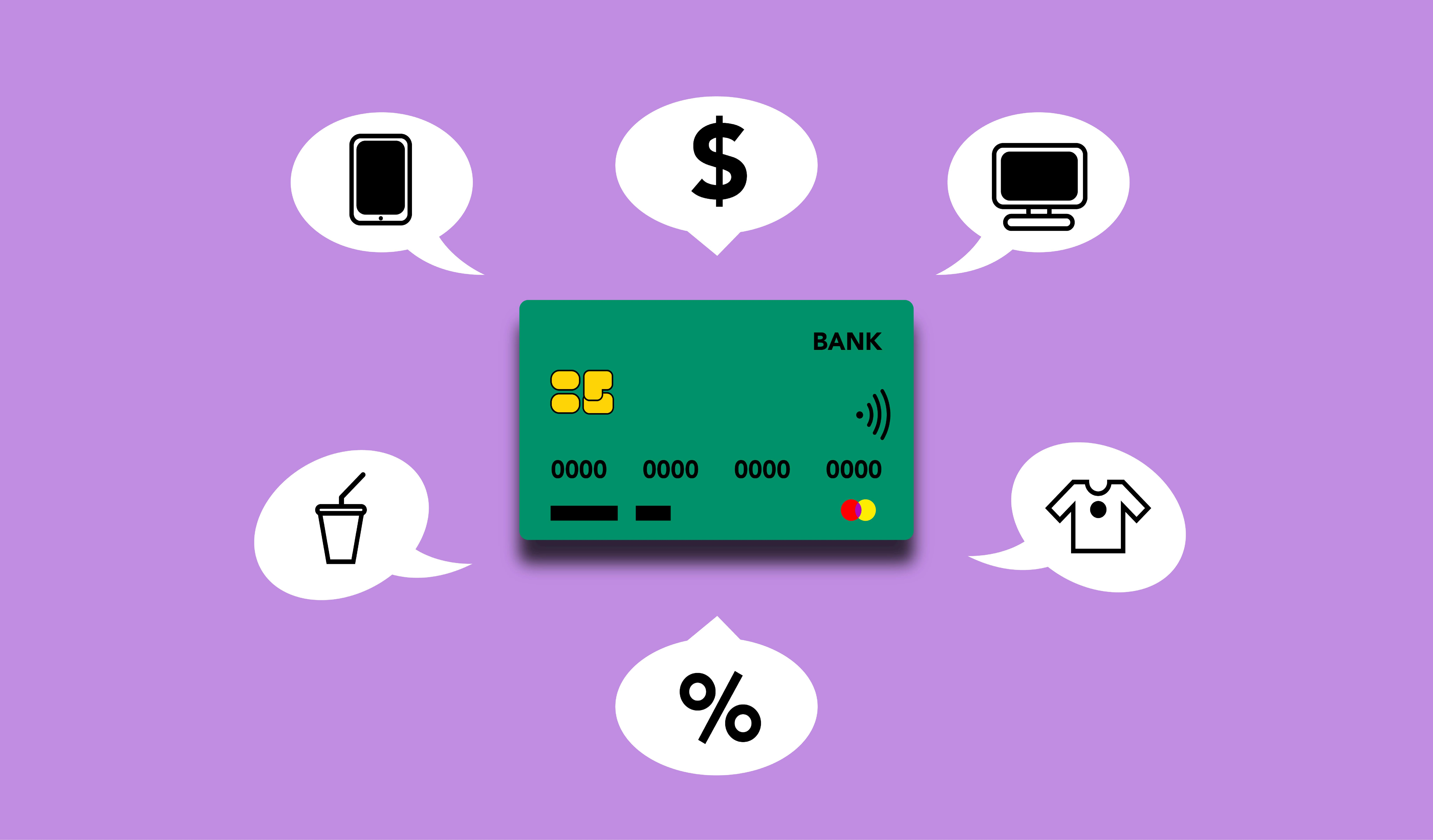
BiyaPay EasyCard is a USD virtual payment card. It can also be understood as a consumer card for online purchases and overseas payments. Users can apply through the BiyaPay EasyCard application page. After topping up, users can enter the card number, expiration date, CVV, and other information on supported overseas platforms for certain subscription, purchase, card linking, and online payment scenarios.
What Help Can It Provide?
The core value of BiyaPay EasyCard is that it gives users another usable virtual payment tool when paying on overseas platforms. For some scenarios where domestic cards often fail, users can try using BiyaPay EasyCard to complete the payment.
According to BiyaPay's official page, EasyCard covers more than 190 countries and regions worldwide, supports payments in over 40 local currencies, and can be added to platforms such as eBay and PayPal. Officially listed use cases include Amazon, eBay, PayPal, Netflix, Google, Microsoft, MidJourney, Grammarly, GitHub Copilot, Runway ML, DeepL Pro, Jasper AI, Synthesia, NVIDIA Omniverse, Steam, Cloudflare, Gumroad, Red Pocket Mobile, Smallpdf, Vultr, BandwagonHost, and others.
Limitations to Understand Before Use
BiyaPay EasyCard should not be understood as a tool that can pay on every platform. Different platforms have their own risk control rules, and the actual payment result is still subject to the platform's processing.
For common AI payment needs such as ChatGPT, Claude, and OpenAI API, users can evaluate EasyCard as an alternative payment method. Whether the payment can be completed depends on the current payment rules, account status, and actual charge result of the corresponding platform.
In addition, BiyaPay's official page states that EasyCard currently does not support Apple Pay, Google Pay, or Wise account activation, and its use is restricted in mainland China. Before applying, users should first confirm whether their intended use case fits these restrictions.
Who Is BiyaPay EasyCard Suitable For?
BiyaPay EasyCard is more suitable for users with genuine overseas payment needs. It is not meant to replace all bank cards, but to provide an alternative tool for certain overseas online payments, subscriptions, and platform purchases.
AI Tool and Overseas Subscription Users
The first group is frequent AI tool users, such as users who often use MidJourney, GitHub Copilot, DeepL Pro, Runway ML, Grammarly, and similar tools. If you often encounter payment failures during subscription or renewal, you can consider preparing a virtual payment card as a backup payment method.
The second group is overseas subscription service users. Platforms such as Netflix, Google, Microsoft, Steam, Cloudflare, and Vultr often involve recurring charges. If the user's existing bank card is unstable, EasyCard can be used for payment attempts in certain subscription scenarios.
Cross-Border Shopping and Platform Card-Linking Users
The third group is cross-border platform shoppers. For users who need to shop on Amazon, eBay, or similar platforms, or who need to link a card through PayPal to complete certain payment actions, EasyCard can be tried according to the platform's requirements.
The fourth group is cross-border e-commerce and independent website operators. These users often deal with overseas platforms, software tools, cloud services, and marketing tools. If every payment depends on a single bank card, a failed charge may affect ads, servers, tool subscriptions, or store operations.
The fifth group is users who want to manage overseas spending with a USD virtual payment card. EasyCard is denominated in USD, so users can top up according to their spending plan and manage part of their overseas subscriptions and tool payments in one place.
Users Who Should Confirm Their Scenario First
If your main purpose is to add the card to Apple Pay or Google Pay, or to activate a Wise account, BiyaPay EasyCard is not suitable for these scenarios.
If your target platform clearly does not accept virtual cards, prepaid cards, or specific card types, it is also recommended to review the platform rules before applying. Virtual payment cards are more suitable for real purchases, subscriptions, and online payments that comply with platform rules.
Which Platforms and Spending Scenarios Does BiyaPay EasyCard Support?
BiyaPay EasyCard use cases can be grouped by user needs.
Overseas Subscriptions and Digital Services
It is suitable for certain streaming, software subscription, and cloud service payments, such as:
- Netflix
- Microsoft
- DeepL Pro
- Smallpdf
These platforms often involve recurring automatic renewal, so users need to pay more attention to billing address, billing currency, and subscription management.
AI Tools and Creator Services
For users who need to subscribe to AI tools or creator platforms, EasyCard can also be used for certain related services, such as:
- MidJourney
- Grammarly
- Jasper AI
- Synthesia
- Runway ML
- NVIDIA Omniverse
- GitHub Copilot
These scenarios are common among users with remote work, content creation, design, development, and AI tool usage needs.
Overseas E-Commerce and Platform Accounts
Some cross-border e-commerce platforms, payment platforms, and online accounts are also included in the official supported scope, such as:
- Amazon
- eBay
- PayPal
- Gumroad
These scenarios usually focus more on whether the platform supports the corresponding card type and whether payment verification can pass.
Developer, Cloud Service, and Technical Tools
For developers and technical users, certain cloud services and server platforms are also within the applicable scope, such as:
- Cloudflare
- Vultr
- BandwagonHost
These services often involve USD charges, automatic renewal, and risk control verification, so payment stability and card management become more important.
Gaming, Communications, and Other Online Spending
In addition, some gaming, communications, and online service scenarios are also displayed by the official page, such as:
- Steam
- Red Pocket Mobile
Basic Process for Paying Overseas with BiyaPay EasyCard
Using BiyaPay EasyCard for overseas payments can be understood as a process of "applying for the card, topping up, obtaining card information, and paying on the target platform."
- Register or log in to a BiyaPay account.
- Enter the EasyCard page.
- Choose the required card segment and read the notes below it.
- Fill in the name and remark.
- Enter the top-up amount.
- Select the payment currency and confirm.
- After the card is issued, obtain the card number, expiration date, CVV, and other information.
- Go to the target platform and enter the card information.
- Fill in the billing information required by the platform.
- Keep sufficient balance and wait for the platform's payment result.
This process applies to most online payment scenarios, but the details vary across platforms. Web subscriptions usually require users to enter card information directly on the service website. Platform card linking may verify the card before any actual charge. Automatic renewal requires long-term sufficient balance. API top-ups may have separate billing portals and top-up rules, so they should not be confused with ordinary web subscriptions.
BiyaPay EasyCard Application, Card Opening, and Top-Up Steps
Users can start from the BiyaPay EasyCard application page. If you are not familiar with the process, you can first read how to open BiyaPay EasyCard.
Web Opening Process
- Log in to the BiyaPay web version.
- Click "EasyCard" at the top.
- Click "Apply Now."
- After entering the application page, click confirm.
- Choose the required card segment.
- Read the notes below the card segment.
- Click to open the card.
- Fill in the name and remark as instructed.
- Enter the top-up amount.
- Select the payment currency.
- Confirm to complete card issuance.
App Opening Process
- Open the BiyaPay App.
- Go to "Assets."
- Find the "EasyCard" page.
- Click "Apply Now."
- After entering the application page, click confirm.
- Choose the card segment and click next.
- Fill in the name and remark.
- Enter the top-up amount.
- Select the payment currency and confirm.
- Wait for the card to be issued.
According to the official instructions, the minimum single top-up amount for BiyaPay EasyCard is 5 USD, and the maximum single top-up amount is 2000 USD. The actual top-up amount should follow the page prompt.
For subscription services, users are advised not to top up only the exact subscription price. For example, if a service is priced at 20 USD, the actual charge may involve taxes, platform verification, transaction fees, or other costs. If the balance is too tight, the payment may fail.
BiyaPay EasyCard Fees and Usage Notes
BiyaPay EasyCard is a consumer card with no annual fee. Before using it, users are advised to check the EasyCard fee explanation to confirm the current fee rules shown on the page.
Official Fees
The fee structure of BiyaPay EasyCard is as follows:
- Currency: USD
- Annual fee: No annual fee
- Card opening fee: 2 USD per card
- Top-up fee rate: 1.8%
- Per-transaction fee: 0.5 USD per transaction
- Refund fee: 2%
- Minimum single top-up amount: 5 USD
- Maximum single top-up amount: 2000 USD
Subscription Cost Example
If a user plans to pay for a 20 USD overseas subscription, the 1.8% top-up fee needs to be considered. A 20 USD top-up corresponds to a fee of about 0.36 USD.
During the actual transaction, the per-transaction fee of 0.5 USD should also be considered. If the platform has taxes, small verification charges, or pre-authorization, additional balance should also be reserved.
Therefore, users should not top up based only on the exact "20 USD subscription price." A safer approach is to reserve extra balance to avoid failed payments caused by transaction fees, taxes, or verification amounts. The actual cost is still subject to the BiyaPay page and the target platform's displayed amount.
How to Handle Subscription Renewal and Failed Charges
Subscription renewal is one of the most common scenarios where virtual payment card issues occur. Many users assume that once the first subscription succeeds, future renewals will also work. In reality, renewals may still fail because of balance, platform risk control, or changes in payment information.
Check Balance and Billing Information Before Renewal
If you use BiyaPay EasyCard to subscribe to overseas services, it is recommended to check the following before the renewal date:
- Whether the card balance is sufficient.
- Whether transaction fees, taxes, or verification amounts have been reserved.
- Whether the card status is normal.
- Whether the billing information on the subscription platform is correct.
- Whether you still need to continue the subscription.
If you no longer plan to use the service, cancel automatic renewal in advance instead of letting the platform repeatedly attempt charges when the balance is insufficient or the card status is abnormal.
Pause Repeated Submissions After a Failed Charge
If a payment fails once, it is not recommended to submit it repeatedly right away. Consecutive failures may cause the platform or card system to consider the transaction risky.
A more reasonable troubleshooting order is to check the balance first, then check the card number, expiration date, CVV, and billing information, and then confirm whether the platform supports this type of card. If it still fails, contact the platform or BiyaPay customer service to check the transaction status.
Common Payment Failure Reasons and Solutions
When an overseas platform payment fails, users can first check five things: whether the card balance is sufficient, whether the CVV and expiration date are correct, whether the billing information matches, whether the platform supports this type of card, and whether there have been too many failed attempts in a short period.
First, check whether the balance is sufficient. Insufficient balance is one of the most common reasons. In addition to the subscription amount, transaction fees, taxes, small verification charges, or pre-authorization should also be considered.
Second, check whether the card number, expiration date, and CVV are correct. Repeated CVV or expiration date errors can easily lead to card linking or transaction failure.
Third, check whether the platform supports this type of card. Some platforms restrict virtual cards, prepaid cards, cards from specific regions, or specific card networks.
Fourth, check whether the billing information is reasonable. Mismatched name, country, region, postal code, or address may affect the payment result.
Fifth, check whether there have been too many failed attempts within a short period. If failures occur consecutively, it is recommended to pause and confirm the reason before trying again.
Sixth, distinguish the payment action. If PayPal card linking fails, focus on card verification. If subscription renewal fails, focus on balance and automatic billing. If API top-up fails, focus on the top-up portal, billing account, and platform restrictions.
Seventh, check the BiyaPay card status. If the card is frozen, the balance is abnormal, or there is a risk control prompt, the card status should be resolved before continuing payment.
FAQ
What Is BiyaPay EasyCard?
BiyaPay EasyCard is a USD virtual payment card / consumer card that can be used for certain overseas online purchases, subscription payments, platform card linking, and cross-border payment scenarios. It is suitable for users with genuine overseas payment needs.
What Fees Does BiyaPay EasyCard Charge?
BiyaPay EasyCard has no annual fee. The card opening fee is 2 USD per card, the top-up fee rate is 1.8%, the per-transaction fee is 0.5 USD per transaction, and the refund fee is 2%. The actual fees are subject to the official page.
What Is the Minimum Top-Up Amount for BiyaPay EasyCard?
According to the official instructions, the minimum single top-up amount for BiyaPay EasyCard is 5 USD, and the maximum single top-up amount is 2000 USD. The actual top-up amount should follow the page prompt.
Does BiyaPay EasyCard Support Apple Pay or Google Pay?
No. BiyaPay's official page states that EasyCard currently does not support Apple Pay or Google Pay.
Can BiyaPay EasyCard Be Used to Activate a Wise Account?
No. BiyaPay's official page states that EasyCard currently does not support Wise account activation.
Can I Try Multiple Times in a Row After a Payment Fails?
It is not recommended to try multiple times in a row. After a payment fails, check the balance, CVV, expiration date, billing information, platform restrictions, and card status first. Consecutive failures may affect later transactions or trigger risk control.
How Much Balance Should I Reserve Before a Subscription Charge?
The balance should at least cover the subscription price, transaction fee, possible taxes, and platform verification amount. For example, for a 20 USD subscription, it is not recommended to prepare exactly 20 USD only. It is safer to reserve extra balance.
Why Can Payment Still Fail After Successfully Linking a Card to PayPal?
Successful PayPal card linking only means that card verification may have passed. It does not guarantee that every later payment will succeed. During an actual payment, PayPal and the merchant may still evaluate the transaction amount, account status, platform risk control, and card balance again.
Is BiyaPay EasyCard Suitable for OpenAI API Top-Ups?
OpenAI API top-up and ChatGPT web subscription are not the same payment scenario. If you want to use it for API top-up, the result depends on OpenAI's current billing rules and the actual charge result.
Is There a Fee for Refunds?
Yes. According to BiyaPay EasyCard fee instructions, the refund fee is 2%. If a refund is involved, users should first confirm the platform's refund rules and BiyaPay's current fee instructions.
What Happens If There Are Too Many Failed EasyCard Transactions?
Too many failed transactions may affect continued card use or even trigger risk control. Common reasons include insufficient balance, incorrect information, refunds, reversals, or verification failures. When using subscription services, keep sufficient balance and reduce invalid charge attempts.
If you often experience failed payments on overseas platforms, you can first evaluate whether BiyaPay EasyCard fits your scenario. AI tool subscriptions, overseas software services, cross-border platform spending, PayPal, and eBay are all possible evaluation directions.
A more reliable operating path is to first check the EasyCard fee explanation and confirm the card opening fee, top-up fee rate, transaction fee, and top-up threshold; then go to the application page to open the card; finally, reserve balance based on the subscription amount, taxes, and transaction fees of the target platform. Keeping the use case genuine, the balance sufficient, and the information accurate is more reliable than repeated attempts or changing cards blindly.
*This article is provided for general information purposes and does not constitute legal, tax or other professional advice from BiyaPay or its subsidiaries and its affiliates, and it is not intended as a substitute for obtaining advice from a financial advisor or any other professional.
We make no representations, warranties or warranties, express or implied, as to the accuracy, completeness or timeliness of the contents of this publication.
Related Blogs of

Wire Transfer Requirements: Sender and Beneficiary Details Checklist

International Wire Transfer Time: What Affects Delivery?




Choose Country or Region to Read Local Blog
 Australia
 Austria
 Belgium
 Canada
 Cyprus
 Czech Republic
 Denmark
 Estonia
 Finland
 France
 Germany
 Greece
 Hong Kong
 India
India Indonesia
 Ireland
 Italy
Italy Japan
Japan Latvia
 Lithuania
 Luxembourg
 Malaysia
 Malta
Malta Morocco
 Nepal
Nepal Netherlands
 New Zealand
 Norway
 Pakistan
 Philippines
 Poland
 Portugal
 Romania
 Singapore
 Slovakia
 Slovenia
 South Africa
 South Korea
 Spain
Spain Sweden
 Thailand
 United States
 Turkey
 United Arab Emirates
 United Kingdom
 Vietnam