
OpenAI / ChatGPT Payment Declined: A Complete Troubleshooting Guide for Cards, Regions, Billing Addresses, and 3D Secure




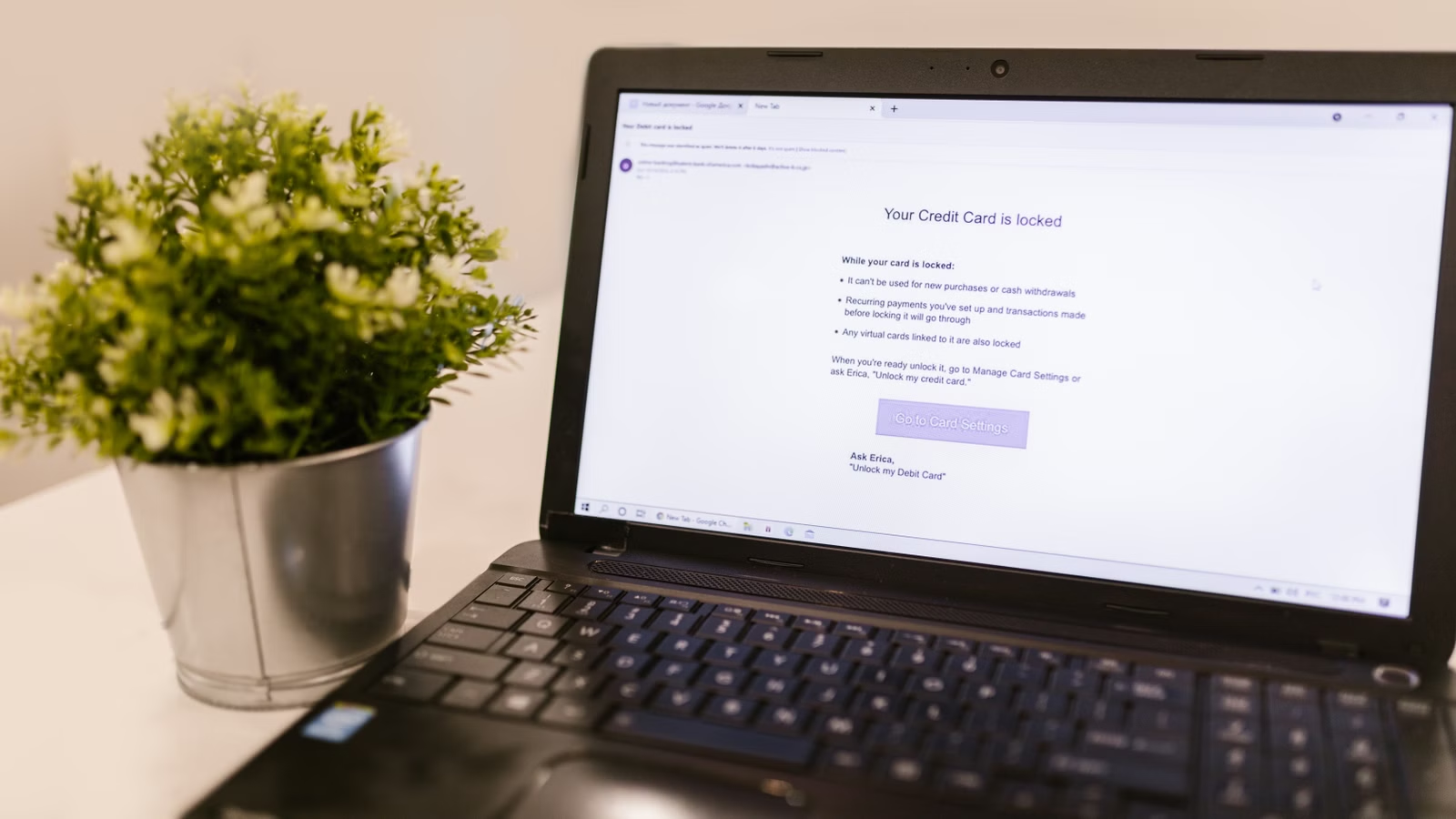
A declined ChatGPT payment is usually not caused by one single issue. You need to check your card details, billing address, postal code, balance, issuing bank rules, 3D Secure authentication, supported country or region, card-issuing location, and whether your subscription was purchased on the web, iOS, or Android. If you are trying to subscribe to ChatGPT Plus, Pro, or Go, or your renewal fails with messages such as card declined, authentication required, or 3D Secure failed, use the steps below to locate the cause.
Key Takeaways
- Check your card number, expiry date, CVC, billing address, and postal code first.
- If 3D Secure fails, focus on pop-ups, redirects, OTP, and bank app approval.
- Your location and your card-issuing country or region can both affect payment success.
- Web, App Store, and Google Play subscriptions use different billing and refund paths.
- API billing and ChatGPT subscription billing are separate and should not be mixed.
- After repeated failures, contact your issuing bank before submitting more attempts.
First Identify What Type of ChatGPT Payment Failure You Are Facing

When your ChatGPT payment is declined, the first step is not to immediately switch cards. You should first identify where the failure is happening: card details, billing address, bank risk controls, 3D authentication, regional restrictions, or a checkout-page issue. OpenAI’s guidance on a declined credit card lists card number, expiry date, CVC, billing address, postal code, available funds, bank blocks, and 3D Secure as key items to check. Once you know the failure type, the next step becomes much easier.
The most basic category is incorrect payment information. A missing digit in the card number, the wrong expiry month or year, an incorrect CVC, or an inconsistent cardholder name may prevent authorization. A billing address or postal code mismatch is even more common. The billing address usually means the address recorded by your card issuer. It is not necessarily your current physical location, and it should not be replaced with a random address that appears more suitable for international payments.
The second category is bank risk control. Some banks block online subscriptions, cross-border e-commerce, foreign-currency payments, or recurring charges by default. From your side, the ChatGPT checkout page may simply show a failed payment, but the actual rejection may come from your issuing bank. In this case, clearing cache or changing browsers will not solve the problem. You need to ask your bank whether OpenAI or ChatGPT online subscription payments are allowed.
The third category is failed authentication. OpenAI includes 3D Secure and strong customer authentication in its payment troubleshooting guidance. Common symptoms include the verification page not appearing, OTP not arriving, bank app push approval failing, or the payment still failing after authentication. Browser extensions, pop-up blockers, VPNs, proxy instability, and redirect failures can all interfere with this step.
| Failure Type | Typical Symptom | First Action |
|---|---|---|
| Incorrect card details | invalid card, card declined | Check card number, CVC, and expiry date |
| Billing address mismatch | billing address mismatch | Use the address and postal code on file with the bank |
| Bank risk control | Checkout page works, but payment fails | Ask the bank about online, cross-border, and subscription permissions |
| 3D Secure failure | authentication required, 3DS failed | Complete OTP or bank app verification |
| Checkout environment issue | Verification page does not redirect or appear | Try another browser, incognito mode, or disable blockers |
Summary: A declined ChatGPT payment should not be understood simply as “this card does not work.” A more accurate approach is to identify whether the failure is related to card information, billing address, bank risk controls, 3D Secure, regional restrictions, or the checkout environment. Card details and billing address are basic validation items. Bank risk controls and 3D Secure are part of issuer and payment-network authentication. Regional restrictions depend on whether both your location and card-issuing location are supported. Classifying the problem first helps you avoid unnecessary card switching, repeated payment attempts, and mistaken assumptions about account restrictions.
How to Check Your Card, Balance, Billing Address, and Postal Code

If ChatGPT shows a payment failure, start with your card details and billing information. Confirm that the card number, expiry date, CVC, security code, cardholder name, billing address, postal code, balance, and available credit are all correct. For international users, mistakes often occur around the billing address, ZIP code, postal code, and card-issuing region. Even if your card has enough funds, a mismatch in these fields can still lead to a decline.
Basic card information may look simple, but small errors are common. Extra spaces when copying the card number, a wrong CVC, or reversing the month and year in the expiry date can stop the system from authorizing the payment. For credit cards, check available credit. For debit cards, check available balance. For foreign-currency or multi-currency accounts, confirm whether the charge currency can be converted or deducted. Prepaid cards, virtual cards, and corporate cards are not always treated the same as ordinary credit cards. Their ability to support subscription payments depends on whether the issuer allows online, cross-border, and recurring transactions.
The billing address is one of the most overlooked fields. Its purpose is not to prove where you are currently located; it helps the payment system verify the cardholder’s information. When filling it in, use the English address, country or region, and postal code recorded by your issuing bank as closely as possible. Do not enter a U.S. address, hotel address, or random ZIP code simply because ChatGPT may charge in USD or another international currency. Address mismatches may not always appear as a clear “address error”; they may simply show up as card declined.
OpenAI’s guidance on ChatGPT web multi-currency billing says web subscriptions support credit and debit cards, while some regions may also support local payment methods such as UPI in India, Pix in Brazil, GoPay in Indonesia, and Kakao Pay or Naver Pay in South Korea. Multi-currency display can reduce some checkout friction and potential exchange-rate uncertainty, but it does not mean every card will be accepted. The final result still depends on the payment methods shown at checkout, your card issuer’s rules, and the authentication result.
| Item to Check | What to Do | Common Mistake |
|---|---|---|
| Card number and CVC | Enter exactly as shown on the card or in the banking app | Extra spaces or missing digits |
| Expiry date | Confirm the month/year order | Reversing month and year |
| Cardholder name | Match the bank record as closely as possible | Random abbreviation or language change |
| Billing address | Use the address recorded by the issuing bank | Entering the current IP location |
| Postal code / ZIP code | Use the postal code tied to the billing address | Entering a random ZIP code |
| Balance / credit limit | Cover subscription price, tax, and possible conversion | Checking only the main currency balance |
Summary: Card troubleshooting is not only about whether your card works in daily life. The real question is whether it can pass all checks in the ChatGPT subscription scenario. You need correct card details, a matching billing address, a matching postal code, sufficient balance or available credit, and issuer permission for online and cross-border subscription payments. If all of these are confirmed and the payment still fails, move on to bank risk controls, 3D Secure, and regional support. Do not treat the billing address as a casual shipping address. In international online subscriptions, it is often an important validation field.
What to Do When 3D Secure or SCA Verification Fails
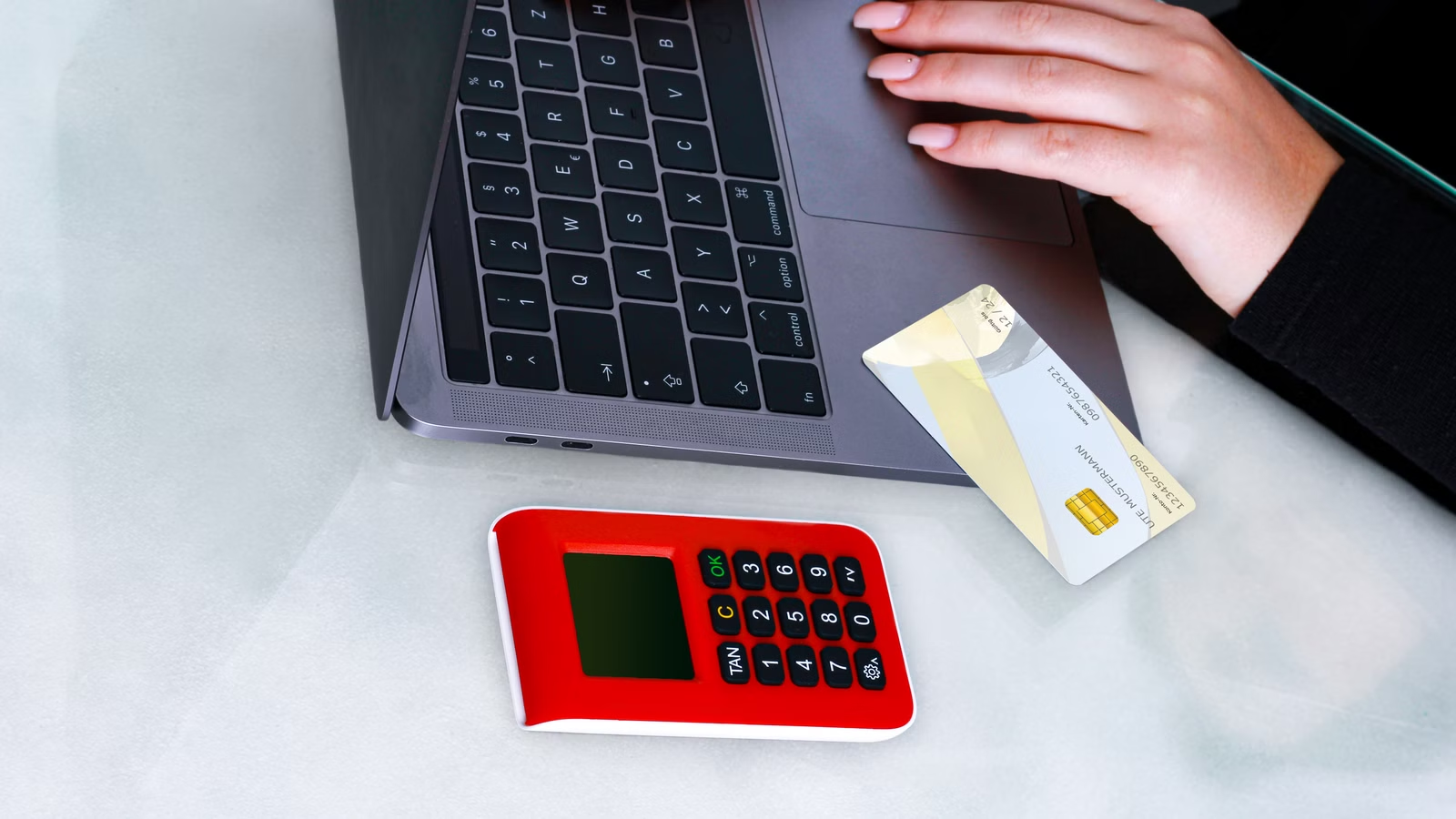
If the ChatGPT checkout page shows authentication required, card may be invalid or authentication needed, or 3D Secure attempt failed, focus on the bank authentication flow. 3D Secure or SCA is designed to let the issuing bank confirm that you are the person making the payment. It may involve an SMS OTP, bank app push notification, redirect page, one-time password, or biometric approval. If the verification is not completed, the payment may fail.
If the verification page does not appear, check your browser environment first. Payment pages often need pop-ups, redirects, and third-party scripts to complete authentication. Ad blockers, privacy extensions, script blockers, pop-up blockers, VPNs, and unstable proxy networks can stop the verification page from loading. Try incognito mode, another browser, disabling blocking extensions, or using a stable network. Do not refresh or close the checkout page before the verification process is complete.
If you do not receive an OTP, or your bank app does not send a push notification, the issue is not necessarily on ChatGPT’s side. The bank may not have triggered 3D Secure, your registered phone number may have an issue, app notifications may be disabled, the card may not support international online authentication, or recurring payments may not be enabled. In this case, contact your issuing bank and ask whether OpenAI or ChatGPT online subscriptions, cross-border e-commerce, recurring payments, and 3D Secure or SCA are supported for your card.
After several failed attempts, avoid submitting the same payment repeatedly. Payment systems and bank risk models may treat repeated attempts as suspicious, which can make later attempts more difficult. A safer sequence is to rule out browser and network issues, contact your bank to confirm card permissions, and then try a different card in your own name that supports international online subscriptions and 3D authentication.
| 3D Secure Issue | Possible Cause | What to Do |
|---|---|---|
| Verification page does not appear | Pop-up or redirect blocked | Allow pop-ups, change browser, or use incognito mode |
| OTP does not arrive | Phone number, bank system, or card settings issue | Ask the bank to check authentication settings |
| Bank app push fails | Bank app permission or network issue | Open the bank app and allow notifications before retrying |
| 3DS failed | Timeout, page refresh, or network interruption | Restart the payment and complete the flow |
| Repeated authentication prompts | Bank risk control has not approved the transaction | Contact the issuer or use another compliant card |
Summary: If 3D Secure or SCA fails, do not immediately assume your account is restricted or that ChatGPT does not accept your card. More often, the verification page is blocked, the bank push does not arrive, the OTP fails, the network redirect is interrupted, or the issuer has not enabled online subscription authentication. The right troubleshooting order is browser and extensions, network stability, bank app or OTP, and issuer permissions. Only after these are confirmed should you consider another payment method. Do not refresh the page during verification, and do not repeatedly submit the same failed payment.
How Region, Card Issuer, and Payment Method Restrictions Affect ChatGPT Payments
Whether a ChatGPT payment succeeds also depends on whether your location, your card-issuing country or region, and your payment method match OpenAI’s rules. OpenAI’s list of ChatGPT supported countries and regions helps determine where ChatGPT web and mobile access is supported. If you or your issuing bank are outside the supported scope, your payment may be declined. OpenAI also states that using a payment method issued outside supported countries may affect access to services.
Regional restrictions are easy to misunderstand. Being able to open ChatGPT does not automatically mean your payment will succeed. Having a card that works for online purchases does not automatically mean the issuing country or region is accepted for OpenAI payments. In its guidance on failed Plus or Pro renewals, OpenAI notes that both the user and the issuing institution should be in a supported region; otherwise, the renewal transaction may fail.
Payment methods also vary by region. In some countries or regions, the checkout page may show local payment methods. Whether they appear, which plans they support, and whether they apply to Pro or Business depend on what the checkout page shows at that time. Credit cards, debit cards, local payment methods, virtual cards, prepaid cards, and corporate cards may each have different restrictions. Prepaid and virtual cards are especially likely to fail if they do not support the merchant category, recurring billing, cross-border transactions, or 3D Secure.
| Restriction Type | What It Affects | What to Check |
|---|---|---|
| User location | Whether ChatGPT can be accessed and subscribed to | Whether the country or region is supported |
| Card-issuing region | Whether the card can be accepted | Whether the issuing country or region is supported |
| Card type | Whether subscription billing can be completed | Online, cross-border, and recurring payment support |
| Local payment methods | Available options differ by region | What the checkout page displays |
| Corporate payment | Invoices, tax, and reimbursement records | Billing details and internal compliance rules |
If you use a corporate card, also consider the billing name, tax ID, VAT ID, reimbursement documents, and internal approval process. OpenAI’s guidance on ChatGPT Web and Platform billing explains that ChatGPT and API Platform use separate billing systems, with separate cost records and billing histories. For company reimbursement or finance reconciliation, do not treat ChatGPT subscriptions and API usage as the same billing item.
Summary: ChatGPT payment failures are not determined only by the card itself. They are also affected by region, issuing bank, plan type, payment channel, and billing system. When troubleshooting, check three things together: whether your location supports ChatGPT, whether your card-issuing country or region supports OpenAI payments, and whether the current checkout page accepts your payment method. Multi-currency billing and local payment options can make checkout easier, but they do not bypass regional rules, bank risk controls, or authentication requirements. Corporate payments should also account for tax, invoice, and reimbursement rules.
ChatGPT Web, iOS, and Android Subscription Failures Are Handled Differently
If you purchase through chatgpt.com, your subscription and invoices are usually managed through the web billing system. If you purchase inside the iPhone or Android app, the subscription is usually managed by the Apple App Store or Google Play. Different purchase channels mean different paths for failed renewals, refunds, cancellations, purchase restoration, and duplicate charges. Identifying the purchase channel is essential before you choose a fix.
For web payment failures, check ChatGPT Billing, Account, and Payment settings first, together with your card, billing address, and 3D authentication. API users should remember that ChatGPT and API Platform use separate billing systems. Adding a payment method in API Platform does not mean ChatGPT Plus, Pro, or Go has been renewed. Similarly, buying a ChatGPT subscription does not automatically add API credits.
Common mobile issues include “I was charged but my account still shows Free,” “my subscription is associated with another account,” or “I subscribed again on the web.” OpenAI’s guidance on duplicate charges recommends checking active subscriptions on each platform before deciding which one to keep and which refund route to use. OpenAI also explains that if a mobile subscription is associated with another account, it is linked both to the App Store or Google Play account and to the ChatGPT account used at the time of purchase.
If you were charged on iOS but ChatGPT does not show Plus, you can use Restore purchases inside the iOS app. To cancel mobile subscriptions, use Apple subscriptions or Google Play subscriptions, depending on where you purchased. Refunds should also follow the purchase channel. Web purchases can follow OpenAI’s refund request process, while Apple or Google Play purchases usually need to go through the respective platform.
| Purchase Channel | Who Manages the Subscription | Common Issue | Where to Handle It |
|---|---|---|---|
| chatgpt.com web | OpenAI / ChatGPT web | Card declined, billing address error | ChatGPT Billing |
| iOS app | Apple App Store | Apple ID binding, restore purchase, refund | iPhone subscription settings |
| Android app | Google Play | Google account binding, subscription not syncing | Google Play subscriptions |
| API Platform | OpenAI API Platform | API credits, organization billing, invoices | Platform Billing |
Summary: You must first identify the purchase channel before troubleshooting a ChatGPT payment issue. Web, iOS, Android, and API Platform do not use the same billing entry point. Web issues mainly involve cards, billing addresses, banks, and 3D authentication. iOS and Android issues often involve whether the Apple ID or Google Play account matches the ChatGPT account. API billing must be handled separately inside Platform. Avoid subscribing repeatedly across multiple platforms, as this can make duplicate billing, refunds, and account identification more complicated.
A Practical Checklist for Troubleshooting a Declined ChatGPT Payment
The most reliable troubleshooting order is: check the information you entered, confirm funds and credit limit, check browser and network conditions, complete 3D Secure, contact your bank about risk controls, and only then change payment methods or submit a support request. This helps you avoid mistaking a simple billing address error for a regional restriction, or repeatedly submitting failed payments when the bank is already blocking the transaction.
A five-minute check can follow this order. First, recheck the card number, expiry date, CVC, billing address, and postal code. Second, confirm that your balance, available credit, and currency coverage are enough for the subscription price, taxes, and possible conversion. Third, use incognito mode or another browser, and disable ad blockers, script blockers, and pop-up blockers. Fourth, confirm that both your location and your card-issuing region are supported. Fifth, fully complete the bank OTP, app push, or 3D Secure verification.
If the payment still fails, contact your bank instead of submitting the same transaction again. Ask whether OpenAI or ChatGPT online transactions are being blocked, whether cross-border e-commerce, subscription billing, and recurring charges are allowed, whether 3D Secure or SCA is enabled, and whether there is a single-transaction limit, daily limit, currency restriction, or temporary risk-control freeze. Banks can usually see more specific decline codes, while OpenAI may not receive all issuer-side details.
| Order | Action | What It Rules Out |
|---|---|---|
| 1 | Check card and billing address | Basic input errors |
| 2 | Check balance, credit limit, and currency | Insufficient funds or conversion issues |
| 3 | Change browser, device, or network | Page or redirect problems |
| 4 | Complete 3DS / SCA | Authentication failure |
| 5 | Contact the issuing bank | Risk controls, limits, and transaction permissions |
| 6 | Use another compliant payment method | Card incompatibility |
If you regularly subscribe to AI tools, cloud services, design software, and developer services, it is useful to manage your payment methods, billing addresses, subscription records, charge currencies, and invoice screenshots in one place. For cross-border online subscriptions, AI service payments, and billing records, BiyaPay EasyCard can support global online subscriptions, AI service payments, billing records, and payment workflow management. Before opening one, check the BiyaPay EasyCard fees, applicable scenarios, and account requirements.
Summary: The most efficient way to troubleshoot a declined ChatGPT payment is to split the issue into six questions: Is the information correct? Are funds sufficient? Was authentication completed? Is the region supported? Did the bank approve the transaction? Is the purchase channel correct? Do not switch cards immediately, and do not submit repeated attempts in a short time. Save the error message, charge time, card tail number, account email, and receipt. If you were charged but did not receive the subscription, confirm the purchase channel and login account first, then follow the correct Web, Apple, or Google Play process.
ChatGPT, OpenAI API, Claude, MidJourney, GitHub Copilot, DeepL Pro, Cloudflare, Vultr, and similar online services often involve cross-border charges, currency conversion, billing addresses, 3D authentication, and renewal records. You can keep a simple table of subscription email, purchase channel, billing cycle, card tail number, and invoice screenshot to avoid forgetting where a service was purchased and to make payment declines, duplicate charges, or refund requests easier to trace.
For users who need long-term management of AI subscriptions and cross-border online payments, Biya can help organize online subscription payments, daily spending, and billing records within one payment-management workflow. If you need to review individual AI service charges, you can also check the related billing records. Available regions, fees, card-opening requirements, transaction results, and verification procedures should always follow the platform display, issuing institution, billing statement, and local regulatory requirements.
FAQ
Does a declined ChatGPT credit card mean my account has a problem?
Not necessarily. A declined ChatGPT credit card is more often caused by incorrect card information, a billing address mismatch, bank blocking, incomplete 3D Secure verification, or unsupported region or card issuer. Only when the page clearly shows an account restriction, risk-control notice, or service-unavailable message should you contact OpenAI support to verify account status.
What billing address should I enter when paying for ChatGPT?
You should usually enter the billing address recorded by your card issuer. The postal code, country or region, and English address format should match your bank information as closely as possible. Do not enter an unrelated address just to match another region, as this may trigger address validation failure, payment decline, or later billing issues.
What should I do if ChatGPT 3D Secure verification fails?
If ChatGPT 3D Secure verification fails, first make sure pop-ups and redirects are not blocked, then complete the bank OTP or app approval. You can also try incognito mode, another browser, another device, or another network. If no verification prompt appears, contact your card issuer to confirm online, cross-border, subscription, and 3DS / SCA permissions.
Will ChatGPT Plus be canceled automatically after a failed renewal?
A failed ChatGPT Plus renewal does not always mean immediate cancellation. The result depends on the purchase channel and platform rules. Web, App Store, and Google Play subscriptions are managed differently. If a mobile renewal fails, do not immediately subscribe again elsewhere; first check whether the original subscription is still active or retrying payment.
What should I do if ChatGPT charged me but my account still shows Free?
If ChatGPT charged you but your account still shows Free, first confirm that you are logged in to the original purchasing account. Check whether you used Apple hidden email, a different Google, Apple, or email login method, or whether the mobile subscription was linked to another ChatGPT account. For iOS purchases, try Restore purchases; if it still does not work, keep the receipt and contact support.
Are OpenAI API payment failures the same as ChatGPT subscription failures?
Not exactly. OpenAI API payments and ChatGPT subscriptions usually use different billing systems, with separate entry points, invoices, credits, and cost records. Before troubleshooting, confirm whether you are operating in ChatGPT Billing or API Platform Billing, then follow the payment rules for that specific product.
*This article is provided for general information purposes and does not constitute legal, tax or other professional advice from BiyaPay or its subsidiaries and its affiliates, and it is not intended as a substitute for obtaining advice from a financial advisor or any other professional.
We make no representations, warranties or warranties, express or implied, as to the accuracy, completeness or timeliness of the contents of this publication.
Related Blogs of

Wire Transfer Requirements: Sender and Beneficiary Details Checklist

Choosing a Stock Trading App: Beginner Checklist




Choose Country or Region to Read Local Blog
 Australia
 Austria
 Belgium
 Canada
 Cyprus
 Czech Republic
 Denmark
 Estonia
 Finland
 France
 Germany
 Greece
 Hong Kong
 India
India Indonesia
 Ireland
 Italy
Italy Japan
Japan Latvia
 Lithuania
 Luxembourg
 Malaysia
 Malta
Malta Morocco
 Nepal
Nepal Netherlands
 New Zealand
 Norway
 Pakistan
 Philippines
 Poland
 Portugal
 Romania
 Singapore
 Slovakia
 Slovenia
 South Africa
 South Korea
 Spain
Spain Sweden
 Thailand
 United States
 Turkey
 United Arab Emirates
 United Kingdom
 Vietnam