Emergency: If Passport Is Lost During Games in US/Canada/Mexico, How to Pay Emergency Return Document Fees with Digital Wallet




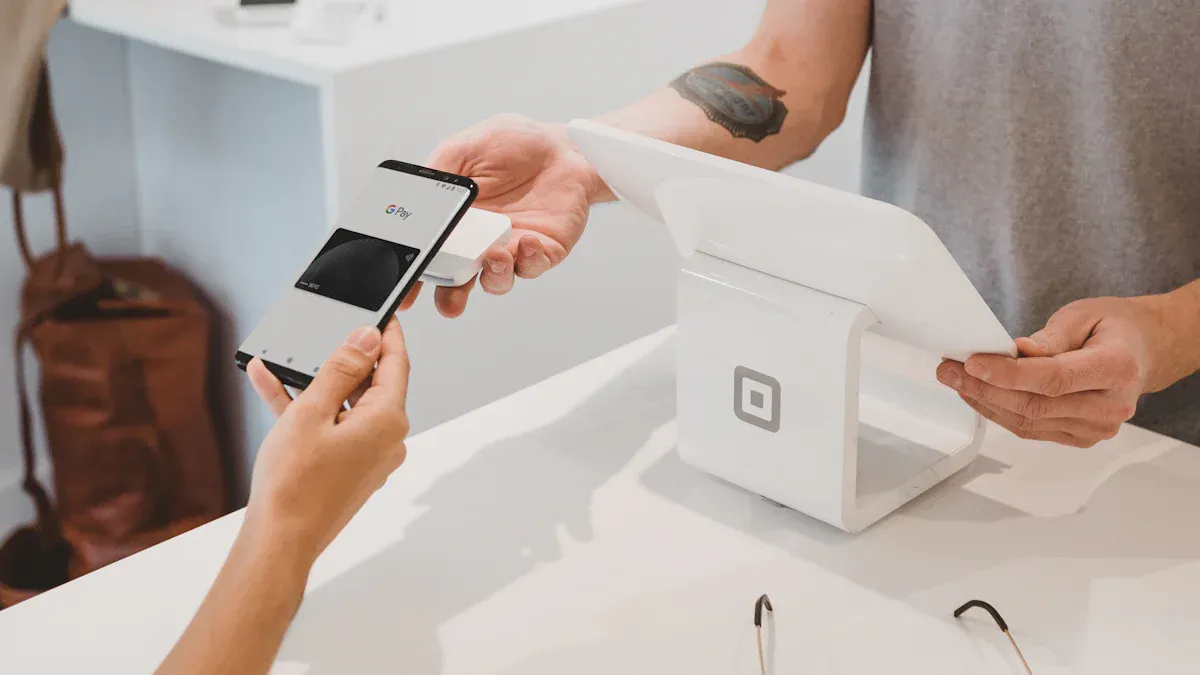
Image Source: unsplash
If your passport is lost during travel in the US, Canada, or Mexico, you can directly pay emergency return document fees through a digital wallet. Consulates and embassies currently support mainstream methods such as Alipay, WeChat, and Apple Pay, improving the security and convenience of payments. Before traveling, you should prepare paper and digital copies of your passport, visa, travel insurance, and itinerary and store them separately. You can also save emergency contact numbers on your phone and write them in an easily accessible location. This way, if an emergency occurs, you can quickly complete the relevant procedures and reduce unnecessary waiting.
Core Points
- After losing your passport, immediately report the loss to the local immigration authority to ensure timely handling.
- Prepare paper and digital copies of your passport, visa, and travel insurance to quickly respond to emergencies.
- When paying document fees with a digital wallet, choose officially recognized platforms to ensure payment security.
- Back up all application materials in advance to avoid delays due to incomplete documents.
- Before payment, confirm that your account balance is sufficient to avoid payment failure due to insufficient funds.
Passport Loss Reporting Process
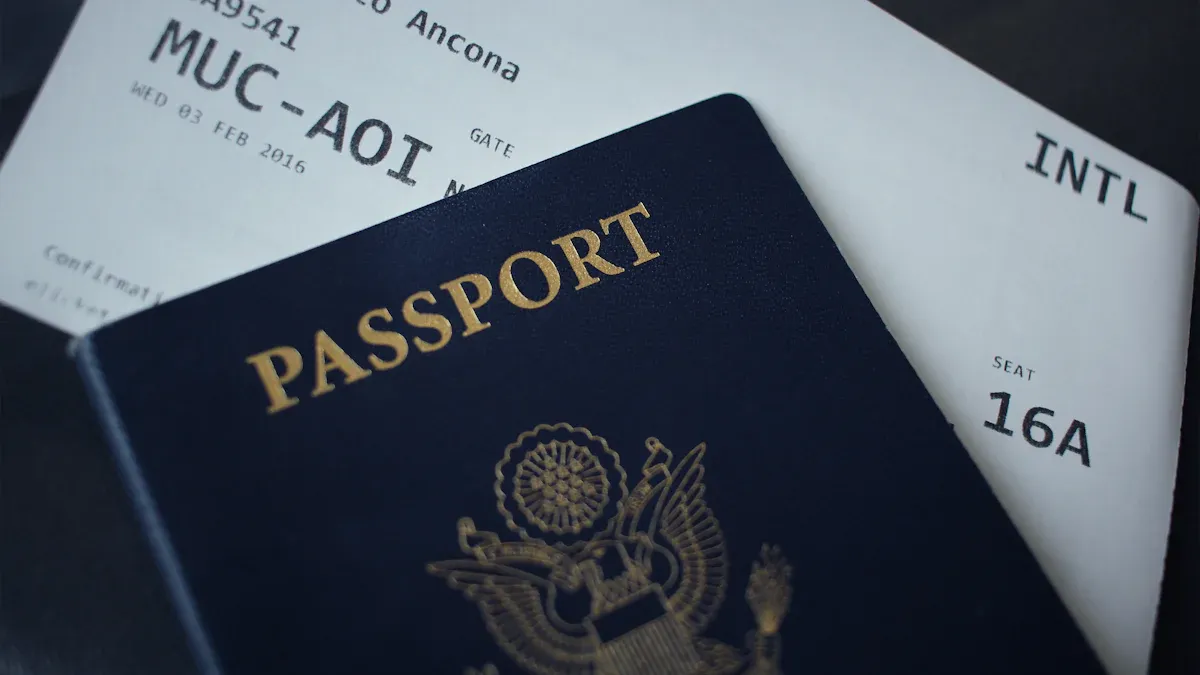
Image Source: unsplash
Reporting Loss to Immigration Authorities
When your passport is lost during travel in the US, Canada, or Mexico, the first step is to immediately report the loss to the local immigration authority. You need to go to the nearest passport office, consulate/embassy, or immigration bureau and explain the passport loss situation. The United States requires filling out Form DS-64, while Canada requires Form PPTC 054 or PPTC 155. Mexico also has a corresponding loss declaration process. You should also report the loss to the local police to obtain a police report, which helps with subsequent new document applications.
Tip: Take photos or scan your passport information and archive it in advance so you can quickly provide required documents in an emergency and save time.
Obtaining Proof of Passport Loss
After completing the loss report, the relevant authorities will issue a proof of passport loss. This proof is a necessary document for applying for a new passport or emergency return document. The United States and Canada usually require you to submit both the police report and proof of loss. You should properly keep these documents to avoid losing them again.
- You can obtain proof of loss through the following methods:
- Collect paper proof on site
- Receive scanned copies via email
- Download through online systems in some regions
Preparation of Identity and Entry Proof
You need to prepare valid identity proof and entry proof materials. The United States usually requires proof of citizenship (such as birth certificate or valid passport), photo-bearing ID (such as driver’s license), and submission of Forms DS-11 and DS-64. Canada requires two 50 x 70 mm passport photos, police report, proof of Canadian citizenship, and photo-bearing ID. Mexico also requires similar materials.
- Common required materials include:
- Valid ID documents
- Entry records or visa copies
- Recent passport photos
- Relevant forms and declarations
Backing up passport information and important documents in advance can greatly simplify the replacement process after passport loss and improve efficiency.
Document Application Materials
Materials Checklist
When applying for emergency return documents in the US, Canada, or Mexico, prepare the following common materials. Requirements vary slightly by country, but core materials are basically the same. The table below summarizes the main materials and descriptions:
| Required Material | Description |
|---|---|
| Printed appointment confirmation | Provide appointment information to prove you have completed the online appointment process. |
| Printed proof of international travel | Includes flight receipts, itinerary, hotel bookings, cruise or bus tickets, international car insurance, etc. |
| Application form | Fill out online and print, ensuring information is complete and accurate. |
| Copies of all supporting documents | Includes copies of citizenship proof, ID proof, entry records, etc. |
| One passport photo | Photo must meet passport photo requirements; prepare several spares in advance. |
| Application fee and expedite fee | Must be paid in USD; supports credit cards, debit cards, contactless payment methods such as Apple Pay, Alipay, WeChat. |
Supplementary Materials
You may encounter special situations requiring additional materials. For example, for first-time applications, you need to submit original birth certificate, citizenship certificate, or consular birth report. In case of urgent travel (such as life-or-death emergencies), provide death certificate, funeral home statement, or hospital letter. If your trip is within 14 days of the appointment, submit flight receipts or itinerary to prove urgent travel needs. For renewal applications, provide undamaged old passport and government-issued photo ID.
Tip: Consult the consulate/embassy in advance based on your situation to confirm required supplementary materials and avoid delays due to incomplete documents.
Material Preparation Precautions
When preparing materials, pay attention to the following points:
- It is recommended to photocopy and save electronic versions of all documents in advance for easy reference at any time.
- Passport photos must meet official requirements—background, size, and clarity are critical.
- Carefully review the application form after filling it out to ensure information is correct.
- For fee payment, prioritize official channels to avoid additional fees from third-party platforms.
- When using digital wallets for payment, ensure account balance is sufficient and the payment process is safe and reliable.
- If materials involve translation, provide notarized or officially certified translations.
Preparing complete materials in advance can significantly improve processing efficiency and reduce waiting time. If you have questions, promptly contact consulate/embassy staff for assistance.
Passport Loss Digital Wallet Payment
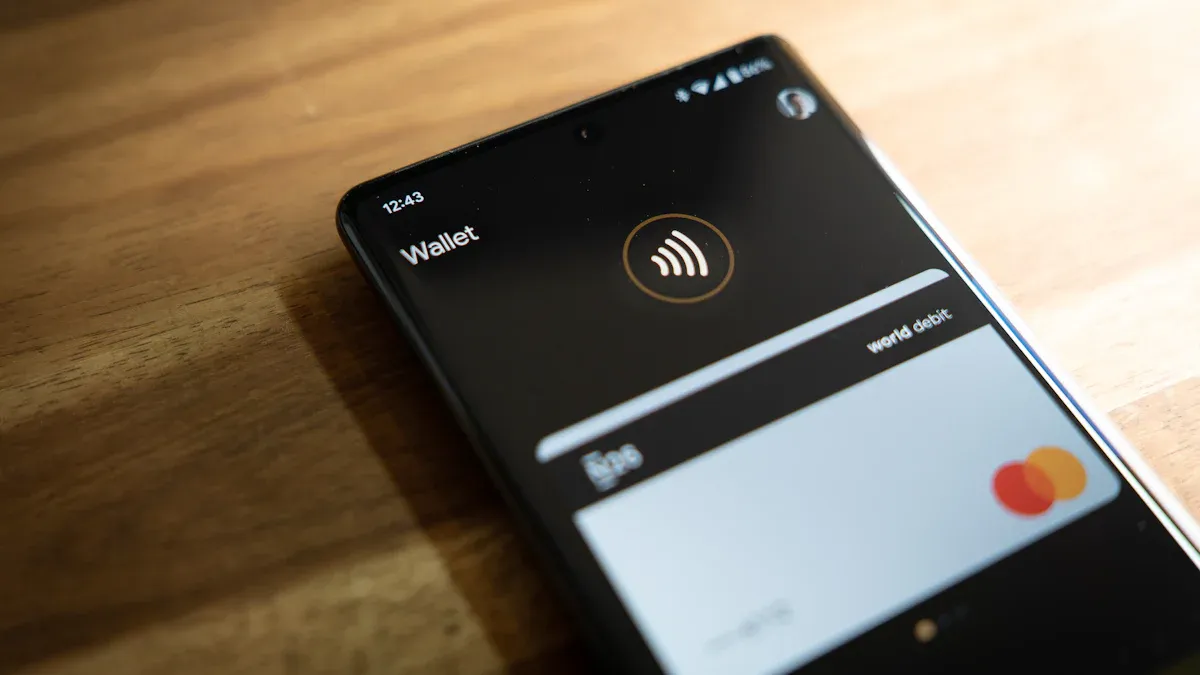
Image Source: unsplash
Supported Payment Methods
When handling emergency return documents after passport loss in the US, Canada, or Mexico, you can choose multiple digital wallets for payment. Official consulate/embassy channels currently support mainstream methods such as Alipay, WeChat, and Apple Pay, ensuring a safe and reliable payment process. For Chinese-speaking users, Biyapay — designed specifically for cross-border payments — offers multi-currency settlement and real-time exchange rate display, allowing you to complete document fee payment directly in USD. You can also choose international mainstream platforms such as PayPal, Google Wallet, and Apple Pay, which have very high usage among travelers in the United States, Canada, and Mexico. Shopify’s Shop Pay and Cash App Pay are also becoming popular in the US and Canada markets, while Mexican users commonly use PayPal and Mercado Pago.
In this kind of emergency, what usually determines processing speed is not finding a payment tool on the spot, but whether you have already prepared funds that can be used immediately. On platforms such as BiyaPay, multi-currency fund management, the exchange rate comparison tool, and a virtual card application are typically kept within one system, which makes them more useful as part of a pre-trip emergency budget setup.
The point is not to replace the consulate’s official payment channel, but to make it easier to handle follow-up expenses such as document fees, temporary accommodation, or ticket changes without scrambling for funds. For cross-border travelers, organizing emergency funds in one account structure in advance is usually more reliable than borrowing money or converting currencies repeatedly at the last minute.
According to 2024 market data, the United States accounts for about 82% of North America’s mobile wallet transaction value, showing a mature digital payment ecosystem and high smartphone penetration. Mexico’s digital payment transactions grew 34% in 2023, with mobile wallets playing a significant role in promoting financial inclusion. Choosing officially recognized digital wallet platforms effectively safeguards fund safety and avoids payment failures or information leaks due to third-party channels.
Payment Process
When handling passport loss-related documents, the digital wallet payment process usually includes the following steps:
- On the consulate/embassy website or appointment system, select the “Digital Wallet Payment” option.
- The system automatically generates the amount due (in USD) and displays supported payment platforms.
- Choose Biyapay, Alipay, WeChat, Apple Pay, or PayPal, scan the QR code or jump to the payment page.
- Review the amount and payee information, confirm accuracy, and complete payment.
- After successful payment, the system automatically generates an electronic payment voucher, which you can download or screenshot for saving.
- Submit the payment voucher together with other application materials; consulate/embassy staff will verify payment status on site or online.
Tip: Before payment, ensure your digital wallet account balance is sufficient to avoid interruptions due to insufficient funds. It is recommended to use QR codes or payment links generated by official channels to prevent phishing sites or fake payees.
Biyapay provides multilingual interfaces and real-time customer support for Chinese-speaking users, with fully encrypted payment processes, making it suitable for travelers unfamiliar with local banking systems. When using Biyapay, you can directly bind international credit or savings cards for real-time settlement without worrying about exchange rate loss or high fees.
Common Payment Issues
When using a digital wallet to pay document fees after passport loss, you may encounter the following common issues:
- Payment failure or delayed arrival: Some digital wallet platforms may experience delays in cross-border payments. Prioritize official recommended platforms such as Biyapay, Alipay, and Apple Pay, and avoid unclear channels.
- Lost payment voucher: Save electronic payment vouchers promptly—screenshot and back up to cloud or email. If lost, reprint through digital wallet transaction records or consulate/embassy payment inquiry system.
- Account security risks: When paying on public Wi-Fi, enable two-factor authentication to avoid personal information leakage. Platforms like Biyapay and Apple Pay use multiple encryption technologies to ensure transaction security.
- Exchange rate fluctuations and fees: Pay attention to real-time exchange rates and platform fees during payment. Biyapay displays USD settlement amounts in real time to help you plan expenses reasonably.
- Payment platform not recognized: Some consulates/embassies only support specified platforms. Carefully check official announcements before payment to ensure the selected digital wallet is accepted locally.
If you encounter payment abnormalities, immediately contact consulate/embassy or digital wallet platform customer service, provide transaction vouchers and personal information, and assist with verification. Understanding the payment process and common issues in advance effectively improves processing efficiency and reduces unnecessary waiting caused by payment steps.
Document Processing and Follow-Up Procedures
Document Collection Methods
After completing the emergency return document application, you can choose multiple collection methods. Consulates and embassies in the United States, Canada, and Mexico usually offer on-site collection and mailing services. In the United States, if the passport was issued within one year, follow the letter sent by the consulate/embassy to confirm whether to submit Form DS-11 or DS-5504. You need to prepare the limited-validity passport, one passport photo, and in some cases no additional fee is required. If the passport was issued between one and two years ago, submit Form DS-5504, limited-validity passport, and photo by mail. Canada and Mexico also support on-site collection and mailing; follow specific procedures per consulate/embassy notice.
- On-site collection: Bring valid ID and collection notice and go to the consulate/embassy at the appointed time.
- Mail collection: Prepare a return envelope in advance, fill in the accurate recipient address, and ensure materials are delivered safely.
Processing Progress Inquiry
You can check document processing progress through the consulate/embassy website, appointment system, or phone. Some consulates/embassies support entering the application number online to view real-time review and issuance status. You can also monitor email notifications for timely updates on supplementary materials or collection information. In special cases such as material supplementation or payment issues, proactively contact consulate/embassy staff for the latest progress.
Tip: Properly save your application number and payment voucher for easy status inquiry at any time.
Follow-Up Precautions
After receiving your new document, pay attention to the following matters:
- If you are unable to pay new passport fees abroad, consult the consulate/embassy about emergency financial assistance policies.
- If you cannot provide U.S. citizenship proof, apply for free record search to assist with emergency passport processing.
- In case of major disasters or criminal incidents, you may qualify for free emergency passport services.
- Most consulates/embassies do not process documents on weekends and holidays; contact duty officers for emergencies.
- Promptly verify new document information and report errors to the consulate/embassy as soon as possible.
Understanding collection methods and follow-up precautions in advance effectively improves processing efficiency and ensures smooth return or continued travel.
When traveling in the US, Canada, or Mexico, if your passport is lost, you can efficiently and safely pay document fees through a digital wallet. Always choose official consulate/embassy channels to ensure payment security. Back up passport information and application materials in advance to standardize the processing flow. If you encounter any issues, promptly contact the consulate/embassy for assistance.
FAQ
How long does it take to receive an emergency return document after passport loss?
You can usually receive an emergency return document within 3 to 5 business days. The specific time depends on complete materials and consulate/embassy review progress.
Is there an amount limit for paying document fees with a digital wallet?
When paying document fees, single transactions generally do not exceed USD 200. Confirm account balance in advance to avoid payment failure due to limits.
How to confirm that the consulate/embassy has received the fee after payment?
After completing payment, the system generates an electronic voucher. You can check payment status on the consulate/embassy website or appointment system to ensure the fee has arrived.
What to do if payment fails?
First check network and account balance. If payment still cannot be made, switch payment platforms or contact consulate/embassy staff for assistance.
Can someone else’s account be used to pay document fees?
You can use another person’s digital wallet account to pay, but keep the payment voucher and indicate the relationship between payer and applicant in the application materials.
*This article is provided for general information purposes and does not constitute legal, tax or other professional advice from BiyaPay or its subsidiaries and its affiliates, and it is not intended as a substitute for obtaining advice from a financial advisor or any other professional.
We make no representations, warranties or warranties, express or implied, as to the accuracy, completeness or timeliness of the contents of this publication.
Related Blogs of

What Is the Difference Between HBM3E and HBM4? What Do They Mean for Micron and AI Servers?


Why Does AI Compute Growth Drive Storage Demand? The Difference Between Training, Inference, and Data Retention


What Is the Difference Between DRAM Contract Price and Spot Price? Which Indicator Should Investors Watch?

How Do AI Servers Drive Storage Demand? The Roles of HBM, Server DRAM, Enterprise SSDs, and HDDs

Choose Country or Region to Read Local Blog
 Australia
 Austria
 Belgium
 Canada
 Cyprus
 Czech Republic
 Denmark
 Estonia
 Finland
 France
 Germany
 Greece
 Hong Kong
 India
India Indonesia
 Ireland
 Italy
Italy Japan
Japan Latvia
 Lithuania
 Luxembourg
 Malaysia
 Malta
Malta Morocco
 Nepal
Nepal Netherlands
 New Zealand
 Norway
 Pakistan
 Philippines
 Poland
 Portugal
 Romania
 Singapore
 Slovakia
 Slovenia
 South Africa
 South Korea
 Spain
Spain Sweden
 Thailand
 The United States
 Turkey
 United Arab Emirates
 United Kingdom
 Vietnam
Contact Us




BIYA GLOBAL LLC is registered with the Financial Crimes Enforcement Network (FinCEN), an agency under the U.S. Department of the Treasury, as a Money Services Business (MSB), with registration number 31000218637349, and regulated by the Financial Crimes Enforcement Network (FinCEN).
BIYA GLOBAL LIMITED is a registered Financial Service Provider (FSP) in New Zealand, with registration number FSP1007221, and is also a registered member of the Financial Services Complaints Limited (FSCL), an independent dispute resolution scheme in New Zealand.