Goodbye Coins: The Minimalist Digital Payment Flow for Ordering a Tim Hortons Coffee in Toronto




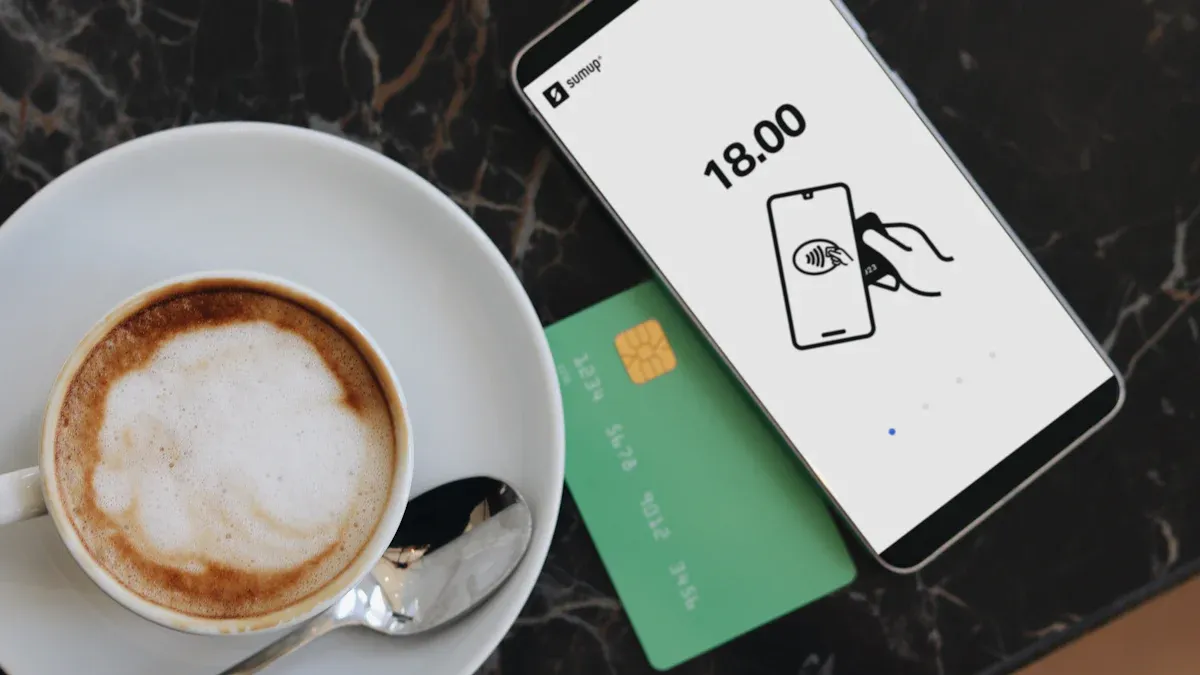
Image Source: unsplash
You walk into a Tim Hortons in Toronto and saying goodbye to the hassle of coins and change has become reality. The popularity of digital payments lets you complete orders directly with your phone or card, delivering an ultimate convenience experience. Tim Hortons has introduced the Scan & Pay feature, where scanning to pay also earns points, and more and more customers are choosing this method. Today, digital payments account for one-third of system sales, and in-store mobile payments are fully open.
| Change Type | Value |
|---|---|
| Digital payment share | Now accounts for one-third of system sales |
| Total system sales | Over $3 billion |
Core Key Points
- Tim Hortons supports multiple digital payment methods, eliminating coins and change while improving order convenience.
- Use mobile payments such as Apple Pay and Google Pay for quick transactions without cash.
- Register for the TimmyMe app to enjoy an exclusive digital payment experience, earn points, and receive offers.
- Self-service kiosks allow you to complete everything independently, saving time and delivering an efficient ordering experience.
- Ensure good network connection and device status to avoid payment failures and enhance payment smoothness.
Digital Payment Methods to Say Goodbye to Coins and Change

Image Source: pexels
You walk into a Tim Hortons in Toronto and no longer need to worry about coins and change. Now, stores support multiple digital payment methods, allowing you to easily complete orders and payments. Whether you are a local resident or a Chinese-speaking user, you can find a payment tool that suits you.
Mobile Payment Options
You can complete payments directly with your phone. Tim Hortons supports mainstream mobile payment methods such as Apple Pay and Google Pay. Simply bring your phone close to the checkout terminal, verify your identity, and the payment is complete. The entire process requires no cash, truly achieving goodbye to coins and change. For those who often forget their wallet, this method greatly improves convenience.
Credit and Debit Cards
If you prefer paying with cards, Tim Hortons also supports credit cards and debit cards. You simply insert or tap the card, enter your PIN or sign, and the transaction is complete. Many credit cards and debit cards issued by Hong Kong licensed banks can be used at Tim Hortons stores in Toronto, with settlement priced in USD, making it convenient for you to manage bills and track spending records.
Tim Hortons App
The TimmyMe app launched by Tim Hortons provides you with an exclusive digital payment experience. You only need to register a Tim Hortons card in the app, top up the account, and then scan to pay. Tims Rewards members can also earn points by scanning payment orders and enjoy more offers. The entire process is simple and efficient, completely eliminating the hassle of coins and change.
Other Electronic Payments
In addition to mainstream methods, Tim Hortons is gradually supporting electronic payment products designed specifically for Chinese-speaking users, such as Biyapay. You can link multi-currency accounts through Biyapay and settle directly in USD, avoiding the trouble of currency conversion. For users who frequently travel between North America and Asia, these tools make cross-border spending easier.
If what you care about most is making small daily purchases feel frictionless, the real issue is usually not the payment label itself, but whether your funds are already prepared in a usable form. On platforms such as BiyaPay, multi-currency fund management and virtual card application are typically placed within the same account system, which suits small scattered expenses like coffee, commuting, and subscriptions.
The advantage is that you do not need to handle FX conversion or fund movement right before every purchase. If balance and currency planning are done in advance, the in-store payment step becomes much simpler; for cross-border users, that kind of account setup often matters more than the checkout action itself.
Quick tip: When choosing digital payment methods, it is recommended to confirm account balance and network connection in advance to ensure smooth payment completion.
Digital Payment Process
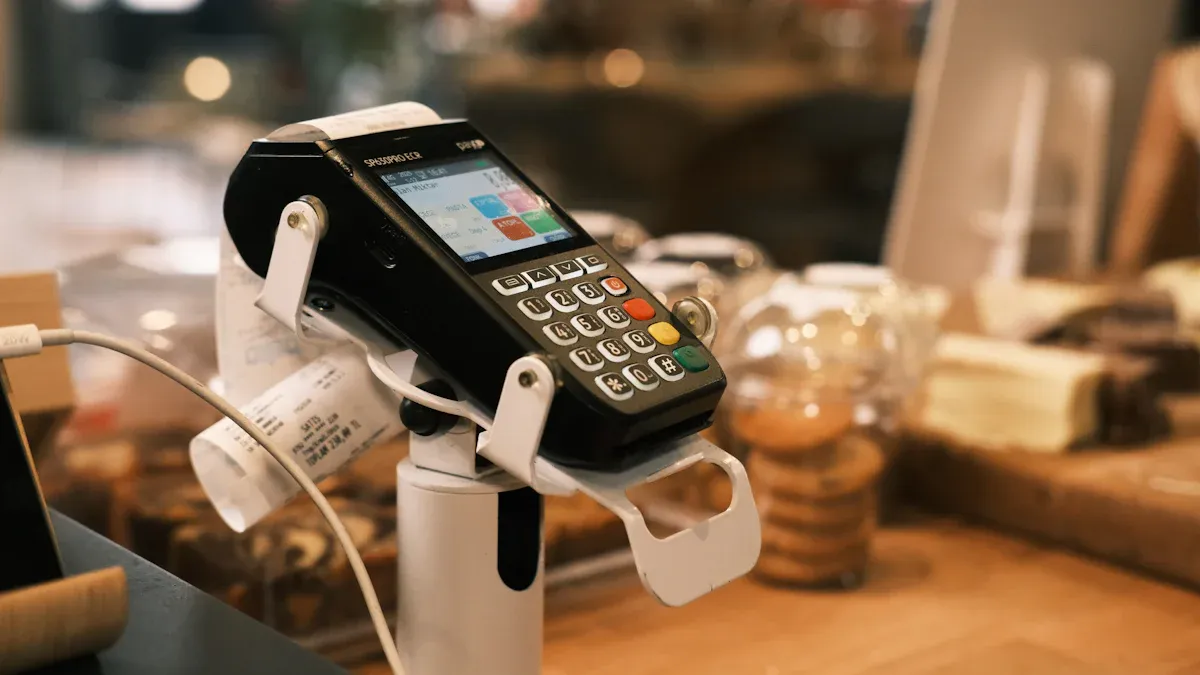
Image Source: pexels
You walk into a Tim Hortons in Toronto and digital payment makes ordering unprecedentedly simple. Whether you choose the counter, self-service kiosk, or pre-order in the app, you can experience an efficient and smooth payment process. Below, I will guide you step by step through the specific operations in each scenario so you can completely say goodbye to the hassle of coins and change.
Counter Ordering Process
You arrive at the counter, and the staff will smile and ask for your order. You simply tell them the drink and food you want, and the staff will enter it into the system. After confirmation, you can choose to pay with credit card, debit card, or mobile payment. Just insert or tap the card at the terminal, or bring your phone close to the sensor area, enter your PIN or verify with fingerprint, and the payment completes in seconds. The entire process requires no cash and no need to worry about change. You can also proactively show your Tim Hortons membership code, and the staff will scan it for you; points and offers will be automatically applied.
Quick tip: If you use a credit card issued by a Hong Kong licensed bank, settlement will be in USD, making it convenient for you to reconcile and manage spending later.
Self-Service Kiosk Process
Do you prefer self-service? Tim Hortons self-service kiosks allow you to complete ordering and payment independently from start to finish. You simply select your favorite drinks and meals on the touchscreen, confirm the order, and the system automatically displays available payment methods. You can choose credit card, debit card, Apple Pay, or Google Pay and complete payment directly at the terminal sensor area. No need to interact with staff—the entire process is efficient and smooth. The self-service kiosk will also automatically recognize your membership status, applying points and offers without manual operation.
| Self-Service | Counter Service |
|---|---|
| Supports credit/debit cards, mobile wallets (Apple Pay, Google Pay), and contactless transactions | Mainly cash or credit/debit card payments |
| Integrated loyalty program automatically applies discounts and tracks rewards | May require manual application of loyalty points |
You will find that self-service kiosks not only save time but also let you enjoy your food faster without waiting in line for change.
App Online Ordering
Want to save even more time? The Tim Hortons App online ordering feature is perfect for you. Simply open the app on your phone, select the store and items, confirm the order, and complete payment directly in the app. You can link credit cards, debit cards, or use Apple Pay and Google Pay for one-tap payment. After placing the order, the app will show the estimated pickup time; when you arrive at the store, just show the order QR code and the staff will scan it to hand you your order. The entire process requires no cash, and points and offers are automatically credited—truly achieving a digital ordering experience.
You can view historical orders and spending records anytime in the app to conveniently manage daily expenses and points.
No matter which method you choose, digital payment lets you easily say goodbye to coins and change while enjoying an efficient and convenient ordering experience.
Digital Payment Experience
Time-Saving and Convenience
When you use digital payment at Tim Hortons, the entire ordering process becomes extremely efficient. You simply bring your phone or card close to the terminal, and the payment completes in seconds. You no longer need to rummage for change or worry about not having enough cash. Many users report that digital payment allows them to quickly complete orders even during peak hours, saving a great deal of queuing and waiting time. For those who are often in a hurry, this method undoubtedly improves the overall dining experience.
Benefits of No Change Needed
Do you remember how you used to wait for staff to give change when paying with cash? Sometimes you ended up with too many coins, making your wallet bulky, or even felt embarrassed when short on change. Now, digital payment completely solves these problems. You can pay the exact amount directly without worrying about overpaying or underpaying. Users generally say that digital payment has completely eliminated coins and change, reducing unnecessary hassle. You will find the entire transaction process becomes smoother and communication simpler.
Many users report that after the widespread adoption of digital payment, change issues have almost disappeared, making the ordering experience much smoother.
Spending Records and Offers
Every time you use digital payment, the system automatically generates a spending record. You can view historical orders anytime in your bank statement or the Tim Hortons App, making it convenient to manage personal finances. For users with credit cards issued by Hong Kong licensed banks, all spending is priced in USD, with clear statements. You can also participate in points activities through the app and enjoy exclusive offers. Digital payment not only lets you easily track every expense but also helps you gain more benefits.
Precautions and Quick Tips
Network and Device
When using digital payment, network connection and device status are critical. It is recommended to check your phone signal and Wi-Fi status before entering Tim Hortons to avoid payment failures due to unstable network. Phone battery level is also important, especially during peak hours—low battery may affect scanning or NFC payment. You can carry a portable power bank to ensure your device is always ready. Some stores offer free Wi-Fi, but it is recommended to prioritize your own mobile data for smoother payments.
Payment Security
When using digital payment at Tim Hortons in Toronto, the system adopts multiple security measures to protect your transactions. Canadian stores generally use EMV technology and contactless payments, improving overall security. You can refer to the table below for the main security measures:
| Security Measure | Description |
|---|---|
| EMV technology | Canada has successfully promoted EMV technology to improve security for merchants and consumers. |
| Contactless payment | Although not as secure as chip and PIN, contactless technology is safer than magnetic stripe cards because the chip is stored in the card or handheld device. |
When paying, it is recommended to prioritize credit or debit cards with chips or mainstream mobile payment tools such as Apple Pay and Google Pay. Do not enter sensitive information on public Wi-Fi, and contact your bank or payment platform immediately if you notice unusual charges or account alerts.
Earning Offers
To earn more offers, pay attention to points activities and exclusive promotions in the Tim Hortons App. After registering as a Tims Rewards member, every scan-to-pay order earns points that can be exchanged for free drinks or meals. You can also regularly check limited-time coupons pushed in the app, with some offers exclusive to digital payment users. It is recommended to link credit cards issued by Hong Kong licensed banks, as some cards offer additional cashback or points rewards. Remember to check your account balance regularly to ensure every payment smoothly earns offers.
Handling Payment Issues
If you encounter problems during payment—such as network interruption, device lag, or payment failure—don’t panic. You can try switching networks, restarting your device, or changing payment methods. If the app is not working properly, you can complete payment directly with a credit or debit card. If you notice unusual charges or points not credited, it is recommended to keep payment receipts and contact store staff or bank customer service promptly. In most cases, the store will assist you in quickly resolving the issue and protecting your consumer rights.
Warm tip: Prepare in advance and stay calm when facing issues. Flexibly switching payment methods can make your digital payment experience smoother.
When in Tim Hortons in Toronto, you can now easily experience the simplicity and efficiency of digital payment. You no longer need to carry coins and change, and ordering becomes smoother. Industry experts point out that the pandemic has driven the popularity of contactless payments and integrated POS systems, helping stores address labor shortages and changing consumer habits. You can choose the digital payment method that best suits your needs and enjoy a more relaxed pace of life.
FAQ
Does digital payment support credit cards issued by mainland China or Hong Kong licensed banks?
You can use credit cards or debit cards issued by Hong Kong licensed banks for digital payments at Tim Hortons in Toronto, with settlement priced in USD, making it convenient for you to manage bills.
If your phone runs out of battery or the network is unstable, how do you complete payment?
You can choose to pay with a physical credit or debit card. Most stores support contactless tapping, ensuring you can order smoothly without relying on your phone.
Does the Tim Hortons App support registration with mainland China phone numbers?
You can try registering the Tim Hortons App with a mainland China phone number. If verification issues occur, it is recommended to register with an email address to improve success rate.
Does digital payment incur extra handling fees?
When using digital payment at Tim Hortons, stores generally do not charge additional handling fees. Some banks may charge cross-border transaction fees; refer to your bank’s policy for details.
How to ensure the security of digital payments?
You can prioritize credit cards with chips or mainstream mobile payment tools. Do not enter sensitive information on public Wi-Fi, and contact your bank immediately if anything unusual occurs.
*This article is provided for general information purposes and does not constitute legal, tax or other professional advice from BiyaPay or its subsidiaries and its affiliates, and it is not intended as a substitute for obtaining advice from a financial advisor or any other professional.
We make no representations, warranties or warranties, express or implied, as to the accuracy, completeness or timeliness of the contents of this publication.
Related Blogs of

How to View HBM Advanced Packaging Equipment Stocks? ASMPT’s Opportunities and Cyclical Risks


HBM/DRAM, NAND, and HDD in AI Storage: A Comparison of Elasticity, Cycles, and Risks


How Should You View Shanghai Fudan’s Non-Volatile Memory Business? Application Scenarios, Competition, and Risks


How Is China’s Memory Supply Chain Different from Overseas Memory Leaders? A Comparison with Micron, SanDisk, Western Digital, and Seagate

Choose Country or Region to Read Local Blog
 Australia
 Austria
 Belgium
 Canada
 Cyprus
 Czech Republic
 Denmark
 Estonia
 Finland
 France
 Germany
 Greece
 Hong Kong
 India
India Indonesia
 Ireland
 Italy
Italy Japan
Japan Latvia
 Lithuania
 Luxembourg
 Malaysia
 Malta
Malta Morocco
 Nepal
Nepal Netherlands
 New Zealand
 Norway
 Pakistan
 Philippines
 Poland
 Portugal
 Romania
 Singapore
 Slovakia
 Slovenia
 South Africa
 South Korea
 Spain
Spain Sweden
 Thailand
 The United States
 Turkey
 United Arab Emirates
 United Kingdom
 Vietnam
Contact Us




BIYA GLOBAL LLC is registered with the Financial Crimes Enforcement Network (FinCEN), an agency under the U.S. Department of the Treasury, as a Money Services Business (MSB), with registration number 31000218637349, and regulated by the Financial Crimes Enforcement Network (FinCEN).
BIYA GLOBAL LIMITED is a registered Financial Service Provider (FSP) in New Zealand, with registration number FSP1007221, and is also a registered member of the Financial Services Complaints Limited (FSCL), an independent dispute resolution scheme in New Zealand.