Tap and Go A Beginner's Guide to Cardless ATM Withdrawals




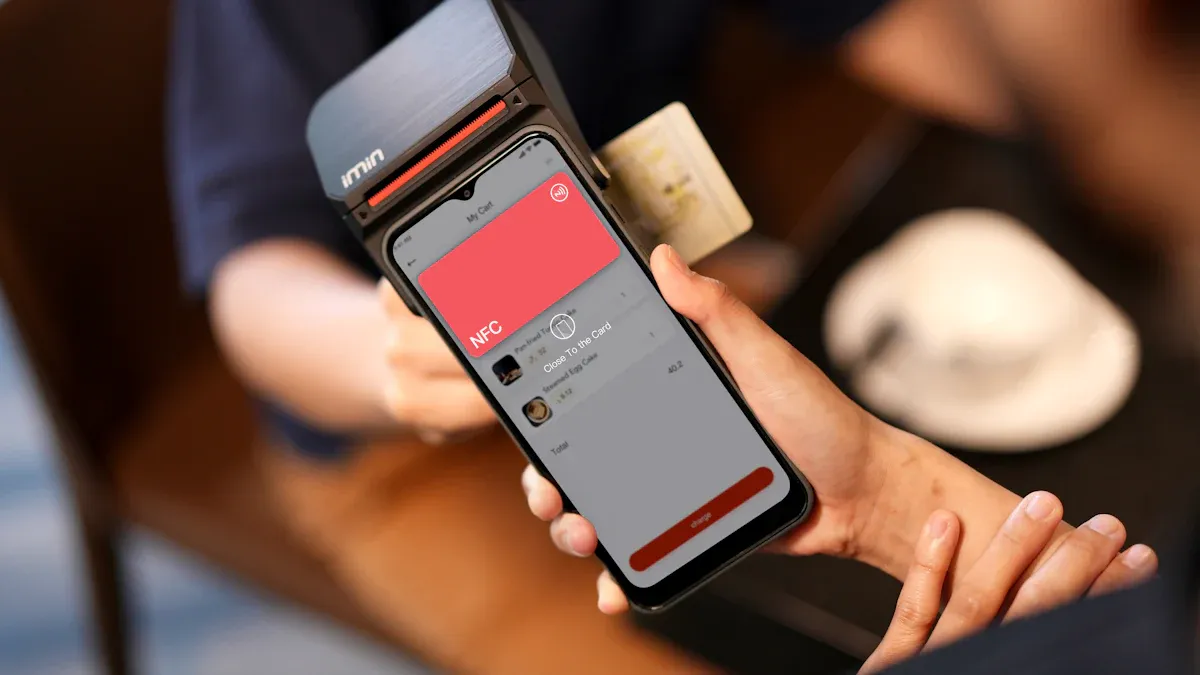
Image Source: pexels
You feel that familiar panic. You need to withdraw cash, but your wallet is sitting on the kitchen counter. Luckily, you can complete a secure cardless cash withdrawal using only your smartphone. The popularity of cardless cash withdrawals is surging, with the North American market for cardless ATMs projected to grow by 18.5% annually.
Tip: You can use a cardless ATM in two simple ways:
- Tapping your phone’s digital wallet on the contactless symbol.
- Scanning a QR code using your bank’s mobile app.
Key Takeaways
- Cardless ATM withdrawals let you get cash with your smartphone. You do not need your physical debit card.
- Set up your phone first. Add your debit card to a digital wallet like Apple Pay or Google Pay, or use your bank’s app.
- You can withdraw cash by tapping your phone on the ATM or by scanning a QR code. Always enter your PIN on the ATM for security.
- Cardless ATMs are safe. They use your phone’s security, like fingerprints, and hide your card number with special tokens.
- Find cardless ATMs using your bank’s mobile app. Look for the contactless symbol on the ATM itself.
How to Use a Cardless ATM
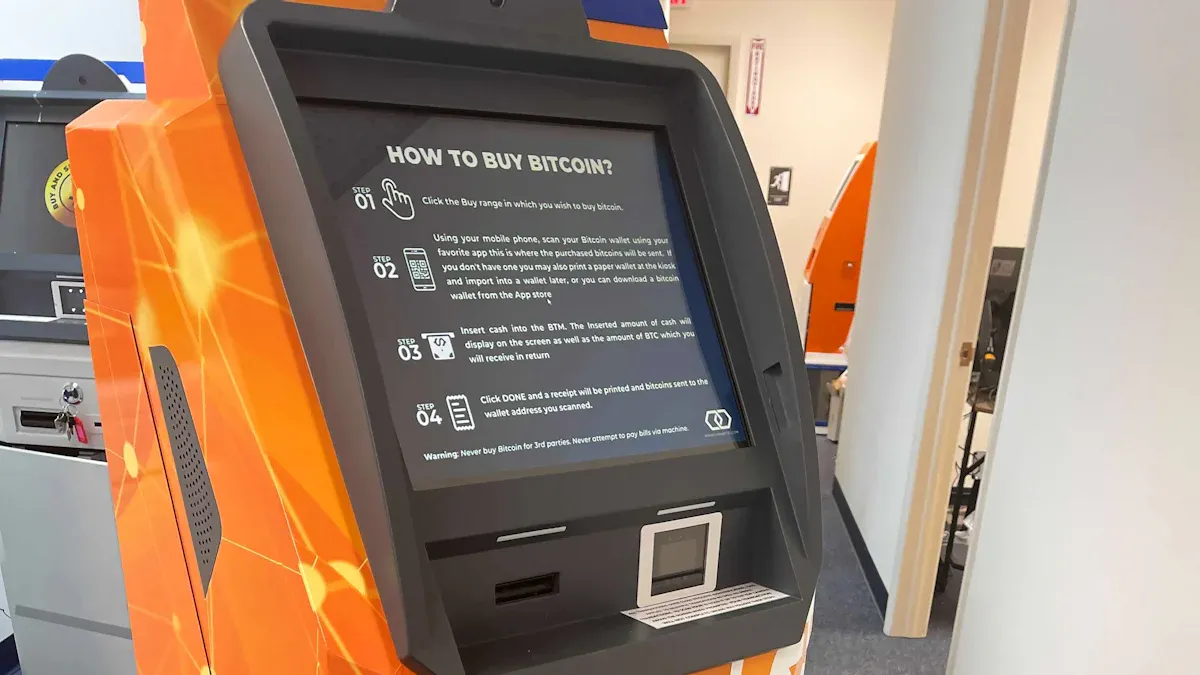
Image Source: unsplash
Learning how to use a cardless ATM is straightforward. The process involves a one-time setup on your phone, followed by a few simple steps at the machine. This guide will walk you through exactly how to use a cardless ATM, ensuring you can confidently withdraw cash without your physical card.
Setting Up Your Mobile Device
Before you head to the ATM, you need to prepare your smartphone. This is a one-time setup that involves adding your bank’s debit card to a digital wallet app.
To add a debit card to Apple Wallet:
- Open the Wallet app on your iPhone.
- Tap the plus sign (+) in the upper-right corner.
- Select “Debit or Credit Card” and follow the on-screen instructions to either scan your card or enter the details manually.
- Your bank will then verify your card, and it will be ready for use.
To add a debit card to Google Pay:
- Open the Google Pay app.
- Tap “Add a card” and select “Debit or credit card.”
- Use your camera to capture the card details or enter them yourself.
- Follow the prompts to verify your card with your bank.
Pro Tip: Set Your Primary Card The first card you add often becomes your default. If you have multiple cards, you can easily change the default. In most wallet apps, simply press and hold the card you want as your primary and drag it to the front of the list. This ensures the correct card is ready when you need to make a mobile withdrawal.
Initiating a Cardless Cash Withdrawal
Once you arrive at a compatible machine, the process begins. You will not insert anything into the ATM. Instead, you will use your phone to start the transaction. The two primary cardless options are tapping your phone or scanning a code.
Tapping with a Digital Wallet (NFC)
This method uses Near Field Communication (NFC), the same technology behind tap-to-pay at checkout counters. Cardless ATMs that support this will have a contactless symbol (which looks like a sideways Wi-Fi icon).
First, you must authenticate on your own device.
- Open your phone’s digital wallet (Apple Pay or Google Pay).
- Select the debit card you wish to use.
- Authenticate your identity using your phone’s security features, such as a fingerprint scan, Face ID, or your device PIN. This activates the NFC credentials for the transaction.
Next, hold your phone near the ATM’s contactless symbol. Many major banks support this feature with popular digital wallets.
| Bank Name | Compatible Digital Wallets |
|---|---|
| Bank of America | Google Pay |
| JPMorgan Chase | Apple Pay, Google Pay, Samsung Pay |
Scanning a QR Code
If the ATM displays a QR code, you will use your mobile banking app instead of a digital wallet. This is another popular method for a cardless cash withdrawal.
- Open your bank’s dedicated banking app on your smartphone.
- Find the cardless ATM withdrawal feature within the app. This may be labeled “Cardless ATM,” “Mobile Cash,” or something similar.
- Enter the amount you wish to withdraw directly in the app.
- The app will activate your phone’s camera. Use it to scan the QR code displayed on the ATM’s screen.
Note on Codes: The QR code on the screen is time-sensitive and typically expires within a few minutes for security reasons. You must complete the scan promptly to proceed with the cash withdrawal.
Completing Your Cash Withdrawal
The final step for both methods provides a crucial layer of security. After you tap your phone or scan the code, the ATM will prompt you for more information. This is how to use a cardless ATM securely.
You will be required to enter your debit card’s PIN on the ATM’s physical keypad, just as you would with a physical card. This two-factor authentication process—requiring both your phone (something you have) and your PIN (something you know)—confirms your identity.
Once you enter the correct PIN, the machine will dispense your cash and your cardless ATM withdrawal is complete. You can take your money and your receipt.
Where to Find Cardless ATMs
You now know how to use a cardless ATM. The next step is finding one. While this technology is becoming more common, not every ATM is equipped for cardless withdrawals. Luckily, finding cardless ATMs is simple when you know where to look. Your best tools for locating a compatible machine are your bank’s app and your own eyes.
If you travel frequently or move funds across currencies, “finding a nearby ATM” is only one part of the plan—the more practical question is whether you can verify the route and costs before you step outside. A simple habit is to separate the decision into three checks: how much local cash you actually need, whether conversion is required first, and which transfer path keeps fees predictable. You can start by reviewing live rates and spreads with BiyaPay’s free FX rate converter & comparison tool, then decide whether it makes more sense to move funds via Send Money into a region where cash access is easier. If you also want a quick baseline for public market data while planning, BiyaPay’s stock info lookup can help you sanity-check the context. Even if you ultimately withdraw through your bank’s cardless ATM, this approach helps you align location, currency, and cost up front.
BiyaPay positions itself as a multi-asset trading wallet across cross-border payments, investing, trading, and fund management, supporting conversions between multiple fiat and digital currencies. It also states it holds relevant compliance credentials in multiple jurisdictions (including U.S. MSB and New Zealand FSP). This doesn’t replace reading your bank’s ATM-network terms, but it’s a useful public cross-check when you care about traceability and regulated operations; more details are available on the official site.
Using Your Bank’s ATM Locator
The most reliable way to find cardless ATM locations is through your bank’s mobile app. Most major banks include a built-in ATM locator map. This feature allows you to see all of your bank’s ATMs and filter the results to show only the ones that support cardless transactions.
When using your banking app, look for a filter or search option with terms like:
- Cardless
- NFC
- QR Code Withdrawal
- Contactless ATM options
Applying one of these filters will update the map to show you the nearest cardless ATM locations. This saves you the time and frustration of visiting an incompatible machine. Many major U.S. banks, including Chase, Bank of America, and Wells Fargo, have widely adopted this technology. Some, like BMO Harris Bank, even operate vast networks of cardless-enabled ATMs, making it easier than ever to find a compatible machine. Using your mobile banking app is the most efficient strategy for finding cardless ATM locations.
Tip: Plan Ahead Before you leave the house, use your banking app to confirm cardless ATM locations near your destination. This simple check gives you peace of mind, knowing you can access cash if you need it.
Looking for the Contactless Symbol
If you are already out and need to find a cardless ATM, you can often spot one just by looking. The key is to search for the universal contactless symbol. This symbol has four curved lines that look like a Wi-Fi icon turned on its side. It signals that the machine is equipped with NFC technology for tap-and-go transactions.
You will usually find this symbol on the ATM near the card reader. Banks like Wells Fargo instruct users to tap their device directly on this area. When you see this icon, you can confidently use your phone’s digital wallet to start a withdrawal. This visual cue is a great help in the process of finding cardless ATMs when you are on the move.
Is It Safe? Understanding Cardless ATM Security
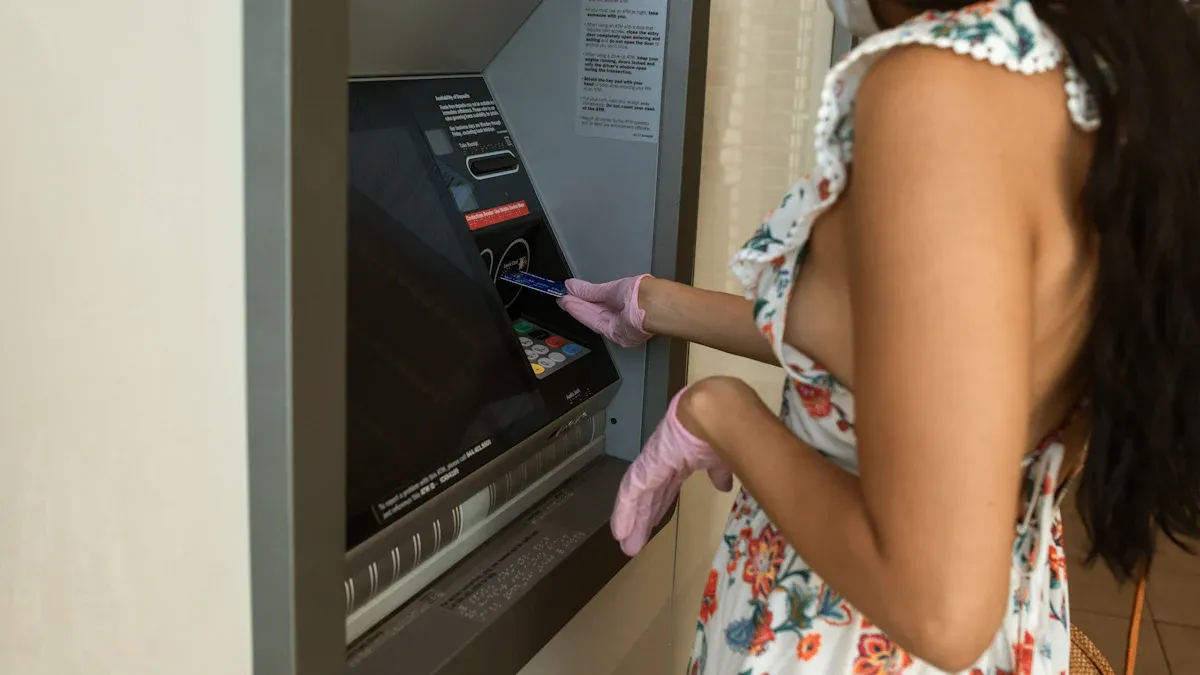
Image Source: pexels
You might wonder if using your phone to get cash is truly secure. The answer is yes. In fact, cardless ATM withdrawals often provide enhanced security compared to using a physical card. The technology is designed with multiple layers of protection that safeguard your financial information from common threats.
Security Benefits of a Cardless ATM
The biggest security advantage of a cardless ATM is that you never insert a physical card. This single change completely eliminates the risk of card skimming, a crime where thieves install hidden devices to steal your card data and PIN.
Your phone adds powerful layers of security that a simple plastic card cannot match.
- Biometric Verification: You use your unique fingerprint or face to approve the transaction on your phone. This acts as a personalized key, ensuring only you can authorize a withdrawal.
- Multi-Factor Authentication: The process requires something you have (your phone) and something you know (your PIN). Some methods even add something you are (your biometric data), creating a robust defense.
This table highlights the key security differences between the two methods.
| Feature | Cardless ATM Withdrawals | Traditional Card-Based Withdrawals |
|---|---|---|
| Verification Method | Biometric (face/fingerprint) via phone + PIN | PIN |
| Skimming Risk | Eliminated (no physical card) | Present (physical card insertion) |
| Data Exposure | Encrypted token is used | Actual card number is used |
| Overall Security | Enhanced (multi-factor authentication) | Standard (single-factor authentication) |
A Note on System Security While the process is secure, researchers have found that some cardless ATMs could be vulnerable if their underlying software is not updated. Banks work to patch these issues, but it highlights why the layers of security on your end—like biometrics and tokenization—are so important.
How Tokenization Protects Your Data
The technology that makes cardless ATMs so secure is called tokenization. It is a simple but powerful concept. Tokenization protects your sensitive data by replacing it with a unique, non-sensitive equivalent called a token.
When you add your debit card to a digital wallet, the system creates a digital token, or Device Primary Account Number (DPAN). This token is a randomly generated number that represents your actual card number. Here is how it protects you:
- Your real card number is never stored on your phone or shared with the ATM.
- The token is specific to your device. If you lose your phone, the token can be deactivated without affecting your physical card.
- For QR code withdrawals, the app often generates a single-use code that expires in minutes.
This process ensures that even if a criminal could intercept the transaction data, they would only get a useless, one-time token, not your actual financial information. This makes cardless atms a remarkably safe way to access your cash.
Using a cardless ATM is a secure, fast, and convenient way to get money. Each cardless cash withdrawal can save you up to thirty seconds. This technology offers peace of mind, especially when you forget your wallet.
Your Next Steps:
- Set Up Now: Add your debit card to your digital wallet or bank app today.
- Locate Later: Use your bank app’s locator to find a compatible machine for your next cash withdrawal.
As more people leave their physical wallets at home, embracing this technology ensures you are always prepared.
FAQ
What if my phone battery dies?
You cannot complete a cardless withdrawal without a powered phone. Your device must be on to authenticate the transaction with your digital wallet or banking app. Always ensure your phone has enough charge before you rely on this method for cash.
Can I use someone else’s phone to access my account?
No, you cannot use another person’s phone. The security of cardless withdrawals relies on your specific device, which is linked to your card through tokenization. You must use the phone where you originally set up your digital wallet or banking app.
Are there withdrawal limits for cardless ATMs?
Yes, cardless withdrawals have limits. These limits are set by your bank and may differ from your physical card’s daily limit. You can check your mobile banking app or your bank’s website to find the specific daily and per-transaction limits.
Does it cost extra to use a cardless ATM?
Typically, there are no extra fees for using your own bank’s cardless ATM. However, you may still incur standard out-of-network fees if you use an ATM not affiliated with your bank. Always check the ATM’s on-screen disclosures for any potential charges.
*This article is provided for general information purposes and does not constitute legal, tax or other professional advice from BiyaPay or its subsidiaries and its affiliates, and it is not intended as a substitute for obtaining advice from a financial advisor or any other professional.
We make no representations, warranties or warranties, express or implied, as to the accuracy, completeness or timeliness of the contents of this publication.
Related Blogs of

How Does NAND Price Increase Affect SanDisk? Enterprise SSDs, Consumer Storage, and Margin Leverage


How Is China’s Memory Supply Chain Different from Overseas Memory Leaders? A Comparison with Micron, SanDisk, Western Digital, and Seagate


HBM/DRAM, NAND, and HDD in AI Storage: A Comparison of Elasticity, Cycles, and Risks


Why Can’t HBM Exist Without Advanced Packaging? The Role of TSV, CoWoS, and Packaging Equipment

Choose Country or Region to Read Local Blog
 Australia
 Austria
 Belgium
 Canada
 Cyprus
 Czech Republic
 Denmark
 Estonia
 Finland
 France
 Germany
 Greece
 Hong Kong
 India
India Indonesia
 Ireland
 Italy
Italy Japan
Japan Latvia
 Lithuania
 Luxembourg
 Malaysia
 Malta
Malta Morocco
 Nepal
Nepal Netherlands
 New Zealand
 Norway
 Pakistan
 Philippines
 Poland
 Portugal
 Romania
 Singapore
 Slovakia
 Slovenia
 South Africa
 South Korea
 Spain
Spain Sweden
 Thailand
 The United States
 Turkey
 United Arab Emirates
 United Kingdom
 Vietnam
Contact Us




BIYA GLOBAL LLC is registered with the Financial Crimes Enforcement Network (FinCEN), an agency under the U.S. Department of the Treasury, as a Money Services Business (MSB), with registration number 31000218637349, and regulated by the Financial Crimes Enforcement Network (FinCEN).
BIYA GLOBAL LIMITED is a registered Financial Service Provider (FSP) in New Zealand, with registration number FSP1007221, and is also a registered member of the Financial Services Complaints Limited (FSCL), an independent dispute resolution scheme in New Zealand.