
Can Apple Cash be Sent Internationally? Understand the Key Elements of Apple Pay International Transfers




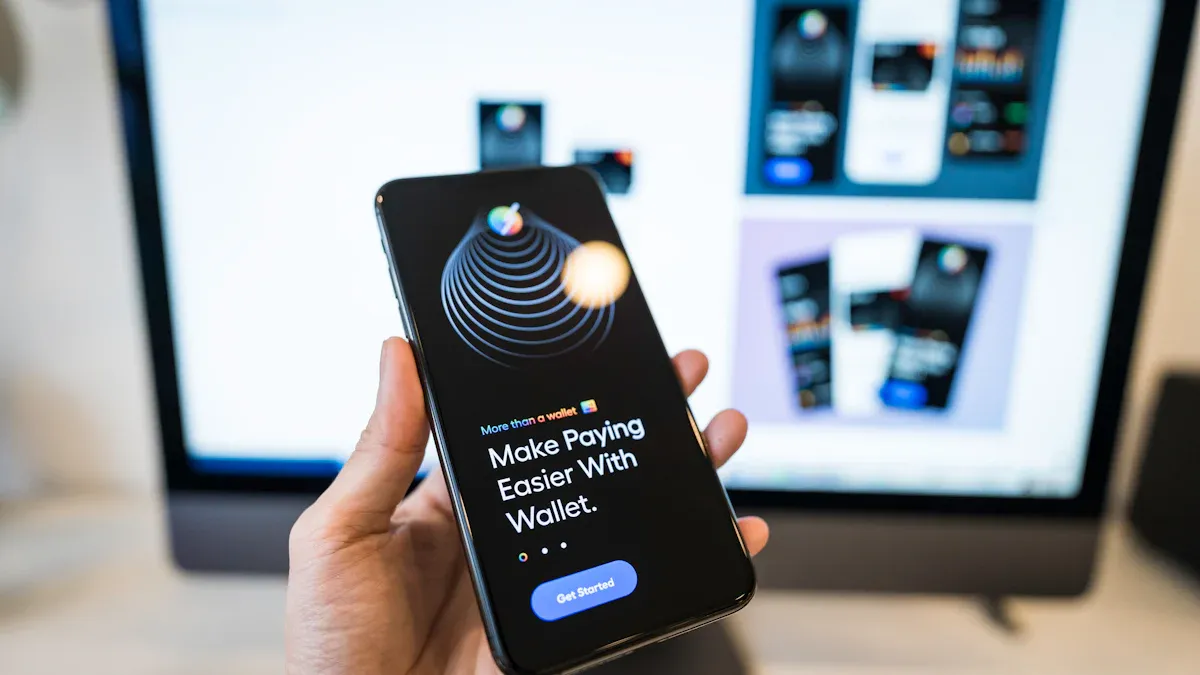
Image Source: [pexels](https://pexels.com)
You cannot directly use [Apple](https://www.biyapay.com/stock/AAPL) Cash to [remit money](https://www.biyapay.com/remit) overseas. This convenient peer-to-peer (P2P) transfer service is strictly limited to use within the United States. Apple Cash is part of the massive U.S. P2P payment market, [which is projected to reach $1.7 trillion in 2024](https://www.oberlo.com/statistics/us-mobile-payment-market).
> **The good news is**: You can still find ways to **use Apple Pay for cross-border transfers**.
It is estimated that [by 2025, there will be 65.6 million Apple Pay users in the United States](https://capitaloneshopping.com/research/apple-pay-statistics/). You can leverage this powerful payment ecosystem to complete remittances through other supported apps.
## Key Takeaways
\* Apple Cash cannot be used directly for international remittances; it is only available within the United States. \* Apple Pay can be used for international remittances, but it requires completion through third-party apps that support Apple Pay. \* When choosing a remittance service, compare [handling fees](https://www.biyapay.com/help/96-post-Remittance-function/351-post-How-much-is) and exchange rates, and confirm that the provider supports the recipient's country. \* Using a debit card via Apple Pay for payment usually has the lowest fees; credit cards may incur additional charges. \* Before transferring, ensure the recipient's bank information is accurate to guarantee the funds arrive safely.
## Core Limitations of Apple Cash
To understand why you cannot use Apple Cash to transfer money to friends overseas, you need to first grasp its two core limitations. These restrictions stem from the nature of the service and underlying financial regulations.
### Strict Identity and Regional Requirements
Apple Cash is not a global service; it is tightly bound to your geographic location and identity. This service is provided by [Green Dot Bank](https://support.apple.com/en-us/109312), so it must strictly comply with U.S. financial regulations.
\* **Are you a U.S. resident?** To activate and use Apple Cash, [you must be at least 18 years old and a legal resident of the United States](https://support.apple.com/en-us/108370). \* **You need to verify your identity.** Under regulations like the USA PATRIOT Act, you must provide personal information to the bank to complete "Know Your Customer" (KYC) verification. This information typically includes: \* Your legal name \* Actual residential address \* Social Security Number (SSN)
[Apple has established a subsidiary called Apple Payments Inc.](https://www.apple.com/legal/privacy/data/en/apple-cash-apple-payments-inc/) specifically to handle this information, ensuring your transaction data and personal privacy are protected and used only for compliance and anti-fraud purposes.
> **Special Case: Apple Cash Family Sharing**
> If your family member is under 18, you can set up Apple Cash for them through the "Family Sharing" feature. However, this feature also has strict rules:
> \* [Minors cannot verify their identity themselves](https://discussions.apple.com/thread/256157073); it must be set up by the family organizer (an adult). > \* [The family organizer can view the minor member's transaction history](https://support.apple.com/en-us/102257). > \* The account has transaction limits, such as [a total send/receive limit of $2 Upcoming,000 within 7 days](https://support.apple.com/en-us/105010).
This feature is designed to facilitate pocket money management within U.S. families, not for cross-border payments.
### Single Dollar Currency System
The second key limitation of Apple Cash lies in its currency system. This service is fundamentally designed for one currency: **the U.S. dollar**.
When using Apple Cash, all receiving, paying, and balance storage are conducted in U.S. dollars (USD). It does not have any currency [exchange](https://www.biyapay.com/converter) functionality. This means you cannot send dollars from your account to a recipient using euros, yen, or any other currency. The system has no mechanism to handle exchange rate conversions.
The terms of service clearly state that Apple Cash is only available on eligible devices within the United States. Therefore, when you try to send money to a contact outside the U.S., the option simply does not appear. This completely restricts its cross-border use cases from both technical and regulatory perspectives.
## How to Use Apple Pay for Cross-Border Transfers
Image Source: [pexels](https://pexels.com)
Although Apple Cash cannot be used directly for international remittances, you can fully utilize Apple Pay, this powerful payment tool, to complete transfers through compliant third-party services. The key is to distinguish twoconcepts: Apple Pay is a **payment technology**, while Apple Cash is a **funds service**. You will use Apple Pay as the payment method, not your Apple Cash balance.
Today, digital remittances have become mainstream. A Visa study found that [53% of consumers are using digital apps to send and receive funds globally](https://usa.visa.com/partner-with-us/visa-consulting-analytics/economic-insights/demographics-and-technology-to-shape-future-of-global-remittances.html). This provides great convenience for using Apple Pay for cross-border transfers.
### Leverage Third-Party Remittance Services
To achieve cross-border remittances, you need an international remittance app that supports Apple Pay. These apps are professional financial service companies responsible for handling currency exchange and securely delivering funds to the recipient **Note: Understand Service Limits**
> When choosing a service, you need to pay attention to transaction limits. These restrictions are usually set by your bank, card type, or remittance provider. For example, [Remitly may not be suitable for sending large amounts](https://www.bossrevolution.com/en-us/blog/what-is-remitly). When using Apple Pay for payment, there are usually default and maximum limits.
> The specific limits may be as shown in the table below:
> | Payment Type | Default Per Transaction | Max Per Transaction | Default Daily | Max Daily | Default Monthly | Max Monthly |
| ------------------------------------------------------------ | ----------------------- | ------------------- | ------------- | --------- | --------------- | ----------- | > | [Apple/Samsung/Google Pay](https://wise.com/us/blog/wise-limits) | 200 USD | 400 USD | 500 USD | 1,000 USD | 1,500 USD | 4,000 USD |
Choosing a provider that fits your remittance amount and needs is the first step to successfully completing the transfer.
### Specific Operation Steps
The process of using Apple Pay for cross-border transfers through third-party apps is very simple. The entire process can be completed on your iPhone, usually in just a few minutes.
Here are the general steps using an app like Wise:
1. **Download and set up an account**: Download your chosen remittance app (such as Wise or Remitly) from the App Store. Follow the instructions to create and verify your personal account. 2. **Set up a transfer**: Open the app, enter the amount you want to send and the target currency. The app will automatically display the exchange rate, handling fees, and the exact amount the recipient will receive. Then, enter the recipient's bank account information. 3. **Select Apple Pay as the payment method**: At the payment stage, you will see multiple payment options, such as bank transfer, credit card, etc. Here, please [select the “Apple Pay” option](https://wise.com/help/articles/2973523/paying-for-a-transfer-with-apple-or-google-pay). 4. **Authorize the payment**: The Apple Pay payment confirmation interface will pop up on the screen. You simply double-click the side button, then [verify with Face ID or Touch ID. The entire authorization process is very quick, almost completed before you realize it](https://9to5mac.com/2017/09/28/will-touch-id-apps-work-with-face-id/).
> **Common Issue: What to do if “Payment Not Completed”?**
> Sometimes you may encounter [a “Payment Not Completed” prompt](https://wise.com/us/blog/payment-not-completed-apple-pay). This is usually caused by the following reasons:
> \* **Payment card issue**: [Check if the bank card added to Apple Pay has correct information, such as billing address and expiration date](https://www.wikihow.com/Payment-Not-Completed-Apple-Pay). > \* **Network connection**: Ensure your device has a stable network connection. > \* **Provider restrictions**: Some remittance apps do not accept prepaid cards. Since [the underlying Apple Cash is a prepaid debit card, you cannot directly use the Apple Cash balance to pay through these apps](https://discussions.apple.com/thread/255543592). You must select a regular debit or credit card that has been added to Apple Pay.
Mastering these simple steps and tips allows you to easily use Apple Pay for cross-border transfers, safely and quickly sending funds to family and friends overseas.
## Key Preparations for Successful Remittance
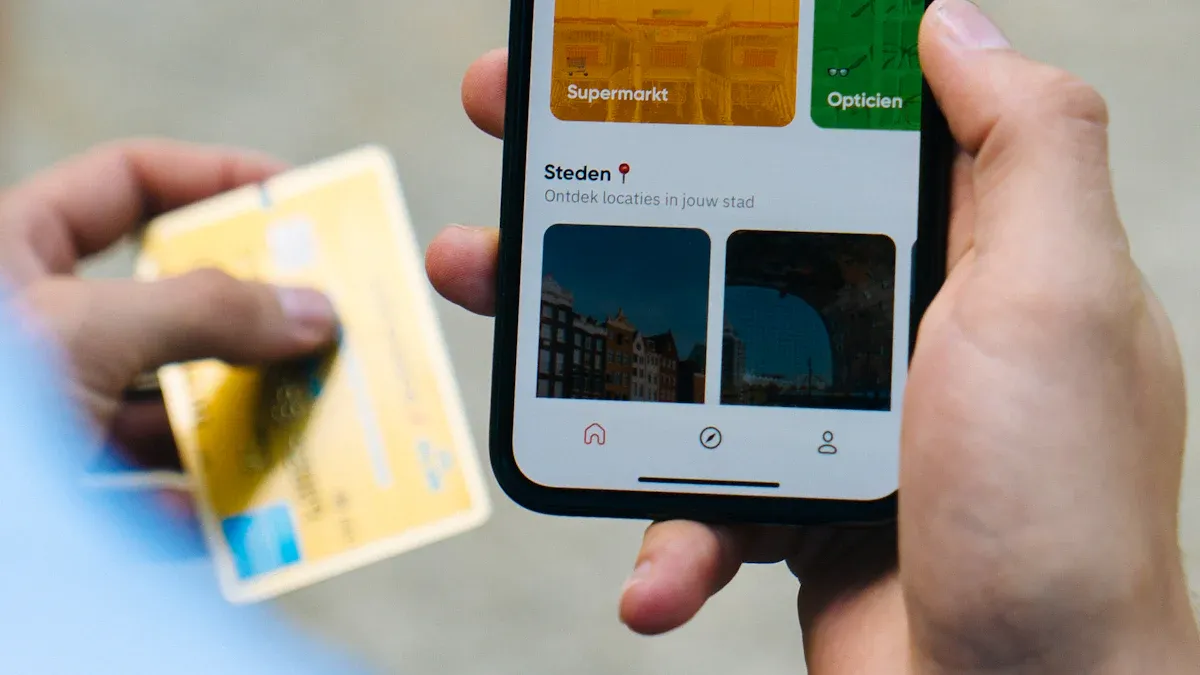
Image Source: [unsplash](https://unsplash.com)
Before you start operating, taking a few minutes to prepare can ensure your funds arrive safely and quickly at their destination while avoiding unnecessary fees. This is as important as checking your passport and visa before traveling.
### Bank Card and Account Requirements
First, ensure that your payment tools and the recipient's account information are accurate.
\* **Your payment card**: You need a valid debit or credit card that has been added to your Apple Pay wallet. This card needs to support international transactions, such as one issued by a licensed bank in Hong Kong. Please check that the card's expiration date and billing address are correct. \* **Recipient's account information**: You need to obtain accurate bank information from the recipient. Different providers and countries have slightly different requirements, but they usually include [the recipient's full name, phone number, and bank details](https://wise.com/gb/blog/remitly-money-transfer).
> **Tip: Prepare recipient information**
> For services like Wise, [you may need to prepare the following details](https://wise.com/us/blog/recipient-see-account-details-wise) to ensure a smooth transfer:
> | Information Type | Required Information |
| -------------------------------------------------- | ------------------------------------------------------------ | > | Recipient Full Name | Complete name as shown on the account | > | Bank Name | Name of the recipient's bank | > | Account Number/[IBAN](https://www.biyapay.com/iban) | Recipient's bank account number or International Bank Account Number | > | [SWIFT](https://www.biyapay.com/swift)/BIC Code | Bank Identifier Code for international payments | > | Address | Recipient's complete residential address |
### Provider Country Support Range
Not every remittance app supports sending money to all countries/regions worldwide. Before registering and setting up a transfer, be sure to confirm whether your chosen provider (such as Wise, Remitly) supports the country or region where your recipient is located. For example, you need to check if the service can send funds to mainland China, the UK, or Canada. This step can prevent you from wasting time filling in information only to find out the transaction cannot be completed.
### Fees and Exchange Rate Considerations
Fees and exchange rates are key to determining your final cost. You need to focus on three aspects:
1. **Handling Fees**: The provider charges a fixed or proportional service fee. This fee is usually clearly displayed. 2. **Exchange Rate**: This is where hidden costs are most likely to occur. Some providers use the ["mid-market exchange rate"](https://wise.com/help/articles/2932395/whats-the-mid-market-exchange-rate), [which is considered the "most real" rate](https://wise.com/us/mid-market-rate). For example, Wise is known for offering this rate. However, [many other platforms add a margin to this rate to profit](https://wise.com/us/compare/remitly-exchange-rate), meaning the rate you get is not favorable. 3. **Payment Method Fees**: Apple Pay itself does not charge extra fees, but your bank might. \* **Debit Card**: Usually the lowest-cost option, with no additional fees. \* **Credit Card**: Although convenient, your issuing bank may charge an approximately **3%** fee. This means if you remit 1,000 USD, you may need to pay an additional 30 USD in fees.
Before choosing a provider, use the [BiyaPay website](https://www.biyapay.com/) and its [exchange-rate comparison tool](https://www.biyapay.com/converter) to estimate proceeds; check [Remittance](https://www.biyapay.com/remit) for supported corridors and fees.
BiyaPay is a multi-asset wallet supporting fiat-crypto conversion; it operates under multi-jurisdictional oversight (e.g., US MSB, NZ FSP) to aid records and risk control.
> **Wise Choice, Save More**
> Before confirming payment, carefully compare the total fees (handling fees + exchange rate margin) and estimated arrival amount across different platforms. Prioritizing a debit card via Apple Pay for payment can help you maximize cost savings.
Remember one core fact: do not attempt to directly use Apple Cash for overseas remittances; it is a service limited to within the United States. To successfully use Apple Pay for cross-border transfers, you need to choose a reliable third-party app. Services like Western Union support using Apple Pay to [safely send funds to over 200 countries and regions worldwide](https://www.quicken.com/blog/best-apps-transfer-money/).
> **Action Recommendation** Before transferring, be sure to check that your bank card has been added to Apple Pay. Also, carefully compare different providers' fees, exchange rates, and arrival times to choose the plan that best suits you.
*This article is provided for general information purposes and does not constitute legal, tax or other professional advice from BiyaPay or its subsidiaries and its affiliates, and it is not intended as a substitute for obtaining advice from a financial advisor or any other professional.
We make no representations, warranties or warranties, express or implied, as to the accuracy, completeness or timeliness of the contents of this publication.
Related Blogs of
International Wire Transfer Time: What Affects Delivery?


Crypto Trading Bots: Types, Costs, and Security Risks





Choose Country or Region to Read Local Blog
 Australia
 Austria
 Belgium
 Canada
 Cyprus
 Czech Republic
 Denmark
 Estonia
 Finland
 France
 Germany
 Greece
 Hong Kong
 India
India Indonesia
 Ireland
 Italy
Italy Japan
Japan Latvia
 Lithuania
 Luxembourg
 Malaysia
 Malta
Malta Morocco
 Nepal
Nepal Netherlands
 New Zealand
 Norway
 Pakistan
 Philippines
 Poland
 Portugal
 Romania
 Singapore
 Slovakia
 Slovenia
 South Africa
 South Korea
 Spain
Spain Sweden
 Thailand
 United States
 Turkey
 United Arab Emirates
 United Kingdom
 Vietnam