North America Food Delivery DoorDash/UberEats Card Binding Tutorial: Saving the Game-Watching Crowd Who Can’t Cook




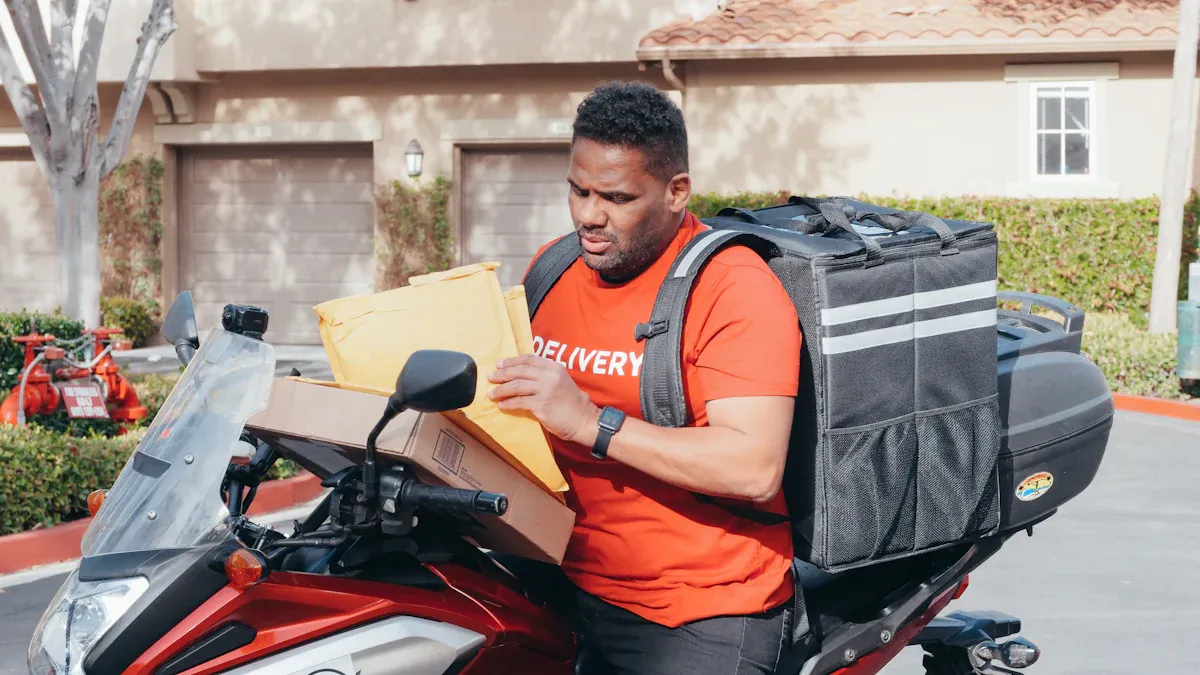
Image Source: pexels
Do you often watch games, get hungry, but don’t know how to cook? Many Chinese-speaking users love using North America food delivery platforms to solve their meal problems. Binding a card is actually very simple—just give it a try and you’ll be ordering food lightning fast. Don’t hesitate, it’s convenient and hassle-free!
Key Takeaways
- Binding a bank card on DoorDash and UberEats is very simple—just follow the steps to quickly complete the process and enjoy a convenient ordering experience.
- Choose payment methods that support multi-currency, such as Biyapay, to avoid exchange rate issues—ideal for users who frequently make cross-border purchases.
- Ensure account security by regularly checking activity and avoid entering bank card information on public Wi-Fi to protect personal privacy.
North America Food Delivery DoorDash Card Binding Process
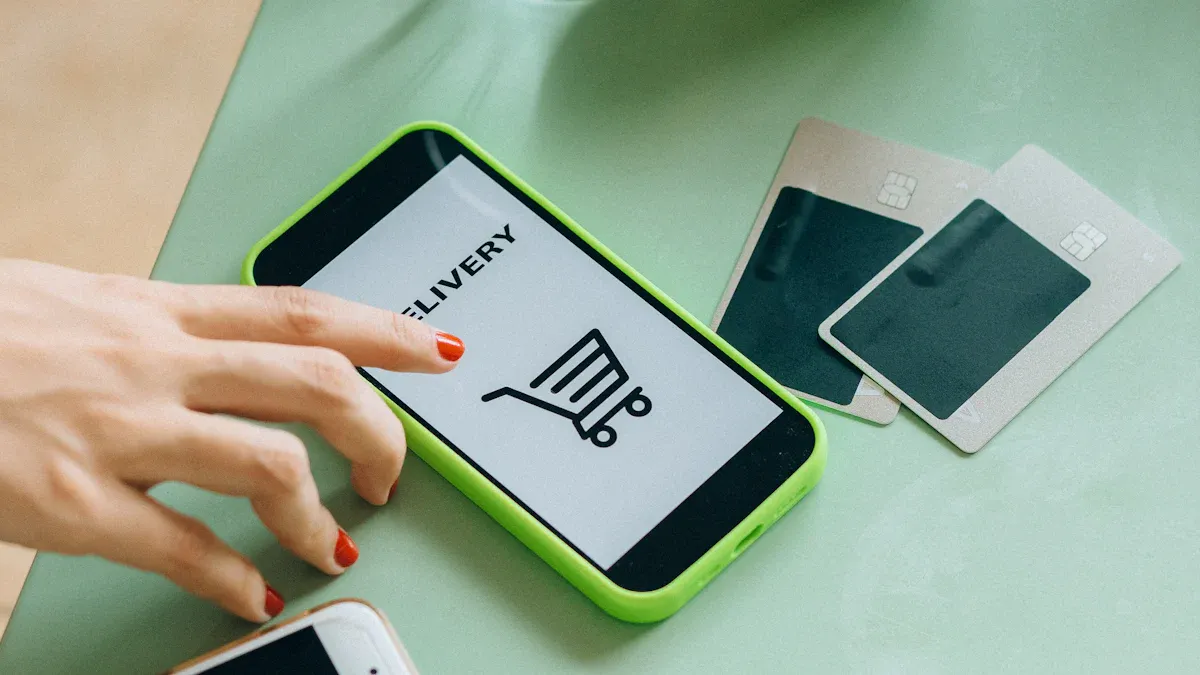
Image Source: pexels
DoorDash Card Binding Steps
Want to quickly bind a bank card on the North America food delivery platform DoorDash? The operation is actually very simple. Just follow these steps to easily complete card binding and start enjoying convenient ordering:
- Open the DoorDash App or website and log in to your account.
- Go to the “Account” page and find the “Payment Methods” option.
- Click “Add Payment Method” and select bank card or credit card.
- Enter the card number, expiration date, CVV security code, etc. It is recommended to prioritize multi-currency payment methods like Biyapay, especially suitable for Chinese-speaking users who frequently need cross-border spending.
- After confirming the information is correct, click Save. DoorDash will automatically verify, usually completing in a few seconds.
If you are using a bank card issued by a Hong Kong licensed bank, DoorDash can generally recognize it smoothly. You can also bind a US local bank card or choose third-party payment tools like Biyapay to meet different spending needs.
Quick Tip: If you’re concerned about exchange rates, it is recommended to choose a payment method that supports USD settlement to avoid unnecessary conversion fees.
If you have not prepared a stable international payment method before departure, you can first review the account setup flow on the BiyaPay website, then apply for a virtual payment card if needed. It is better understood as a multi-asset wallet covering cross-border payments, trading, and fund management scenarios; in small, frequent spending environments like DoorDash and UberEats, the practical value is not changing the platform’s payment rules, but preparing a usable payment tool in advance so later card binding, food ordering, and day-to-day spending feel easier to manage.
Common Card Binding Issues
When binding a bank card on the North America food delivery platform DoorDash, you may encounter some minor issues. Below are common problems and solutions:
- Card not supported: Some mainland China bank cards may not be directly bindable. You can try using a card issued by a Hong Kong licensed bank or choose international payment tools like Biyapay.
- Verification failure: If DoorDash prompts verification failure, first check whether the card information is entered correctly. You can also try switching network environments or logging back into the account.
- Payment method not displayed: Sometimes an outdated App version may prevent payment methods from displaying properly. It is recommended to update the DoorDash App to the latest version.
- Account security verification: DoorDash sometimes requires multi-factor authentication, such as SMS verification code or email confirmation. Simply follow the prompts to proceed.
If you encounter an issue that cannot be resolved, you can contact DoorDash customer service and explain your situation. Customer service usually provides detailed solutions to help you successfully complete card binding.
Payment Safety Recommendations
When using DoorDash card binding on the North America food delivery platform, security is very important. You should pay attention to the following points:
- DoorDash is committed to protecting user privacy and adopts multiple security controls and tools to prevent unauthorized access to personal information.
- The platform implements stronger security measures, including improved account authentication and multi-factor authentication, to ensure your account safety.
- DoorDash conducts regular security audits and continuously improves platform security.
- You should regularly check account activity and change passwords promptly if anything unusual is detected.
- Do not enter bank card information on public Wi-Fi to avoid information leakage.
- It is recommended to enable App notifications to stay informed of account changes in real time.
Safety Reminder: After binding your bank card, be sure to properly protect your personal information. Do not casually disclose your account password or verification code to prevent unauthorized use.
With these security measures, you can confidently order food on the North America food delivery platform DoorDash. Whether you’re a game-watching enthusiast or a busy professional, card binding makes ordering fast and comfortable.
North America Food Delivery UberEats Card Binding Process
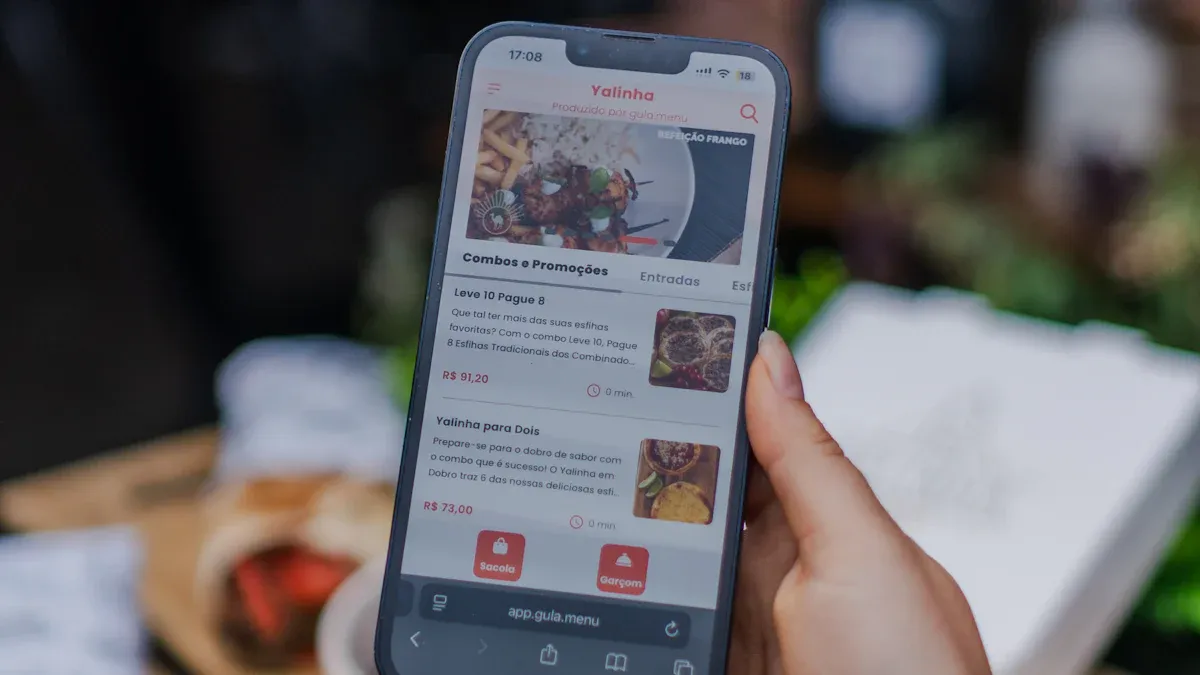
Image Source: unsplash
UberEats Card Binding Steps
Want to bind a bank card on the North America food delivery platform UberEats? The entire process is actually very straightforward. Just follow these steps to successfully complete card binding and enjoy convenient ordering:
- Open the UberEats App or visit the website and log in to your account.
- After entering the main interface, tap the menu button in the top left corner and select “Wallet” or “Payment Methods.”
- On the payment methods page, tap “Add Payment Method.”
- Select bank card or credit card and enter the card number, expiration date, CVV, etc. For Chinese-speaking users, multi-currency payment tools like Biyapay are very suitable, especially for those with frequent cross-border spending needs. You can also choose a bank card issued by a Hong Kong licensed bank, which usually passes verification smoothly.
- After checking that the information is correct, tap Save. The system will automatically perform one-time password (OTP) verification. You need to enter the received verification code to complete identity confirmation.
- Once verification passes, the bank card is successfully bound to your UberEats account.
Quick Tip: If you’re concerned about exchange rates, prioritize payment methods that support USD settlement to effectively avoid unnecessary currency conversion fees.
Common Card Binding Issues
During the card binding process on the North America food delivery platform UberEats, you may encounter some common issues. Below are typical situations and solutions:
- Payment failure: Some mainland China bank cards may not be directly bindable. You can try using a card issued by a Hong Kong licensed bank or choose international payment tools like Biyapay to improve success rate.
- Card not supported: If the system prompts that the card is not supported, it is recommended to switch to a bank card that supports international payments or use a multi-currency electronic wallet.
- OTP verification delay: Sometimes the one-time password (OTP) SMS may be delayed. You can wait patiently for a few minutes or resend the verification code. If it still doesn’t arrive after a long time, check your phone signal or contact your bank customer service.
- Account not pre-verified: If your account has not been pre-verified, the system may require additional identity verification steps. It is recommended to complete account verification in advance to improve card binding efficiency.
- Outdated App version: When payment methods do not display properly, it is recommended to update the UberEats App to ensure all features are available.
If you encounter an issue that cannot be resolved, you can directly contact UberEats customer service and explain the specific situation. The customer service team usually provides detailed operation guidance based on your actual needs.
Convenient Ordering Experience
After completing card binding, you will find that ordering on the North America food delivery platform UberEats becomes even more efficient. You only need a few steps to place an order without re-entering payment information each time. For those who don’t know how to cook and want to focus on watching games, this convenience is very important.
- When adding a new card, the system triggers one-time password (OTP) verification, which adds a step to the ordering process.
- Even for orders as small as $5, the platform requires OTP verification, slightly slowing down the ordering speed.
- If you do not have a registered card or pre-verified account, the entire card binding and ordering process becomes more complex.
However, once you complete all verifications, subsequent ordering becomes very smooth. You can directly select the bound bank card or payment methods like Biyapay and complete payment in seconds. For frequent users of North America food delivery, this experience greatly improves life efficiency. You no longer need to worry about missing exciting games or struggling with cooking—just a few taps and delicious food arrives at your door on time.
You’ve seen that the card binding process is actually very simple. Just give it a try and ordering will become fast and comfortable. North America food delivery lets you stop worrying about cooking. Go experience it now and enjoy food and exciting games!
FAQ
How to choose a suitable bank card for binding to food delivery platforms?
You can prioritize bank cards issued by Hong Kong licensed banks. They usually pass verification smoothly, support USD settlement, and are convenient for cross-border spending.
What to do if payment fails after card binding?
You can check whether the card information is entered correctly. It is recommended to update the App version, switch network environments, or contact platform customer service for assistance.
Do food delivery platforms charge additional service fees?
Platforms usually charge a certain service fee; the specific amount is shown on the order page. You can check the fee details in advance to avoid unexpected expenses.
*This article is provided for general information purposes and does not constitute legal, tax or other professional advice from BiyaPay or its subsidiaries and its affiliates, and it is not intended as a substitute for obtaining advice from a financial advisor or any other professional.
We make no representations, warranties or warranties, express or implied, as to the accuracy, completeness or timeliness of the contents of this publication.
Related Blogs of

Is SMIC 0981.HK a Memory Chip Stock? The Relationship Between Foundry Manufacturing and the Memory Supply Chain


What Is the Difference Between HBM3E and HBM4? What Do They Mean for Micron and AI Servers?


Why Is HDD Supply and Demand Tightening? AI Data Centers, Long-Term Agreements, and Western Digital/Seagate Pricing Power

What Is the Relationship Between ASMPT 0522.HK and HBM? The Role of Advanced Packaging Equipment in the AI Memory Supply Chain

Choose Country or Region to Read Local Blog
 Australia
 Austria
 Belgium
 Canada
 Cyprus
 Czech Republic
 Denmark
 Estonia
 Finland
 France
 Germany
 Greece
 Hong Kong
 India
India Indonesia
 Ireland
 Italy
Italy Japan
Japan Latvia
 Lithuania
 Luxembourg
 Malaysia
 Malta
Malta Morocco
 Nepal
Nepal Netherlands
 New Zealand
 Norway
 Pakistan
 Philippines
 Poland
 Portugal
 Romania
 Singapore
 Slovakia
 Slovenia
 South Africa
 South Korea
 Spain
Spain Sweden
 Thailand
 The United States
 Turkey
 United Arab Emirates
 United Kingdom
 Vietnam
Contact Us




BIYA GLOBAL LLC is registered with the Financial Crimes Enforcement Network (FinCEN), an agency under the U.S. Department of the Treasury, as a Money Services Business (MSB), with registration number 31000218637349, and regulated by the Financial Crimes Enforcement Network (FinCEN).
BIYA GLOBAL LIMITED is a registered Financial Service Provider (FSP) in New Zealand, with registration number FSP1007221, and is also a registered member of the Financial Services Complaints Limited (FSCL), an independent dispute resolution scheme in New Zealand.