
Best Crypto Wallets for Beginners: Ease of Use, Recovery, and Network Support



Choosing your first crypto wallet starts with the assets you hold, the networks you use, and whether you can recover access after replacing your phone. MetaMask, Trust Wallet, Phantom, and Zengo suit different needs. Their differences go beyond the interface: network coverage, signing procedures, backup requirements, and hardware connections all affect everyday use. For a beginner, the better choice is a wallet that makes receiving addresses and fees understandable, with recovery preparations you can complete yourself. Having the most features or downloads matters less.
Key Takeaways
- Start with asset and network support, then compare the interface, recovery, and everyday operations.
- MetaMask and Phantom offer login options beyond manually recording a recovery phrase.
- Trust Wallet's traditional wallet and SWIFT have different recovery methods and network coverage.
- Zengo uses MPC and a Recovery Kit; it cannot directly import another wallet's recovery phrase.
- Hardware compatibility depends on the wallet version, device model, and network used.
- Transfers, swaps, and third-party purchases have different charges. Compare the full quote before confirming.
MetaMask, Trust Wallet, Phantom, and Zengo: Which Fits Your Needs?
If you frequently connect to applications on Ethereum and compatible networks, start by considering MetaMask. For managing assets across many networks in one app, consider Trust Wallet. If Solana is your main network, put Phantom on your shortlist. If you prefer not to manage a recovery phrase yourself, assess Zengo's Recovery Kit. The features below reflect product information verified as of November 13, 2026.
| Wallet | Examples of supported networks | Best suited to | Key checks before choosing |
|---|---|---|---|
| MetaMask | Ethereum, Base, Arbitrum, Bitcoin, Solana, TRON, and others | Managing assets across networks and using on-chain applications | Setup method, network addresses, and support for hardware accounts |
| Trust Wallet | Bitcoin, Ethereum, Solana, BNB Smart Chain, TRON, TON, and others | Managing assets across multiple networks in one app | Whether you are using the traditional wallet or SWIFT, and whether your networks are supported |
| Phantom | Solana, Ethereum, Bitcoin, Base, Polygon, BNB Chain, and others | Using Solana and managing assets on its other supported networks | Target network, login method, and Ledger connection requirements |
| Zengo | Bitcoin, Ethereum, Solana, Polygon, Arbitrum, TRON, and others | Using a Recovery Kit instead of managing a recovery phrase | Email access, the cloud recovery file, and support for your specific assets |
MetaMask: For Beginners Preparing to Use Applications Across Networks
MetaMask is no longer limited to Ethereum. It also natively supports networks such as Bitcoin and Solana. You can manage addresses for different networks within the same account, but receiving BTC, SOL, and Ethereum assets still requires the corresponding address. Familiarity with one address format does not make it suitable for every asset.
It suits users willing to learn about networks, token approvals, and signing requests. The browser extension makes connecting to web applications convenient, while the mobile app supports everyday balance checks and transfers. If you only receive assets occasionally, the additional application features may offer little practical benefit. Start with the operations you actually need.
Trust Wallet: For Beginners Managing Assets Across Many Networks
Trust Wallet's broad network coverage suits users holding BTC, SOL, assets on TRON, or assets on other supported networks. After selecting an asset, check its network label and receiving details. Tokens with the same name may have several versions; finding the name in an asset list does not establish that you can receive the version you hold.
During setup, distinguish between the traditional wallet and SWIFT. The traditional wallet uses a recovery phrase, while SWIFT is a smart contract wallet option that uses a passkey and has its own network coverage. Although both are available within the same app, their network support and recovery rules differ.
Phantom: For Beginners Who Primarily Use Solana
Phantom displays assets from multiple enabled networks together. It suits people who primarily use Solana while also managing assets on its other supported networks. Ethereum, Bitcoin, and Base are among those networks, so it is no longer a wallet limited to holding SOL.
Check network coverage individually. Its current supported network list does not include Arbitrum, Optimism, Avalanche, or Linea. If your stablecoins are on one of those networks, choose a wallet that supports it. Compatibility with Ethereum elsewhere does not establish support in Phantom.
Zengo: For Beginners Who Prefer Not to Manage a Recovery Phrase
Zengo uses a multiparty computation (MPC) signing system and a Recovery Kit for situations such as replacing a phone. Users do not need to write down a traditional recovery phrase, but they still have specific recovery preparations to complete. It suits people comfortable managing email access and a cloud recovery file.
Zengo cannot directly import a recovery phrase from MetaMask, Trust Wallet, or similar wallets. Moving existing assets into Zengo generally requires sending them to its receiving address on the appropriate network. Factor in the sending wallet's transfer costs, network compatibility, and verification of the new address.
Recovering a Lost Phone: The Four Wallets Have Different Requirements
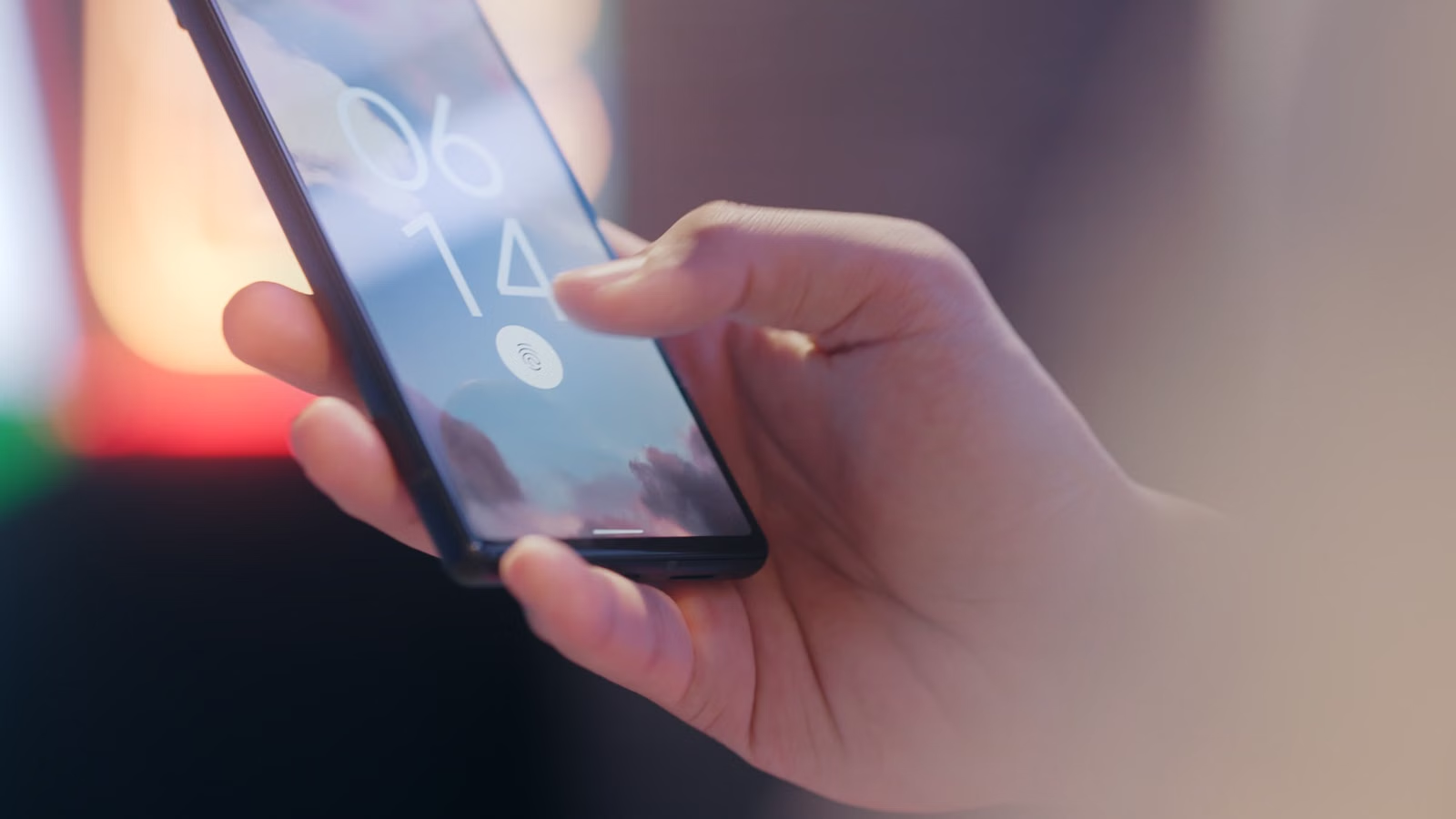
Choose your recovery method before depositing assets. Recovery phrases, social logins, passkeys, and MPC recovery kits depend on different credentials or backup materials. Biometrics can simplify everyday unlocking, but opening a wallet with your fingerprint does not mean that fingerprint alone can restore it on a new phone.
| Setup or custody method | Main recovery requirements | Commonly overlooked issue |
|---|---|---|
| MetaMask with a recovery phrase | The corresponding recovery phrase, with separate arrangements for imported accounts | The local unlock password cannot replace the recovery phrase |
| MetaMask with social login | The corresponding social account and MetaMask password | Retaining email or social account access alone may not satisfy all requirements |
| Trust Wallet traditional wallet | The corresponding recovery phrase or the materials required by a configured backup | Verify the backup before changing phones; customer support cannot reset the keys |
| Trust Wallet SWIFT | The corresponding passkey and access to the device or credential environment that holds it | Recovery differs from the traditional wallet's recovery phrase process |
| Phantom | The original recovery phrase or the Google/Apple login used during setup | Older and newer social login arrangements may differ; check the account's upgrade status |
| Zengo | A completed Recovery Kit and the required verification steps | Email access does not establish that the cloud recovery file still exists |
MetaMask's social login option still generates a recovery phrase, but access is protected by both the social account and the wallet password. You need to manage both credentials. With the self-managed recovery phrase option, the phrase provides the recovery path. Separately imported accounts and hardware accounts also need their own recovery arrangements.
Phantom is upgrading Google/Apple login wallets to a new key management system. After completing the login upgrade, users no longer need the old four-digit PIN. Accounts that have not completed the upgrade may still follow the previous process. Before changing phones, check your wallet's actual settings and protect the associated Google or Apple account.
Zengo's Recovery Kit currently requires email verification and a cloud recovery file. 3D FaceLock is optional additional verification, although certain Pro security features still require it. Users who have enabled additional verification must also complete the corresponding recovery steps.
Choosing an option without a manually managed recovery phrase shifts the responsibility toward accounts, passwords, passkeys, or recovery files. You should be able to answer two questions: where will you retrieve the credentials if your phone is lost, and is another recovery path already configured if you also lose access to email or cloud storage?
Transfer and Swap Costs: Compare the Operation Before the Quote
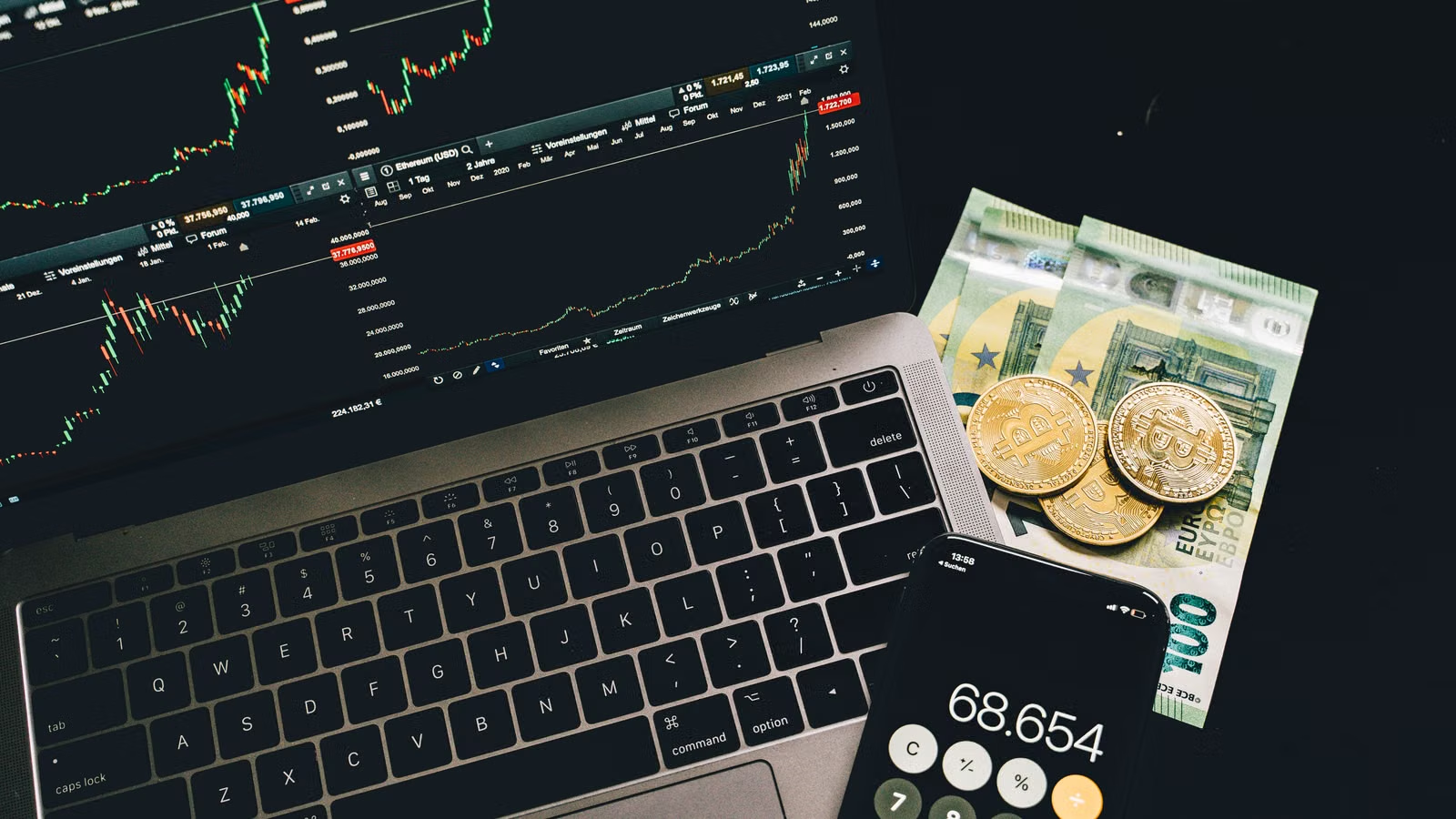
Compare wallet costs by the operation you plan to perform. Receiving assets, sending them directly, swapping within the wallet, and buying through a third party involve different charges. Start with how much you expect to pay and receive, then distinguish wallet service fees, network fees, and external provider charges.
Direct Transfers: Check the Network, Fee Payment, and Confirmation Screen
Direct transfers are affected first by the network's fee mechanism. Zengo does not charge a separate wallet service fee for holding, sending, or receiving assets, but sending can still incur network fees. The Trust Wallet extension is free to download, while network transactions and additional services follow their respective fee arrangements. A free download does not make subsequent use free.
Before transferring, select the asset and network, enter the receiving address and amount, and review the fee and final confirmation details. Sending USDC on Solana usually requires SOL for network fees. Token transactions on Ethereum generally require ETH on that network. Some wallets offer sponsored transactions or payment in other tokens, but these features apply only to eligible operations.
The workflows also differ. MetaMask's multichain accounts use the network address corresponding to the selected token. When sending with Phantom, you can filter tokens by network and select a recipient by pasting an address or scanning a QR code. To receive assets in Zengo, select the asset before copying the address or displaying its QR code. During a trial, check whether these steps make the network clear, rather than focusing only on the total balance shown on the home screen.
Ease of use involves more than the number of taps. You should be able to find the network name, receiving address, estimated fee, and transaction history. If you hold only stablecoins and do not understand an insufficient-fee warning, establish how fees must be paid before adding more assets.
In-Wallet Swaps: Compare the Amount Received Alongside Service Fees
MetaMask's standard swap service fee is currently 0.875%. Phantom charges 0.85% on most swaps, with exceptions for certain operations. Trust Wallet charges no service fee of its own on some eligible same-chain stablecoin swaps, although network and third-party costs may still apply. Zengo handles purchases, sales, and swaps through integrated services, with fees depending on the provider and order.
For a hypothetical swap worth USD 1,000, service fees of 0.875% and 0.85% would be USD 8.75 and USD 8.50 respectively, a difference of USD 0.25. That difference alone does not determine the better quote. The swap route, liquidity, network fees, and final token amount can all change the result.
Keep the asset you pay with, network, amount, and destination asset consistent, and compare estimated receipts at roughly the same time. If the service fee is already included in the quote, do not deduct it again. Cross-chain swaps may also involve bridge costs and additional steps. If you only need a transfer within one network, using a particular wallet does not justify an unnecessary bridge transaction.
Buying crypto through a wallet with a card or bank funds also requires checking the payment provider's fees, exchange rate, and eligibility conditions. Evaluate paid subscriptions separately. Zengo Pro, for example, includes additional security features and some fee benefits. Whether a subscription is worthwhile depends on your actual usage; it is not a requirement simply because you are a beginner.
Hardware Wallet Connections: Which Compatibility Differences Matter?
If you plan to use a hardware device for signing, check the combination of device model, connection method, wallet version, and asset network. A wallet's ability to display an asset does not establish that a connected hardware device can sign transactions on that network. Support may also differ between mobile apps and browser extensions.
| Software wallet | Verified connection arrangements | Limitations beginners should check |
|---|---|---|
| MetaMask | The extension supports Ledger, Trezor, and other devices; mobile supports selected devices from Ledger, Keystone, and others | Current Ledger connection guidance is limited to EVM accounts; software network coverage does not automatically extend to hardware accounts |
| Trust Wallet | The browser extension supports Ledger over USB, including the Bitcoin, Ethereum, and Solana apps | Extension compatibility does not establish equivalent connectivity in the mobile app |
| Phantom | Supports selected Ledger models, using Bluetooth on mobile and a cable with the extension | Check the exact model; Trezor is currently unsupported, and devices from the same brand may have different compatibility |
| Zengo | Uses its own MPC signing system; desktop actions can be jointly confirmed through the phone | This differs from using a Ledger or Trezor hardware account; if hardware signing is essential, prioritize options with explicitly documented compatibility |
For example, if you own a Ledger Nano X and want to use Solana on your phone, examine Phantom's device and network settings. If you plan to manage EVM assets through Trezor, check the MetaMask extension's connection requirements. Start with your existing device and actual assets, then choose compatible software.
When connecting a hardware wallet, the software typically reads its accounts and initiates a transaction for the device to confirm. Do not enter the hardware wallet's recovery phrase into a software wallet as a substitute for connecting it. Doing so exposes keys previously kept within the hardware signing environment to a software environment.
Similarly, adding an existing software wallet to a hardware wallet's companion app does not automatically change how its keys are held. To use a newly created hardware account for signing, verify the new address and backup, transfer assets over the required network, and check transactions on the device's screen.
Choosing Between Your Shortlisted Wallets
Narrow the list to two wallets that support your assets and networks, then compare recovery preparation and the steps involved in an actual transfer. If you hold assets on only one network, a clear interface and manageable recovery requirements usually offer more value than support for many networks you do not use.
For primarily Solana use, start with Phantom and Trust Wallet. For Ethereum, Base, Arbitrum, and web applications, start with MetaMask and Trust Wallet. To reduce the work of managing a recovery phrase, compare Zengo with wallets that support social login. These needs call for different selection criteria rather than a universal ranking.
Use a small trial in the following order:
- Follow the product's official website to its app or extension store listing, and verify the developer and installation source.
- Choose a setup method, complete the backup or Recovery Kit, and confirm that you can retrieve the required credentials.
- Obtain the receiving address for the specific asset and network, then send a small amount from a known source that meets any minimum requirements.
- Check the receiving network, balance, and transaction history. Then try sending to a verified address and confirm how fees are paid.
- Before replacing your phone, verify recovery in a trusted environment. Retain access through the old device until the addresses and balances match.
If your plans also involve fiat conversion or receiving funds into a bank account, Biya is another option to consider for multi-asset management. When assessing a global multi-asset wallet, list the assets and networks you need to receive, then check conversion, outgoing transfer, and account recovery requirements. For bank receipts, review the actual currencies and payout methods through Biya cross-border transfers, and check charges against the fee center and order details. Managing assets directly on-chain, signing through hardware, and moving between crypto and fiat may call for different tools. Allocate them according to your actual use. A wallet's name alone does not establish its custody or recovery arrangements; check those separately. Service availability depends on your location, identity verification results, platform rules, and applicable laws and regulations.
Frequently Asked Questions
What should beginners check first when choosing a wallet mainly for USDT?
Start with the network your USDT is on and whether the wallet supports that version of the token. USDT on TRON, Ethereum, and Solana cannot be sent interchangeably based on the token name alone. Then check how sending fees are paid and which network the recipient accepts, before comparing recovery and the interface.
Will Google and Apple sign-in open the same Phantom wallet if they use the same email address?
Not necessarily. Google and Apple sign-in can create different wallets even when they display the same email address. During recovery, use the provider originally used to create the wallet, then verify the address and balance. If an empty wallet appears, check the login method before removing working access from your old device.
How can I check that my crypto wallet backup will work before changing phones?
Check the materials required by your wallet's recovery method, rather than relying only on a “backed up” message. For a recovery phrase, verify that the record is complete. For social login, confirm the account and password. For a Recovery Kit, check that the cloud file is accessible. Keep the old phone available until the new device displays the correct addresses and assets.
If some assets are missing after recovery, did I choose the wrong wallet?
Not necessarily. Assets may be on a network that is not enabled, in a token list that has not been added, or in another account that was not automatically restored. Check the original address's records on the relevant network, then review account and token visibility. Wallets can discover accounts differently. Do not give recovery credentials to an unfamiliar “asset recovery” service.
Do beginners with small holdings need to buy a hardware wallet first?
There is no universal requirement. Consider the amount held, usage frequency, signing habits, and ability to manage backups. Hardware adds a separate device confirmation step, along with purchase and management costs. If you choose it, first verify that your software wallet, device model, and target network work together for receiving and sending.
Does recovery without a seed phrase mean customer support can always recover my assets?
No. These arrangements may still depend on a social account, wallet password, passkey, or recovery file. Whether the provider can help, and how much assistance it can offer, depends on the design. Recovery may be impossible without the required credentials. Confirm the requirements during setup; an option without a seed phrase still needs recovery preparation.
*This article is provided for general information purposes and does not constitute legal, tax or other professional advice from BiyaPay or its subsidiaries and its affiliates, and it is not intended as a substitute for obtaining advice from a financial advisor or any other professional.
We make no representations, warranties or warranties, express or implied, as to the accuracy, completeness or timeliness of the contents of this publication.
Related Blogs of
Starting Share Trading: Account Setup, Funding, Order Types, and Trade Confirmations


Can You Buy Crypto with a Prepaid Card? Acceptance, Fees, and Limits


Choose Country or Region to Read Local Blog
 Australia
 Austria
 Belgium
 Canada
 Cyprus
 Czech Republic
 Denmark
 Estonia
 Finland
 France
 Germany
 Greece
 Hong Kong
 India
 Indonesia
 Ireland
 Italy
 Japan
 Latvia
 Lithuania
 Luxembourg
 Malaysia
 Malta
 Morocco
 Nepal
 Netherlands
 New Zealand
 Norway
 Pakistan
 Philippines
 Poland
 Portugal
 Romania
 Singapore
 Slovakia
 Slovenia
 South Africa
 South Korea
 Spain
 Sweden
 Thailand
 United States
 Turkey
 United Arab Emirates
 United Kingdom
 Vietnam