What Credit Cards Does Cash App Support? Understanding Card Options and Security



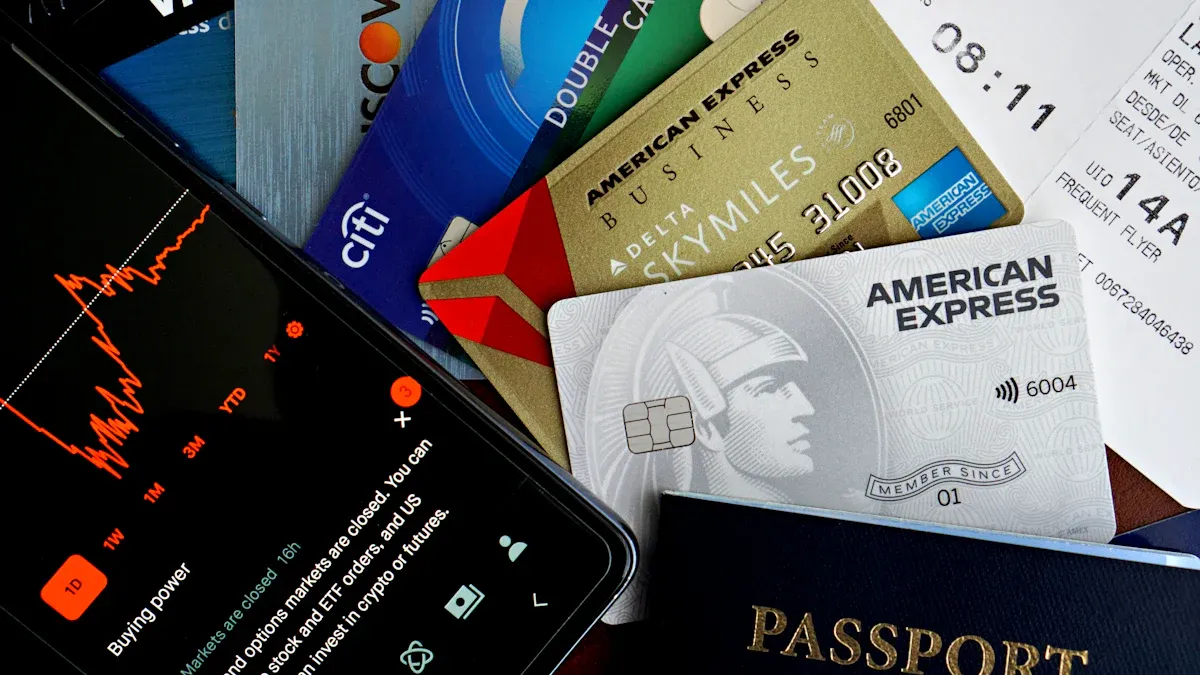
Image Source: pexels
Cash App supports credit cards, allowing you to easily link major cards such as Visa, Mastercard, American Express, and Discover. This platform, with over 57 million active users, offers you a variety of flexible funding source options.
Please Note: Each time you use a credit card for payment, Cash App will charge you approximately a 3% handling fee.
In addition to credit cards, you can also choose to link debit cards or certain prepaid cards as payment methods.
Key Points
- Cash App supports major credit cards such as Visa, Mastercard, American Express, and Discover, making it convenient for users to link and use.
- Using a credit card for payments on Cash App incurs a 3% fee, while using a debit card or account balance is free.
- The steps to link a credit card to Cash App are simple; users only need to enter card information within the app to complete.
- Cash App uses PCI-DSS Level 1 standards and AI technology to protect user security; users should also be vigilant against scams and enable two-factor authentication.
- Credit card payments provide stronger consumer protection, but debit cards or account balance payments are more economical; users can choose based on needs.
Cash App uses PCI-DSS Level 1 standards and AI technology to protect user security; users should also be vigilant against scams and enable two-factor authentication. For users who frequently make international transfers or online transactions, it’s also worth exploring BiyaPay, a multi-asset trading wallet that supports global remittance, currency conversion, stock and digital asset trading—all within one platform.
With BiyaPay’s exchange rate comparison tool, you can easily check live forex rates before making payments. Those needing to transfer funds abroad can use its remittance service with fees as low as 0.5% and same-day delivery to most countries. BiyaPay operates under financial regulatory licenses in the U.S. (MSB) and New Zealand (FSP), ensuring a secure and compliant experience for global transactions.
Credit Cards and Other Card Types Supported by Cash App
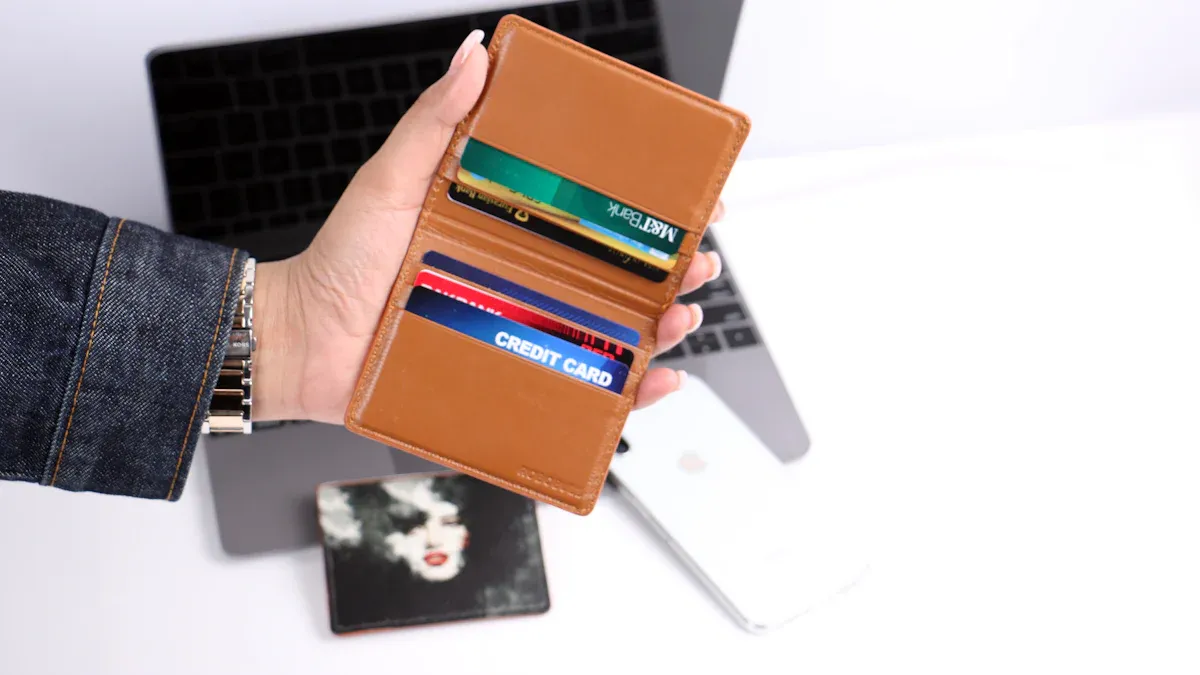
Image Source: pexels
When you prepare to link a payment card on Cash App, you will find it offers extensive support. This is not limited to credit cards but also includes various debit cards and prepaid cards. Understanding these options can help you manage funds more flexibly.
Major Credit Card Brands
Cash App supports credit cards, allowing you to easily connect the main payment tools in your daily life. The platform accepts cards from major issuing institutions in the United States.
The credit card brands you can link include:
- Visa (Visa)
- Mastercard (Mastercard)
- American Express (American Express)
- Discover (Discover)
Although Cash App supports most cards from major credit card companies, you still need to note that certain special types of cards may not link successfully. The platform does not provide a detailed list of unsupported cards. Additionally, if you use a Cash App for Business account, you can also accept payments from customers using credit cards, debit cards, or prepaid cards of the above brands, which provides great convenience for your business.
American Express Cards (Amex)
Many users are concerned about whether Cash App supports American Express cards, and the answer is yes. You can add your Amex credit card to your account as a payment method.
The linking process is usually very simple. You need to first associate a bank account or debit card in Cash App, then go to the profile page to add a credit card.
Important Tip: Please remember that using any credit card (including American Express cards) for payment will incur a 3% fee. Therefore, unless necessary, using a debit card or account balance is a more economical choice.
Prepaid Cards and Gift Cards
In addition to traditional credit and debit cards, Cash App is also compatible with various prepaid cards, providing you with more funding sources.
You can usually successfully link most standard prepaid cards issued in the United States. Some well-known commercial prepaid cards, such as NetSpend, Green Dot, and PayPal-issued prepaid Mastercard, are also within the supported range.
In addition, some government-issued benefit cards can also be linked, such as:
- Direct Express®: A debit Mastercard used to receive Social Security and other federal benefits.
- EDD Debit Card: Issued by the Employment Development Department for receiving unemployment benefits.
Regarding gift cards, the situation is relatively complex. Cash App’s official terms generally do not allow using unlinked gift cards to fund transactions. However, some gift cards bearing Visa or Mastercard logos may still be linkable and usable, but this depends on the restrictions of the issuing institution. Therefore, it is best to try before using a gift card.
Linking Process and Fee Analysis
After understanding that Cash App supports credit cards, the next step is to master how to link cards and the related fees. This process is very simple, but understanding the fee structure can help you make wiser payment decisions.
Credit Card Linking Guide
Adding your credit card to your Cash App account takes just a few simple steps. You can follow the process below to easily complete the linking:
- Open your Cash App application and log in to your account.
- Tap the bank or balance icon in the lower-left corner of the screen to enter the “My Cash” page.
- Find and select the “Link Bank” or “Linked Accounts” option on the page.
- Choose “Link Credit Card” and enter your credit card number, CVV security code, and expiration date.
- After confirming the information is correct, click the “Add Card” button.
- You may need to verify via Touch ID or PIN code, and then the card is successfully added.
Account Limit Reminder Please note that although you can link multiple credit or debit cards as funding sources, one Cash App account can only be associated with one valid Cash Card (i.e., the debit card issued by Cash App).
Credit Card Fees
Using a credit card for payment is a major convenience feature of Cash App, but you need to understand its cost. When you choose to pay others with a credit card, Cash App charges a 3% fee.
This fee standard is common among similar apps. For example, Venmo also charges a 3% fee for credit card payments. To give you a more intuitive understanding of this fee, refer to the table below, which shows the cost of sending $200 using a credit card through different platforms:
| Platform | Credit Card Fee for Sending $200 |
|---|---|
| Cash App | $6.00 (3%) |
| Venmo | $6.00 (3%) |
| PayPal | $6.10 (2.9% + $0.30) |
| Zelle | Does not support credit cards |
It should be noted that the 3% fee mainly applies to transfers between individuals. If you are a merchant using a Cash App for Business account to receive payments, the fee structure will be different:
- Receiving payments for goods or services: The fee is 2.75%.
- Receiving payments via Cash App Pay: Depending on the transaction method, the fee is between 2.6% + $0.15 and 2.9% + $0.30.
Payment Method Comparison
On Cash App, you can choose to pay using a credit card, debit card, or account balance. The biggest difference between them lies in fees and security guarantees.
- Debit card or account balance: Payments are free, with funds deducted directly from your bank account or Cash App balance.
- Credit card: Payments incur a 3% fee but usually provide stronger consumer protection.
The additional protection from credit cards mainly comes from the Fair Credit Billing Act, which gives you the “chargeback” right. This means if there is a problem with the transaction (such as not receiving goods or encountering fraud), you can request the credit card company to reverse the payment. Debit card protection is relatively limited.
The table below clearly compares the differences between the two types of cards:
| Feature/Card Type | Credit Card | Debit Card |
|---|---|---|
| Fees | 3% fee when paying | Free for payments |
| Funding Source | Credit limit (spend now, pay later) | Bank deposit (direct deduction) |
| Buyer Protection | Stronger | Weaker |
| Core Protection Mechanism | Chargeback right | Protected by Regulation E |
| Applicable Scenarios | Unauthorized transactions, goods not received, services not as described, etc. | Mainly for unauthorized transactions |
In summary, when paying trusted friends or family, using a debit card or Cash App balance is the best choice to avoid fees. When dealing with unfamiliar merchants or individuals, despite the fee, using a credit card can provide you with an extra layer of security.
Account Security Measures and Recommendations
Image Source: pexels
While Cash App provides convenient payment methods, securing your account and funds is equally crucial. You need to understand both the platform’s security measures and your own security responsibilities.
Official Security Measures
Cash App employs multi-layered security technologies to protect your personal information and funds.
First, the platform complies with PCI-DSS Level 1 standards. This is the highest security benchmark available in the payment industry, meaning its technology is sufficient to resist most direct theft attempts. All financial information you send to the server is encrypted.
Second, Cash App utilizes artificial intelligence (AI) and machine learning (ML) technologies to proactively prevent fraud. These systems continuously monitor abnormal transaction patterns to help identify and stop potential scam activities.
Finally, you can enable two-factor authentication (2FA) to add an extra layer of protection. You can choose to receive verification codes via SMS or a dedicated authenticator app, effectively preventing unauthorized access to your account by others.
New Card Verification Process
When you add a new card, Cash App needs to verify it to confirm you are the legitimate cardholder. This process is usually quick.
- Verification Time: Most users’ card verification will be completed within one to two business days.
- Accelerate Verification: If the photos you submit are clear and all information matches completely, the verification speed may be faster.
Please note that certain special verifications (such as identity verification for Bitcoin transactions) may take longer, sometimes up to 72 hours.
User Security Precautions
Official security measures are very important, but your vigilance is the last line of defense. Scammers often use various methods to try to steal your information.
Important Tip: Identify Official Emails Cash App’s official emails will only come from addresses ending in
@cash.app,@square.com, or@squareup.com. When receiving any email claiming to be from Cash App, be sure to check the sender.
You need to be vigilant against the following common scam methods:
- Customer Support Scams: Scammers impersonate Cash App customer service, contacting you via phone or text, claiming “your account is at risk” to obtain your login password or personal information.
- QR Code Scams: You may see some QR codes offering discounts in public places or online. Scanning these malicious QR codes may lead you to phishing websites that steal your account information.
- Phishing Messages: You will receive emails or texts that appear official, claiming your account needs verification and including a fraudulent link.
If you suspect your account has been compromised, immediately change your Cash App password and report suspicious transactions to official customer service.
Now you understand that Cash App supports credit cards, including major brands such as Visa, Mastercard, Discover, and American Express, providing you with flexible payment options.
Key Points: Using a credit card for payment requires a 3% fee, while paying via debit card or account balance is free.
We encourage you to take necessary security measures while enjoying convenient transfers. Protecting your personal information and password is the first step to ensuring fund security.
FAQ
Why can’t I link my credit card?
There may be several reasons for your credit card linking failure. Please check if your card is a Visa, Mastercard, Amex, or Discover issued in the United States. Some business cards or cards that do not support online transactions may not be addable. Ensure the card number, expiration date, and CVV code you entered are completely correct.
Can I withdraw cash from a credit card to a bank account?
No. Cash App does not support directly withdrawing cash from a credit card to your bank account. Credit cards can only be used as a funding source for payments to others or purchases at merchants. The withdrawal function only applies to your Cash App account balance.
Does linking a credit card affect my credit score?
Simply linking a credit card to Cash App usually does not affect your credit score. However, the frequency and amount of payments you make using the credit card will affect your credit utilization ratio. High credit utilization may negatively impact your credit score.
Small Tip: Using your credit card reasonably and paying on time is key to maintaining a good credit record.
If a transaction fails, will the fee be refunded?
Yes. If a transaction paid with a credit card ultimately fails or is canceled, Cash App will fully refund your payment amount, including the 3% fee already deducted. Refunds are usually returned to your credit card account within a few business days.
*This article is provided for general information purposes and does not constitute legal, tax or other professional advice from BiyaPay or its subsidiaries and its affiliates, and it is not intended as a substitute for obtaining advice from a financial advisor or any other professional.
We make no representations, warranties or warranties, express or implied, as to the accuracy, completeness or timeliness of the contents of this publication.
Related Blogs of
Zelle Wire Transfer or ACH? Clearing Up the Confusion


SoFi Checking and Savings A Deep Dive Review

What Are the Daily Limits for Chase Accounts?


Why Is Canada's Country Code 1
Choose Country or Region to Read Local Blog
 Australia
 Austria
 Belgium
 Canada
 Cyprus
 Czech Republic
 Denmark
 Estonia
 Finland
 France
 Germany
 Greece
 Hong Kong
 India
India Indonesia
 Ireland
 Italy
Italy Japan
Japan Latvia
 Lithuania
 Luxembourg
 Malaysia
 Malta
Malta Morocco
 Nepal
Nepal Netherlands
 New Zealand
 Norway
 Pakistan
 Philippines
 Poland
 Portugal
 Romania
 Singapore
 Slovakia
 Slovenia
 South Africa
 South Korea
 Spain
Spain Sweden
 Thailand
 The United States
 Turkey
 United Arab Emirates
 United Kingdom
 Vietnam
Contact Us




BIYA GLOBAL LLC is a licensed entity registered with the U.S. Securities and Exchange Commission (SEC No.: 802-127417); a certified member of the Financial Industry Regulatory Authority (FINRA) (Central Registration Depository CRD No.: 325027); regulated by the Financial Industry Regulatory Authority (FINRA) and the U.S. Securities and Exchange Commission (SEC).
BIYA GLOBAL LLC is registered with the Financial Crimes Enforcement Network (FinCEN), an agency under the U.S. Department of the Treasury, as a Money Services Business (MSB), with registration number 31000218637349, and regulated by the Financial Crimes Enforcement Network (FinCEN).
BIYA GLOBAL LIMITED is a registered Financial Service Provider (FSP) in New Zealand, with registration number FSP1007221, and is also a registered member of the Financial Services Complaints Limited (FSCL), an independent dispute resolution scheme in New Zealand.