Where to Find Cardless ATMs and How to Withdraw Money Using Them




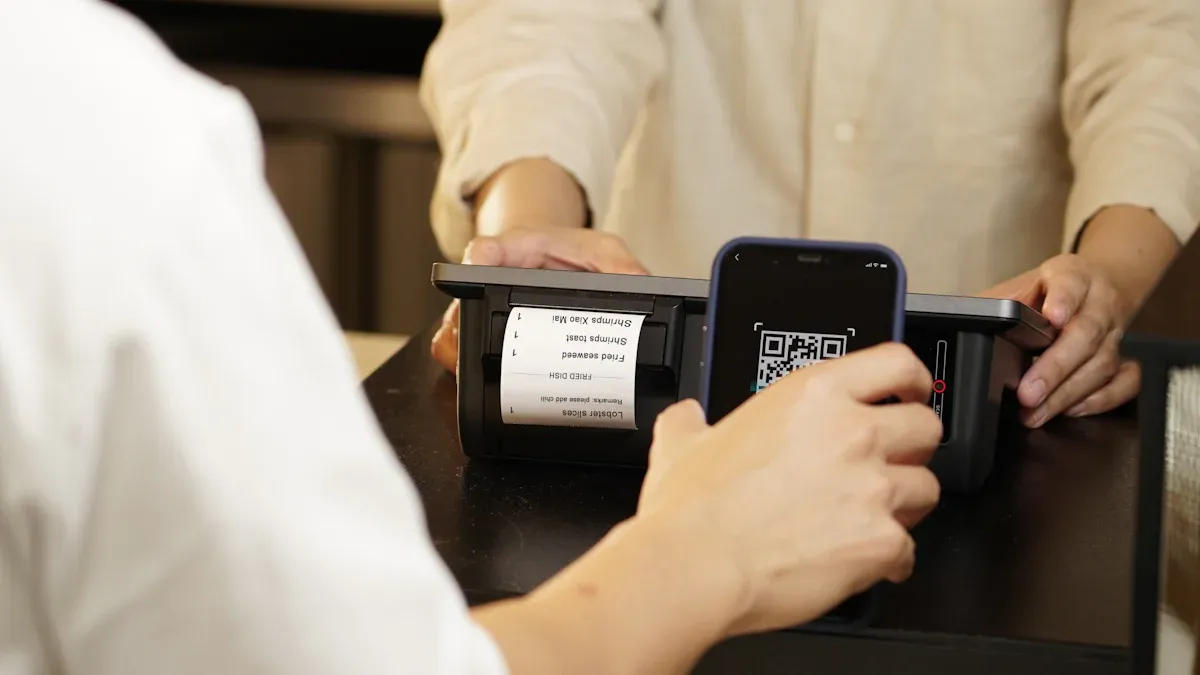
Image Source: pexels
Forgot your bank card but need cash urgently? Don’t worry, you can easily find ATMs that support cardless withdrawal. To ask where to find cardless ATMs, the most accurate method is to use your bank’s official mobile app. The withdrawal process is also very simple, mainly completed through mobile “QR code scanning” or “NFC induction”.
This method is safer than traditional card insertion withdrawal. You do not need to insert a physical card, fundamentally eliminating the risk of card information being illegally copied. The dynamic code generated during withdrawal or the required multi-factor verification also provides additional protection for your funds.
Key Points
- Using the official bank mobile app, you can accurately locate ATMs that support cardless withdrawal.
- Cardless withdrawal mainly includes three methods: QR code withdrawal, NFC induction withdrawal, and reservation withdrawal.
- Cardless withdrawal is safer than traditional card insertion withdrawal because it avoids the risk of bank card information being copied.
- Most major banks in China support cardless withdrawal services, with simple and convenient operation processes.
- Cardless withdrawal usually does not incur additional fees, and its charging standards are the same as using a physical card for withdrawal.
Where to Find Cardless ATMs? Three Main Channels
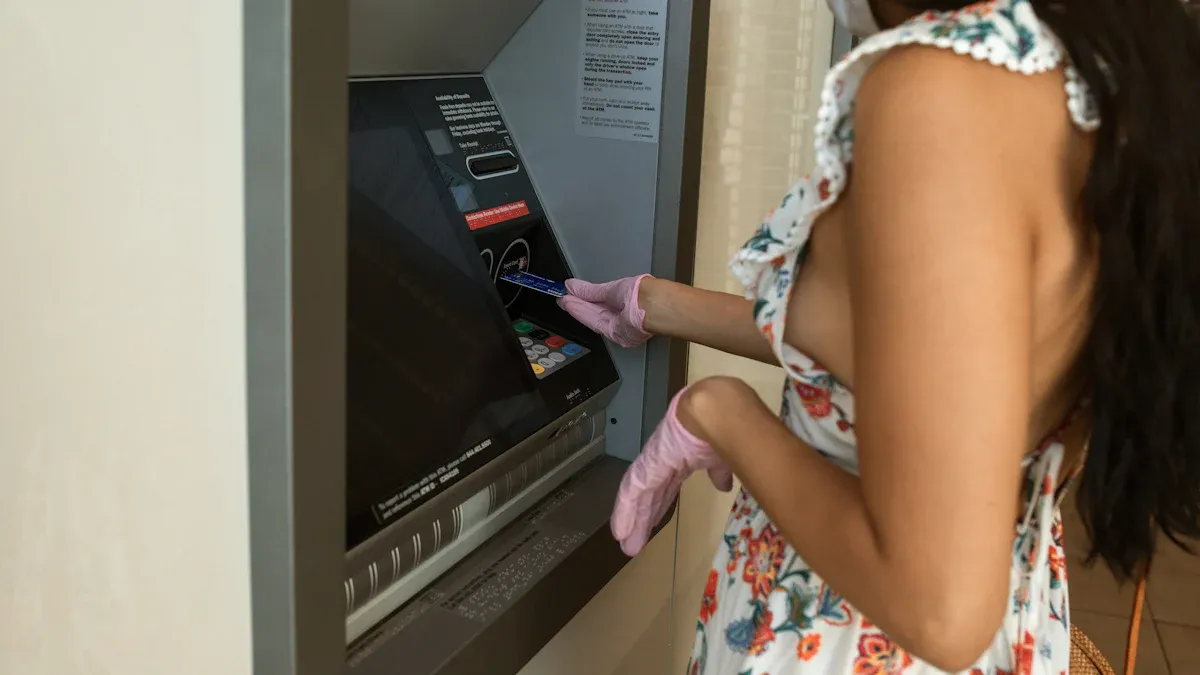
Image Source: pexels
When you urgently need cash, knowing how to quickly locate ATMs that support cardless functions is crucial. In fact, the methods to find such ATMs are not complicated. Below, three of the most effective channels are introduced to help you solve the problem of “where to find cardless ATMs”.
Bank App: Most Accurate
To find the most reliable cardless ATMs, the preferred method is to use your bank’s official mobile app. The bank’s own data is the most accurate, and the information is updated in the most timely manner.
The operation steps are usually very simple:
- Open the Bank App: Log in to your mobile banking.
- Find the Branch Locator Feature: This feature is usually in sections like “All Services”, “Assistant”, or “My” on the homepage, and may be named “Branch Locator”, “Service Branches”, or “ATM Locator”.
- Filter Service Types: After entering the query page, you will see a map or list. Find the filter or service options, and check “Cardless Withdrawal”, “QR Code Withdrawal”, or similar labels. The app will then only display ATMs that support these functions.
Tip: For the best experience, it is recommended to enable your phone’s location services. This way, the app can automatically display ATMs near you, saving the trouble of manually entering addresses. This convenient location feature is a standard configuration in global banking, for example, Chase Bank’s mobile app in the United States also provides similar functions, helping users easily find ATMs that support cardless services.
Map App: Most Convenient
If you do not have a specific bank’s app installed on your phone, or you want to view ATMs of all nearby banks at once, using a map app is a convenient choice.
You just need to open commonly used map applications such as Amap or Baidu Maps, and directly enter keywords in the search box, such as:
Cardless withdrawal ATMQR code withdrawal
The map will immediately show you the locations of nearby ATMs marked with these services. However, you need to note that the data in map apps may not be the latest. Therefore, when you navigate to the destination according to the map, you may find that the ATM does not support the function or has been replaced. Therefore, this method is more suitable as an emergency backup.
Bank Official Website: Backup Plan
If you are using a computer, or your phone is temporarily unable to access the internet, the bank’s official website is another reliable query channel. Although this method is not as convenient as the mobile app, the information is equally accurate.
You can query through the following steps:
- Use a browser to visit your bank’s official website.
- On the website homepage or in the service section, look for entrances such as “Branches”, “Service Branches”, or “Contact Us”.
- After entering the branch query page, select your city and area, then filter ATMs that support cardless withdrawal in the service types.
Many banks provide this service. For example, Wells Fargo facilitates users to find ATMs that support cardless operations through its branch locator tool on its website. This provides you with another way to solve the problem of “where to find cardless ATMs”.
Cardless Withdrawal Operation Guide
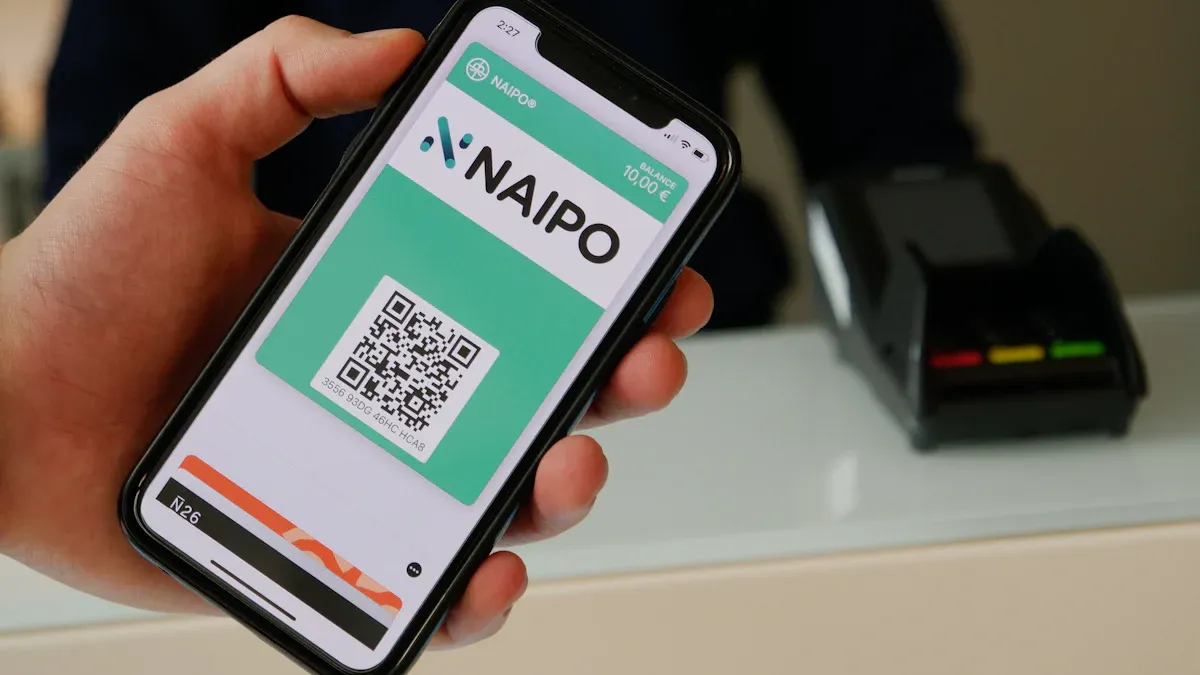
Image Source: unsplash
After finding an ATM that supports cardless functions, the next step is to withdraw money. Currently, the mainstream cardless withdrawal methods include three types: QR code withdrawal, NFC induction withdrawal, and reservation withdrawal. Their operations are very simple, and the steps for each method are detailed below.
QR Code Withdrawal
This is currently the most popular cardless withdrawal method in mainland China. You only need a smartphone with the bank app installed, and you can complete the operation by scanning the QR code on the ATM screen.
The operation steps are as follows:
- Select Function: On the ATM screen, select the “QR Code Withdrawal” or “QR Withdrawal” option.
- Open App to Scan: Log in to your mobile banking app, find the “Scan” or “Scan Now” function, and align it with the QR code displayed on the ATM screen for scanning.
- Enter Amount: Enter the amount you want to withdraw on the mobile app, then click confirm.
- Enter Password: According to the prompt, enter your withdrawal password on the phone or perform fingerprint/face verification.
- Take Cash: After successful verification, the ATM will dispense cash. Please take it in time.
Tip: About Withdrawal Limits The rules and limits for cardless withdrawal are usually the same as using a physical card for withdrawal.
- Banks usually limit the total daily withdrawal amount, for example, the daily cumulative limit may be between $300 and $1,000. Once this limit is reached, no more withdrawals can be made from any ATM that day.
- In addition, a single ATM machine itself may have limits on single transaction or single withdrawal. For example, all branches of the Allpoint ATM network have a $400 transaction limit per transaction.
If there’s no cardless ATM nearby or you’ve hit today’s cash limit, BiyaPay can bridge the gap: pay directly with the Virtual Card anywhere UnionPay/Mastercard is accepted to reduce cash needs; to weigh “cash vs. card,” estimate fees and net proceeds with the free FX Converter; and for urgent cross-border support to family or colleagues, use BiyaPay Remittance to validate beneficiary details and move funds within one domain.
NFC Induction Withdrawal
If your phone supports NFC (Near Field Communication) function and is bound to Apple Pay, Google Pay, Samsung Pay, or the bank’s own mobile flash pay card, you can experience the convenience of “waving your phone” to withdraw money.
The operation steps are as follows:
- Wake Up Wallet: Open your digital wallet app on your phone (such as Apple Pay) and select the debit card to use.
- Approach Induction Area: Bring the top of your phone close to the contactless symbol on the ATM (similar to the Wi-Fi signal) induction area.
- Verify Identity: The phone will automatically prompt you to verify through Face ID, fingerprint, or password.
- Enter PIN Code: Enter your bank card withdrawal password (PIN code) on the ATM’s physical keyboard.
- Complete Withdrawal: Follow the prompts on the ATM screen, select the amount, and complete the withdrawal.
Did You Know? This method is very popular internationally. Many large banks, such as Wells Fargo, Chase Bank, and Bank of America in the United States, have widely deployed NFC functions in their ATM networks to support cardless transactions with various digital wallets.
Reservation or Verification Code Withdrawal
This method requires you to “reserve” in advance on the mobile banking app, obtain a time-sensitive withdrawal code, and then use the code to withdraw money at the ATM.
The operation steps are as follows:
- Mobile App Reservation: Log in to the mobile banking app, find the “Cardless Withdrawal”, “Reservation Withdrawal”, or similar function.
- Set Information: Follow the prompts to set the withdrawal amount, the reserved withdrawal account, and obtain a withdrawal code or serial number. Some banks, such as Chase Bank, allow customers to preset withdrawals through the app, simplifying on-site operations.
- Go to ATM for Operation: Select “Reservation Withdrawal” or “Verification Code Withdrawal” on the ATM main interface.
- Enter Information: Enter your mobile phone number, the reserved withdrawal code, and the withdrawal amount.
- Verify Password: Finally, enter your bank card withdrawal password for final verification.
- Take Cash: After verification is correct, the ATM will dispense cash.
Note: The withdrawal code generated by the mobile app usually has a time limit (for example, 15 or 30 minutes), and it needs to be reacquired after expiration. In addition, your withdrawal limit may also vary depending on the account type or customer history. Banks may set lower limits for new customers or basic accounts, while providing higher withdrawal limits for long-term customers or premium accounts.
Support Status of Mainstream Banks
After understanding how to operate, you may also want to know which banks support these functions. The good news is that cardless withdrawal is already very popular in mainland China. The ATM networks of the vast majority of mainstream banks have been upgraded.
Large State-Owned Banks
As the main force of the banking industry, large state-owned banks are at the forefront in cardless services. If the bank you use is one of the following, you can confidently look for cardless ATMs:
- Industrial and Commercial Bank of China (ICBC)
- China Construction Bank (CCB)
- Agricultural Bank of China (ABC)
- Bank of China (BOC)
The vast majority of ATMs of these banks support “QR code withdrawal” and “reservation withdrawal”.
Industrial and Commercial Bank of China is a good example. It not only provides services in mainland China, but its institution in Hong Kong—ICBC (Asia)—also supports the “ICBC e-Payment” function. You only need to activate it in the ICBC Asia mobile banking app, and you can operate at outlets supporting UnionPay QR codes in Hong Kong, mainland China, and other overseas regions.
National Joint-Stock Banks
National joint-stock banks are also actively deploying cardless services, and their mobile apps are usually designed to be very user-friendly with smooth experiences.
| Bank Name | Main Supported Methods |
|---|---|
| China Merchants Bank | QR code withdrawal, reservation withdrawal |
| China CITIC Bank | QR code withdrawal, reservation withdrawal |
| Industrial Bank | QR code withdrawal, NFC withdrawal |
| Shanghai Pudong Development Bank | QR code withdrawal, reservation withdrawal |
This list is not exhaustive, but you can see that QR code withdrawal is a standard function of these banks.
Postal Savings and Other Banks
China Postal Savings Bank (PSBC), with its vast network of outlets throughout urban and rural areas, also widely supports cardless withdrawal functions, greatly facilitating users in township areas.
For local city commercial banks or rural commercial banks, the support situation may vary. Some banks may only support reservation withdrawal, or only provide QR code functions on some new models. Therefore, when using cards from these banks, the best method is still to open the bank’s official app and confirm through the “Branch Locator” function whether the specific ATM supports the services you need.
Now, you already know where to find cardless ATMs and how to use them. Remember two key points: prefer the bank app to find machines, and mainly rely on mobile QR code scanning or induction to withdraw money. This is not only convenient and fast, but also very safe.
According to financial security institutions (such as Experian), cardless withdrawal effectively reduces the risk of physical card duplication through encryption and dynamic verification codes. Coupled with multiple biometric verifications such as fingerprint and Face ID, your fund security is strongly guaranteed.
Next time you forget your card, feel free to try this modern withdrawal method!
FAQ
Is cardless withdrawal safe?
Very safe. This method is safer than traditional card insertion because it avoids the risk of bank card information being copied. The dynamic QR code or verification code generated during withdrawal is valid only once, plus password or biometric verification (fingerprint, face) on the mobile phone, providing double protection for your funds.
Does cardless withdrawal require additional fees?
Usually not. The charging standards for cardless withdrawal are exactly the same as using a physical card for withdrawal. If you are conducting a cross-bank withdrawal, the bank may charge a cross-bank fee according to conventional standards. You do not need to pay any additional fees for the “cardless” function itself.
What to do if the QR code on the ATM cannot be scanned?
If you encounter a situation where the QR code cannot be recognized, you can try the following steps:
- Check if your phone’s network connection is smooth.
- Adjust the distance and angle between your phone and the ATM screen to avoid reflections.
- Click the “Refresh” button on the ATM screen to get a new QR code and try again.
Can cardless withdrawal be used abroad?
This depends on your bank and the support of the local ATM network. Some Chinese mainland banks that have opened international business allow customers to perform QR code withdrawal at overseas ATMs that support UnionPay QR codes. Before traveling, it is recommended that you consult your card-issuing bank to confirm the specific supported countries and operation processes.
*This article is provided for general information purposes and does not constitute legal, tax or other professional advice from BiyaPay or its subsidiaries and its affiliates, and it is not intended as a substitute for obtaining advice from a financial advisor or any other professional.
We make no representations, warranties or warranties, express or implied, as to the accuracy, completeness or timeliness of the contents of this publication.
Related Blogs of

Enterprise Overseas Payroll Compliance and Tax Planning: How to Use Multi-Asset Payroll Platforms to Reduce Cross-Border Employment Costs?


Capital Preparation in Early Stages of Cross-Border M&A: How Enterprises Safely Transfer Millions in USD Deposits to Overseas Trust Escrow Accounts?


How to Write Remittance Notes to Avoid Bank Risk Control Interception? 2026 Cross-Border Remittance Compliance Guide & Sensitive Words Avoidance
YouTube Video Monetization: How Overseas Creators Convert Received USD Ad Revenue to Chinese Living Expenses the Fastest Way?

Choose Country or Region to Read Local Blog
 Australia
 Austria
 Belgium
 Canada
 Cyprus
 Czech Republic
 Denmark
 Estonia
 Finland
 France
 Germany
 Greece
 Hong Kong
 India
India Indonesia
 Ireland
 Italy
Italy Japan
Japan Latvia
 Lithuania
 Luxembourg
 Malaysia
 Malta
Malta Morocco
 Nepal
Nepal Netherlands
 New Zealand
 Norway
 Pakistan
 Philippines
 Poland
 Portugal
 Romania
 Singapore
 Slovakia
 Slovenia
 South Africa
 South Korea
 Spain
Spain Sweden
 Thailand
 The United States
 Turkey
 United Arab Emirates
 United Kingdom
 Vietnam
Contact Us




BIYA GLOBAL LLC is registered with the Financial Crimes Enforcement Network (FinCEN), an agency under the U.S. Department of the Treasury, as a Money Services Business (MSB), with registration number 31000218637349, and regulated by the Financial Crimes Enforcement Network (FinCEN).
BIYA GLOBAL LIMITED is a registered Financial Service Provider (FSP) in New Zealand, with registration number FSP1007221, and is also a registered member of the Financial Services Complaints Limited (FSCL), an independent dispute resolution scheme in New Zealand.