Complete Guide to Using a Visa Card on Cash App: Adding, Paying, and Fee Analysis



Image Source: pexels
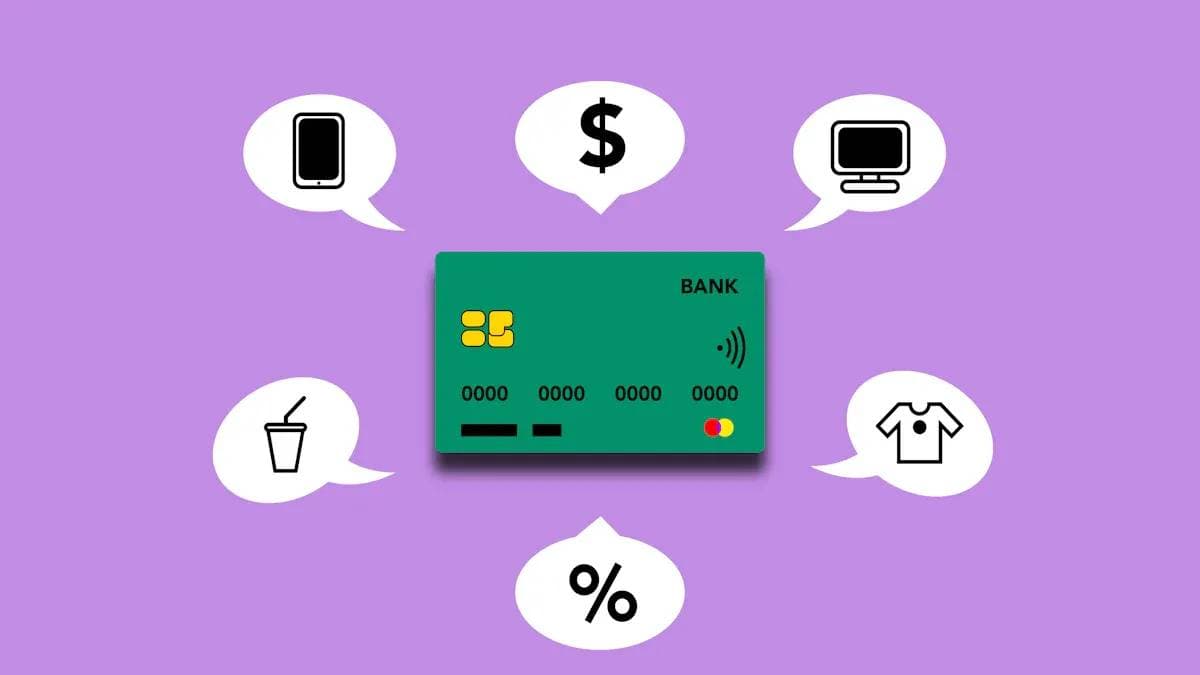
Yes, you can link a Visa card to Cash App. It fully supports debit cards, credit cards, and even virtual Visa cards. As a payment tool with over 57 million monthly active users, it holds a significant place in the U.S. peer-to-peer payment market.
This guide will help you easily complete every step, from adding a card to making payments. You’ll also gain a clear understanding of related fees and delivery times, enabling smarter financial decisions.
Key Points
- You can link Visa debit cards, credit cards, and virtual cards to Cash App, with a simple setup process.
- Using a Visa debit card for transfers on Cash App is typically free, while credit cards incur a 3% handling fee.
- Cash App supports various payment scenarios, including sending money to friends, online shopping, and funding your account balance.
- Withdrawing to a bank account offers a free “Standard” option and a fee-based “Instant” option.
- When using a credit card, your bank may charge additional “cash advance” fees and high interest, so please take note.
How to Add a Visa Card to Cash App
Image Source: unsplash
Linking your Visa card to your account is a very straightforward process. You just need to follow the steps below, and you can complete the setup in a few minutes.
Step 1: Find the Link Card Entry
First, you need to open Cash App and locate the entry point for adding a card. You have two pathways to choose from:
- Via the Profile Page: Click the “Profile” icon in the top left corner of the app’s home screen, then select “Linked Banks.”
- Via the Banking Icon on the Home Screen: Click the bank or balance icon in the bottom left corner of the app’s home screen, then select the “Link Account” option.
Both methods will ultimately guide you to the same interface.
Step 2: Choose to Link a Credit or Debit Card
After entering the linking page, you’ll see different options. Here, you need to choose based on the type of Visa card you hold.
- If you’re adding a Visa debit card, click “Link Debit Card.”
- If you’re adding a Visa credit card, click “Link Credit Card.”
Important Note: Supported Card Types Cash App supports most bank-issued Visa debit cards, credit cards, and some rechargeable prepaid debit cards. However, it typically does not accept single-use Visa prepaid gift cards. If you’re using a virtual Visa card, the process is identical to adding a physical card.
If you don’t have a US debit card or want to sandbox online purchases and subscriptions, consider BiyaPay’s Virtual Card. It links online, supports spend limits, and suits on/off controls.
BiyaPay is a multi-asset wallet for cross-border payments and fund management with flexible fiat/crypto conversion. Visit the website or register; fees and steps are shown clearly before submission.
Step 3: Enter Visa Card Information
Next, you need to accurately enter your Visa card information. Please double-check to ensure all details are correct.
- Card Number: The 16-digit card number.
- Expiration Date: The month and year (MM/YY) on the front of the card.
- CVV: The 3-digit security code on the back of the card.
- Postal Code: The postal code associated with your card’s billing address.
After entering the information, click the “Add Card” button to proceed.
Step 4: Complete Security Verification
To protect your account security, the system may require you to complete a verification step. Sometimes, you may need to provide additional personal information to verify your identity, especially when attempting transactions exceeding the initial limit.
Follow the prompts, which may require you to submit your full legal name, date of birth, and the last four digits of your Social Security Number (SSN). After completing verification, your account will be more secure, and your transaction limit will significantly increase. For example, the weekly sending limit can increase from $250 to $7,500, and you can receive funds without restrictions.
Using a Visa Card for Payments and Transfers
Image Source: unsplash
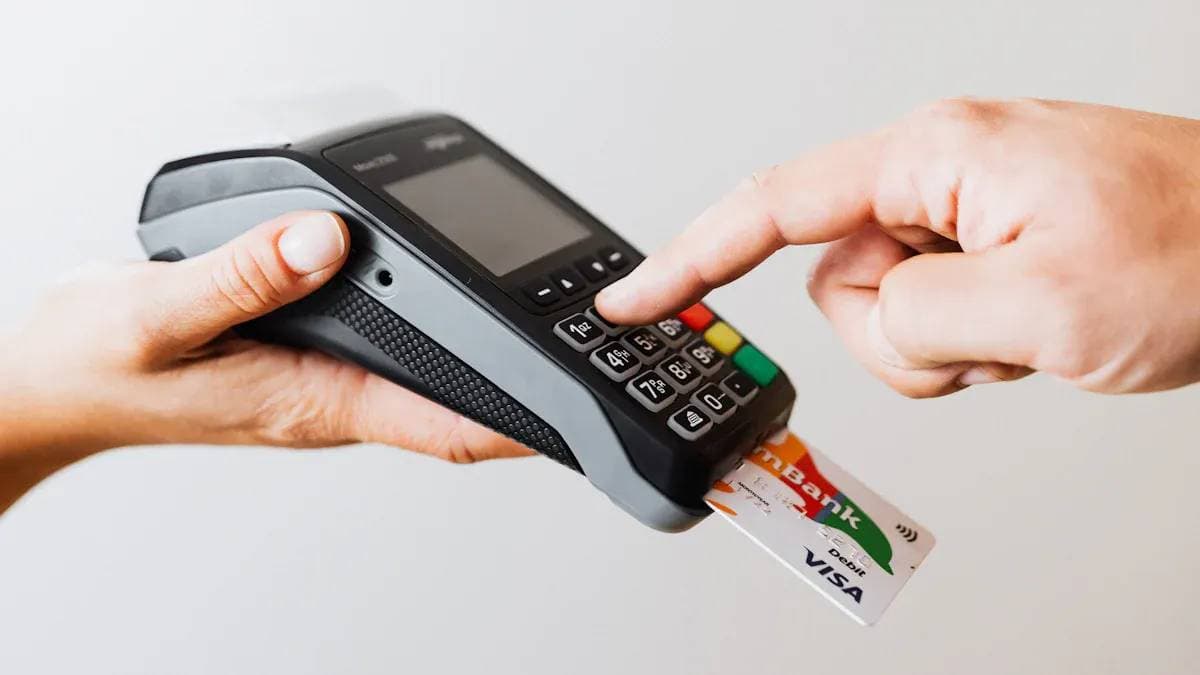
Once you’ve successfully added a Visa card, you can use it flexibly in multiple scenarios. Whether sending money to friends or shopping online, the process is very convenient.
Scenario 1: P2P Transfers to Others
This is one of Cash App’s core features. You can directly use your linked Visa card to pay other users.
- Enter the amount on the app’s home screen.
- Click “Pay.”
- Select the recipient.
- Confirm the payment source is your Visa card.
Important Note After verifying your account, your weekly sending limit can reach up to $7,500. Please note that using a credit card for transfers incurs a fee, while debit card transfers are typically free.
Scenario 2: Online Payments at Merchants
More and more online merchants are accepting Cash App Pay as a payment method. During checkout, simply select this option to quickly complete the payment through the app. Notable merchants accepting this payment method include:
- Walmart
- Adidas
- The Home Depot
- Samsung
- Instacart
- Wayfair
Scenario 3: Funding Your Account Balance (Add Cash)
If your app balance is low, you can use your linked Visa card to top it up.
- Go to the “Banking” tab on the home screen.
- Click “Add Cash.”
- Enter the amount you wish to add.
- Confirm the action, and funds will transfer from your Visa card to your app balance.
Scenario 4: Transferring from the App to a Bank Account
When you receive a transfer from someone else, you can withdraw the money from your app balance to your linked bank account, such as a licensed bank account held in Hong Kong.
- Click your balance on the home screen.
- Select “Cash Out.”
- Enter the amount you want to withdraw.
- Choose the withdrawal speed: “Standard” is free but takes 1-3 business days to arrive; “Instant” arrives immediately but incurs a small fee.
- Confirm the details and complete the withdrawal.
Fee and Delivery Time Analysis
Understanding the fee structure for using a Visa card on Cash App is crucial. This helps you avoid unnecessary expenses and choose the most cost-effective methods. Below, we’ll break down the fees and fund delivery times for different scenarios.
Credit Card Fees: 3% Handling Fee
When you use a linked credit card for payments or transfers, you’ll need to pay a handling fee.
This fee is 3% of the transaction amount. For example, if you send $100 using a credit card, your card will actually be charged $103. This fee is charged by the payment processor and is relatively standard in the industry. To give you a clearer picture of the market, you can refer to the table below comparing it with other major payment tools:
| Payment App | Credit Card P2P Transfer Fee |
|---|---|
| Cash App | 3% |
| Venmo | 3% |
| PayPal | 2.9% + $0.30 |
Debit Card Fees: Typically Free
Unlike credit cards, using a debit card is the best way to save money.
When you use a linked Visa debit card or your account balance for transfers, it’s typically completely free. This applies to sending money to friends or spending at merchants that support Cash App Pay.
Money-Saving Tip To avoid the 3% handling fee, we strongly recommend prioritizing your Visa debit card or account balance for payments. Use a credit card as a backup payment method rather than the primary choice.
Withdrawal Fees: Instant vs. Standard Comparison
When you need to transfer money from the app to your bank account, you have two options with different fees and speeds.
- Standard Deposit
- Fee: Free.
- Delivery Time: Funds typically take 1-3 business days to reach your bank account.
- Limit: Typically no withdrawal limit, suitable for non-urgent large fund transfers.
- Instant Deposit
- Fee: Charges a handling fee of 0.5% to 1.75% of the transfer amount, with a minimum fee of $0.25. This means even if the percentage-based fee is less than $0.25, the system will still charge $0.25.
- Delivery Time: Funds typically arrive in your linked debit card within minutes.
- Limit: For verified accounts, the weekly instant withdrawal limit can reach up to $25,000.
Fee Examples
- Withdrawing $100, the instant deposit fee ranges from $0.50 to $1.75.
- Withdrawing $500, the instant deposit fee ranges from $2.50 to $8.75. You’ll see the exact fee amount on the confirmation screen before completing the transaction.
Watch for Potential Bank-Side Fees
In addition to the fees charged by the app itself, you should also be cautious of potential extra fees from your issuing bank, especially when using a credit card.
Many banks treat P2P transfers made through payment apps as “cash advances”. If your transaction is classified as such, you may face dual fees:
- Cash Advance Fee: Your bank may charge an additional handling fee.
- Higher Interest: Cash advances typically incur higher interest rates than regular purchases, and interest starts accruing from the transaction date with no grace period.
For example, if you use a Visa credit card issued by a licensed Hong Kong bank to send $200 to a friend on the app, in addition to the $6 (3%) fee paid to the app, your bank may classify the $200 transaction as a “cash advance,” charging additional fees and high interest.
Therefore, before using a credit card for transfers, it’s best to review your credit card terms or contact your bank directly to confirm the fee structure for such transactions to avoid unexpected financial losses.
In summary, using a Visa card on Cash App offers great convenience and broad applicability. As long as you follow the correct steps, it’s an efficient and secure payment tool. The platform protects your transaction security with encryption technology and fraud detection, and its reliability is proven by its $282.9 billion in fund inflows in fiscal year 2024.
Top Money-Saving Tip Always prioritize using your Visa debit card for payments to completely avoid the 3% credit card handling fee.
FAQ
Is it safe to add my Visa card information to Cash App?
Yes, it’s safe. Cash App uses encryption technology and fraud detection systems to protect your personal information and transaction data. You can confidently add your Visa card, as the platform employs multiple measures to ensure account security.
Can I add other card types besides Visa?
Yes. In addition to Visa cards, Cash App widely supports credit and debit cards issued by Mastercard, American Express, and Discover. The process for adding these cards is identical to adding a Visa card.
What is the initial transfer limit for using a Visa card?
For unverified accounts, you can send up to $250 per week. After completing identity verification, your sending limit can significantly increase to $7,500 per week. There is typically no limit on receiving funds.
What should I do if my Visa card is declined?
If your card is declined, try the following steps:
- Check that the card number, expiration date, and CVV are entered correctly.
- Confirm that your card has sufficient balance or credit limit.
- Contact your issuing bank to ensure they haven’t blocked the transaction for security reasons.
*This article is provided for general information purposes and does not constitute legal, tax or other professional advice from BiyaPay or its subsidiaries and its affiliates, and it is not intended as a substitute for obtaining advice from a financial advisor or any other professional.
We make no representations, warranties or warranties, express or implied, as to the accuracy, completeness or timeliness of the contents of this publication.
Related Blogs of
How Safe Is Your Money With Ally Bank in 2026?

Zelle Wire Transfer or ACH? Clearing Up the Confusion


SoFi Checking and Savings A Deep Dive Review

What Are the Daily Limits for Chase Accounts?

Choose Country or Region to Read Local Blog
 Australia
 Austria
 Belgium
 Canada
 Cyprus
 Czech Republic
 Denmark
 Estonia
 Finland
 France
 Germany
 Greece
 Hong Kong
 India
India Indonesia
 Ireland
 Italy
Italy Japan
Japan Latvia
 Lithuania
 Luxembourg
 Malaysia
 Malta
Malta Morocco
 Nepal
Nepal Netherlands
 New Zealand
 Norway
 Pakistan
 Philippines
 Poland
 Portugal
 Romania
 Singapore
 Slovakia
 Slovenia
 South Africa
 South Korea
 Spain
Spain Sweden
 Thailand
 The United States
 Turkey
 United Arab Emirates
 United Kingdom
 Vietnam
Contact Us




BIYA GLOBAL LLC is a licensed entity registered with the U.S. Securities and Exchange Commission (SEC No.: 802-127417); a certified member of the Financial Industry Regulatory Authority (FINRA) (Central Registration Depository CRD No.: 325027); regulated by the Financial Industry Regulatory Authority (FINRA) and the U.S. Securities and Exchange Commission (SEC).
BIYA GLOBAL LLC is registered with the Financial Crimes Enforcement Network (FinCEN), an agency under the U.S. Department of the Treasury, as a Money Services Business (MSB), with registration number 31000218637349, and regulated by the Financial Crimes Enforcement Network (FinCEN).
BIYA GLOBAL LIMITED is a registered Financial Service Provider (FSP) in New Zealand, with registration number FSP1007221, and is also a registered member of the Financial Services Complaints Limited (FSCL), an independent dispute resolution scheme in New Zealand.