Step-by-Step Guide to Using Remitly to Transfer to Alipay and WeChat




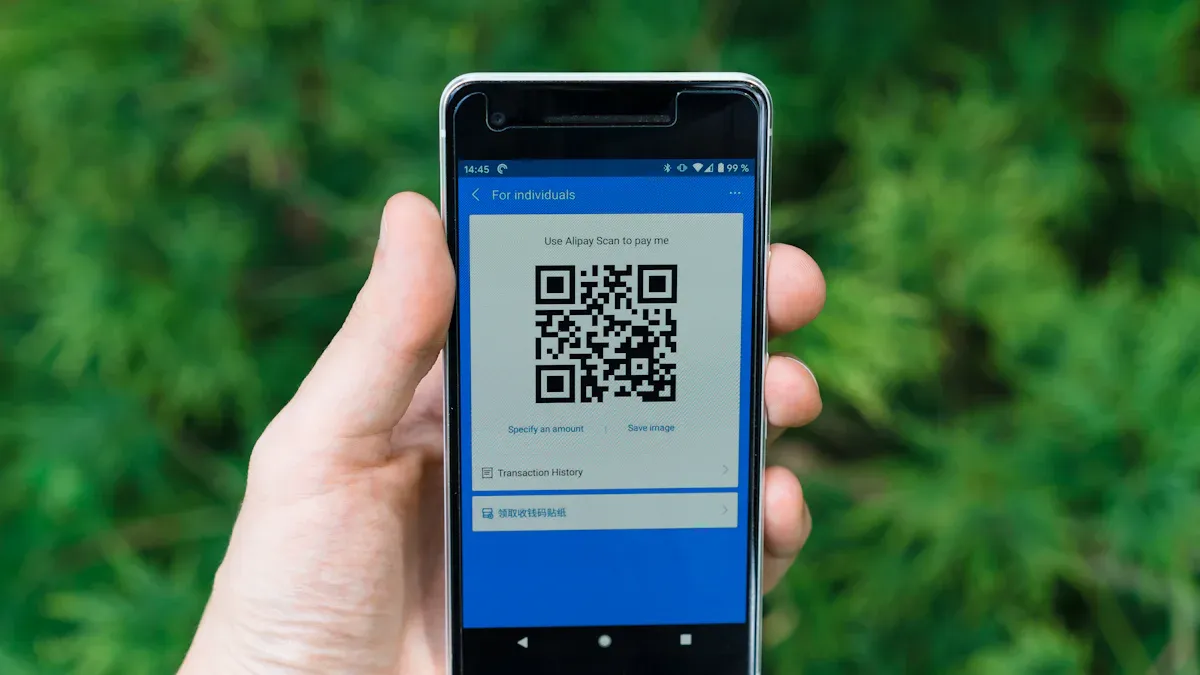
Image Source: unsplash
Are you looking for a simple and fast way to send money to Alipay or WeChat in China? Remitly is the perfect tool! It supports direct transfers to these popular payment platforms. The process is highly intuitive, taking just a few minutes from registration to completion. Whether supporting family or paying bills, using Remitly to transfer to Alipay helps you achieve your goals effortlessly.
Key Takeaways
- Registering a Remitly account is easy—visit the website or download the app.
- Enter your email and password to complete account registration.
- Verify your identity before transferring by uploading ID and proof of address.
- Ensure recipient information is accurate to avoid transfer failures or delays.
- Check exchange rates and fees when selecting amounts and currencies.
- Review details and confirm sufficient account balance before submitting the order.
Steps to Transfer to Alipay with Remitly
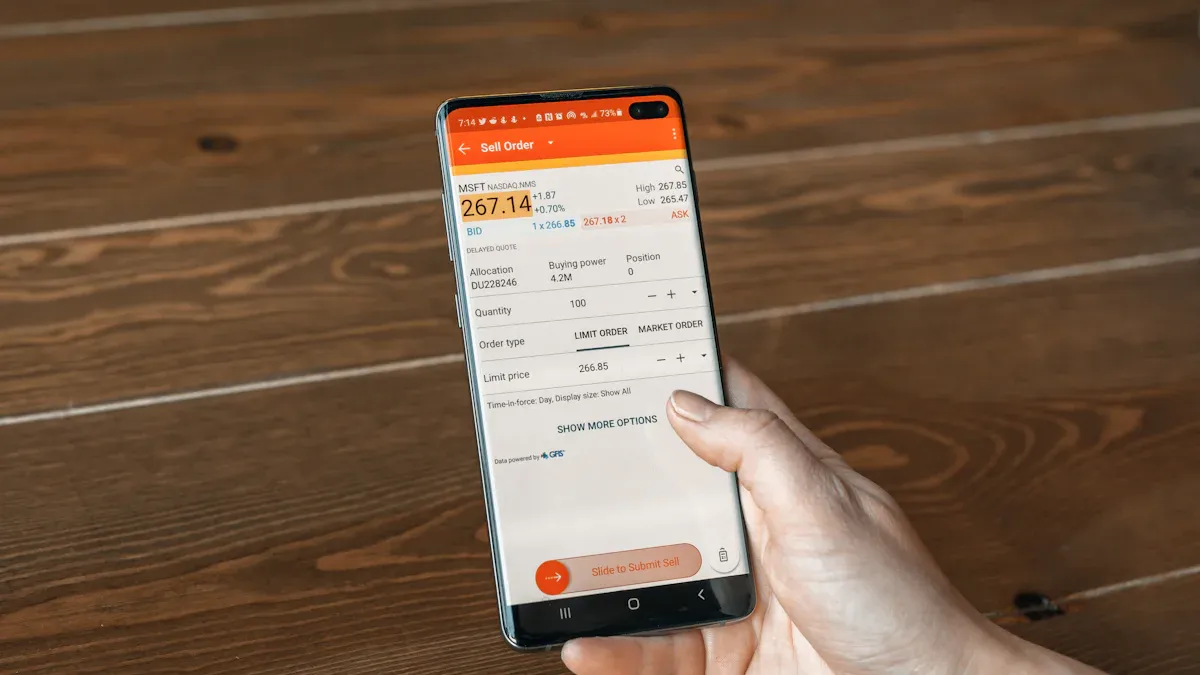
Image Source: unsplash
Creating a Remitly Account
To start transferring to Alipay with Remitly, the first step is creating an account. Don’t worry—it’s very straightforward! Visit Remitly’s website or download their mobile app. Click the “Sign Up” button, enter your email address, and set a secure password. Then, select your country and preferred language. Once done, your account is created.
If you already have a Remitly account, simply log in using your registered email and password. Forgot your password? Use the “Forgot Password” option to reset it quickly.
Verifying Identity Information
To ensure fund security, Remitly requires identity verification. This step may seem tedious but is quick to complete. Prepare a valid ID, such as a passport or driver’s license, and ensure the uploaded photo is clear with all details visible.
Remitly may also request proof of address, like a bank statement or utility bill, to comply with international transfer regulations. Upload these documents, and the system typically completes the review within minutes to a few hours. Once verified, you can proceed to the next step.
Selecting Transfer Amount and Currency
Next, choose the transfer amount and currency. Remitly supports multiple currencies, allowing you to select CNY or others based on your needs. The system displays the current exchange rate and fees, so you know exactly where your money is going.
When entering the amount, double-check for accuracy. Remitly shows the final amount the recipient will receive, helping you plan fund usage. If the exchange rate isn’t favorable, consider waiting for a better rate.
With these three steps, you’ve completed most of the preparation for transferring to Alipay. Next, fill in the recipient’s details and complete the payment to finalize the process.
Entering Recipient Information (Alipay or WeChat)
After selecting the amount, you need to enter the recipient’s details. This step is critical, as any errors can lead to transfer failures or delays. Double-check every detail carefully.
If Transferring to Alipay:
After identity verification, select the transfer amount and currency. Remitly supports multiple currencies, including CNY. Here’s how to proceed:
Step 1: Select Alipay as the Receiving Method
- Go to the transfer page → Select China as the destination country.
- In “Receive method,” choose “Alipay” (not “Mobile Wallet” or other options).
- You don’t need to enter an Alipay account or name; simply provide:
- The transfer amount (system shows estimated received amount).
- The recipient’s Alipay-registered mainland China mobile number (+86).
Step 2: Fund Delivery
- Automatically converted to CNY: Remitly, through partner payment institutions, handles currency conversion, depositing directly into the Alipay balance (not a bank card).
- Delivery time: Typically 10 minutes to 2 hours (large amounts may take longer).
When entering the amount, ensure accuracy. Remitly displays real-time rates and fees for full transparency.
Suggestion: If the exchange rate isn’t ideal, wait and monitor for a better time to transfer.
Key Considerations
The mobile number must:
- Be registered with Alipay’s real-name verification.
- Match the Remitly sender’s name (otherwise, it may be blocked).
- Not have “privacy protection” enabled (prohibiting stranger transfers).
Fee pitfalls:
Remitly’s displayed rate includes fees but is about 0.5%-1% below the mid-market rate (e.g., a $1,000 transfer may cost an extra $5-$10).
If Transferring to WeChat:
- Remitly to Chinese Bank Account: In Remitly, select “Send to Bank Account” → Enter recipient’s bank details (must match the card linked to WeChat). Choose CNY, or the recipient will need to handle currency conversion.
- Confirm Details and Complete Payment.
- WeChat Wallet: The recipient logs into WeChat → “Services” → “Wallet” → “Add Money” → Selects the bank card with the received funds to transfer to WeChat balance.
Tip: If unsure about recipient details, confirm with them beforehand to avoid issues.
After entering recipient information, Remitly automatically saves it for future transfers, saving time and reducing repetitive input.
Submitting the Order and Completing Payment
Once all details are confirmed, submit the order and complete payment. Here are the steps:
- Confirm Transfer Details
Before submitting, Remitly displays a detailed summary, including amount, fees, rate, and recipient information. Review carefully to ensure no errors. - Select Payment Method
Remitly supports credit cards, debit cards, or bank transfers. Choose the most convenient option and follow the prompts to complete payment. - Click Send
After payment, click “Send” to process the transfer request. The system shows the estimated delivery time. - Track Transfer Status
After submission, track the transfer status in real-time via Remitly’s website or app. If issues arise, Remitly’s support team is available to assist.
Note: Ensure your payment account has sufficient funds to avoid payment failures.
Once completed, the transfer enters processing. Funds typically arrive within minutes to hours. If delays occur, such as bank processing issues, Remitly will notify you promptly.
With these simple steps, you can easily transfer to Alipay or WeChat using Remitly, making it efficient and secure for supporting family or paying bills.
Detailed Operation Guide
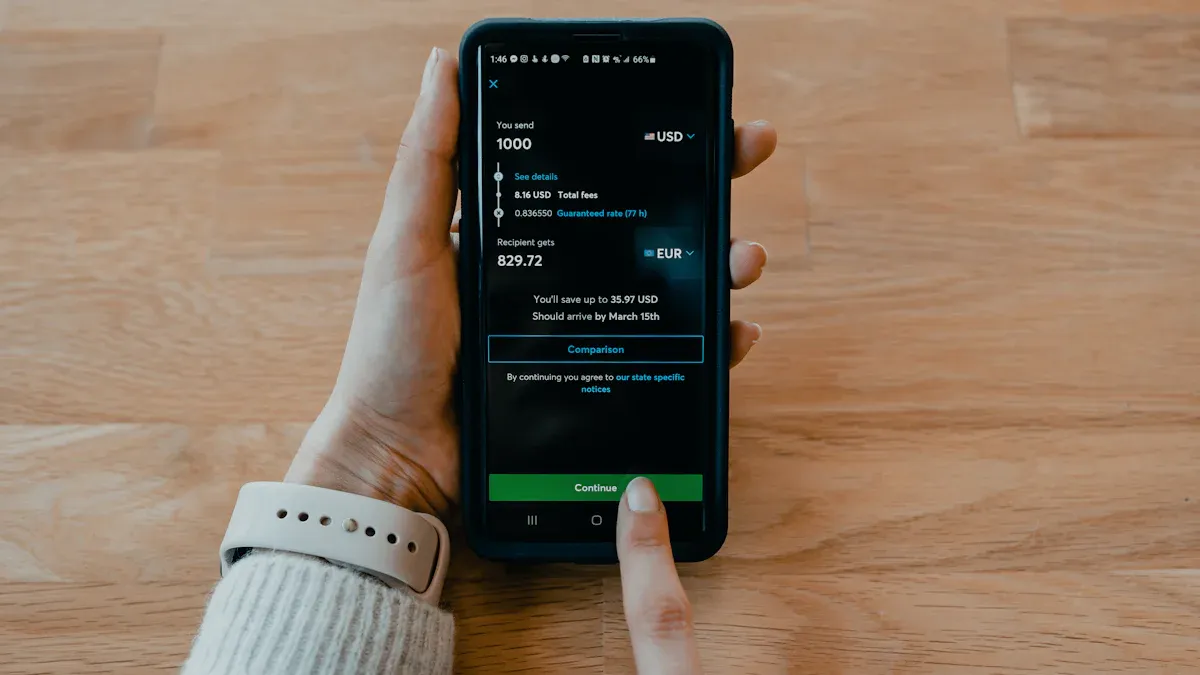
Image Source: unsplash
How to Register and Log into a Remitly Account
Registering a Remitly account is quick and takes just a few minutes. Here’s how:
- Visit the Website or Download the App
Open Remitly’s website or download the app from the app store. Both options are user-friendly. - Click the Sign-Up Button
Find the “Sign Up” button in the top-right corner and enter the registration page. - Enter Email and Password
Provide your email address and set a secure password with letters, numbers, and special characters for enhanced security. - Select Country and Language
Choose your country of residence and a familiar language, such as Chinese.
Once completed, your account is ready! If you have an account, click “Log In” and enter your email and password.
Tip: Forgot your password? Use the “Forgot Password” option for a quick reset.
Identity Verification Requirements and Steps
To ensure transfer security, Remitly requires identity verification. It’s fast and straightforward. Requirements include:
- Identity Document
Upload a valid ID, such as a passport, driver’s license, or ID card. Ensure the photo is clear and details are complete. - Proof of Address
Provide a document like a bank statement or utility bill showing your name and address. - Upload Documents
Log in and follow prompts to upload documents. Reviews typically take minutes to hours.
Note: Ensure documents are valid to avoid verification failures.
How to Select Transfer Amount and Currency Type
When choosing the amount and currency, consider:
- Enter Amount
On the transfer page, input the desired amount. The system shows the recipient’s final amount. - Select Currency Type
Remitly supports currencies like CNY, USD, GBP, and EUR. Choose based on your needs. - Check Rates and Fees
The system displays real-time rates and fees. Decide whether to proceed based on this information.
Suggestion: If rates are unfavorable, wait for a better time to transfer.
These steps make selecting the amount and currency straightforward.
What to Note When Entering Alipay or WeChat Recipient Information
Entering recipient details is critical. Errors can cause failures or delays. Key considerations:
- Ensure Accurate Account Details
Alipay or WeChat accounts must match the recipient’s registered information. Confirm with the recipient beforehand. - Verify Recipient Name
The name must match the payment account’s real-name verification. Misspellings or nicknames can lead to verification issues. - Avoid Repeated Submissions
If errors occur, review system prompts and correct issues before resubmitting.
Common issues and solutions:
- Payment Result Notification Not Received
- Check network stability.
- Verify the payment platform’s callback URL configuration.
- Ensure no firewalls or security software block notifications.
- Duplicate Payment Notifications
- Implement idempotent processing to avoid duplicate charges.
- Record processed transaction IDs to prevent repetition.
- Payment and Order Status Mismatch
- Regularly sync order and payment platform statuses for consistency.
Tip: Be patient and verify all details. Contact the recipient if unsure about any information.
How to Confirm Orders and Complete Payment
Confirming and paying is the final, critical step. Follow these steps:
- Review Order Details
Before submitting, the system shows a summary of amount, fees, rate, and recipient details. Check for errors and edit if needed. - Select Payment Method
Choose from credit/debit cards or bank transfers. Follow prompts to complete payment.Note: Ensure sufficient account balance to avoid failures.
- Submit Order
Click “Send” to process the transfer. The system displays the estimated delivery time. - Track Transfer Status
Monitor status via Remitly’s website or app. Contact support for any issues.
Tip: Save the order number or transaction screenshot for future reference.
These steps ensure a smooth transfer to Alipay or WeChat, making it efficient and secure.
Remitly’s Fees and Delivery Times
Remitly’s Fee Structure (Handling Fees and Exchange Rates)
Wondering about Remitly’s fees? Its structure is transparent, comprising handling fees and exchange rate margins. Fees vary by service type, and rates fluctuate with the market.
Remitly offers two main services: EXPRESS and ECONOMY. Details below:
| Service Type | Delivery Time | Fees |
|---|---|---|
| EXPRESS | Within minutes | Fixed fee or waived for large amounts |
| ECONOMY | 3 to 5 business days | Lower fees |
EXPRESS delivers funds in minutes but may have higher fees. ECONOMY is more cost-effective but takes 3-5 business days. Remitly displays real-time rates for transparency.
Tip: Compare EXPRESS and ECONOMY fees and delivery times to choose the best option.
Factors Affecting Delivery Time
Delivery times vary based on several factors:
- Service Type
EXPRESS delivers in minutes, while ECONOMY takes 3-5 business days. - Recipient Platform Processing
Transfers to Alipay or WeChat may depend on their processing speeds, though both are typically fast. - Bank or Payment Institution Hours
Bank transfers may be delayed by weekends or holidays. - Transfer Amount and Verification
Large transfers may require additional verification, extending processing time. - International Compliance
Some countries’ regulations may cause delays.
Understanding these factors helps you plan transfers to avoid delays.
How to Check Real-Time Rates and Fee Details
Checking rates and fees is crucial for informed decisions. Steps include:
- Log into Remitly Account
Access the website or app and sign in. - Select Destination
Choose the destination country, e.g., China. - Enter Amount
Input the transfer amount to see real-time rates and fees. - Compare Service Types
View EXPRESS and ECONOMY fees and delivery times to choose the best option. - Review Fee Breakdown
Click the fee details page to see the fee structure and rate changes.
Suggestion: For rate-sensitive transfers, monitor rates and transfer when favorable.
These steps ensure you make cost-effective transfer decisions.
Is Remitly Reliable?
Remitly’s Security Measures
Is Remitly safe? Absolutely! It prioritizes fund and data security with bank-grade encryption to prevent leaks or tampering. Two-factor authentication enhances security during logins or transactions.
Remitly complies with regulations, such as FinCEN in the US and PSD2 in Europe, ensuring safe transfers without worrying about fund security.
Tip: For security concerns, contact Remitly’s support team for answers.
Support for Chinese Interface and CNY Transfers
For Chinese users, a user-friendly interface is key. Remitly offers a Chinese interface, selectable in settings, making operations intuitive.
Remitly fully supports CNY transfers. Select CNY as the destination currency, and the system shows real-time rates and fees. For example, transferring from the US to China ensures quick fund delivery.
Note: Check real-time rates before transferring for the best timing.
User Privacy Protection Policy
Privacy is a top concern. Remitly’s strict privacy policy ensures data isn’t sold or misused. It uses anonymization to hide sensitive information, showing only necessary details to relevant parties, maximizing privacy protection.
Tip: Review Remitly’s privacy policy during registration to understand your rights and data usage.
Better Alternative: BiyaPay
BiyaPay’s Transfer Service Features
You may have heard of BiyaPay, a leading multi-asset transaction wallet. It supports international transfers, digital currency conversion, and investment services. Key features include:
- Transparent Real-Time Rates: BiyaPay offers mid-market rates with no hidden fees. Check real-time rates for clear transactions.
- Multiple Currency Support: Supports 30+ fiat and 200+ digital currencies for versatile options.
- Fast Delivery: Localized transfers ensure same-day delivery, ideal for urgent needs.
- Low Fees: Lower fees than traditional platforms, perfect for frequent transfers.
BiyaPay’s registration takes just 1 minute with identity verification.
Fee and Delivery Time Differences
Comparing Remitly and BiyaPay, fees and delivery times are key:
| Platform | Fee Structure | Delivery Time |
|---|---|---|
| Remitly | Higher for EXPRESS, lower for ECONOMY | EXPRESS: minutes, ECONOMY: 3-5 days |
| BiyaPay | Low fees, no hidden costs | Same-day delivery |
BiyaPay’s low fees and same-day delivery are ideal for frequent or urgent transfers. Remitly’s EXPRESS is fast but costlier, suitable for occasional transfers. Note that Remitly currently supports only one-way transfers to mainland China (from international locations like the US/UK to China).
Tip: For rate-sensitive transfers, compare real-time rates on both platforms or use BiyaPay’s rate calculator for the best deal.
How Users Choose the Right Platform
Choose based on your needs:
- Transfer Frequency
Frequent transfers benefit from BiyaPay’s low fees and transparent rates. Occasional transfers suit Remitly’s EXPRESS service. - Delivery Time
BiyaPay’s same-day delivery is ideal for urgent needs. Remitly’s ECONOMY suits non-urgent transfers. - Rate and Fee Comparison
Check real-time rates and fees on both platforms. Higher rates and lower fees maximize value. - Platform Features
BiyaPay’s digital currency and investment options suit multi-functional needs. Remitly’s simplicity is better for traditional transfers.
Tip: Ensure accurate recipient details to avoid failures or delays.
With these comparisons, you can choose the best platform for efficient, secure transfers.
Remitly makes transferring to Alipay or WeChat simple and secure. Follow the steps outlined for quick, hassle-free transfers.
- Convenient: From registration to completion in minutes.
- Secure: Bank-grade encryption protects funds and data.
Tip: Double-check recipient details, especially account and name, to avoid failures or delays.
Whether supporting family or paying bills, Remitly is a reliable assistant!
FAQ
How to Ensure Correct Transfer Information?
Verify the recipient’s account (Alipay: mobile/email; WeChat: ID or linked mobile) and name match their registered details. Confirm with the recipient before submitting to avoid failures or delays.
Tip: Save recipient details for faster future transfers.
What to Do if a Transfer Fails?
Check network and account balance. Verify recipient details and resubmit. If unresolved, contact Remitly support for quick assistance.
Note: Save the order number for easier support queries.
Why Are Transfer Delivery Times Delayed?
Delays may stem from bank processing, holidays, or verification requirements. EXPRESS delivers in minutes, while ECONOMY takes 3-5 days. Plan transfers to avoid urgent issues.
What Payment Methods Does Remitly Support?
Remitly supports credit/debit cards and bank transfers. Choose the most convenient option and ensure sufficient balance. The system processes requests immediately after payment.
Suggestion: Check for extra fees with credit card payments.
How to Check Real-Time Rates and Fees?
Log into Remitly, select the destination, and enter the amount. The system shows real-time rates and fees. Compare EXPRESS and ECONOMY to choose the best option.
| Service Type | Delivery Time | Fees |
|---|---|---|
| EXPRESS | Within minutes | Fixed fee or waived for large amounts |
| ECONOMY | 3 to 5 business days | Lower fees |
Tip: Transfer when rates are high for better value.
*This article is provided for general information purposes and does not constitute legal, tax or other professional advice from BiyaPay or its subsidiaries and its affiliates, and it is not intended as a substitute for obtaining advice from a financial advisor or any other professional.
We make no representations, warranties or warranties, express or implied, as to the accuracy, completeness or timeliness of the contents of this publication.
Related Blogs of

Shanghai Fudan vs Micron: How Are Non-Volatile Memory and the Global DRAM/HBM Leader Different?


ASMPT vs Micron: What Is the Difference Between the HBM Equipment Chain and a Memory Chip Manufacturer?

Micron MU vs Pure Storage PSTG: Which Is More Stable, a Memory Cycle Stock or an Enterprise Storage Subscription Model?


SanDisk SNDK vs Pure Storage PSTG: The Investment Logic Difference Between Flash Chips and All-Flash Systems

Choose Country or Region to Read Local Blog
 Australia
 Austria
 Belgium
 Canada
 Cyprus
 Czech Republic
 Denmark
 Estonia
 Finland
 France
 Germany
 Greece
 Hong Kong
 India
India Indonesia
 Ireland
 Italy
Italy Japan
Japan Latvia
 Lithuania
 Luxembourg
 Malaysia
 Malta
Malta Morocco
 Nepal
Nepal Netherlands
 New Zealand
 Norway
 Pakistan
 Philippines
 Poland
 Portugal
 Romania
 Singapore
 Slovakia
 Slovenia
 South Africa
 South Korea
 Spain
Spain Sweden
 Thailand
 The United States
 Turkey
 United Arab Emirates
 United Kingdom
 Vietnam
Contact Us




BIYA GLOBAL LLC is registered with the Financial Crimes Enforcement Network (FinCEN), an agency under the U.S. Department of the Treasury, as a Money Services Business (MSB), with registration number 31000218637349, and regulated by the Financial Crimes Enforcement Network (FinCEN).
BIYA GLOBAL LIMITED is a registered Financial Service Provider (FSP) in New Zealand, with registration number FSP1007221, and is also a registered member of the Financial Services Complaints Limited (FSCL), an independent dispute resolution scheme in New Zealand.