BiyaPay
Published on Updated on



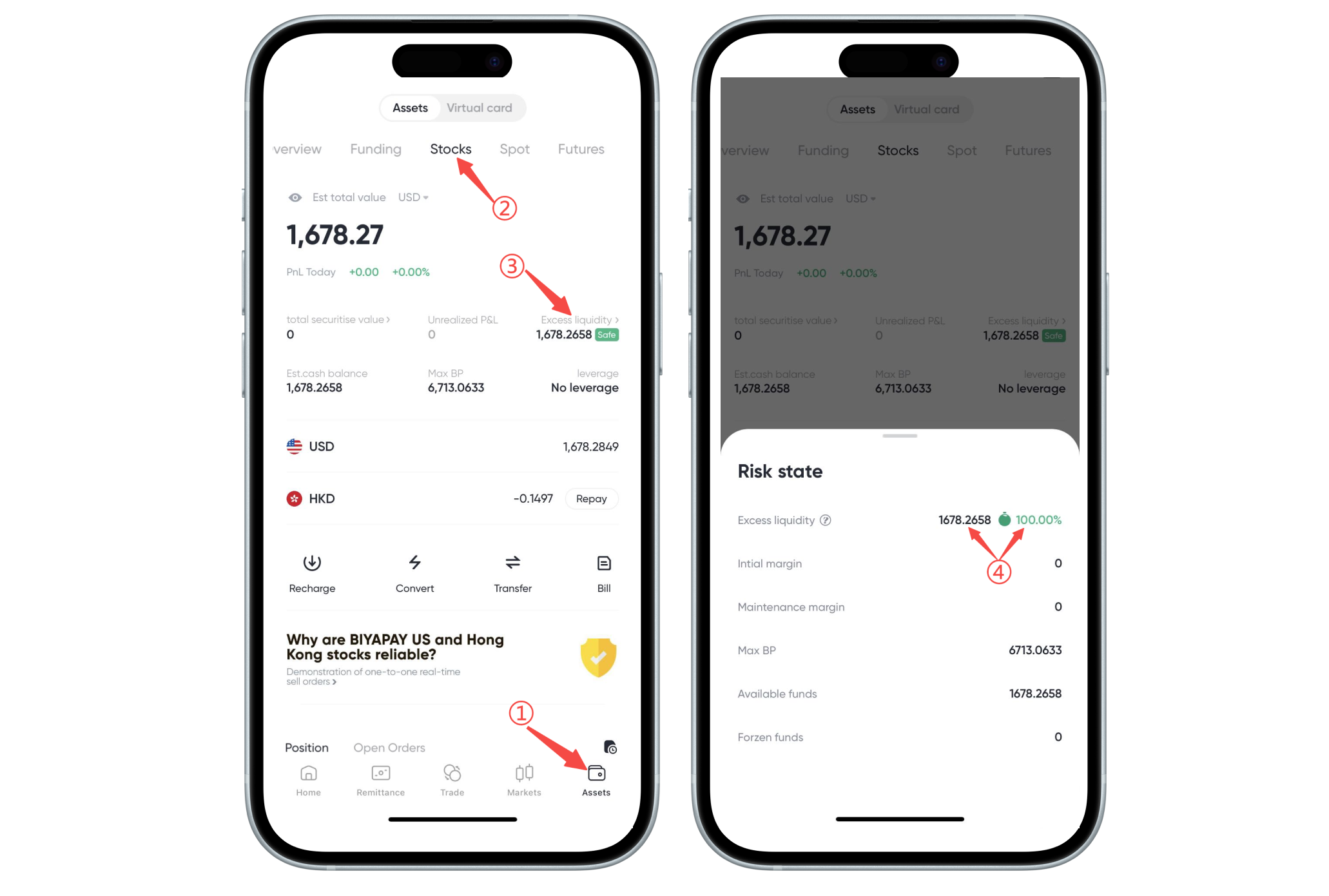
You can check the remaining liquidity and the percentage of remaining liquidity on the [Assets]-[Stocks] page of the BiyaPay App. When using leveraged trading, the system will trigger forced liquidation (liquidation) when any of the following situations occur: 1、 the remaining liquidity of the stock account is 0; 2、the remaining liquidity of the stock account is 0%. It is recommended that you pay attention to your account situation in a timely manner, control your leverage reasonably, and avoid triggering liquidation.