BiyaPay
Published on Updated on



Email account transfer means that you use your own BiyaPay account to transfer your BiyaPay account assets to other users' BiyaPay accounts through other users' BiyaPay registered email addresses.
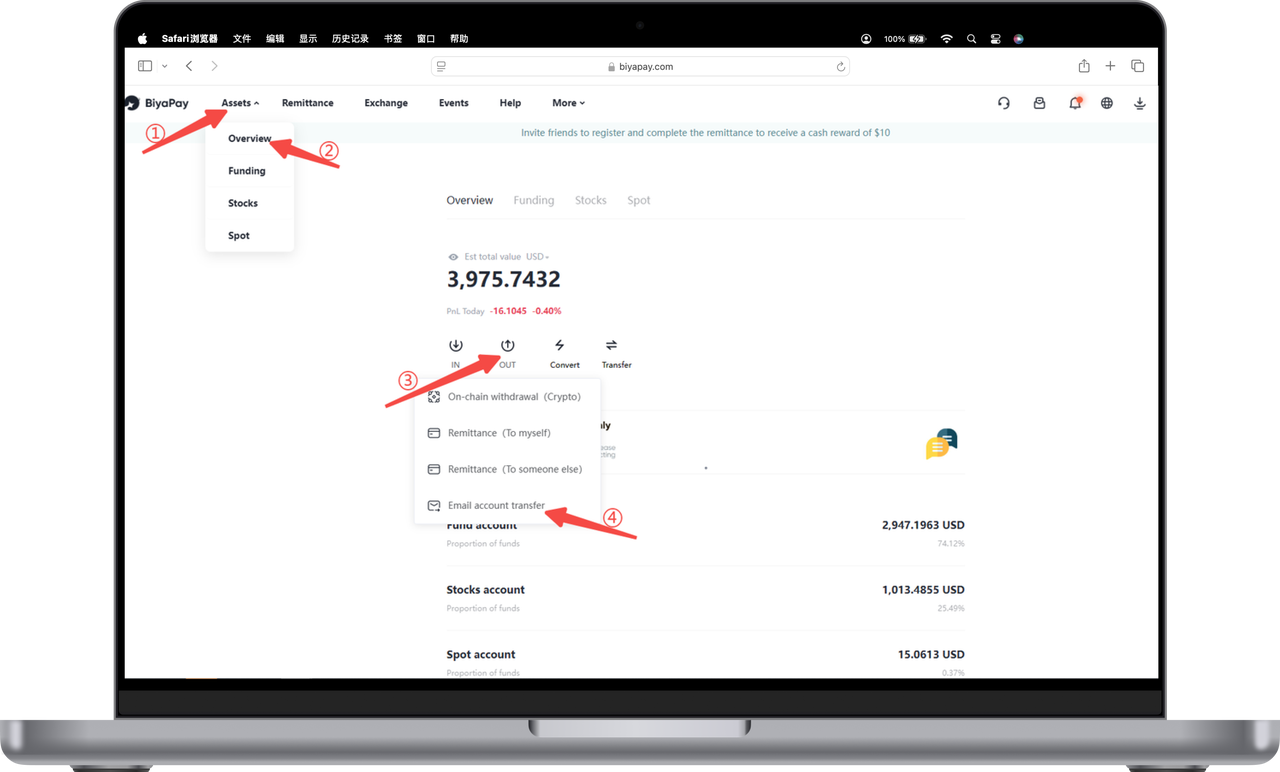
- Click [My Assets] in the upper left corner of the official website, and on the [Overview] page, click [Transfer] - [Email Account Transfer];
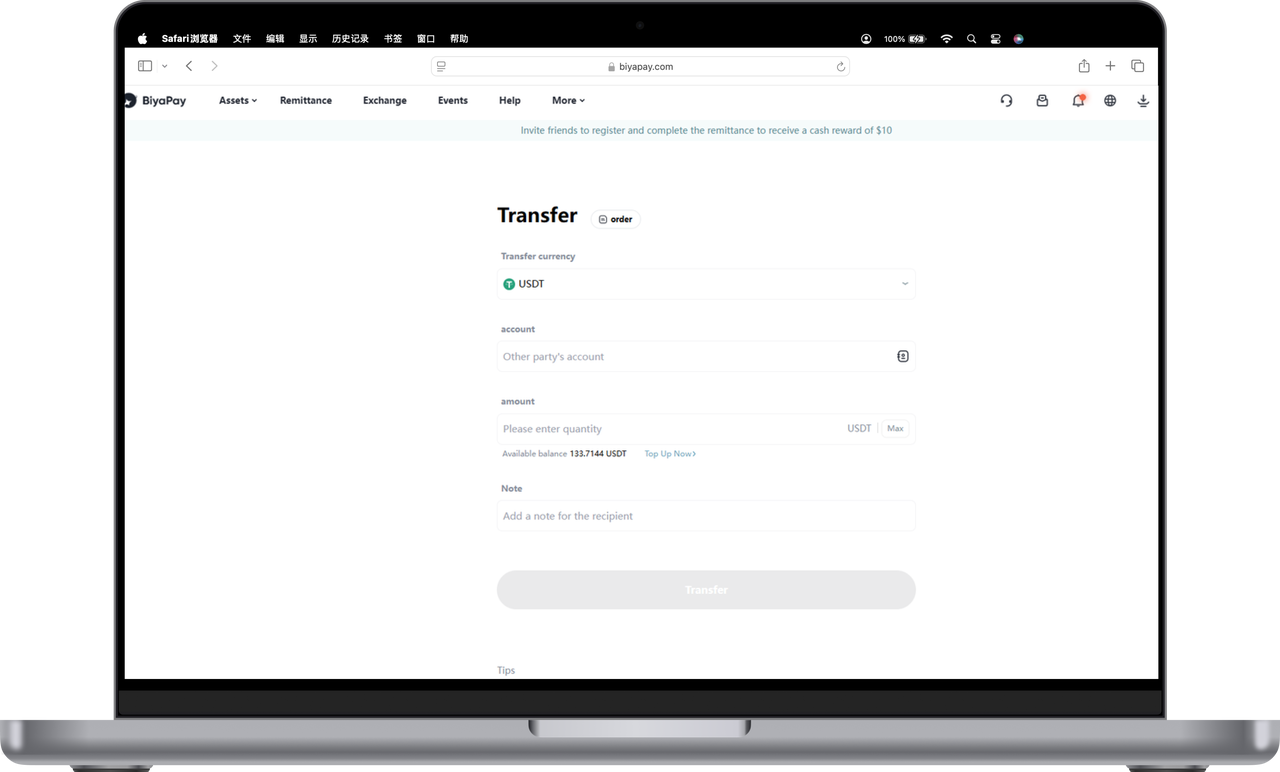
- Select the currency you want to withdraw, fill in the other party's email account and the amount of money to be withdrawn, and click [Transfer];
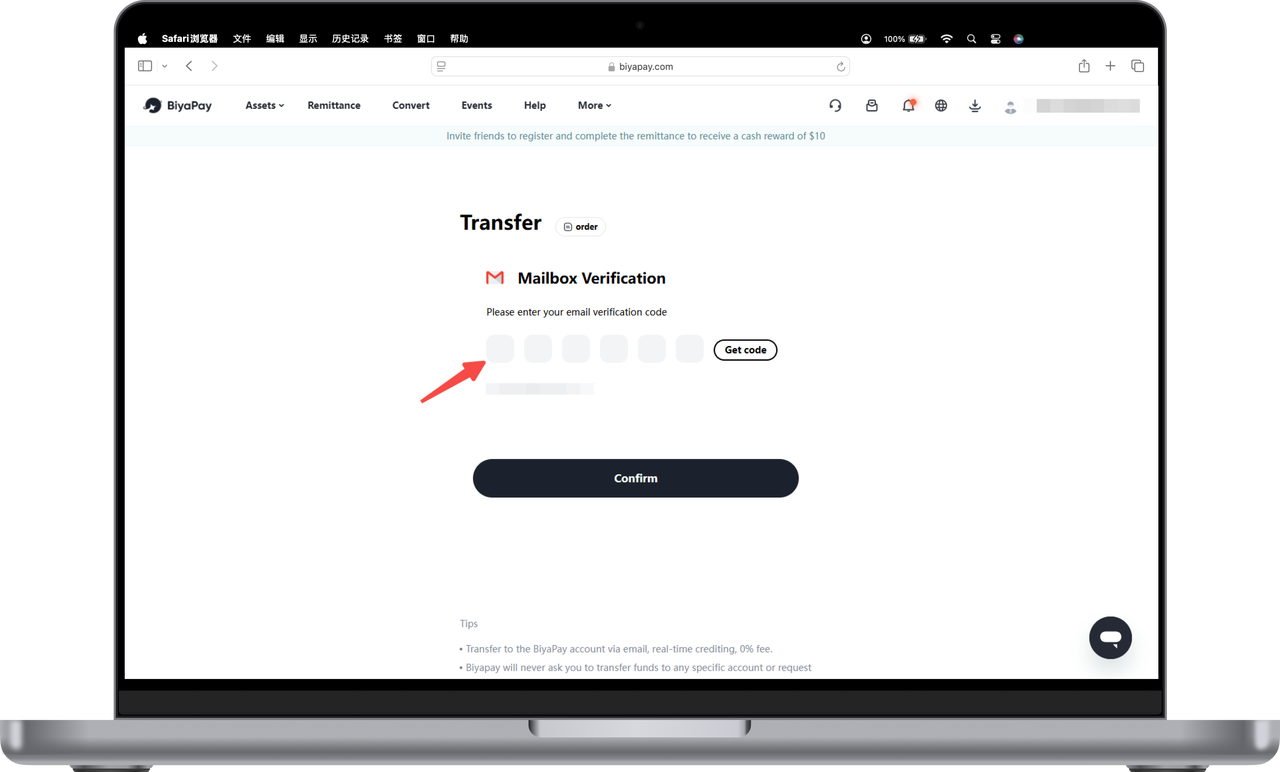
- Fill in the obtained email verification code or Biya authenticator code, click [Confirm], and the other party can receive your transferred assets in real time.