- More
- Download




How to view 'Futures' market quotes and their features on App
Open [Market Quotes] in the bottom navigation bar of the App, slide and click [Futures] in the top horizontal categories to enter the futures market quotes page.
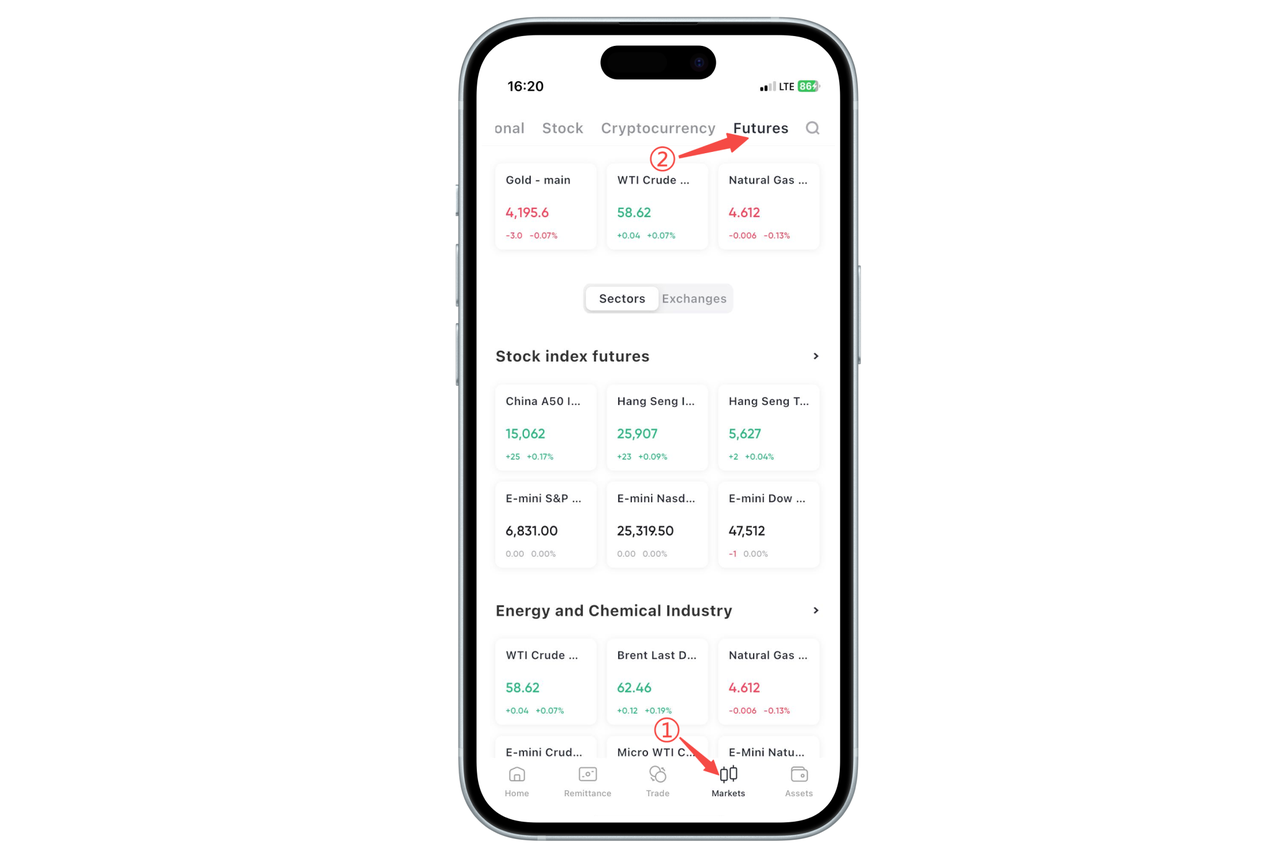
After entering, the default display is the [Sector] view. Here, products are classified by type, including stock index futures, energy and chemicals, precious metals, currency futures, interest rate futures, agricultural products, base metals, individual stock futures, etc. Each card displays the latest price, price change, and point change of the main continuous contract of that product, making it convenient for you to quickly browse the overall market from the "product dimension".
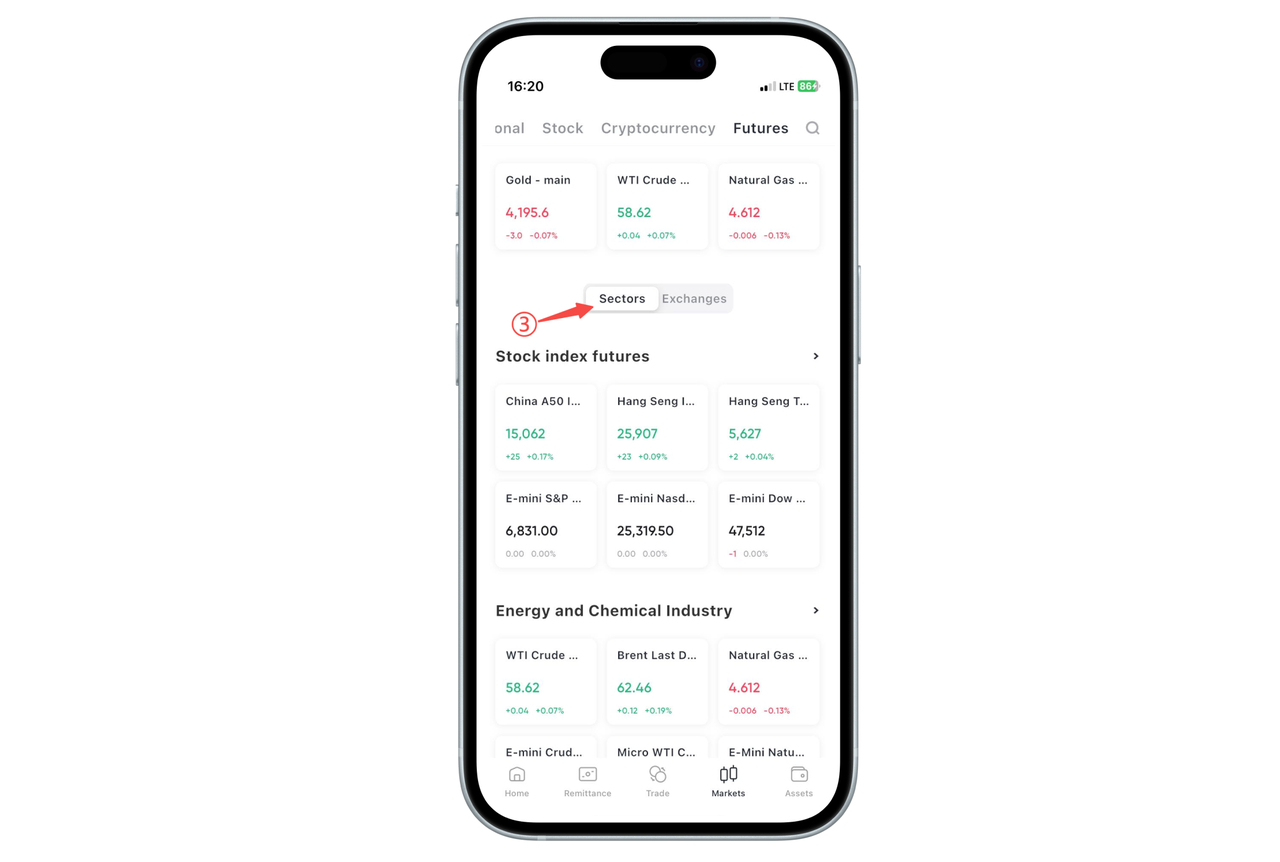
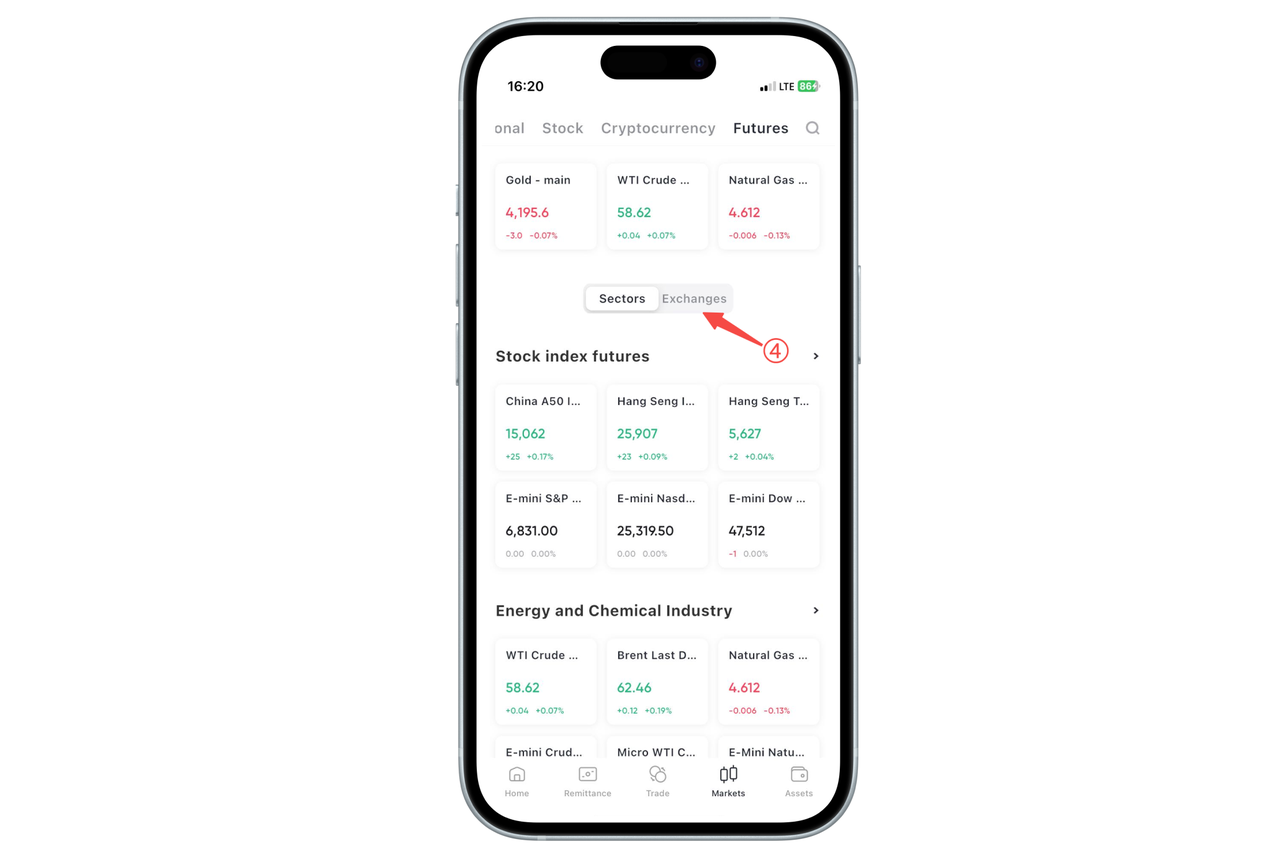
Switch to the [Exchange] view in the middle of the page, which displays by exchange classification, such as Chicago Mercantile Exchange, New York Mercantile Exchange, Singapore Exchange, Hong Kong Exchange, Chicago Board of Trade, Osaka Exchange, Chicago Board Options Exchange, European Exchange, etc. Under each exchange, the main futures contracts of that exchange are listed, suitable for users familiar with major markets to view product distribution and price performance from the "exchange dimension".
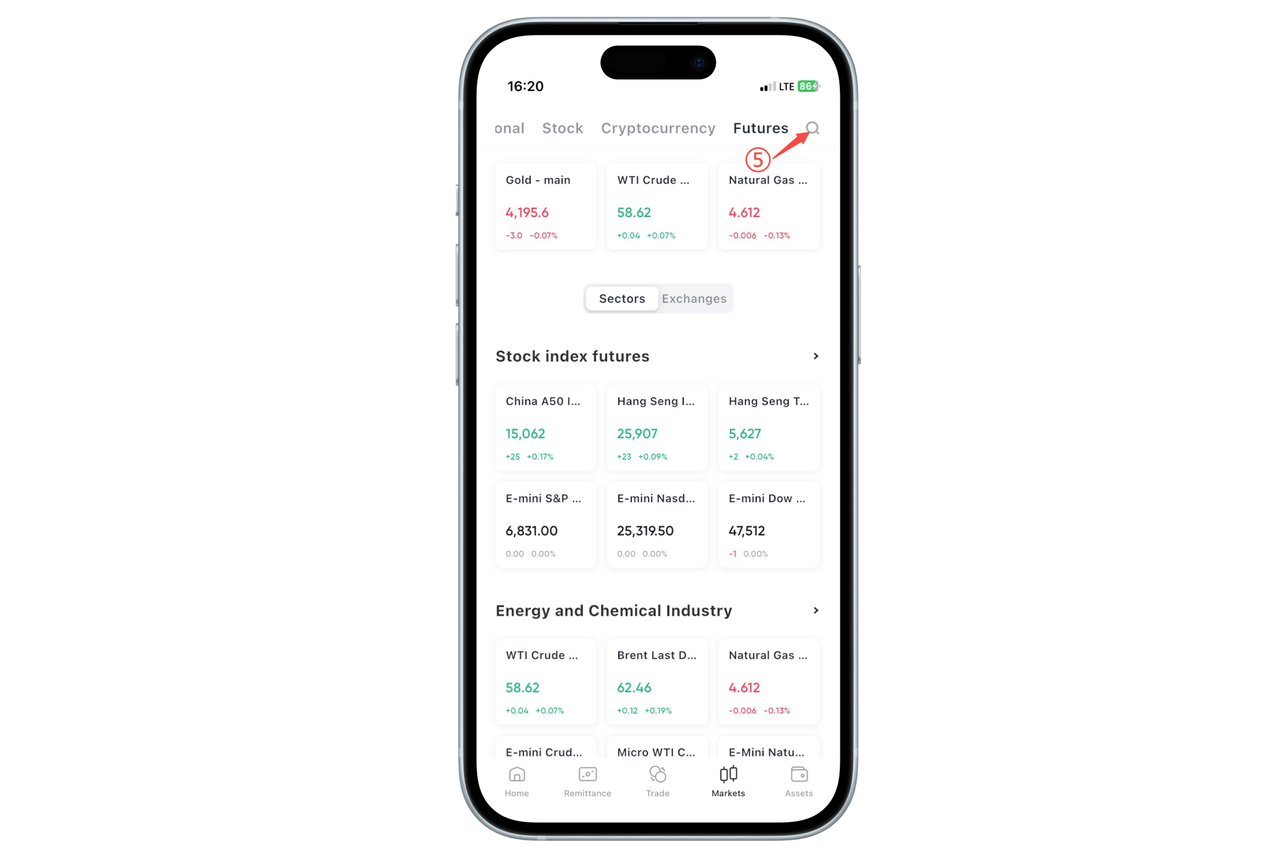
The search button in the upper right corner can directly input product names or codes to quickly locate the futures contract you want to view.

Contact Us



