BiyaPay
Published on Updated on



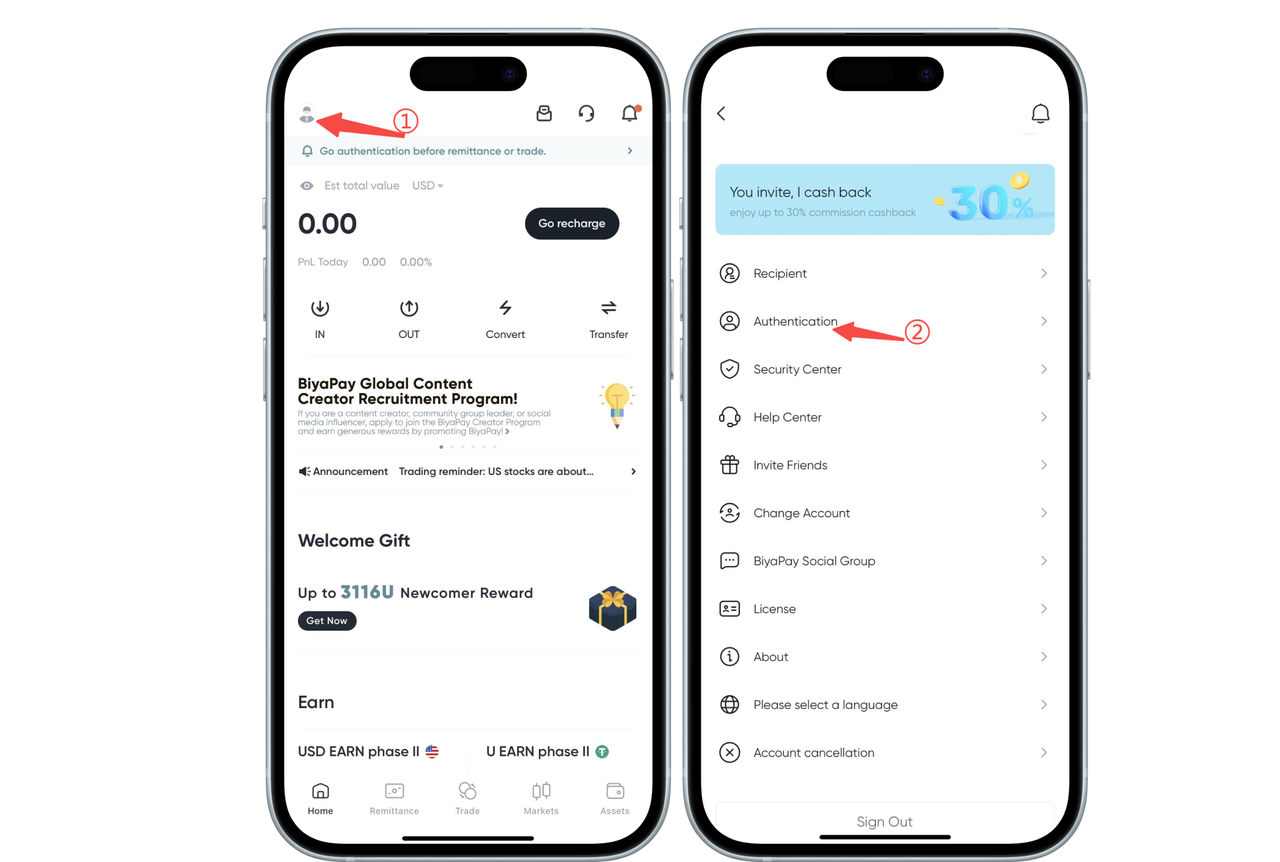
How to authenticate on the App side:
1. Click the avatar icon in the upper left corner of the app homepage, enter the personal center, and select [Identity Authentication] for real-name verification.
2. Select [ID Card] or [Passport] for authentication
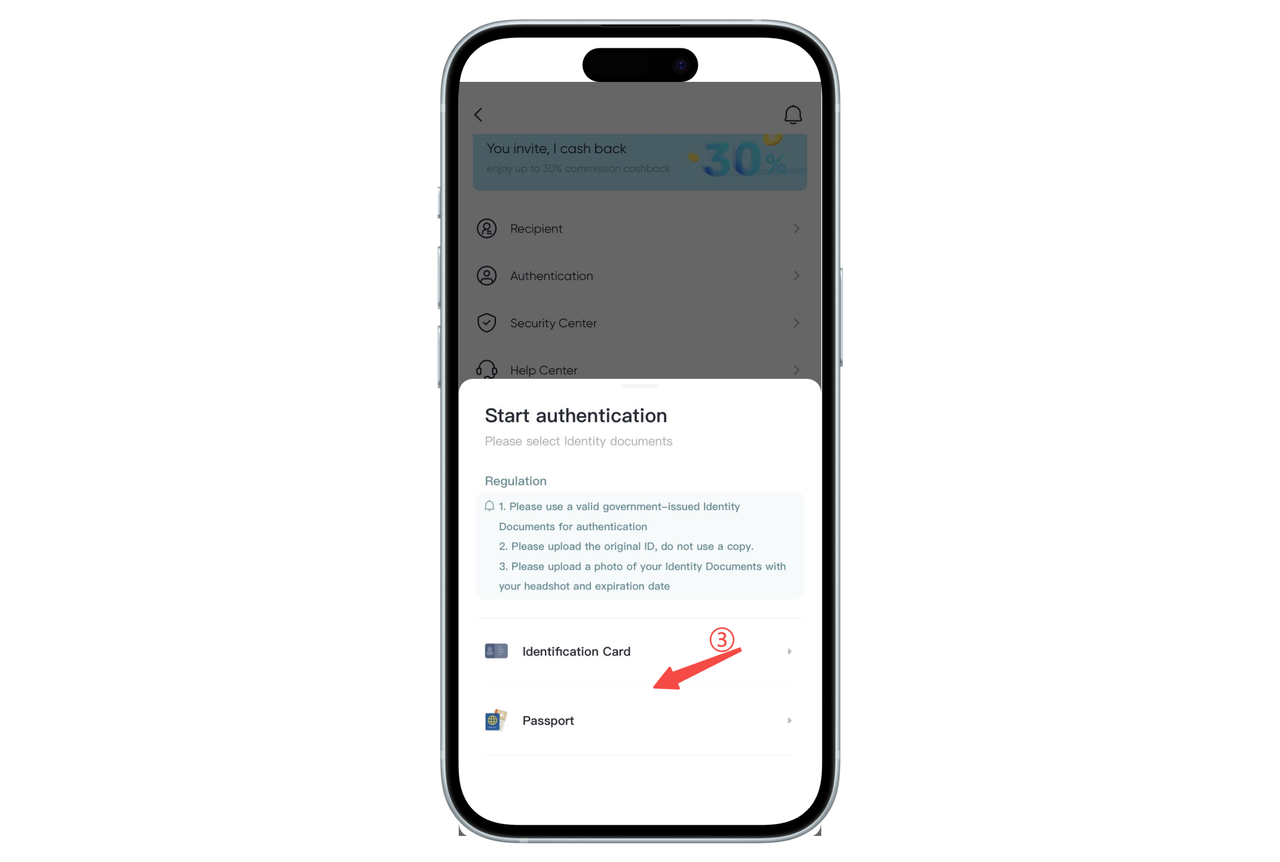
3. Upload clear ID photos with correct angles as required
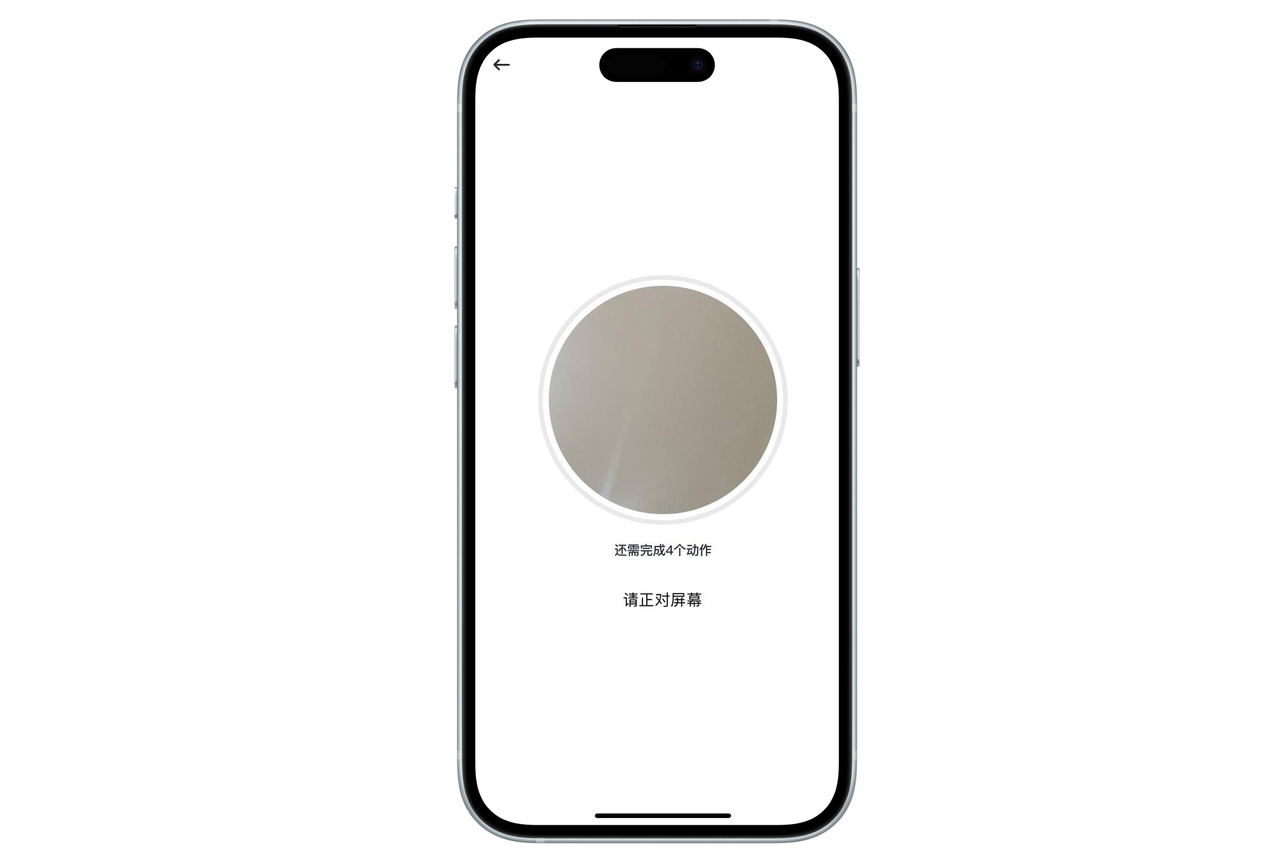
4. Perform face recognition and complete identity authentication
How to authenticate on the web:
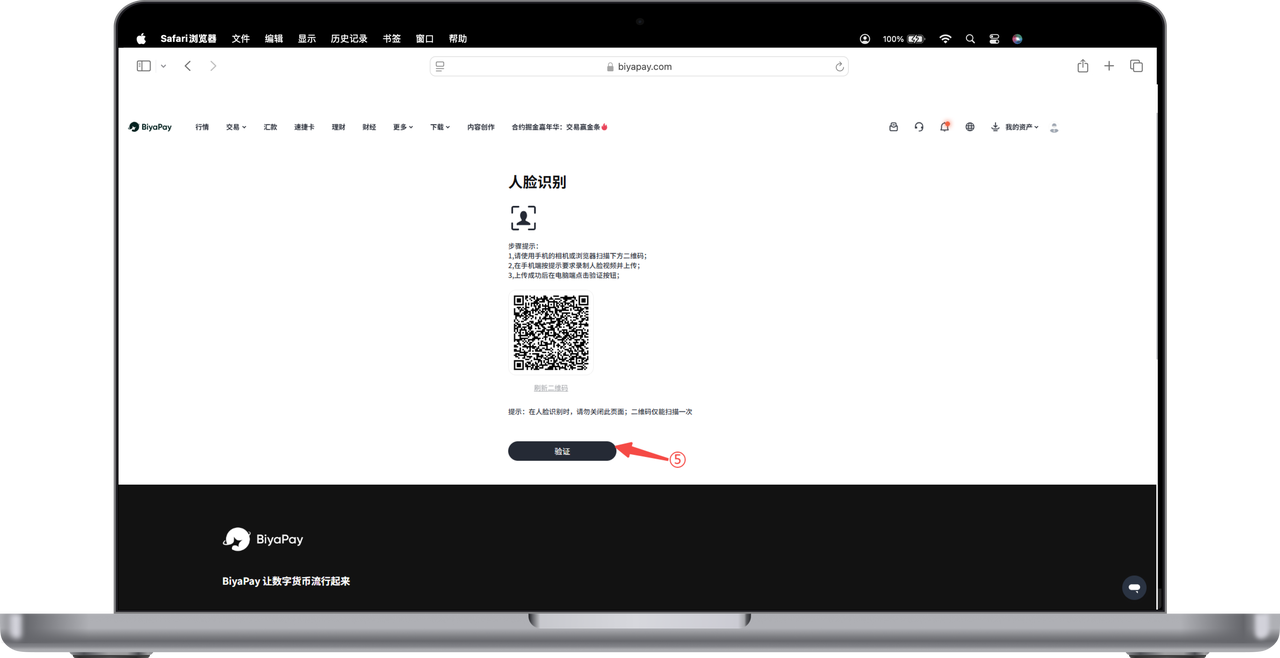
1. Click the avatar icon in the upper right corner of the web page to enter the personal center, click [Identity Authentication], and select [ID Card] or [Passport]

2. Upload clear ID photos with correct angles as required
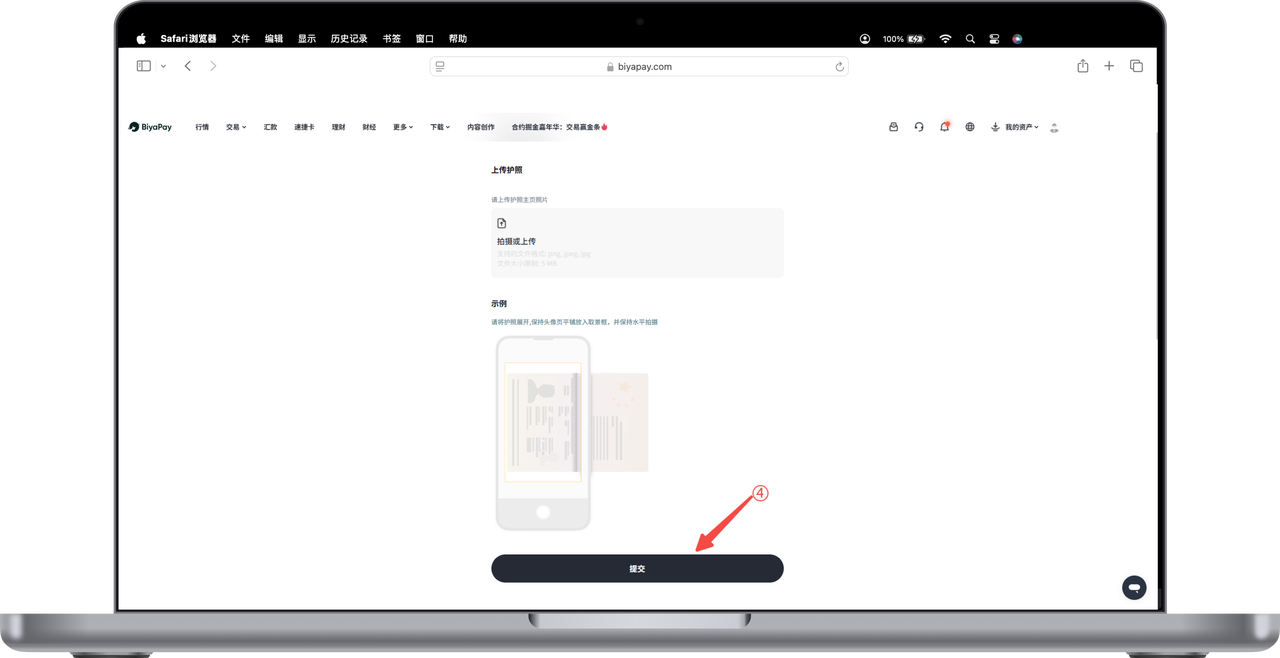
3. Perform face recognition and complete identity authentication