What Is Zelle? 2025 Latest Zelle Transfer Guide: Registration, Usage, and Security Full Strategy




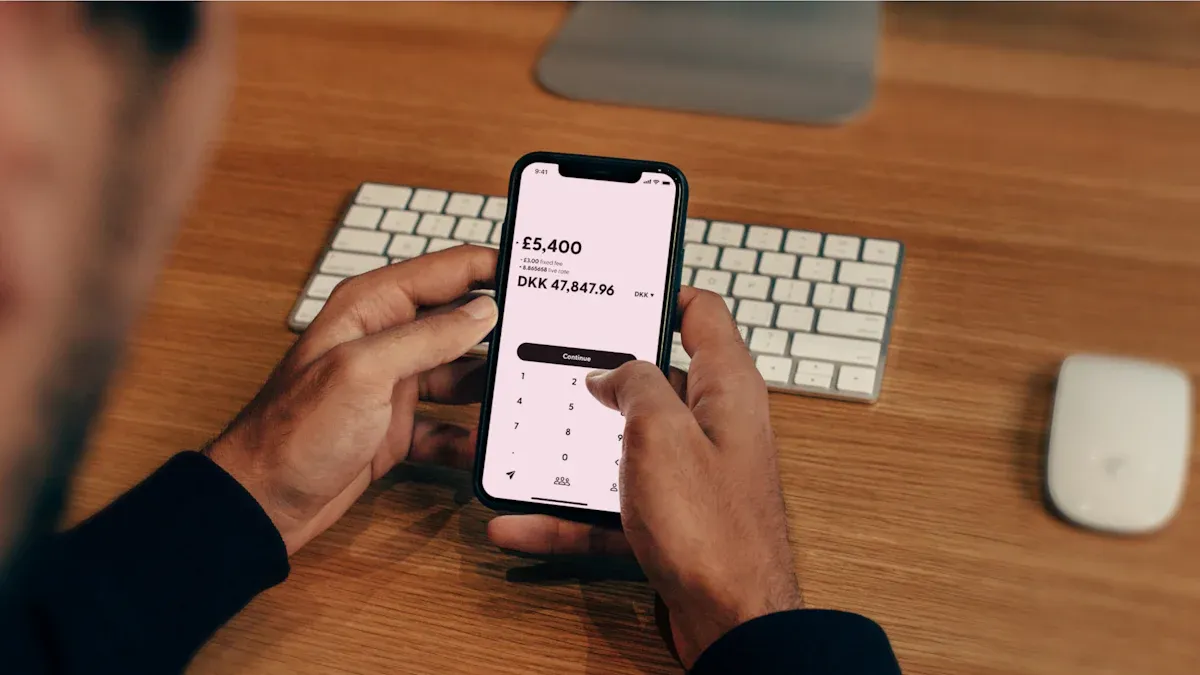
Image Source: unsplash
You may wonder what Zelle is. It is an instant person-to-person (P2P) transfer service embedded in major US bank apps. You can directly and quickly transfer money between different bank accounts using just a phone number or email.
This service is extremely popular. Zelle has over 151 million registered users, and in the first half of 2025 alone, it processed transactions approaching $600 billion.
Its core advantage is convenience and efficiency. You usually don’t need to download an extra app — funds reach the recipient’s bank account in minutes, and banks charge no fees.
Key Takeaways
- Zelle is a free transfer service in US bank apps. It lets money arrive in the recipient’s bank account in minutes.
- Zelle differs from PayPal and Venmo. Zelle transfers directly between bank accounts with no intermediate account.
- Registering Zelle is simple. You can activate it in your bank app with a phone number or email.
- Zelle transfers are like paying cash. You should only transfer to people you know and trust because transfers are hard to reverse.
- Beware of various scams. Banks will never ask you to transfer money to solve issues — never share verification codes with anyone.
What Is Zelle: Core Features and Advantages
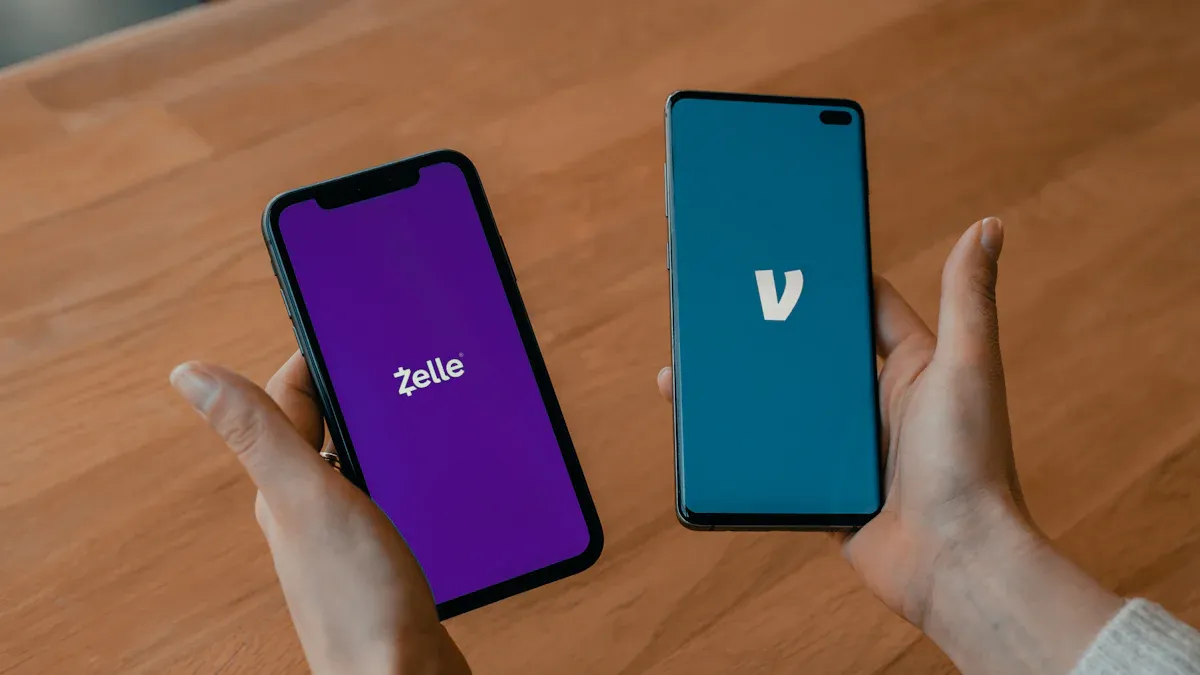
Image Source: unsplash
After understanding what Zelle is, you will find it provides great convenience for personal transfers. Its design philosophy is simple and direct, reflected in several core advantages.
Zelle’s Core Advantages
Zelle has become a mainstream P2P transfer tool in the US mainly due to the following features:
- Instant Arrival: Unlike traditional bank transfers that take 1–3 business days, funds sent via Zelle usually reach the recipient’s bank account directly in minutes. You don’t have to wait — funds are immediately available.
- Free to Use: Zelle itself and all participating banks charge no fees for transfers between individual users. You send $100, and the recipient receives $100.
- Convenient Operation: You don’t need to download a new app. Zelle is already built into most US bank mobile apps — you can find and use it directly in the familiar transfer interface.
- Wide Coverage: Zelle’s network is very large. Its participating financial institutions have grown from over 1,600 in 2022 to over 2,300 now, covering the vast majority of US bank users.
Comparison with Venmo and PayPal
You might ask, how does Zelle differ from Venmo or PayPal? The key difference lies in fund flow and fees.
First, fund paths are completely different. What is Zelle? It is a direct channel from bank account to bank account. Funds do not stop at any third-party platform. In contrast, Venmo and PayPal both have a “digital wallet” system. Money transferred to you first goes into your Venmo or PayPal balance, and you need to manually “withdraw” it to your bank card.
Second, arrival speed and fees differ. Zelle’s instant arrival is free. While Venmo and PayPal also offer free standard withdrawals (usually 1–3 business days), if you want funds to enter your bank account immediately, you need to pay a fee.
Core Reminder: Think of Zelle as building a high-speed, free bridge between two bank accounts. Venmo and PayPal are like transfer stations — funds go in first, then out.
For clearer understanding of differences, see the comparison table below:
| Provider | Transfer Type | Fee | Arrival Time |
|---|---|---|---|
| Zelle | Instant Transfer | Free | Usually minutes |
| Venmo | Standard Withdrawal | Free | 1–3 business days |
| Venmo | Instant Withdrawal | 1.75% of amount (min $0.25, max $25) | Usually 30 minutes |
| PayPal | Standard Withdrawal | Free | Usually next business day |
| PayPal | Instant Withdrawal | 1.75% of amount | Minutes |
In summary, if you seek fast, free fund transfers between different bank accounts, Zelle is undoubtedly the best choice.
Zelle Registration and Activation Guide
Activating Zelle is very simple. You usually don’t need complex setup — just complete a few steps in your mobile banking app to start using it.
One practical clarification: Zelle is best understood as a “U.S. domestic bank-to-bank fast lane.” It’s perfect for rent, splitting bills, and sending money to people you trust—but it’s not designed for cross-border transfers. If you’re moving funds internationally, or managing FX conversion before sending out, you’ll want a dedicated cross-border workflow.
If your goal is “international remittance + controllable FX cost,” you can start by normalizing outcomes with BiyaPay’s rate converter, then review available rails and fee definitions on BiyaPay’s international remittance page (you can also reference this fee explanation to understand how charges are presented). When it fits your scenario, complete setup via registration.
Check Bank App and Enable Zelle
First, check your banking app. The vast majority of major US banks, such as Chase, Bank of America, and Wells Fargo, have integrated Zelle directly into their mobile app transfer sections. You don’t need to download any new application.
Taking Chase as an example, the steps to enable Zelle are:
- Log into your Chase mobile banking app.
- In the menu, select “Send money with Zelle®”.
- Click “Get started”.
- Enter and verify your email or US phone number.
- After agreeing to terms, you successfully activate Zelle.
Many banks support Zelle, but daily transfer limits may vary. The table below lists reference limits for some major banks:
| Bank Name | Daily Transfer Limit |
|---|---|
| Bank of America | $3,500 |
| Chase | Dynamic limit, usually $500 to $10,000 |
| Citi Bank | $2,500 (after 30 days registration) |
| Wells Fargo | $3,500 |
| Ally Bank | $600 |
If your bank is not in the Zelle network, you can also download the standalone Zelle app and link your Visa® or Mastercard® debit card to use it.
Link Phone Number or Email
Linking your phone number or email is the most critical step in setting up Zelle. You must remember one core rule.
Important Reminder: A phone number or email can only be linked to one bank account’s Zelle service at a time.
This design ensures unique fund direction. When you try to link a phone number already registered with Bank A to Bank B’s Zelle, the system prompts you to “transfer”. Once you confirm, the phone number unbinds from Bank A, and all future Zelle receipts via that number go to Bank B’s account. Understanding what Zelle is, you see this mechanism prevents funds from going to old accounts by mistake.
If you want to change the linked bank account, the best way is to log into your new bank’s app, follow prompts in Zelle settings, and the system guides you through the transfer.
Zelle Transfer and Receipt Operation Details
Image Source: unsplash
You have learned the Zelle registration process — now start actual operations. Whether paying friends or receiving from family, the entire process is very smooth and user-friendly.
How to Transfer to Others
Transferring to others via Zelle is very direct. You don’t need the recipient’s bank account or complex routing number. You only need the recipient’s email address or US phone number.
The entire transfer process usually takes just four simple steps:
- Enter Zelle Section: Log into your mobile banking app and select “Send money with Zelle®” in the transfer menu.
- Add Recipient: Enter the recipient’s name and their US phone number or email. If they are already registered with Zelle, the system may display their full name for confirmation.
- Enter Amount: Fill in the amount you want to send and choose which account to pay from.
- Review and Send: Carefully check recipient information and amount. For first-time transfers to a new recipient, the bank may send you a verification code via SMS to confirm your identity. Once correct, click send.
Funds usually arrive in minutes in the recipient’s bank account.
How to Receive and Request Payments
Receiving Zelle transfers is even simpler than sending.
If you are already registered with Zelle, you don’t need to do anything. When someone transfers to you, funds automatically deposit into your linked bank account. You receive a payment notification via email or SMS telling you a payment has arrived.
If you need to collect from others, use the “Request” function:
- Select “Request” in the Zelle interface.
- Choose or enter the payer’s contact (phone number or email).
- Enter the amount you want to receive, then send the request.
The other party receives a notification reminding them to pay you.
Important Update: Starting March 31, 2025, all users must register and use Zelle through a bank or credit union that offers Zelle. If the recipient’s bank does not support Zelle, they cannot receive or send funds — consider other payment methods.
If the recipient is not yet registered with Zelle, they receive a notification with registration instructions. They must complete registration using the phone number or email you used for the transfer within 14 days. If they do not register within 14 days, the transaction is automatically canceled, and funds return to your account.
Use QR Code for Convenient Payments
For more convenient in-person transactions, many banks’ Zelle features support QR code payments and receipts. This avoids errors from manually entering phone numbers or emails.
How toShare Your Receipt QR Code:
You can easily generate and share your exclusive QR code for others to scan and pay you.
- In your bank app, enter Zelle and find “My Code”.
- Your personal Zelle QR code displays on screen.
- Use the share function to send the QR code via SMS or email, or save the image for later use.
How to Scan Others’ QR Code to Pay:
Payment is equally simple. For example, in supporting bank apps (like Dollar Bank):
- Enter Zelle’s “Send” interface.
- Click the QR code icon next to the amount field.
- Scan the recipient’s Zelle QR code with your phone camera.
- Recipient information auto-fills — enter the amount and confirm send.
This feature is very suitable for splitting bills at dinners, offline transactions, or transferring to new friends — fast and accurate.
Zelle Safe Usage Guidelines and Anti-Scam Tips
Although Zelle itself has strong security technologies like multi-factor authentication and transaction monitoring to protect your account, many scams exploit human weaknesses to bypass technical defenses. Therefore, you must understand and follow Zelle’s safe usage guidelines to truly protect your funds.
Core Safety Rule: Transfers Are Irreversible
When using Zelle, remember one golden rule: Zelle transfers are like paying cash. Once you send money to a registered Zelle recipient, funds reach their bank account in minutes — the transaction is usually irreversible or unrecoverable.
Core Warning: Only transfer to people you know and fully trust. Never use Zelle to pay strangers, especially when buying goods or services.
This “irreversible” nature means you must be extra cautious when using Zelle.
- Completed Payments Cannot Be Reversed: If the recipient is already registered with Zelle, funds arrive instantly — you cannot unilaterally cancel.
- Pending Payments Can Be Canceled: The only exception is if the recipient is not yet registered with Zelle. Then you can find and “Cancel this payment” on the Zelle activity page in your bank app.
- What If You Transfer to the Wrong Person: If you accidentally send to the wrong person, immediately try contacting the recipient for refund. If unresolved, contact your bank for help, but the bank cannot guarantee recovery.
Authorized Transactions vs. Unauthorized Transactions
You need to understand a key distinction. Under the US Electronic Fund Transfer Act (Regulation E), banks are obligated to protect you from unauthorized transactions.
- Unauthorized Transactions: Your account is stolen — hackers transfer without your knowledge. In this case, reporting to the bank gives a higher chance of refund.
- Authorized Transactions: You personally authorize the transfer but under scammer inducement. In this case, since you approved the payment, the bank may not provide refund.
A Senate investigation found banks’ reimbursement for Zelle scam victims is not optimistic. Data shows that in 2024, about 80–85% of scam victims did not recover their money. Reimbursement rates also vary greatly by bank.
This chart clearly shows that even for “unauthorized” cases, reimbursement is uncertain. This again highlights the importance of scam prevention.
Identify and Prevent Common Zelle Scams
Scammers’ tactics are ever-changing but always aim to trick you into voluntarily transferring money to them. According to Federal Trade Commission (FTC) alerts, here are some common Zelle scam types:
- Impersonation Scams: Scammers pose as banks, government agencies (like IRS), or utility companies, claiming your account has issues or you owe fees, requiring immediate Zelle transfer to resolve.
- False Alert Scams: You receive a text seeming from your bank about suspicious activity. Then you get a call from someone claiming to be bank staff, guiding you to Zelle “transfer to yourself” to “reverse” the fake transaction. In reality, you transfer to the scammer.
- Marketplace Scams: On platforms like Facebook Marketplace, scammers as buyers use excuses (e.g., need to pay shipping, need you to upgrade to “business account”) to trick you into transferring first.
- Romance Scams: Scammers build emotional relationships online, then fabricate urgent reasons to borrow money.
- Investment or Job Scams: Scammers offer fake investment opportunities or “work-from-home” jobs, requiring you to first Zelle “startup funds” or “equipment fees”.
How to Spot Danger Signs
Be immediately alert when encountering:
- Unexpected Calls Claiming to Be from Bank: Hang up immediately. Then directly call the official customer service number on your bank card back or bank website to verify.
- Asked to Transfer to “Solve” Fraud Issue: Real banks will never ask you to transfer money to protect your account or correct errors.
- Urged to Share Verification Code: Never share bank-sent verification codes with anyone under any circumstances.
- Guided to Enter Strange Codes or Steps: If someone on the phone instructs complex app operations, it is very likely a scam.
In-Depth Analysis: Marketplace Scams
This is one of the most common Zelle scams. The scammer’s script is usually:
- You as seller post goods online. Scammer (buyer) contacts you saying they want to buy.
- Scammer claims they used Zelle “business account” payment, but your personal account cannot receive — you need to “upgrade” to receive money.
- They send you a forged email seeming from Zelle, claiming you need to pay hundreds in “upgrade fee” and promising it will be refunded with the goods payment.
- Scammer urges you to first Zelle the upgrade fee to a specified email or phone number to “unlock” their goods payment.
- Once you transfer, your money goes to the scammer’s pocket and cannot be recovered. You never receive any promised goods payment.
What to Do If Scammed?
If you suspect you have transferred to a scammer, immediately take these actions:
- Try to Cancel Payment: If the scammer is not yet registered with Zelle, you may still have a chance to cancel the pending payment on the Zelle activity page in your bank app.
- Immediately Contact Your Bank: This is the most important step. Call the bank’s fraud reporting hotline right away, explain the situation. Provide all transaction details and ask them to investigate.
- Bank of America: 1.800.432.1000
- Wells Fargo: 1.866.867.5568
- Report to Zelle: Although Zelle cannot directly help recover funds, reporting helps them identify and block scam accounts.
- Report to Police: Report to your local police non-emergency line. Your bank may need a police report for investigation.
- Block Scammer: Block the user in your Zelle contacts to prevent further harassment.
Remember, with Zelle transfers, prevention is always the best strategy. Treat it like cash — think twice before acting.
Now you fully understand what Zelle is. As a native tool within the banking system, it provides the most direct, fast, and free solution for splitting bills with friends or paying rent to family.
Golden Rule: Always treat Zelle like cash. You should only use it to transfer to people you know and fully trust.
As long as you remember this core principle, you can confidently enjoy the speed and convenience Zelle brings to daily life while understanding its operation and safety premises.
FAQ
Can I cancel a Zelle transfer?
Usually no. If the recipient is already registered with Zelle, the transaction completes immediately and cannot be reversed. The only exception is if the recipient is not yet registered — you can find and “Cancel this payment” for the pending payment on the Zelle activity page in your bank app.
Can I transfer to people outside the US?
No. Zelle is a US-only service. Both you and the recipient must have a US bank account and a US phone number or email to use it. It does not support any international transfers.
Does Zelle have transfer limits?
Yes. Each bank sets its own Zelle transfer limits. These may be daily or monthly. For example, some banks’ daily limit may be $2,500 or $3,500. Check specific limits in your bank app.
What if the recipient is not registered with Zelle?
The recipient receives an SMS or email notification with registration instructions. They must complete registration using the phone number or email you used for the transfer within 14 days. If they do not register within 14 days, the transaction is automatically canceled, and funds return to your account.
*This article is provided for general information purposes and does not constitute legal, tax or other professional advice from BiyaPay or its subsidiaries and its affiliates, and it is not intended as a substitute for obtaining advice from a financial advisor or any other professional.
We make no representations, warranties or warranties, express or implied, as to the accuracy, completeness or timeliness of the contents of this publication.
Related Blogs of

Enterprise Overseas Payroll Compliance and Tax Planning: How to Use Multi-Asset Payroll Platforms to Reduce Cross-Border Employment Costs?

How Do European International Students Pay the Final Installment for a Used Car? Digital Payment Methods to Avoid SEPA Transfer Delays Caused by Weekend Bank Closures


Capital Preparation in Early Stages of Cross-Border M&A: How Enterprises Safely Transfer Millions in USD Deposits to Overseas Trust Escrow Accounts?


Run Local Large Models or Call APIs? 2026 AI Development Cost and Payment Method Comparison
Choose Country or Region to Read Local Blog
 Australia
 Austria
 Belgium
 Canada
 Cyprus
 Czech Republic
 Denmark
 Estonia
 Finland
 France
 Germany
 Greece
 Hong Kong
 India
India Indonesia
 Ireland
 Italy
Italy Japan
Japan Latvia
 Lithuania
 Luxembourg
 Malaysia
 Malta
Malta Morocco
 Nepal
Nepal Netherlands
 New Zealand
 Norway
 Pakistan
 Philippines
 Poland
 Portugal
 Romania
 Singapore
 Slovakia
 Slovenia
 South Africa
 South Korea
 Spain
Spain Sweden
 Thailand
 The United States
 Turkey
 United Arab Emirates
 United Kingdom
 Vietnam
Contact Us




BIYA GLOBAL LLC is registered with the Financial Crimes Enforcement Network (FinCEN), an agency under the U.S. Department of the Treasury, as a Money Services Business (MSB), with registration number 31000218637349, and regulated by the Financial Crimes Enforcement Network (FinCEN).
BIYA GLOBAL LIMITED is a registered Financial Service Provider (FSP) in New Zealand, with registration number FSP1007221, and is also a registered member of the Financial Services Complaints Limited (FSCL), an independent dispute resolution scheme in New Zealand.