Want to Save Money with Wise? Keep This Guide for Sending, Receiving, and Using the Debit Card



Image Source: unsplash
Have you ever been troubled by high international remittance fees and opaque exchange rates? A single wire transfer from traditional banks can cost up to 75 USD, while hiding 4-6% markups in the exchange rate.
Wise solves this problem by providing real mid-market rates and extremely low transparent fees. Over 15 million users worldwide save about 2 billion GBP annually as a result. This detailed guide answers all your questions about how to use Wise.
Key Takeaways
- Wise provides real exchange rates with transparent fees, helping users save on international remittances.
- Wise remittance steps are simple; users can easily register, verify, create remittances, and track status.
- Wise multi-currency accounts allow users to receive foreign currencies like locals, with most receipts free.
- Wise debit card supports global spending with smart deductions and free ATM withdrawal limits.
- Wise is safe and reliable, regulated by multiple countries, with user funds protected.
How to Use Wise: Step-by-Step Remittance Guide
Image Source: unsplash
Understanding how Wise works is the first step to saving on international remittance costs. The entire process is very intuitive, as simple as online shopping. Below, we break down every step of how to use Wise in detail, making it easy for you to get started.
Step One: Register Account and Identity Verification
Before starting remittances, you need a Wise account first.
- Visit Wise Website or Download App: You can use a computer browser or download the Wise app from app stores.
- Fill Basic Information: Register using your email, Google, Facebook, or Apple ID, then set a secure password.
- Complete Identity Verification: To comply with global financial regulations and protect your funds, Wise needs to verify your identity. You need to prepare valid identity documents.
How Long Does Verification Take? Identity verification usually takes a few business days. If verification is done after creating a remittance, the entire process may take 5 to 14 business days. It is recommended to complete verification in advance to avoid delaying remittances.
Required documents vary by region. Here are accepted document types for major regions:
| Document Type | General Requirements | Exceptions |
|---|---|---|
| Passport | Only need the page with your photo and personal information | Nigerian citizens: Passport is the only accepted ID. |
| National ID Card | Must be plastic card format, provide photos of both sides | US military ID not accepted. |
| Photo Driver’s License | Electronic licenses not accepted | EU/EEA residents: Wise does not accept driver’s licenses as ID. |
If you hold non-standard documents, such as refugee travel documents, Wise supports verification in most cases.
Step Two: Create Remittance and Fee Preview
After verification, you can start creating your first remittance. This is the core part where you experience how Wise saves money.
- Enter Remittance Amount: You can choose the amount you want to send or the amount you want the recipient to receive.
- View Real-Time Rate and Fees: Wise immediately shows all fee details, used rate, and estimated arrival time.
What is the Mid-Market Rate? The rate you see is the mid-market rate, the “real” rate used between banks and large institutions, with no hidden markups. You can check this rate anytime on Google or Reuters; Wise guarantees complete rate transparency.
Additionally, Wise offers a guaranteed rate feature. When creating a remittance, Wise locks the current rate for a specific period (e.g., 24 hours or longer). As long as your funds arrive at Wise within this time, you complete the exchange at this locked rate, without worrying about market fluctuations.
Step Three: Fill Recipient Bank Information
Next, provide recipient details. Wise supports remittances to bank accounts in many countries and regions worldwide, including transfers to Alipay, WeChat, and UnionPay cards in mainland China.
When adding a recipient, fill different information based on receipt method:
| Receipt Method | Required Information |
|---|---|
| Alipay | Recipient name (Pinyin), recipient’s Alipay-linked phone or email. |
| Recipient name (Pinyin), recipient’s WeChat ID (requires recipient authorization in app). | |
| UnionPay Card | Recipient name (Pinyin), recipient’s 16-19 digit UnionPay card number. |
Special Tip for Remittances to Mainland China Alipay If the transfer purpose is “remittance to family,” the recipient may be required by Alipay to provide relationship proof, such as household register, birth certificate, or marriage certificate scans. This is to meet local compliance requirements.
Be sure to carefully check all information, especially name Pinyin and account number, for accuracy.
Step Four: Fill Transfer Information and Purpose
To comply with global anti-money laundering (AML) regulations, Wise requires basic transfer information.
You need to simply state the transfer purpose. Choose based on your actual situation, such as:
- Remittance to family
- Payment for services
- Payment for goods
- Loan repayment
Choosing an accurate transfer purpose is very important. Wise’s compliance team checks transaction patterns through the system to prevent financial crimes. Providing true and accurate information helps ensure your transfer passes review smoothly, avoiding unnecessary delays. This is not unique to Wise but standard for all regulated financial institutions.
Step Five: Choose Payment Method and Pay
Now the final step: pay for your remittance. Wise provides multiple payment methods with different fees and speeds. Choose the most suitable based on your needs.
| Payment Method | Wise Fee | Advantages | Disadvantages |
|---|---|---|---|
| Bank Transfer (ACH) | Lowest fee | One of the most economical choices | Relatively slower, may take 1-3 business days |
| Debit Card | Lower fee | Fast speed, convenient operation | Slightly higher than bank transfer |
| Credit Card | Higher fee | Fast speed, earn points | Highest fee, and your issuer may charge extra |
| Wire Transfer | Wise no fee, but your bank charges | Very fast, usually same-day arrival | Your bank charges high fee, usually over 25 USD |
Money-Saving Tip: For most non-urgent remittances, using bank transfer is the lowest-cost way. On the payment page, Wise clearly lists fees for each method, helping you make the wisest decision.
Step Six: Track Remittance Status
After completing payment, you need no further action. Wise handles your remittance throughout. You can track every step anytime on the Wise app or website:
- Your payment received: Wise confirmed receipt of your funds.
- Your funds converting: Wise converting at your locked rate.
- Your funds sent: Wise sent funds to recipient’s bank account.
Meanwhile, Wise sends real-time status updates via email to you and the recipient. The entire Wise remittance process is clear and transparent, keeping you fully informed of fund movements.
Wise Receiving Guide: Open Multi-Currency Account
Besides sending, Wise’s multi-currency account is also a powerful receiving tool. If you are a freelancer, cross-border e-commerce seller, or need to receive transfers from overseas relatives, this feature saves significant fees. It lets you receive foreign currencies like a local without high cross-border fees.
Step One: Activate Your Multi-Currency Account
Activating a multi-currency account is the first step to unlocking Wise receiving features. The entire process is completely free; you just need to meet a few basic conditions.
- Age Requirement: You must be 18 years or older.
- Identity Verification: You need to provide valid identity documents, such as passport or ID, and possibly selfie verification.
Fee Reminder Opening a Wise account and holding funds in the account are free. If you need the accompanying Wise debit card, a 9 USD card issuance fee applies.
Step Two: Get Local Bank Account Details
After activation, you get local bank account details for multiple major currencies. This means you can have a US bank account, a UK bank account, a Eurozone bank account, etc.
You can get local account details for the following currencies:
- USD
- GBP
- EUR
- AUD
- CAD
- SGD
- HKD
Note that some currency account details have specific restrictions. For example, USD accounts are not available in all regions, while Turkish Lira accounts are only for non-Turkish residents.
Step Three: Share Account Details to Receive Payments
After getting details, receiving is very simple. Just share the corresponding bank information (e.g., US ACH routing and account number) with the payer. The other party can pay directly through their local bank system, like transferring to a local friend.
Receiving same-currency payments using these local details is completely free. You don’t worry about intermediary banks deducting fees upon arrival.
Step Four: Manage Your Multi-Currency Balances
All received funds are stored in your Wise account’s corresponding currency balance. You can hold USD, EUR, GBP, and other currencies simultaneously. This is another key way Wise’s multi-currency account saves money for you. When converting one currency to another in your account, Wise charges a small, transparent conversion fee and always uses the real mid-market rate.
Wise Debit Card Guide: Global Spending Tool
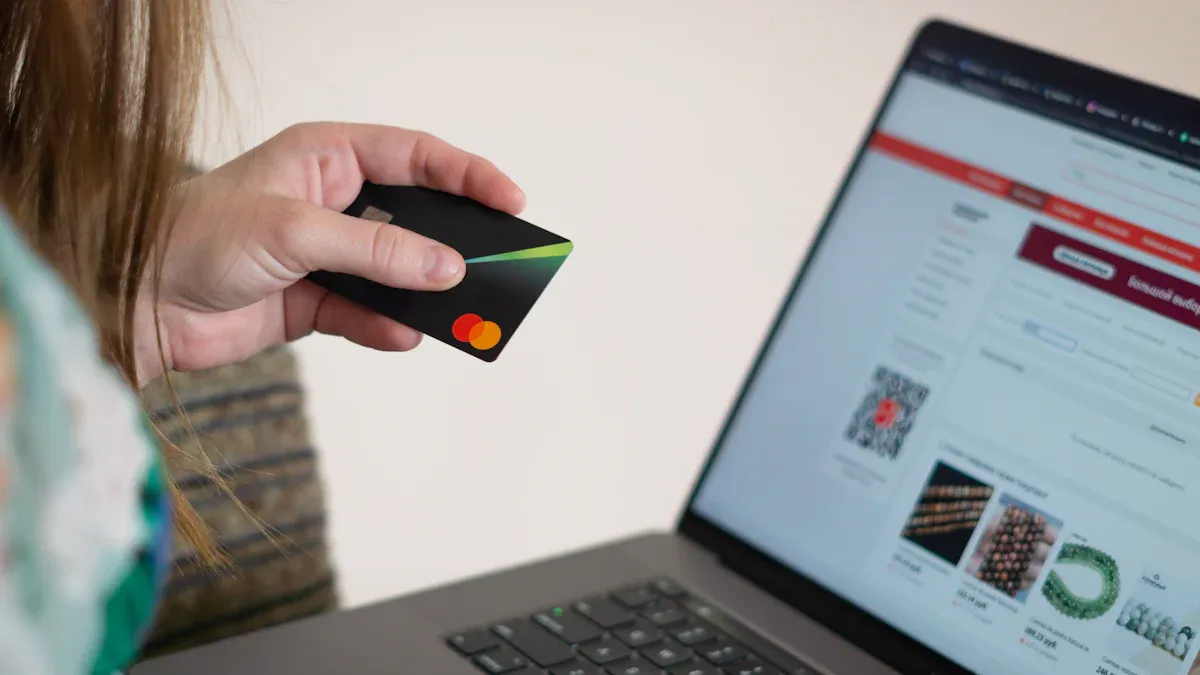
Image Source: pexels
Once you have a Wise multi-currency account, applying for a Wise debit card maximizes your funds globally. Whether traveling abroad, overseas shopping, or subscribing to overseas services, this card is your money-saving tool.
Step One: Check Eligibility and Order
Applying for a Wise debit card is very simple. You first need a Wise personal account and reside in a supported country or region. Check eligibility in the “Card” tab on the Wise app or website. If eligible, pay a one-time card issuance fee (usually 9 USD), and Wise mails the physical card to you.
Step Two: Activate Your Wise Physical Card
After receiving the physical card, activate it first. Activation varies by region but is usually simple:
- Enter Activation Code: Log into your Wise account, go to “Card” page, enter the 6-digit activation code on the card letter.
- Use Chip and PIN: In some regions, complete first transaction with chip and PIN or check balance at ATM to automatically activate.
Activation Tip If issues at ATM activation, try selecting “international card” option. After activation, use it anywhere accepting Visa or Mastercard globally.
Step Three: Daily Spending Money-Saving Tips
Wise card’s biggest advantage is its smart spending mechanism, automatically saving money.
- Smart Deduction: When spending, Wise prioritizes deducting from corresponding currency balance, with no conversion fee. For example, spending in the US directly uses your USD balance.
- Auto Conversion: If no corresponding currency balance, Wise automatically converts from your held currency with lowest conversion fee. System chooses best rate for maximum value.
- ATM Withdrawals: Monthly free ATM withdrawal limit. For example, up to 2 times monthly, total not exceeding 250 USD is free. Excess incurs small fixed fee plus percentage.
Step Four: Card Security Management and Settings
Wise app provides powerful card management features, keeping fund security in your control.
- Instant Freeze Card: If card lost or stolen, one-click freeze card in app; all transactions immediately blocked. Unfreeze anytime after finding.
- Set Spending Limits: Check and adjust card spending limits anytime in app, including daily/monthly spending and ATM limits, effectively controlling budget.
- Real-Time Transaction Notifications: Real-time push notifications for every transaction, keeping you fully informed of fund movements.
This guide shows you how Wise simplifies cross-border financial life. Whether sending, receiving, or global spending, Wise provides low-cost, high-efficiency convenient solutions. No longer troubled by traditional banks’ hidden fees and poor rates.
Choices of millions worldwide prove its value. On Trustpilot, over 270,000 users gave an average 4.3 stars (out of 5).
Act now. Register immediately your Wise account and start a money-saving, transparent global financial experience.
Register Wise Official Account Immediately
FAQ
Is Wise safe? Is my money protected?
Wise is a financial institution regulated by multiple countries worldwide. It must keep your funds separate from company funds. This means your money is protected and independent of Wise’s operations, very safe.
Can I use Wise in mainland China?
You can send to Alipay, WeChat, and UnionPay cards in mainland China from overseas. You can also send from mainland China abroad. But note that currently you cannot apply for Wise debit card or open multi-currency account in mainland China.
Is Wise completely free?
Opening an account and receiving most currencies is free. Wise mainly charges in two areas:
- Currency Conversion: Small, transparent fee.
- Remittances: Fee based on payment method.
How long do Wise remittances take?
Remittance speed depends on factors like currency and payment method. Many are instant or complete in hours. Wise gives accurate estimated arrival time when creating remittance.
*This article is provided for general information purposes and does not constitute legal, tax or other professional advice from BiyaPay or its subsidiaries and its affiliates, and it is not intended as a substitute for obtaining advice from a financial advisor or any other professional.
We make no representations, warranties or warranties, express or implied, as to the accuracy, completeness or timeliness of the contents of this publication.
Related Blogs of
Should You Choose Western Union for International Transfers? Comprehensive Review of Pros, Cons, Fees, and China Receiving Process

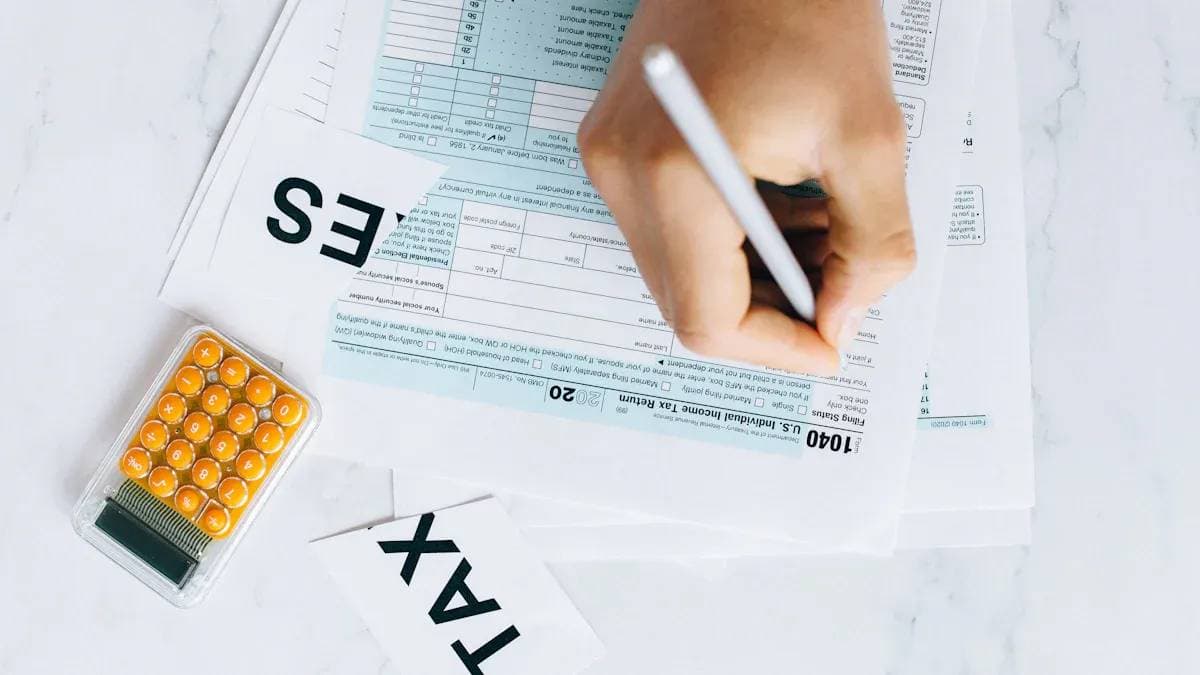
Comprehensive US Tax Filing Guide: Master Federal and State Tax Declaration Tips Easily

Comprehensive Guide to Zelle Transfers: Why It Cannot Be Used for International Remittances

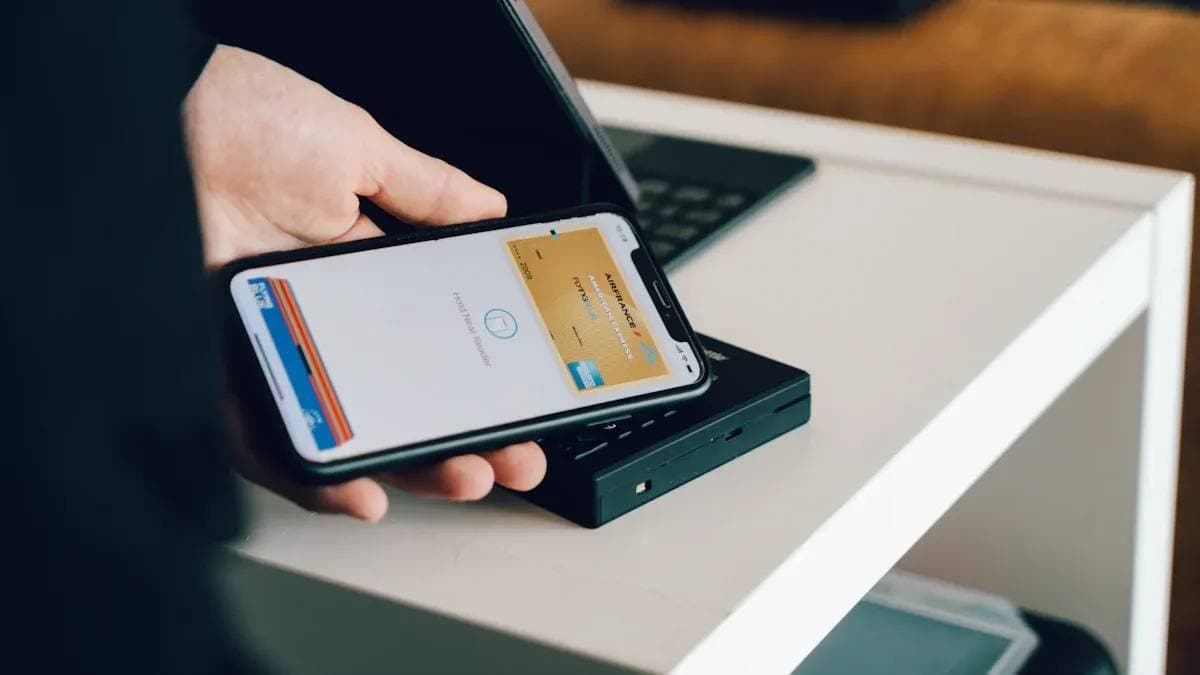
Complete Guide to Alipay Recharge Overseas: Credit Cards and Third-Party Platforms Explained

Choose Country or Region to Read Local Blog
 Australia
 Austria
 Belgium
 Canada
 Cyprus
 Czech Republic
 Denmark
 Estonia
 Finland
 France
 Germany
 Greece
 Hong Kong
 India
India Indonesia
 Ireland
 Italy
Italy Japan
Japan Latvia
 Lithuania
 Luxembourg
 Malaysia
 Malta
Malta Morocco
 Nepal
Nepal Netherlands
 New Zealand
 Norway
 Pakistan
 Philippines
 Poland
 Portugal
 Romania
 Singapore
 Slovakia
 Slovenia
 South Africa
 South Korea
 Spain
Spain Sweden
 Thailand
 The United States
 Turkey
 United Arab Emirates
 United Kingdom
 Vietnam
Contact Us




BIYA GLOBAL LLC is a licensed entity registered with the U.S. Securities and Exchange Commission (SEC No.: 802-127417); a certified member of the Financial Industry Regulatory Authority (FINRA) (Central Registration Depository CRD No.: 325027); regulated by the Financial Industry Regulatory Authority (FINRA) and the U.S. Securities and Exchange Commission (SEC).
BIYA GLOBAL LLC is registered with the Financial Crimes Enforcement Network (FinCEN), an agency under the U.S. Department of the Treasury, as a Money Services Business (MSB), with registration number 31000218637349, and regulated by the Financial Crimes Enforcement Network (FinCEN).
BIYA GLOBAL LIMITED is a registered Financial Service Provider (FSP) in New Zealand, with registration number FSP1007221, and is also a registered member of the Financial Services Complaints Limited (FSCL), an independent dispute resolution scheme in New Zealand.