What Is Venmo? How to Register and Start Using Venmo



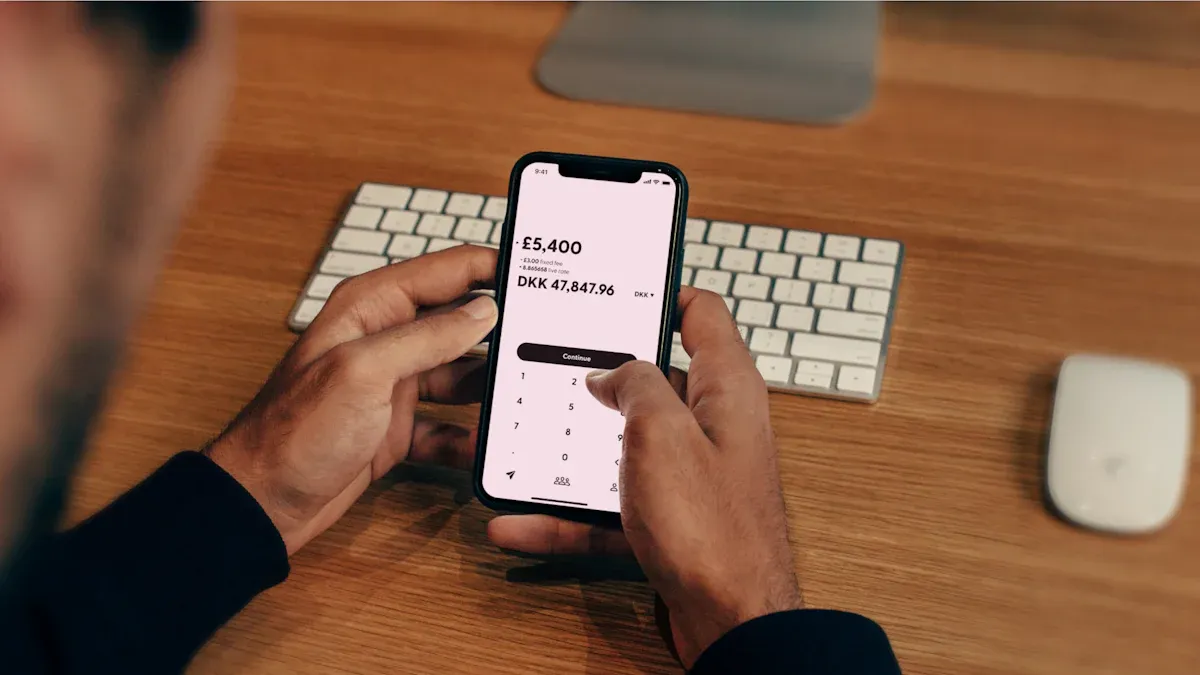
Image Source: unsplash
You might be wondering, what is Venmo? Venmo is a well-known U.S. mobile payment service, founded in 2009 and acquired by PayPal in 2013. You can use it to split restaurant bills, taxi fares, or rent, and even send gifts conveniently. What makes Venmo popular? You can add a message with your payment to share fun reasons, and sync transactions to Facebook. Reports indicate Venmo has about 80 million active users in the U.S. and collaborates with major e-commerce platforms like Amazon, further solidifying its market position. Instant transfers, no fees for most transactions, and social interaction make Venmo an essential payment tool in American daily life.
Key Points
- Venmo is a popular U.S. mobile payment platform that integrates social features, allowing you to easily split bills, pay, and receive money.
- To register for Venmo, you must be 18 or older, have a U.S. phone number and bank account, and complete identity verification to increase transfer limits.
- Venmo supports linking bank accounts, debit cards, and credit cards, with most bank account transfers being fee-free, while credit card payments incur a 3% fee.
- When using Venmo, you can add messages to interact with friends and sync transactions to social media, enhancing the fun and convenience of payments.
- Pay attention to account security, enable two-factor authentication, and adjust privacy settings to avoid risks to funds and personal information.
What Is Venmo?
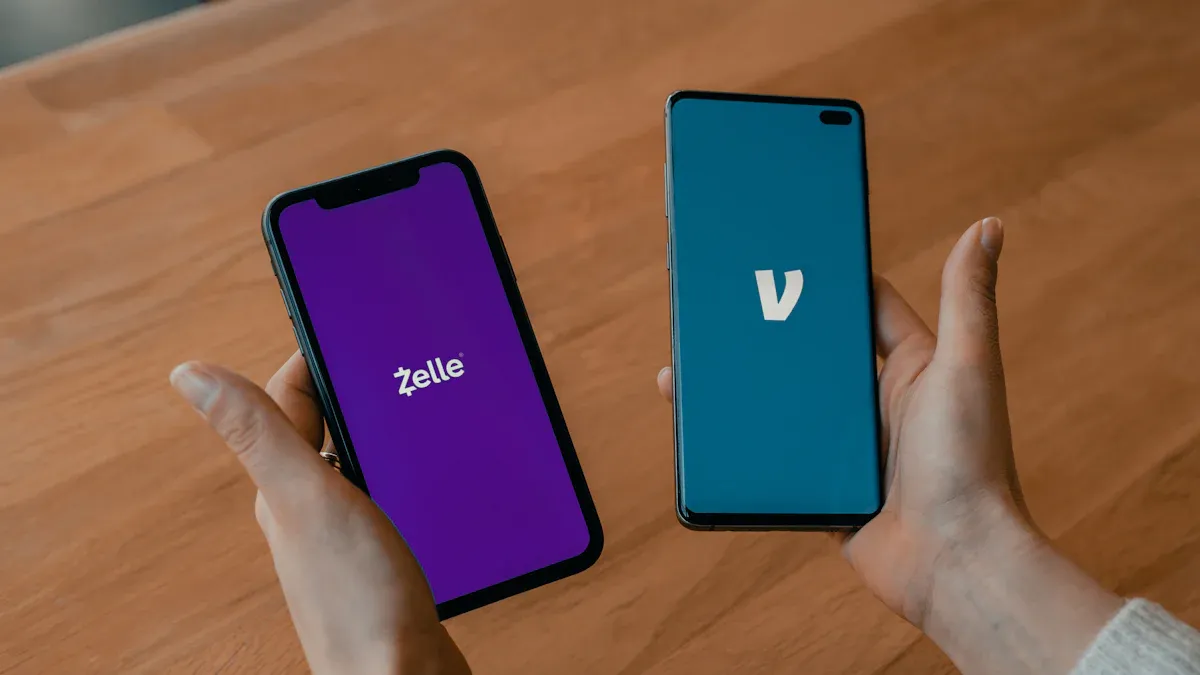
Image Source: unsplash
Want to know what Venmo is? Venmo is a mobile payment app that combines payment functionality with a social platform. You can use it in the U.S. for daily transfers, bill-splitting, and payments. Venmo was founded by Iqram Magdon-Ismail and Andrew Kortina in 2009. The two founders met at the University of Pennsylvania, with their initial inspiration coming from a jazz concert. Originally aiming to create a music app, they pivoted to a payment tool after recognizing a greater need for peer-to-peer transfers. In 2013, PayPal acquired Venmo. Post-acquisition, Venmo continued to operate independently, accelerating the adoption of mobile payments. You’ll find that the question “What is Venmo?” goes beyond a payment tool—it’s a social platform that fosters interaction among friends.
Key Features
You can perform various financial operations through Venmo. Here are Venmo’s main features:
- Link a bank account, debit card, or credit card for convenient payments or receipts.
- Support online password-based payments or offline payments via mobile QR code scanning.
- Offer buyer protection for shopping, ensuring peace of mind during online purchases.
- Earn cashback when using a Venmo debit or credit card for purchases.
- Use cashback to buy cryptocurrencies, increasing asset diversification.
- Support domestic U.S. transfers, with most personal transactions being fee-free.
Reminder: All amounts in Venmo are calculated in U.S. dollars (USD), so be mindful of current exchange rates.
Social Features
What makes Venmo different from other payment tools? Its social interaction design. You can add a message with transfers, like “Thanks for treating me” or “This is for last week’s movie tickets.” You can also add friends and sync transaction messages to Facebook. These social features make interactions with friends more engaging and make bill-splitting seamless. You’ll find that Venmo’s social features not only increase user engagement but also make it rapidly popular among younger users.
- Add a message with payments to make them fun.
- Connect a Facebook account to easily find friends.
- Share transaction messages on social media, boosting Venmo’s visibility.
- Encourage friends to download via referrals, creating viral growth.
- Attract young users who value convenience and interaction.
Target Audience
Are you a good fit for Venmo? Venmo primarily serves U.S. adults, especially young people and international students. If you live, work, or study in the U.S. and have a U.S. phone number and bank account, you can easily register for Venmo. You’ll find Venmo most commonly used in these scenarios:
- Splitting bills after dining with friends
- Sharing taxi or Uber/Lyft fares
- Paying rent for shared housing
- Handling daily small transfers or gift payments
Note: You must have a U.S. phone number and bank account to register and use Venmo.
What is Venmo? It’s a mobile payment platform that lets you split bills, pay, receive money, and stay connected with friends in the U.S. You can use it to simplify financial interactions and enjoy a convenient social payment experience.
Registration Process
Image Source: pexels
Eligibility Requirements
To register for Venmo, you must meet a few basic requirements. Venmo is currently only available to U.S. users. You must:
- Be 18 or older
- Have a valid U.S. phone number
- Have a phone number capable of receiving SMS verification
- Hold legal U.S. residency status (e.g., U.S. citizen, green card holder, student visa, etc.)
Note: If you only have a Chinese or Hong Kong phone number, you cannot register for Venmo. You must be in the U.S. and use a U.S. phone number.
Required Information
When registering for Venmo, you need to prepare the following information:
| Item | Description |
|---|---|
| Email Address | Used for account registration and notifications |
| U.S. Phone Number | Must be capable of receiving SMS verification |
| U.S. Bank Account Info | Link a bank account for receiving, paying, and transferring |
| Identity Documents | E.g., U.S. driver’s license, passport, or other official ID (required for some features) |
You can choose to link a U.S. bank account, debit card, or credit card. For example, if you have a U.S. branch account from a Hong Kong bank, you can try linking it, but the most convenient option is a U.S. local bank account.
Reminder: All transactions are in U.S. dollars (USD). If transferring from a Chinese or Hong Kong bank account, be aware of exchange rate fluctuations and fees.
Registration Steps
You can follow these steps to quickly complete Venmo registration:
- Download the Venmo App
Search for “Venmo” in the App Store or Google Play and download the app. - Open the App and Select “Sign Up”
Click “Sign Up” to start creating a new account. - Enter Email and Set Password
Provide your email address and set a secure password. - Enter U.S. Phone Number
The system will send a verification code to your phone. Enter the code to complete verification. - Fill in Basic Personal Information
Include your name, date of birth, etc., to aid identity verification. - Link a Bank Account or Card
Choose to link a U.S. bank account, debit card, or credit card. Enter the relevant information for verification. - Complete Identity Verification (if needed)
Certain features, like increasing transfer limits, require uploading identity documents such as a U.S. driver’s license or passport. - Registration Complete, Start Using Venmo
You can now make payments, receive money, or split bills.
Tip: Ensure all information is accurate during registration. If you encounter issues, refer to Venmo’s official help resources or contact customer support.
By following these steps, you can successfully register a Venmo account and enjoy convenient mobile payment and social bill-splitting services.
Basic Operations
Payments and Receipts
You can easily make and receive payments with Venmo. Open the Venmo app, select the “Pay” function, enter the recipient’s username, amount (in USD), and add a message. You can also select “Request” and share your username or QR code with friends. Venmo allows funds to flow quickly between accounts, often without directly accessing your bank account. This design enables instant transactions for bill-splitting, repayments, or gifts. Many young people use Venmo for daily small payments due to its simplicity and fast fund transfers, making it ideal for quick payment scenarios.
Reminder: Double-check the recipient’s account to avoid sending money to the wrong person.
Transfer to Bank
When you receive funds in your Venmo account, you can transfer them to your U.S. bank account. In the app, select “Transfer to Bank,” enter the amount, and choose a linked bank account. Funds typically arrive within one to three business days. For instant transfers, Venmo charges a small fee, but funds reach your bank account faster. This feature offers flexible fund management for daily expenses or savings.
Linking Payment Methods
Before using Venmo, you must link a payment method. Venmo primarily supports U.S. bank accounts. Follow these steps:
- Prepare your U.S. bank account information.
- In the Venmo app, select “Add Bank Account.”
- Enter the bank name, such as Wells Fargo, Chase, or PNC.
- Provide the account number and related details to complete verification.
Once linked, you can send and receive money through Venmo. This method is secure and efficient for fund transfers. You cannot directly link credit cards or third-party payment platforms; the focus is on bank account integration and usage.
Note: All transaction amounts are in U.S. dollars (USD), so be mindful of exchange rate changes and related fees.
Usage Details
Fees
Most basic Venmo functions are free. Transfers using a bank account or debit card incur no fees. However, when paying with a credit card, Venmo charges a 3% fee, similar to PayPal’s policy. For instant transfers to a bank account, Venmo charges a 1.75% fee, with a minimum of $0.25 and a maximum of $25. The table below summarizes common fees:
| Item | Fee Structure |
|---|---|
| Account Opening & Monthly Fees | Free |
| Standard Transfers or Funding | Free |
| Credit Card Payment Transfers | 3% fee |
| Bank Account Withdrawal (Standard) | Free |
| Bank Account Withdrawal (Instant) | 1.75% fee ($0.25 minimum, $25 maximum) |
| Cryptocurrency Trading | $0.45 minimum, 1.5%-1.8% for trades over $200 |
Reminder: All amounts are in U.S. dollars (USD), so be aware of exchange rate fluctuations.
Transfer Limits
Your Venmo account’s verification status affects transfer limits. Unverified accounts are capped at $299.99 per week. Verified accounts can transfer up to $2,999.99 per week. Single withdrawals can reach up to $2,999.99. The table below provides a quick overview:
| Limit Type | Unverified Account Limit | Verified Account Limit |
|---|---|---|
| Weekly Transfer Limit | $299.99 | $2,999.99 |
| Single Withdrawal Limit | $2,999.99 | N/A |
| Weekly Withdrawal Limit | $999.99 | $19,999.99 |
To access higher limits, complete identity verification as soon as possible.
Transaction Security
Every Venmo transaction is protected by multiple security measures. Venmo uses encryption to safeguard your personal information and funds. You can set a PIN or enable biometric authentication for added account security. Venmo also monitors suspicious transactions and notifies you of unusual activity. If you notice account irregularities, contact customer support immediately.
Tip: Regularly update your password and avoid sharing account information with others.
Purchase Protection
When shopping with Venmo, you benefit from certain protections. Venmo offers buyer protection for eligible purchase transactions. If you don’t receive an item or it doesn’t match the description, you can request a refund. Keep transaction records and relevant proof for easier claims. This protection provides peace of mind for online shopping.
Note: Only eligible transactions qualify for purchase protection; confirm if the recipient supports this service.
Advanced Features and Precautions
Cryptocurrency Features
You can buy and sell cryptocurrencies directly on Venmo. Venmo currently supports four major cryptocurrencies:
- Bitcoin (BTC)
- Ethereum (ETH)
- Litecoin (LTC)
- Bitcoin Cash (BCH)
You can start trading with as little as $1 (USD). Use your Venmo balance or a linked U.S. bank account to purchase. Venmo does not support direct cryptocurrency payments or transfers to other platforms or users. You can opt to convert cashback into cryptocurrencies, making it easy to accumulate digital assets.
Reminder: Cryptocurrency prices are highly volatile; assess risks before investing.
Merchant Payments
You can use Venmo to pay at many online and offline merchants. Venmo integrates with the PayPal World platform, allowing seamless payments without switching apps. Simply scan a merchant’s payment code to check out quickly. In the future, Venmo will support more international merchants, enabling payments in more locations. If you hold a Venmo Mastercard debit or credit card, you can enjoy cashback and exclusive offers. These cashback amounts can be automatically converted into cryptocurrencies like Bitcoin or Ethereum, letting you build assets while spending.
- Use Venmo for online and offline merchant checkouts
- Earn cashback on purchases, convertible to cryptocurrencies
- Cardholders can access Venmo Offers for additional benefits
Regional Restrictions
Venmo is limited to U.S. use. You must have a U.S. phone number and bank account to register and use Venmo. It does not support international transfers or use in China, Hong Kong, or other regions. For cross-border transfers, consider other electronic transfer tools.
- U.S. users only
- Requires a U.S. phone number
- Requires a U.S. bank account
- No support for overseas transfers
Note: Non-U.S. users cannot register or use Venmo services.
Security Tips
When using Venmo, be aware of several security risks:
- Phishing Scams: Avoid clicking suspicious SMS or email links; log in directly via the official app or website.
- Data Exposure: Venmo’s default transaction records are public; adjust privacy settings to non-public.
- Transaction Risks: Avoid keeping large funds in your account and only transact with trusted individuals.
- Security Measures: Enable two-factor authentication, set a strong password, and activate account activity notifications.
- Customer Support: For issues, contact support via the official website, phone, or email, avoiding unknown links.
Tip: Regularly review account security settings to protect your personal information and funds.
You now understand Venmo’s versatile features and convenience. You can use it for bill-splitting, payments, receipts, and even cryptocurrency purchases. Ensure you have a U.S. phone number and bank account when registering. Pay attention to account security and regularly check settings. If you have questions, consult Venmo’s official help resources or contact customer support. Follow the steps in this article to experience Venmo’s convenience firsthand.
FAQ
Can Venmo be used in China or Hong Kong?
Venmo can only be used in the U.S. You need a U.S. phone number and bank account. Chinese or Hong Kong phone numbers and bank accounts cannot be used to register or use Venmo.
Can I link a Hong Kong bank account to Venmo?
You can only link U.S. local bank accounts. Hong Kong bank accounts, even with USD functionality, cannot be directly linked to Venmo.
What payment methods can I use for payments?
You can use a U.S. bank account, debit card, or credit card. Credit card payments incur a 3% fee. All amounts are in U.S. dollars (USD), so be mindful of exchange rates.
What if I forget my password?
On the login page, click “Forgot Password.” The system will send a password reset email to your registered email address. Follow the instructions to reset it.
Are Venmo transaction records public?
Venmo defaults to public transaction records. You can go to privacy settings and select “Private” or “Friends Only” to protect your transaction information.
This article thoroughly analyzes the advantages of Venmo as a local payment tool in the United States. However, its geographical limitations and strict requirements for a U.S. phone number and bank account create pain points for many overseas users. If you need to send money to the U.S. from abroad, or manage funds globally, Venmo cannot assist you.
This is where BiyaPay comes in. It not only solves the cross-border payment challenges that Venmo cannot handle but also provides a comprehensive global financial service platform. BiyaPay supports remittances in most countries and regions worldwide and offers real-time exchange rate query and conversion services, allowing you to stay on top of the best rates. More importantly, if you are interested in global asset allocation, BiyaPay enables you to participate in both U.S. and Hong Kong stock trading on a single platform, without the need to open a complicated overseas bank account. This offers unprecedented convenience for your global asset allocation. From daily payments to global wealth management, BiyaPay is your reliable partner for seamlessly connecting with the world. Register with BiyaPay today and experience a cross-border financial tool designed for the Chinese community, enjoying remittance fees as low as 0.5%.
*This article is provided for general information purposes and does not constitute legal, tax or other professional advice from BiyaPay or its subsidiaries and its affiliates, and it is not intended as a substitute for obtaining advice from a financial advisor or any other professional.
We make no representations, warranties or warranties, express or implied, as to the accuracy, completeness or timeliness of the contents of this publication.
Related Blogs of

Learn Investing from Zero: Your First Practical Guide to Global Stock Markets


Beginner’s Guide: Easily Understand the Shanghai Composite Index and Its Investment Value

US Index ETF Investing 2025: From Beginner to Pro – Strategies and Top Recommendations

Guide to Remitting Money from Abroad to China and RMB Exchange

Choose Country or Region to Read Local Blog
 Australia
 Austria
 Belgium
 Canada
 Cyprus
 Czech Republic
 Denmark
 Estonia
 Finland
 France
 Germany
 Greece
 Hong Kong
 India
India Indonesia
 Ireland
 Italy
Italy Japan
Japan Latvia
 Lithuania
 Luxembourg
 Malaysia
 Malta
Malta Morocco
 Nepal
Nepal Netherlands
 New Zealand
 Norway
 Pakistan
 Philippines
 Poland
 Portugal
 Romania
 Singapore
 Slovakia
 Slovenia
 South Africa
 South Korea
 Spain
Spain Sweden
 Thailand
 The United States
 Turkey
 United Arab Emirates
 United Kingdom
 Vietnam
Contact Us




BIYA GLOBAL LLC is a licensed entity registered with the U.S. Securities and Exchange Commission (SEC No.: 802-127417); a certified member of the Financial Industry Regulatory Authority (FINRA) (Central Registration Depository CRD No.: 325027); regulated by the Financial Industry Regulatory Authority (FINRA) and the U.S. Securities and Exchange Commission (SEC).
BIYA GLOBAL LLC is registered with the Financial Crimes Enforcement Network (FinCEN), an agency under the U.S. Department of the Treasury, as a Money Services Business (MSB), with registration number 31000218637349, and regulated by the Financial Crimes Enforcement Network (FinCEN).
BIYA GLOBAL LIMITED is a registered Financial Service Provider (FSP) in New Zealand, with registration number FSP1007221, and is also a registered member of the Financial Services Complaints Limited (FSCL), an independent dispute resolution scheme in New Zealand.