How to Fill Out a CVS Money Order A 2026 Guide





Image Source: pexels
You are not alone in using money orders. In fact, 13% of US adults used them in 2024 for financial transactions. Filling one out is simple. Follow these steps to complete your payment securely.
- PAY TO THE ORDER OF: Write the full name of the person or business you are paying.
- PURCHASER’S ADDRESS: Put your complete street address here.
- PURCHASER’S SIGNATURE: Sign your name on this line after filling out all other fields.
Quick Tip: Always use a pen with blue or black ink. Write legibly to ensure your cvs money order is accepted without any issues.
Money orders remain a significant part of US financial transactions, with billions of dollars transferred each quarter.
Key Takeaways
- Fill out your money order right after you buy it. Write the recipient’s full name and your address. Use a pen with blue or black ink.
- Pay for your money order with cash or a debit card. CVS does not accept credit cards or checks for money orders.
- Keep your receipt stub safe. It has a tracking number. You need it to track your payment or get a refund.
- CVS money orders have a $500 limit. You can buy more than one if you need to send more money.
The Correct Way for Writing a Money Order
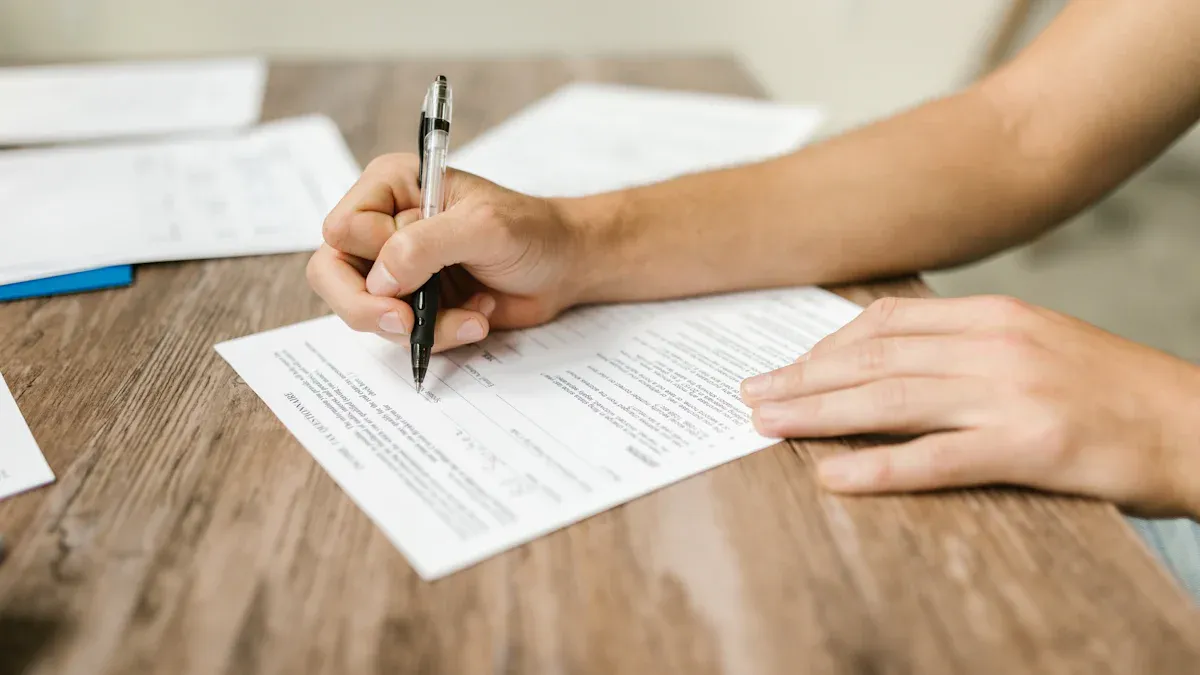
Image Source: pexels
Properly writing a money order is your best defense against payment delays or rejection. You should treat it with the same care as a personal check. Each field serves a specific purpose to ensure your money reaches its intended destination securely.
Fill It Out Immediately! A blank money order is like cash. If you lose it, anyone can fill in their name and cash it. Protect your money by filling out all the details right after you purchase it at the store.
Recipient Name (Pay To)
This is the most critical field on the money order. You must clearly identify who is authorized to receive the funds.
- For a Person: Write the individual’s full legal name. Avoid using nicknames or initials.
- For a Business: Use the company’s official name. You can find this on your bill, an invoice, or the company’s website.
Banks and businesses are very particular about this detail. A simple misspelling can lead to the rejection of your payment. Double-check that the name is spelled correctly before moving on. Never leave the “Pay To” line blank.
Purchaser Information (From)
This section identifies you as the sender of the funds. You will typically see a field labeled “Purchaser’s Address” or “From.”
- Your Address: Write your complete and current mailing address. This includes your street, city, state, and ZIP code.
- Your ID: While you write your address on the money order itself, remember that you must present a current, government-issued photo ID to the cashier when you buy the cvs money order. This is a standard security measure.
Providing accurate information helps the recipient identify where the payment came from.
Memo and Account Number
The memo line, sometimes labeled “Payment For” or “Re,” is your opportunity to add a payment reference. This step is essential when paying a bill.
| If you are paying… | In the memo line, write… |
|---|---|
| A utility bill | Your account number |
| A credit card | Your credit card number |
| Rent | Your apartment number and the month |
Including your account number ensures the company applies the payment to the correct account. Forgetting this detail can cause processing delays and may even result in late fees if the company cannot figure out who the payment is from.
Your Signature and Date
Your signature makes the money order a valid financial instrument. This final step authorizes the payment from you to the recipient.
Find the line labeled “Purchaser’s Signature” or “Signer” on the front of the document. Sign your name exactly as you normally would. Do not sign the back of the money order, as that area is reserved for the recipient to endorse it. Adding your signature completes the process of writing a money order and makes it ready to send.
How to Purchase Your Money Order at CVS
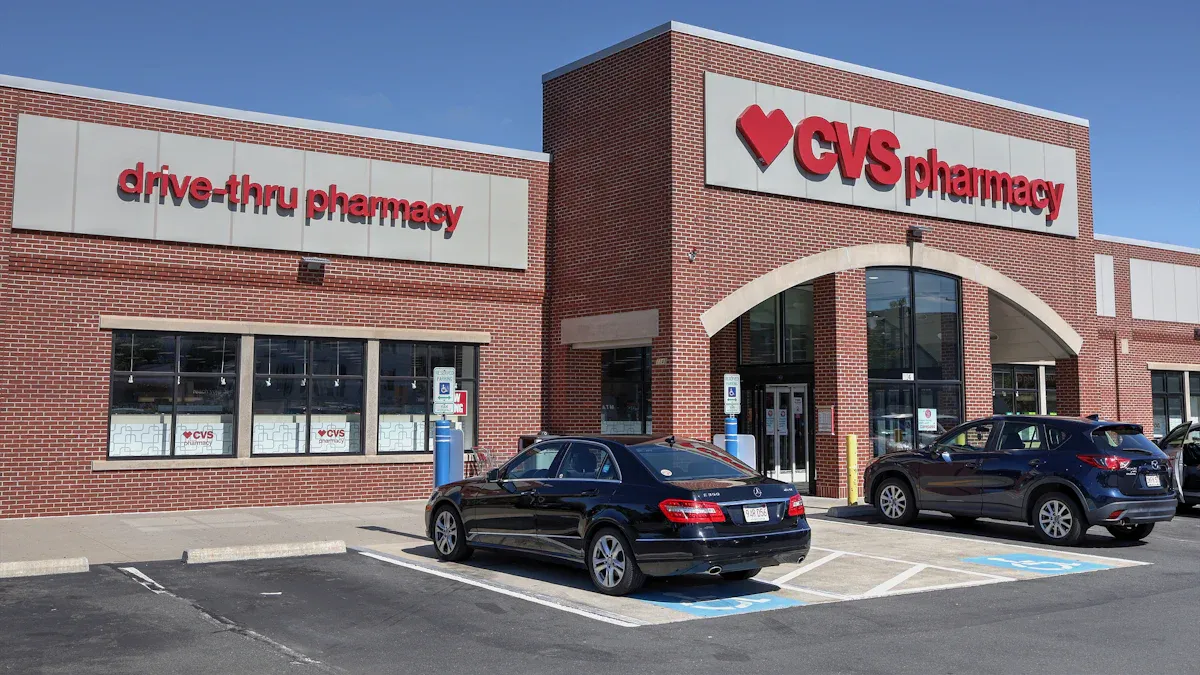
Image Source: pexels
Buying a money order at CVS is a quick and straightforward process you can complete during a regular shopping trip. You just need to know where to go and what to bring with you.
Finding a CVS Store
First, you need to locate a participating CVS. Most CVS Pharmacy locations offer money order services, but it is always a good idea to confirm. You can use the store locator on the CVS website or app to find the nearest location. A quick phone call to the store can save you a trip if a specific branch does not provide this service.
Requesting the Money Order
Once you are in the store, head to the customer service desk or any available register. You do not need any special forms. Simply tell the staff that you want to buy a money order. The cashier will ask for the exact dollar amount you want the money order to be, so have that figure ready. You will also need to present a valid government-issued photo ID for the transaction.
Payment Methods Accepted
You must pay for your cvs money order with a valid, accepted payment type. CVS keeps the process secure by limiting how you can pay.
- Accepted: Cash or a debit card.
- Not Accepted: Personal checks, credit cards, pre-paid gift cards, or CVS ExtraBucks Rewards.
Plan to have enough cash on hand or use your debit card to cover the amount of the money order plus the small purchase fee.
If you use money orders to keep an offline payment routine while tracking everything online, it helps to pre-check two things before you head to the register: the currency you actually need to deliver and the conversion costs that may sit behind “the same dollar amount.” A practical way to do this is to compare live rates and spreads first with BiyaPay’s free FX rate converter & comparison tool, then decide whether it’s better to move funds via Send Money to the recipient’s region or proceed with a CVS money order. If you want a single place to confirm service notes and rules while you plan the payment, the official website is a simple reference point. This way, even if you still pay with cash/debit at CVS, you’ve aligned the amount, route, and fees up front—reducing the odds of follow-up corrections or refunds.
BiyaPay positions itself as a multi-asset trading wallet for cross-border payments and fund management, and it states it holds relevant compliance registrations in multiple jurisdictions (including U.S. MSB and New Zealand FSP). That doesn’t replace reading issuer terms, but it’s a helpful cross-check when you care about traceability and reliability across payment options.
Keeping Your Receipt Stub
After you pay, the cashier will hand you the money order and a detachable receipt. This receipt is your only proof of purchase.
Critical Reminder: Never throw away your receipt stub. It contains the tracking number and is essential if you need to track the payment or request a refund for a lost or stolen money order from cvs. Store it in a safe place, separate from the money order itself.
Costs and Limits for a CVS Money Order
Understanding the costs and limits associated with a cvs money order helps you plan your payment effectively. You will find the process is both affordable and regulated for your security.
The Purchase Fee
You must pay a small fee to purchase a money order. For 2026, CVS charges a flat fee of $1.25 for each MoneyGram money order you buy. This fee is separate from the dollar amount you put on the money order itself.
This cost is competitive when you compare it to other providers. For example, the United States Postal Service (USPS) charges $2.55 for money orders up to $500. While some retailers like Walmart may offer slightly lower fees, the convenience of using your local CVS makes it an excellent option.
Pro Tip: Always confirm the exact fee with the cashier before completing your transaction, as prices can sometimes vary by location.
The $500 Maximum Limit
CVS sets a maximum value of $500 for a single money order. You cannot purchase one for an amount greater than this. This limit is a security measure that helps protect both you and the financial system from fraud and theft. If you need to send more than $500, you will need to purchase multiple money orders.
Buying Multiple Money Orders
You can easily buy several money orders in one transaction to cover a larger payment. For instance, to pay a $900 bill, you would purchase one money order for $500 and a second one for $400.
Be aware that federal regulations apply to large transactions. The Bank Secrecy Act (BSA) requires financial institutions to keep detailed records of currency purchases between $3,000 and $10,000. If you buy multiple money orders totaling $3,000 or more in a single day, CVS is required to log information such as your name, address, and date of birth. This is a standard anti-money laundering procedure and is not a cause for concern.
Tracking or Canceling Your Payment
Sometimes things do not go as planned. You might need to confirm your payment arrived, or you may need to cancel a money order that was lost. Your receipt is the key to solving these issues.
How to Track a Money Order
You can check the status of your MoneyGram money order to see if it has been cashed. Your receipt stub is your most important tool for this process. You can visit MoneyGram’s official ‘Find a Transfer’ page to track your payment online.
To check the status, you will need specific information from your receipt:
- The money order’s serial number
- The exact dollar amount of the money order
This information allows you to see if the recipient has cashed the payment.
Requesting a Refund or Replacement
You can request a refund if your money order has not been cashed. You will need to fill out a claim form and submit it to MoneyGram along with your original receipt stub. This process involves a fee, which varies by the issuer.
| Issuer | Cancellation Fee (for lost/stolen) |
|---|---|
| MoneyGram | $25 (for amounts $50+) |
| USPS | $21 |
| Western Union | $15 |
After you submit your claim, MoneyGram typically processes the request within seven days.
Reporting a Lost or Stolen Order
You must act immediately if you lose your money order or believe it was stolen. Contact MoneyGram to start the cancellation and refund process. You will need to provide documentation to support your claim. For a stolen money order, you should also file a police report, as this may be required for your claim.
Proof of Purchase is Essential! You must provide a scan or image of your money order receipt stub. Incomplete forms without proof of purchase will not be processed. Always keep your receipt in a safe place until you know the payment has been successfully completed.
You now have all the necessary information to handle your payment securely. Using a cvs money order is a simple and effective way to send funds. Just remember these key rules for a smooth transaction:
- Fill out the money order completely and accurately with a pen right after you buy it.
- Always use cash or a debit card for payment at the register.
- Never lose your detachable receipt stub; it is your only proof of purchase and tracking tool.
You can now confidently purchase and send your money order.
FAQ
Can I use a credit card to buy a money order?
No, you cannot use a credit card. CVS requires you to pay for a money order with either cash or a debit card. This policy helps prevent fraud and ensures the funds are secure from the moment of purchase.
What should I do if I make a mistake?
You should not try to correct the mistake. A money order with cross-outs or white-out may be rejected. Instead, you must return to the store with the money order and your receipt to ask for a refund or replacement.
Can someone else cash my money order?
Only the person or business listed on the “Pay To” line can cash the money order. This makes it a secure payment method. Never leave this line blank, as a blank money order can be cashed by anyone who finds it.
Do CVS money orders expire?
No, MoneyGram money orders purchased at CVS do not expire. However, some states may charge a service fee on money orders that have not been cashed after one to three years. It is best to use them promptly.
*This article is provided for general information purposes and does not constitute legal, tax or other professional advice from BiyaPay or its subsidiaries and its affiliates, and it is not intended as a substitute for obtaining advice from a financial advisor or any other professional.
We make no representations, warranties or warranties, express or implied, as to the accuracy, completeness or timeliness of the contents of this publication.
Related Blogs of
Capital Preparation in Early Stages of Cross-Border M&A: How Enterprises Safely Transfer Millions in USD Deposits to Overseas Trust Escrow Accounts?


Virtual Card Binding to AWS/GCP for AI Agent Deployment Frequently Flagged by Risk Control? Compliance Card Opening Guide to Avoid Pitfalls

OpenAI Card Frequently Declined (Card Declined)? Virtual Card Tested Solutions


Choose Country or Region to Read Local Blog
 Australia
 Austria
 Belgium
 Canada
 Cyprus
 Czech Republic
 Denmark
 Estonia
 Finland
 France
 Germany
 Greece
 Hong Kong
 India
India Indonesia
 Ireland
 Italy
Italy Japan
Japan Latvia
 Lithuania
 Luxembourg
 Malaysia
 Malta
Malta Morocco
 Nepal
Nepal Netherlands
 New Zealand
 Norway
 Pakistan
 Philippines
 Poland
 Portugal
 Romania
 Singapore
 Slovakia
 Slovenia
 South Africa
 South Korea
 Spain
Spain Sweden
 Thailand
 The United States
 Turkey
 United Arab Emirates
 United Kingdom
 Vietnam
Contact Us




BIYA GLOBAL LLC is registered with the Financial Crimes Enforcement Network (FinCEN), an agency under the U.S. Department of the Treasury, as a Money Services Business (MSB), with registration number 31000218637349, and regulated by the Financial Crimes Enforcement Network (FinCEN).
BIYA GLOBAL LIMITED is a registered Financial Service Provider (FSP) in New Zealand, with registration number FSP1007221, and is also a registered member of the Financial Services Complaints Limited (FSCL), an independent dispute resolution scheme in New Zealand.