Three Easy Steps to Check HSI Real-Time Index: Beginners Can Master It Too




Image Source: pexels
Do you want to know the real-time Hang Seng Index (HSI) points? You only need three simple steps to check it. This method is easy to operate, with data sourced from official platforms, suitable for beginners. As long as you follow the instructions, you can quickly master the method to check the HSI real-time.
Key Points
- You can check the HSI real-time index in just three steps: visit an official or reliable financial website, find the HSI real-time data page, and view the latest points and related information.
- Multiple platforms provide HSI real-time data, including the official website, Yahoo Finance, etnet, and HKStock360; choosing the right platform can enhance query efficiency and information depth.
- When checking, pay attention to whether the data is real-time or delayed, and you can use mobile apps to set notifications to stay updated on HSI fluctuations, helping you make wiser investment decisions.
Three Steps to Check HSI Real-Time

Image Source: pexels
Step 1: Visit the Official Website
To check the HSI real-time index, the first step is to open a reliable query platform. You can directly visit the Hang Seng Index official website (https://www.hsi.com.hk/). This website provides the most authoritative HSI real-time data. You can also choose other popular financial websites, such as Yahoo Finance (https://hk.finance.yahoo.com/), etnet (https://www.etnet.com.hk/), or HKStock360 (https://www.hkstock360.com/). These platforms display HSI real-time information, making it convenient for you to check anytime.
Tip: You can bookmark these websites for faster HSI real-time queries in the future.
Step 2: Find HSI Real-Time Data
After entering the website, you will usually see the “Hang Seng Index” or “HSI” option on the homepage or in the “Indices” section. You just need to click the “Hang Seng Index” link to access the HSI real-time data page. Most platforms place HSI real-time information in a prominent position, making it easy for you to find quickly.
- On the Hang Seng Index official website, you can find “Hang Seng Index” under the “Indices” category at the top of the homepage.
- On Yahoo Finance, you can enter “Hang Seng Index” or “HSI” in the search bar.
- On etnet and HKStock360, you can directly see the HSI real-time points on the homepage.
Step 3: View Real-Time Points
After opening the Hang Seng Index page, you will see various HSI real-time data. The most important is the real-time points, which represent the current latest level of the Hang Seng Index. You can also see the following common data:
| Data Name | Description |
|---|---|
| Real-Time Points | The current latest points of the Hang Seng Index |
| Change | The change compared to the previous trading day’s closing points |
| Percentage Change | The percentage of the change relative to the previous closing points |
| Trading Volume | The number of shares traded on the day |
| Turnover | The total transaction amount on the day (USD) |
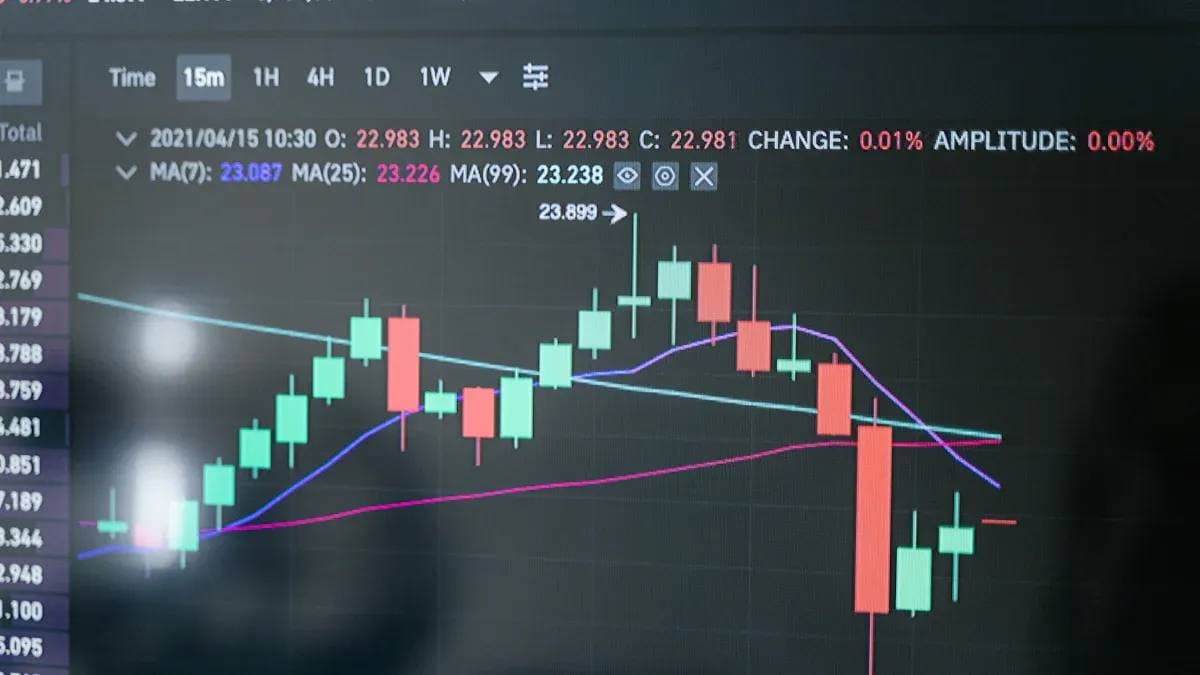
Some platforms also provide interactive charts, allowing you to view the HSI real-time trends. Certain websites offer technical analysis tools and constituent stock data, helping you gain a deeper understanding of HSI real-time changes.
Note: Some platforms’ HSI real-time data may have a 15-minute delay. When checking, pay attention to the “real-time” or “delayed” label on the page.
Additional Query Methods and Tips
Checking HSI Real-Time on Mobile
You can check HSI real-time points anytime using your mobile phone. Most official websites have mobile versions with clean interfaces and easy operations. You just need to open a browser, enter the Hang Seng Index website, and view the latest data. For faster queries, you can download financial apps. For example, the Yahoo Finance app and etnet app both support real-time queries. You can search for these apps on the App Store or Google Play, install them, log in, and the homepage will display HSI real-time information.
Tip: You can set up notification functions so that your phone alerts you instantly when the HSI experiences significant fluctuations.
Recommended Platforms
You have many options for checking HSI real-time. Below are a few commonly used platforms and their features:
| Platform Name | Key Features |
|---|---|
| Hang Seng Index | Official data, constituent stock information |
| Yahoo Finance | Interactive charts, real-time news |
| etnet | Technical analysis, Hong Kong stock information |
| HKStock360 | Simple interface, quick queries |
You can choose the platform that suits your needs. Some platforms also provide historical trend charts and technical analysis tools to help you understand HSI real-time changes.
Query Considerations
When checking HSI real-time, pay attention to the data source. Some platforms’ data may have a 15-minute delay, especially for futures quotes. You should check for “real-time” or “delayed” labels on the page. Before investing, compare data from multiple platforms to ensure accuracy. You should also remember that all data is for reference only, and investing carries risks, so evaluate carefully.
You can easily master the query process, and multi-platform user tests show that combining different systems can enhance decision quality and information integration.
- Surveys and graphical data displays help you familiarize yourself with operations.
- Please evaluate carefully before investing, as data is for reference only.
FAQ
Is there a fee for checking HSI real-time points?
You can check HSI real-time points for free. Some platforms offer advanced data or analysis tools that may require payment.
Is the HSI index related to the USD?
The HSI points themselves are not equivalent to USD. When checking turnover, some platforms display amounts in USD, so be mindful of exchange rates.
Is there a delay in HSI data during queries?
When checking on most platforms, data may have a 15-minute delay. You should pay attention to the “real-time” or “delayed” label on the page.
Mastering the three-step process to check real-time Hang Seng Index (HSI) points empowers beginners to stay on top of market trends, but how can you turn these insights into global investment opportunities? BiyaPay offers an all-in-one financial platform, enabling trading of US and Hong Kong stocks without offshore accounts, allowing you to act swiftly on HSI movements.
Supporting USD, HKD, and 30+ fiat and digital currencies, real-time exchange rate tracking ensures cost transparency, while global remittances to 190+ countries feature transfer fees as low as 0.5% with rapid delivery, meeting the liquidity needs of HSI-driven trades. A 5.48% annualized yield savings product, with no lock-in period, keeps idle funds growing. Sign up for BiyaPay today to integrate real-time HSI data with BiyaPay’s global financial solutions, crafting a dynamic, efficient investment approach!
*This article is provided for general information purposes and does not constitute legal, tax or other professional advice from BiyaPay or its subsidiaries and its affiliates, and it is not intended as a substitute for obtaining advice from a financial advisor or any other professional.
We make no representations, warranties or warranties, express or implied, as to the accuracy, completeness or timeliness of the contents of this publication.
Related Blogs of

US-China Trade War Enters New Phase: How the Tech Industry Can Respond to Supply Chain Impacts

Annual Review: Best Performing US Stock ETFs in 2026 and the Logic Behind Them


Master US Stock Trading Hours in One Article: Never Miss Pre-Market and After-Hours Opportunities


Is the W-8BEN Form Required for Opening a US Stock Account? Understand How to Save on Taxes in One Article

Choose Country or Region to Read Local Blog
 Australia
 Austria
 Belgium
 Canada
 Cyprus
 Czech Republic
 Denmark
 Estonia
 Finland
 France
 Germany
 Greece
 Hong Kong
 India
India Indonesia
 Ireland
 Italy
Italy Japan
Japan Latvia
 Lithuania
 Luxembourg
 Malaysia
 Malta
Malta Morocco
 Nepal
Nepal Netherlands
 New Zealand
 Norway
 Pakistan
 Philippines
 Poland
 Portugal
 Romania
 Singapore
 Slovakia
 Slovenia
 South Africa
 South Korea
 Spain
Spain Sweden
 Thailand
 The United States
 Turkey
 United Arab Emirates
 United Kingdom
 Vietnam
Contact Us




BIYA GLOBAL LLC is a licensed entity registered with the U.S. Securities and Exchange Commission (SEC No.: 802-127417); a certified member of the Financial Industry Regulatory Authority (FINRA) (Central Registration Depository CRD No.: 325027); regulated by the Financial Industry Regulatory Authority (FINRA) and the U.S. Securities and Exchange Commission (SEC).
BIYA GLOBAL LLC is registered with the Financial Crimes Enforcement Network (FinCEN), an agency under the U.S. Department of the Treasury, as a Money Services Business (MSB), with registration number 31000218637349, and regulated by the Financial Crimes Enforcement Network (FinCEN).
BIYA GLOBAL LIMITED is a registered Financial Service Provider (FSP) in New Zealand, with registration number FSP1007221, and is also a registered member of the Financial Services Complaints Limited (FSCL), an independent dispute resolution scheme in New Zealand.